How to Draw a Porsche 911 GT2 RS Step by Step
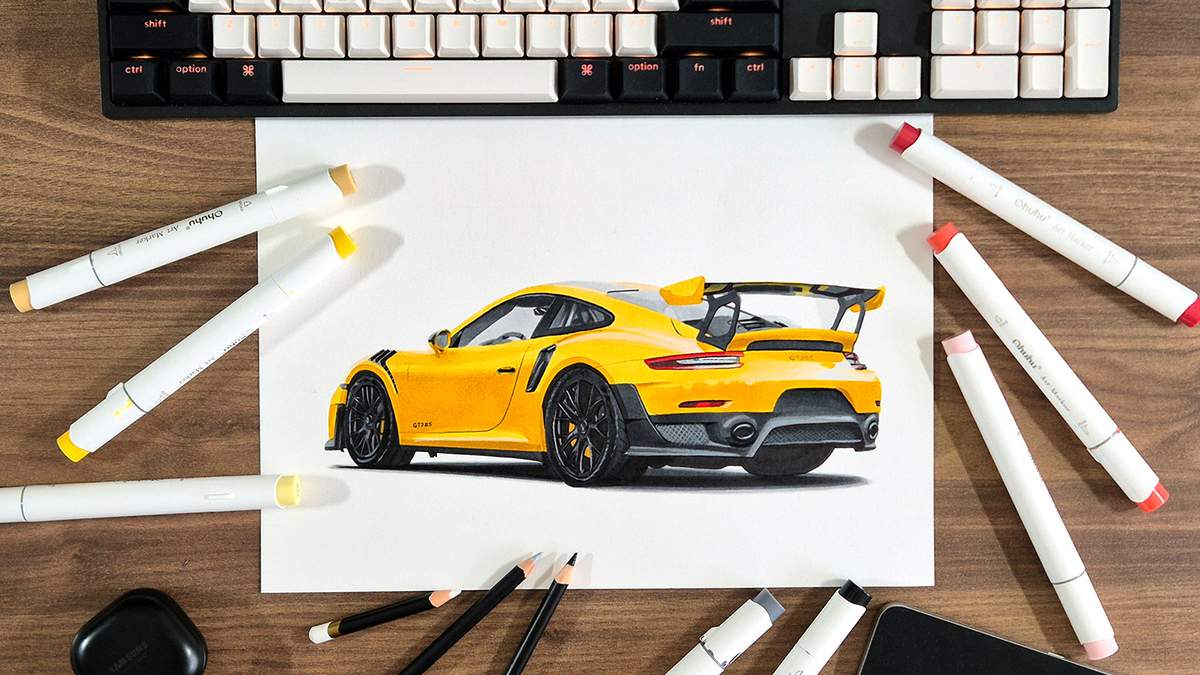
Finally, another car drawing guide!
In this guide, I'm going to show you step by step how to draw this Porsche 911 GT2 RS, and it's a little different than usual.
Usually, I mostly skip over the sketching process. But for the first time, I also took pictures of every step while creating the sketch of this GT2 RS. I didn't know how many to take, so there's a lot. I hope you like it.
This whole guide is broken up into 26 main steps, and they are broken up into smaller steps. There are about 169 steps in total. So yeah, it's a long one. And the most in-depth car drawing guide I've made so far.
If you like this, please let me know. I've already created 4 more drawings to turn into guides like this.
For now, let's get started!
In This Guide
I added some quick links to the different parts of this post since it's quite a long one.
- Drawing supplies and colors
- The reference photo
- Sketching the outline
- Sketching all the individual parts
- Coloring the black and grey parts
- Coloring the yellow body
- Adding details
- Final result
Drawing Supplies I Used for This Porsche Drawing
For this Porsche 911 GT2 RS drawing, I used the marker paper I always use for these drawings: Canson Illustration Manga. I buy the A3 size and then cut it in half. But you can just as well buy the A4-sized pad.
For sketching, I just use a regular HB graphite pencil. And to lighten my sketch before coloring, I use a kneaded eraser.
For this drawing, I also used a black fineliner to outline some of the black parts.
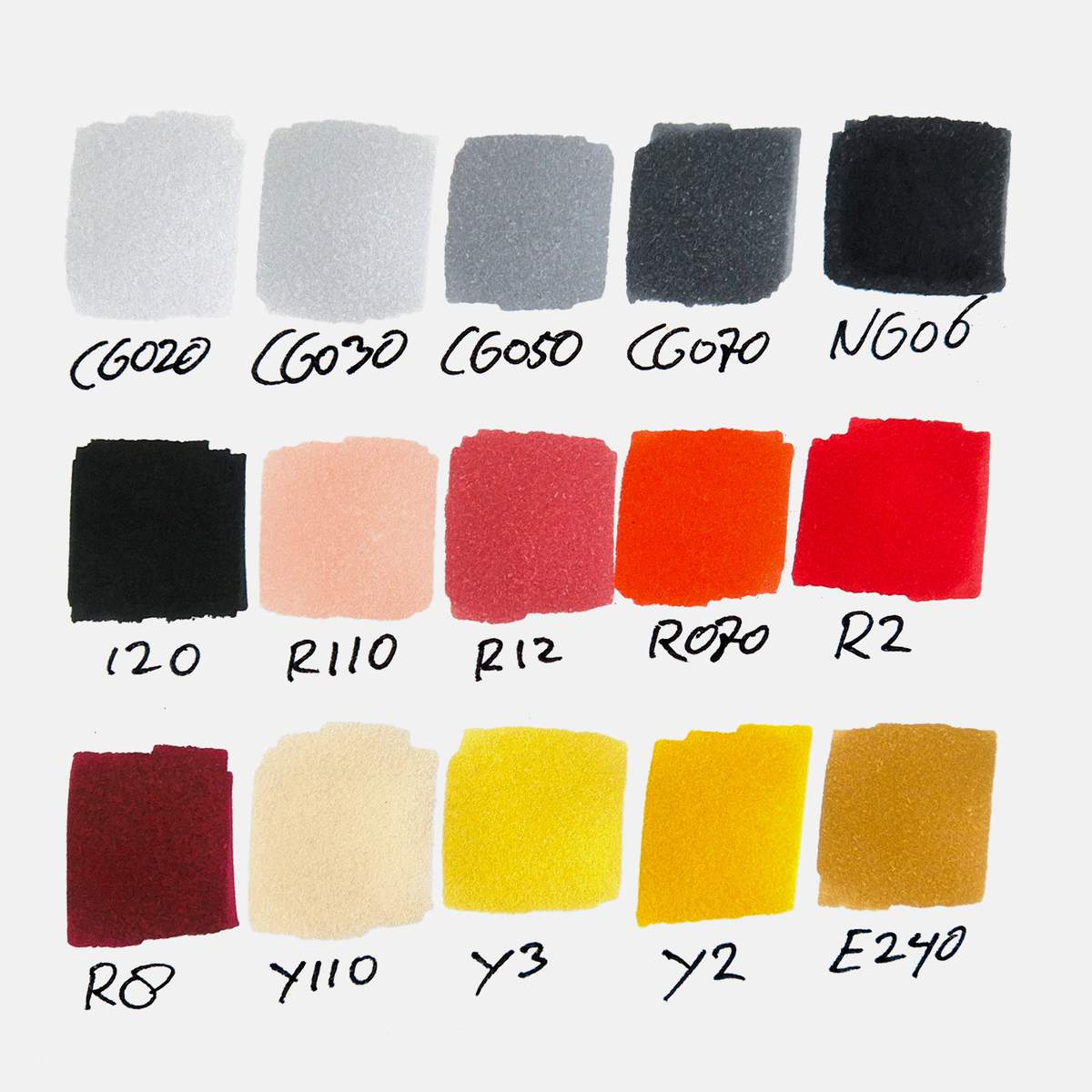
And to color the GT2 RS, I used my Ohuhu Honolulu markers. I used 15 colors in total, plus the colorless blender: Colorless Blender (0), Neutral Grey 02 (CG020), Neutral Grey 03 (CG030), Neutral Grey 05 (CG050), Neutral Grey 07 (CG070), Neutral Grey 6 (NG06), Black (120), Sardonyx (R110), Rose Buvard (R12), Agate (R070), Vermilion (R2), Geranium (R8), Grayish Yellow (Y110), Barium Yellow (Y3), Sunflower (Y2), and Chamois (E240).
You can buy these colors as part of the 320 set, or you can buy them individually. They are also available on Amazon.
Here's a photo of how all the colors look:
To add the final details, I use the Derwent Chromaflow colored pencils. I have the 24 set, and I used the White 2400, Platinum 2200, and Black 2300.
The Reference Photo
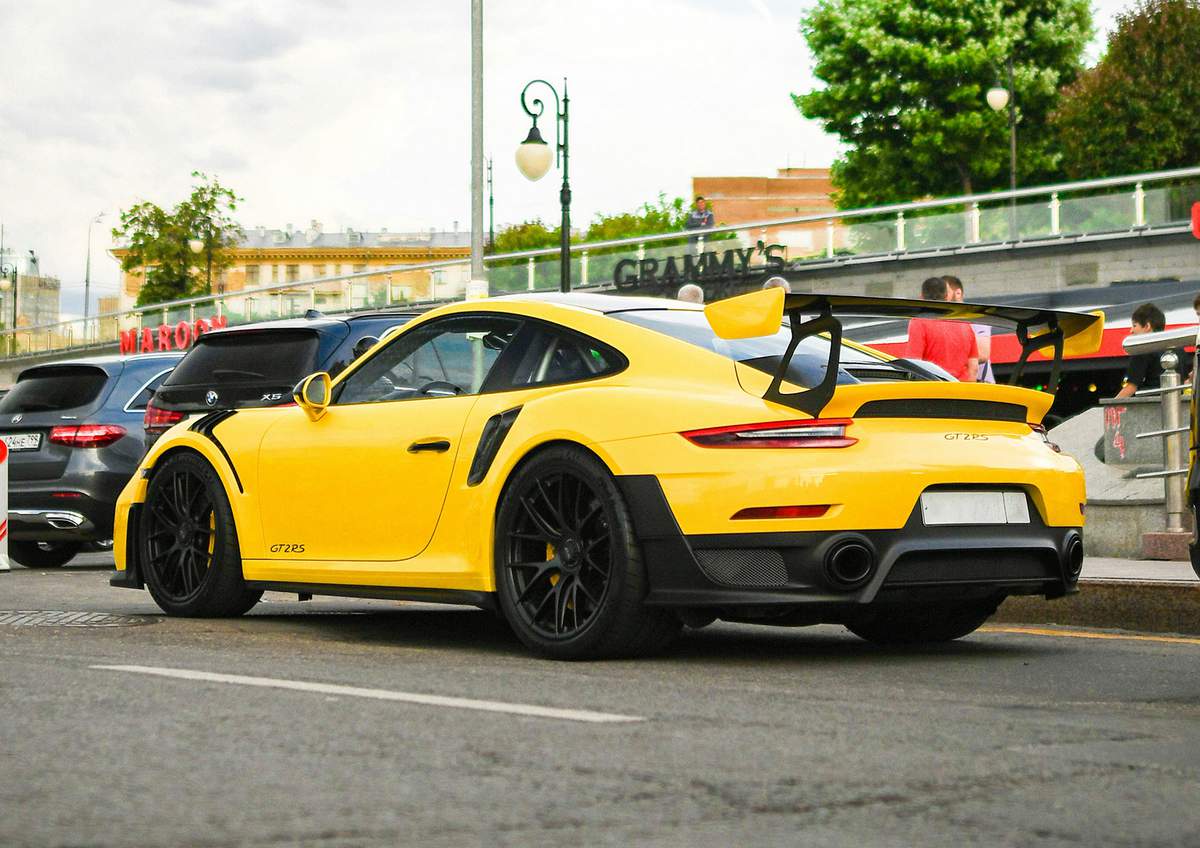
I like Porsches, so of course my first drawing should be a Porsche. I found this image of a yellow Porsche 911 GT2 RS on Unsplash, and I really liked how vibrant the yellow was and how deep and contrasty the photo looked.
Sketching the Porsche 911 GT2 RS
Step 1: Add a grid overlay to the reference and sketch the grid on your piece of paper
By now, you're probably familiar with my sketching technique: the grid method.
To use the grid method, we first need to add a grid overlay to our reference photo.
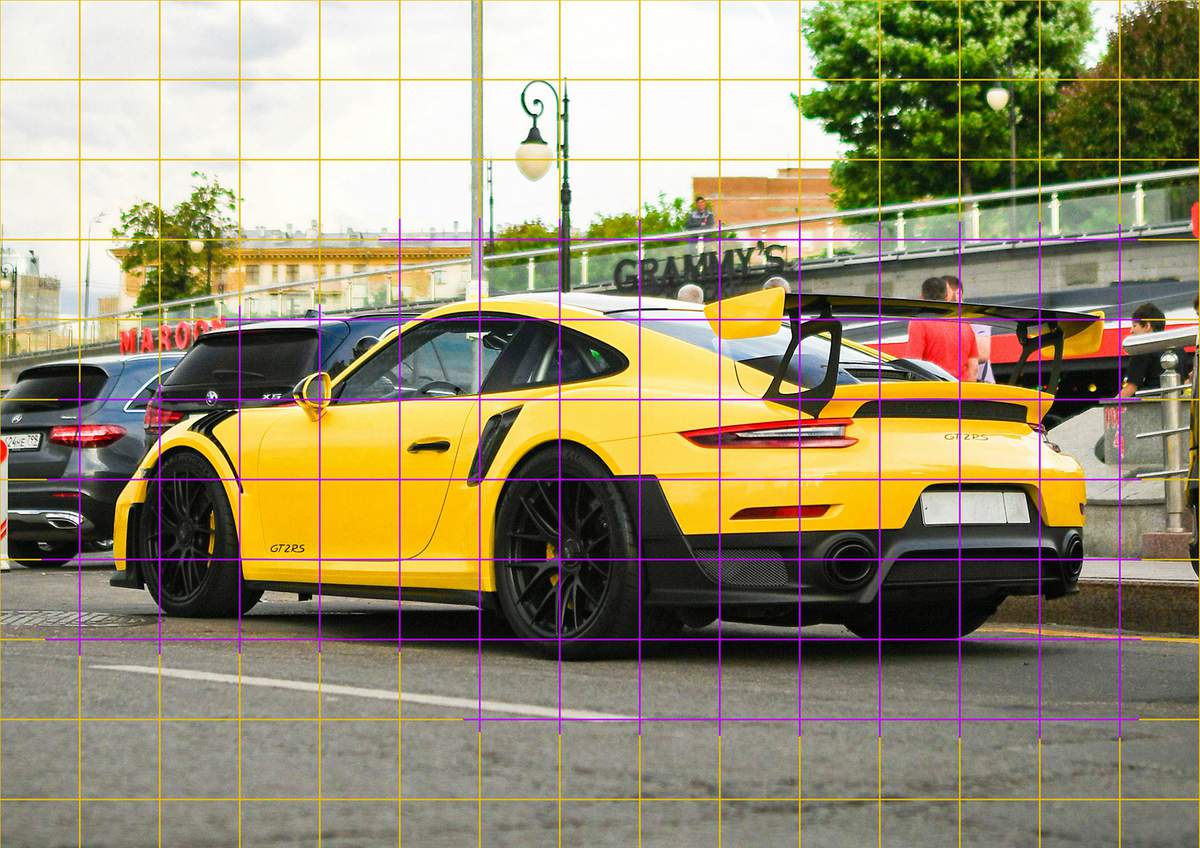
I kept the grid the same size as usual, which works well for A4-sized paper. The squares of the grid are 2 by 2 cm, which turns out to be about 15 by 10.5 squares in total. However, because of the slightly awkward size of 21 by 29.7 cm, the right row is slightly narrower than 2 cm.
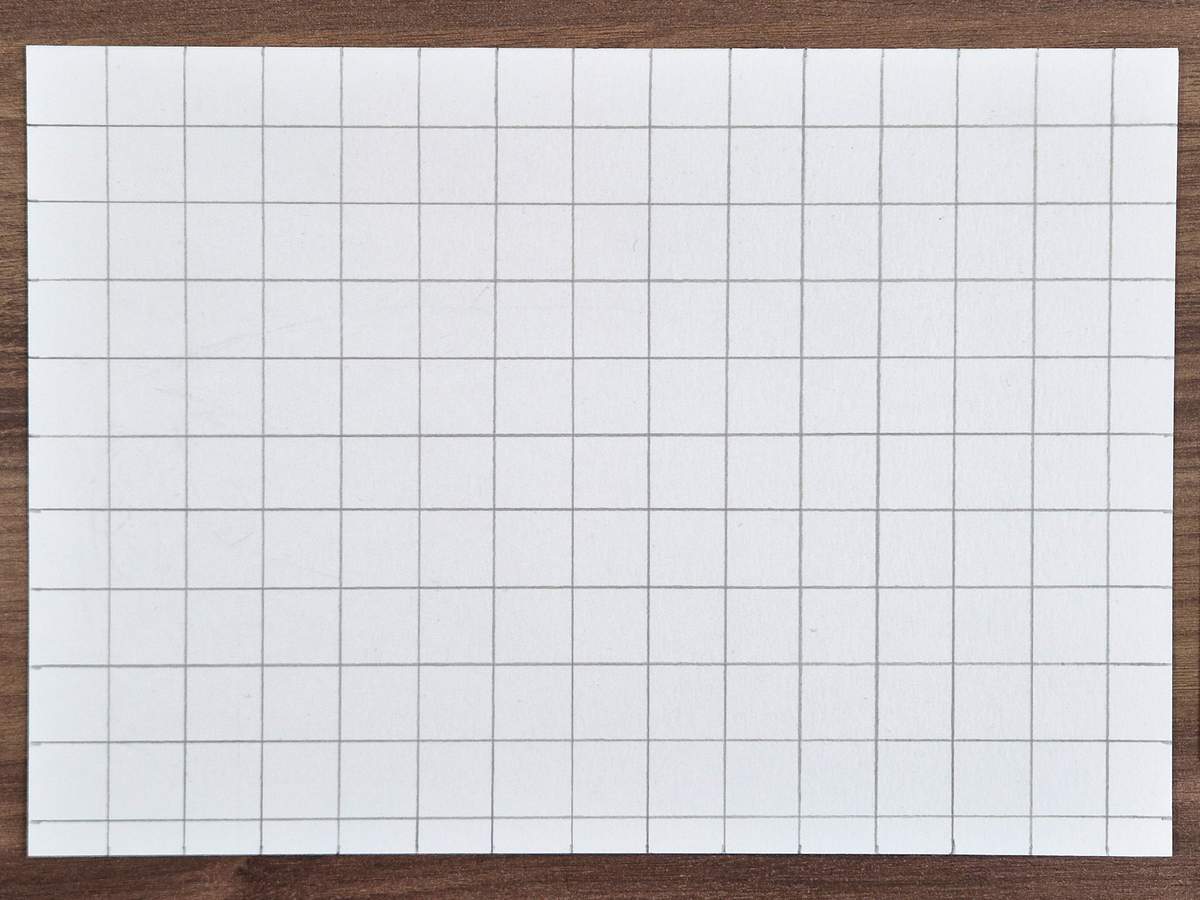
Before sketching the car, I lighten the grid by rolling my kneaded eraser across it.
Step 2: Sketch the outline of the Porsche 911 GT2 RS step by step
When sketching any car, I always start with the outline first.
I usually start on the left, which works well as I'm right-handed. If you're left-handed, you might find that it's easier to start on the right instead.
For this GT2 RS drawing, I started with two straight-ish lines on the front of the car.
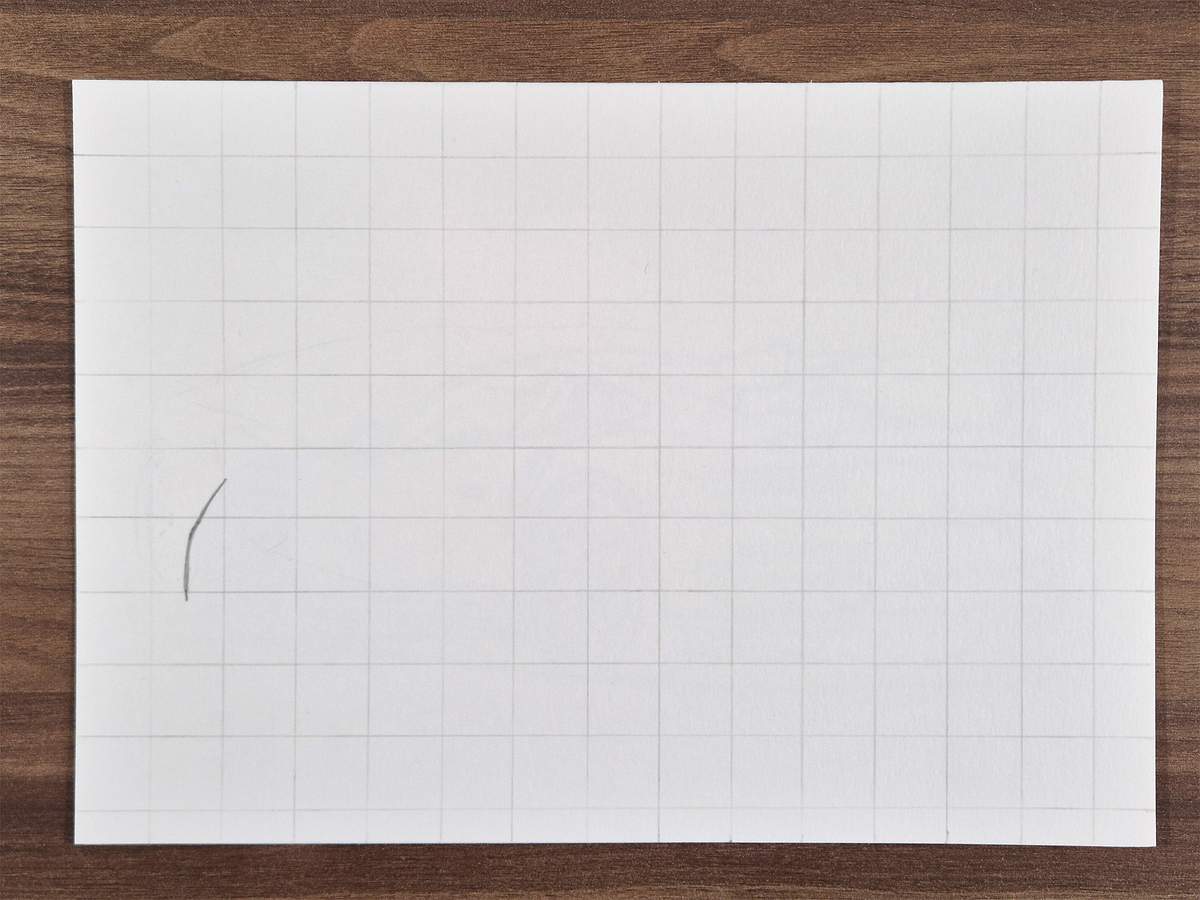
Next, I sketched a little bit of the splitter just below.
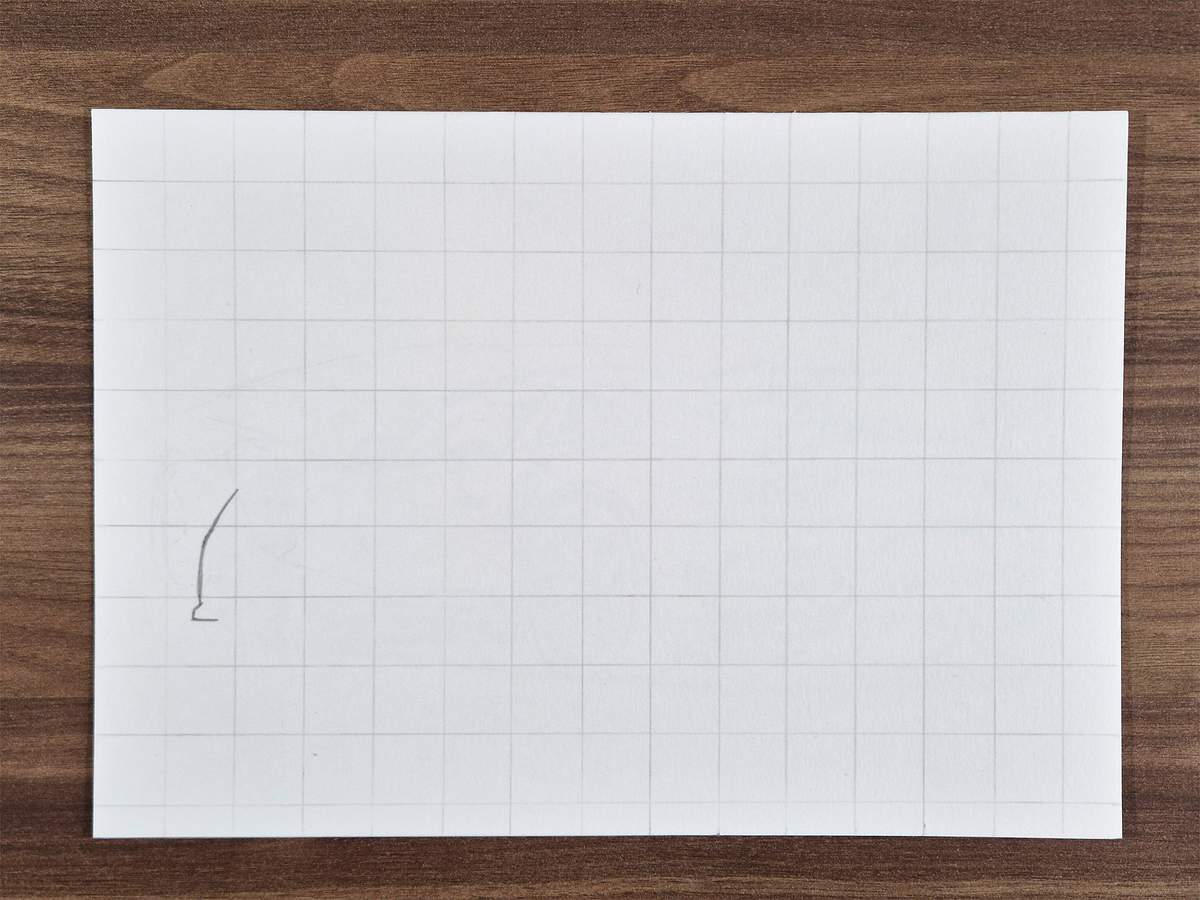
And then, I added the wheel arch.
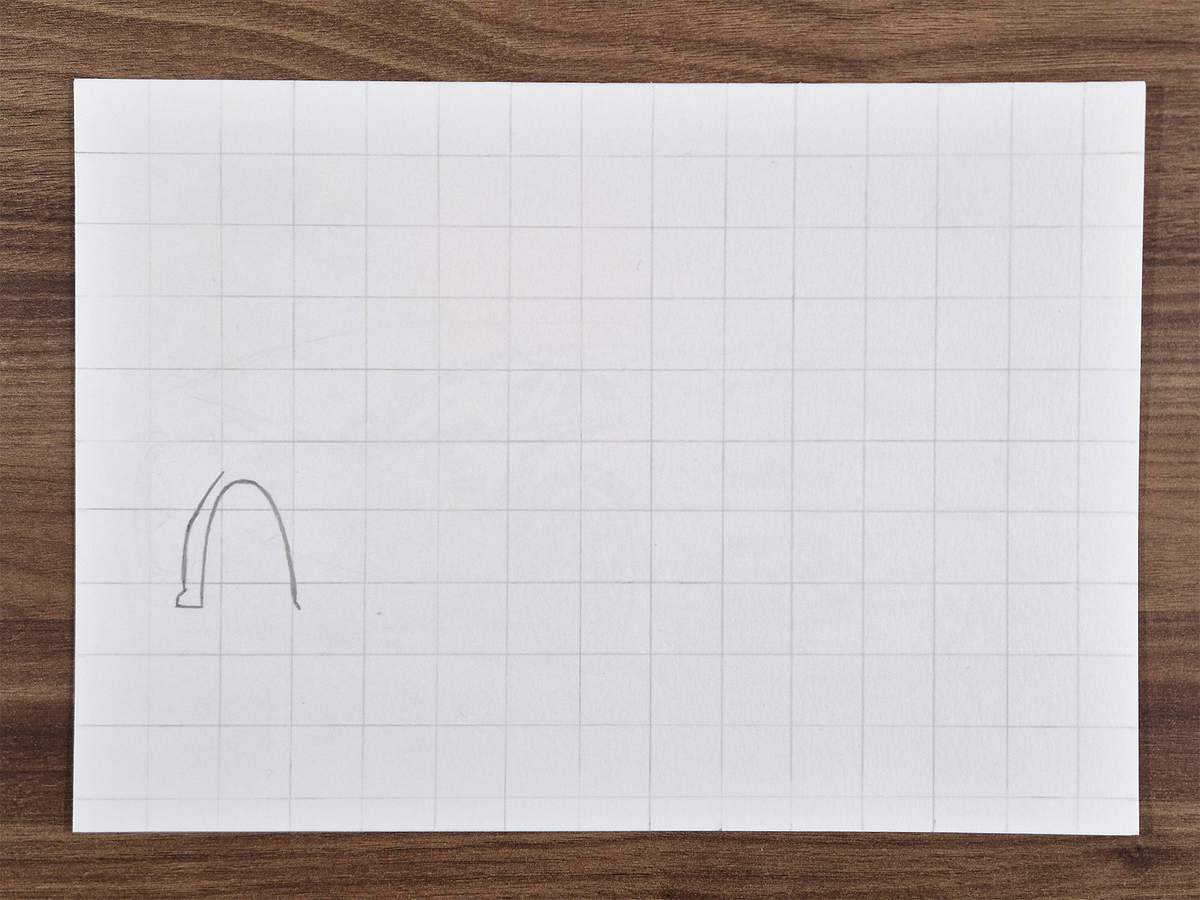
After that, I continued on the top of the car.
I extended the lines on the front to curve over the wheel arch. As it turns out, this line continues to be the window outline. That's why I made it longer than necessary for the outline of the car.
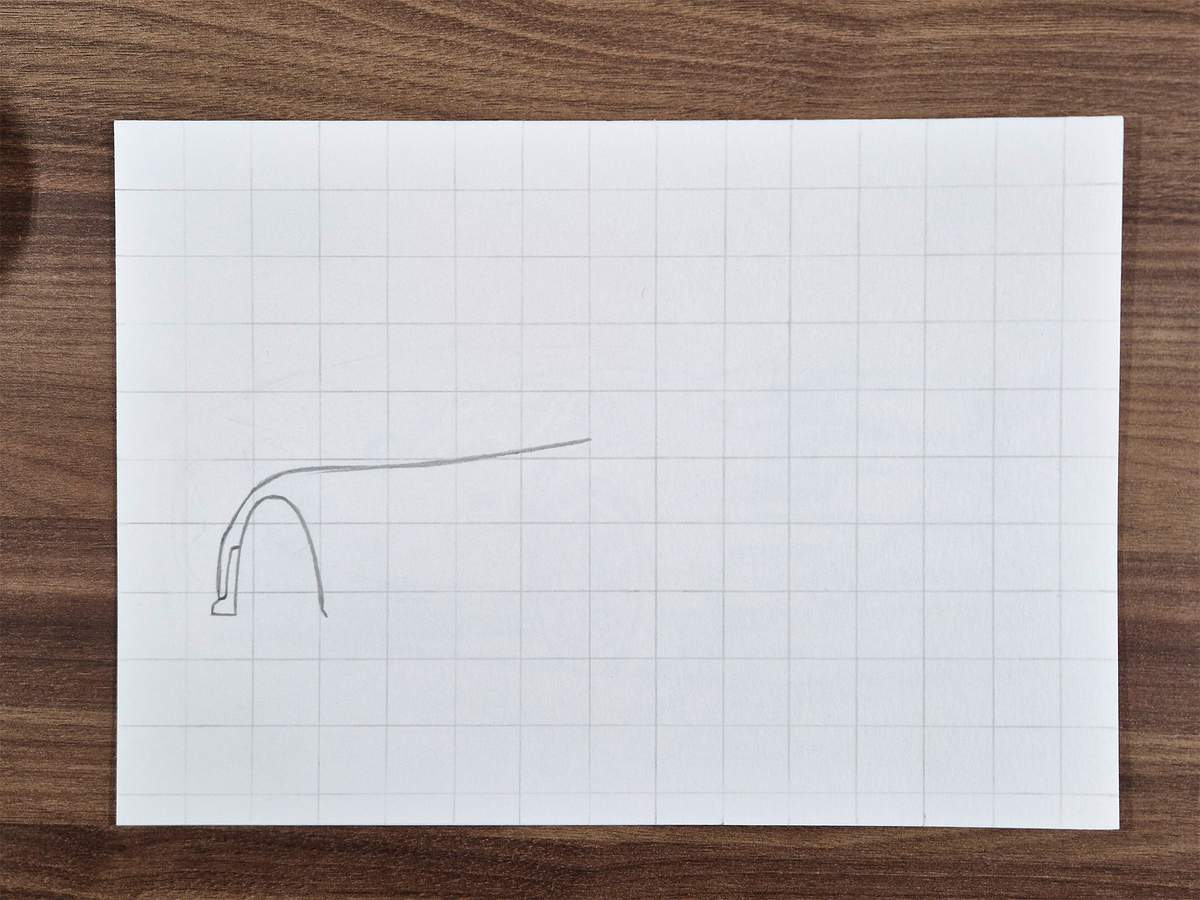
I then sketched the roofline of the Porsche. As with any 911, the roofline is one very smoothly curved line from the windshield all the way to the rear.
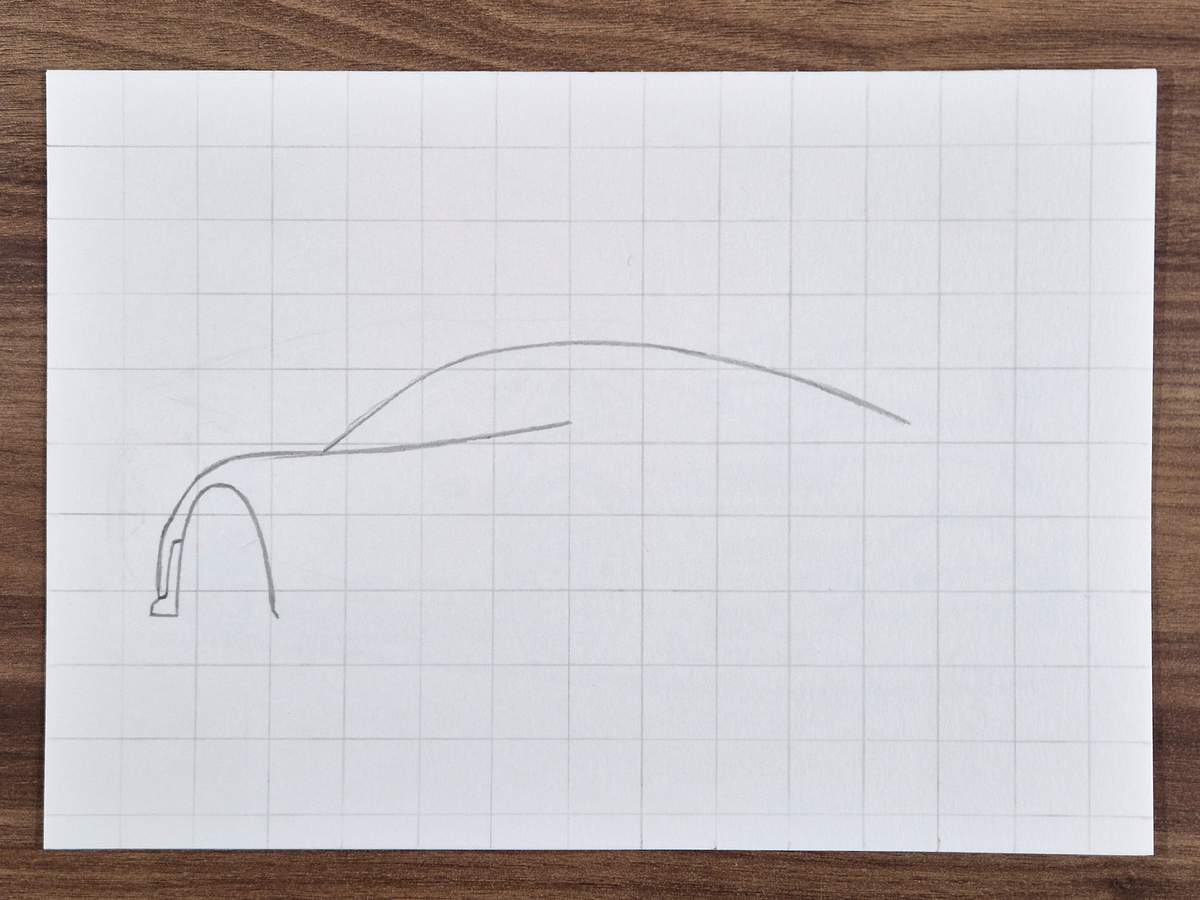
Next, I continued working on the outline of the rear of the GT2 RS.
This is a tricky part as there are quite a few lines.
I started by sketching this line, which is the top edge of the bit in between the wing stands.
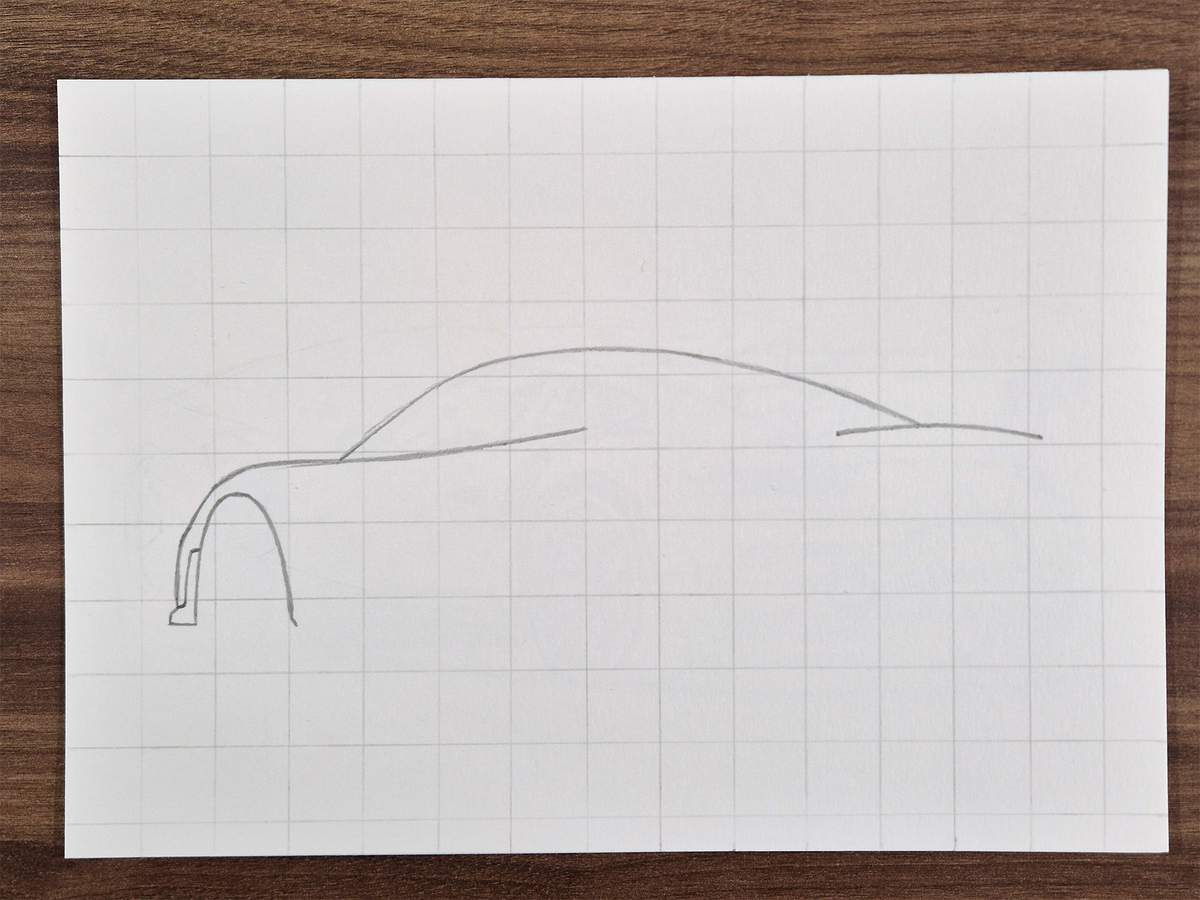
Then, I added a longer curved line below. This forms the top edges of the taillights and the bottom edge of this in-between bit.
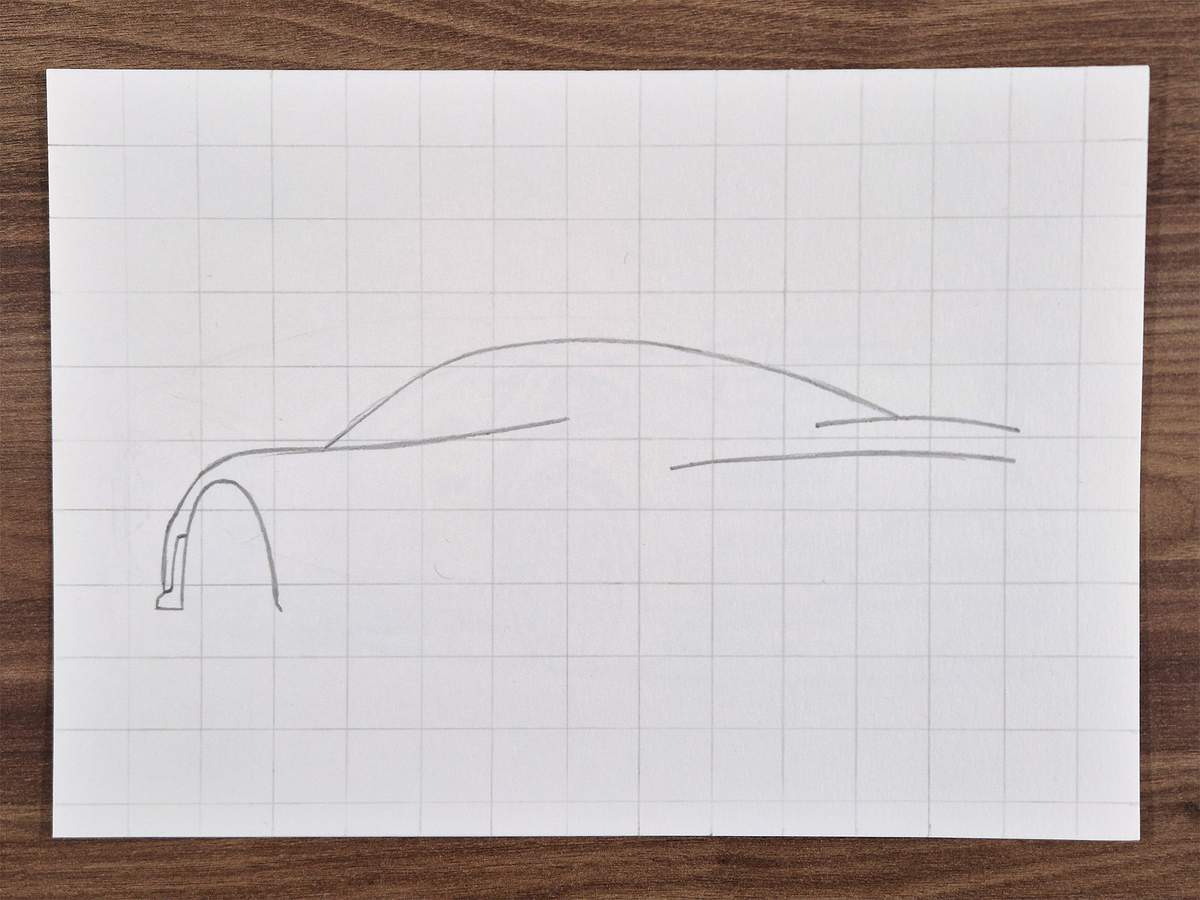
After that, I added the part where the right taillight will go.
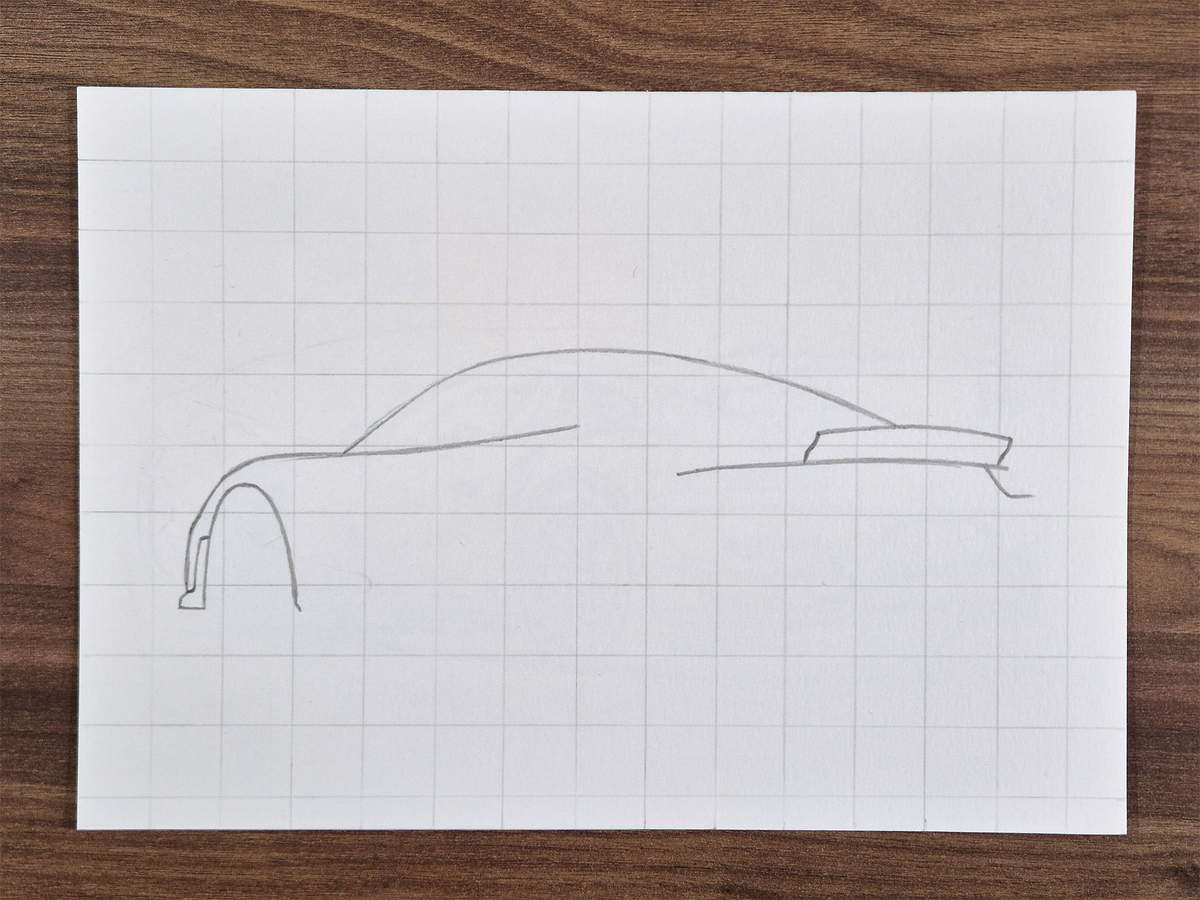
Next, I continued the outline on the right with this mirrored L-shape that is slightly diagonal at the top.
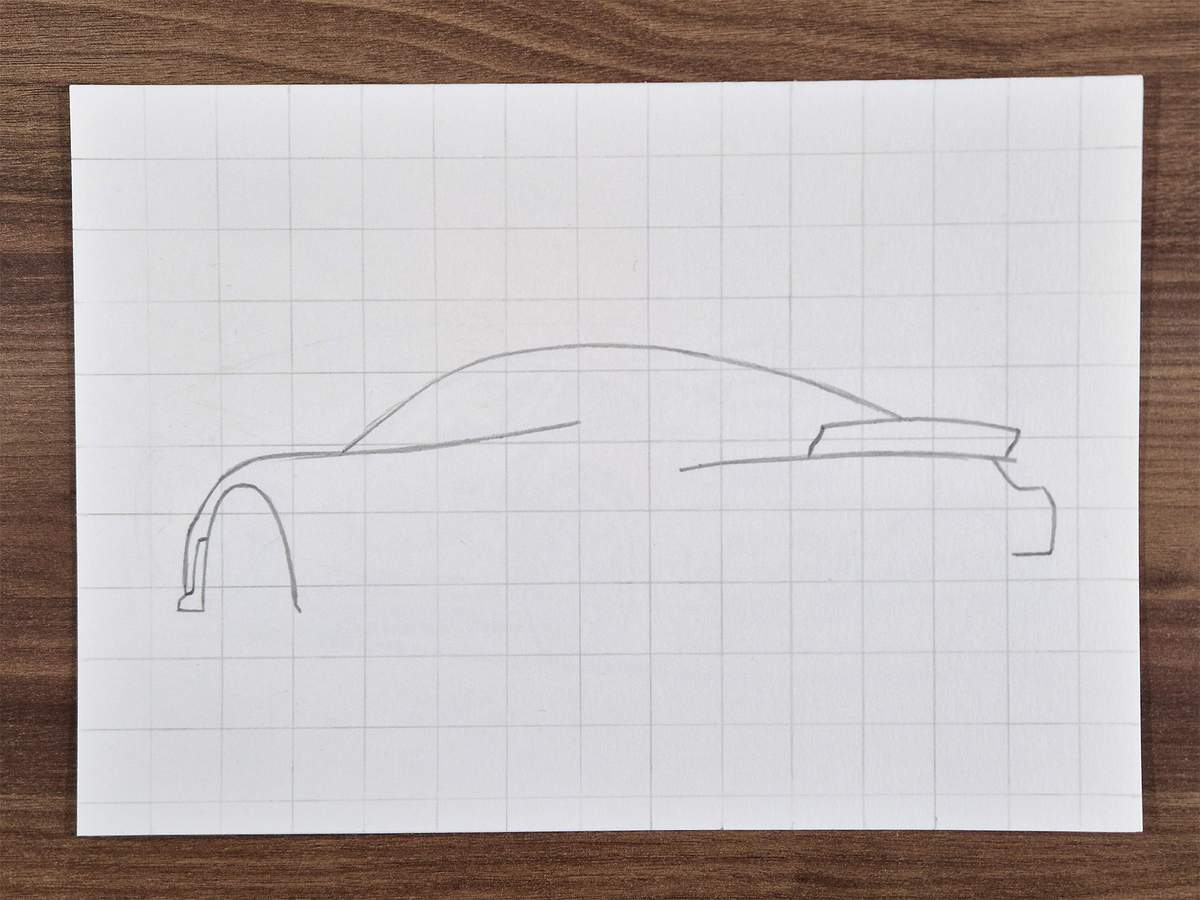
Below is the right edge of the plastic part of the bumper.
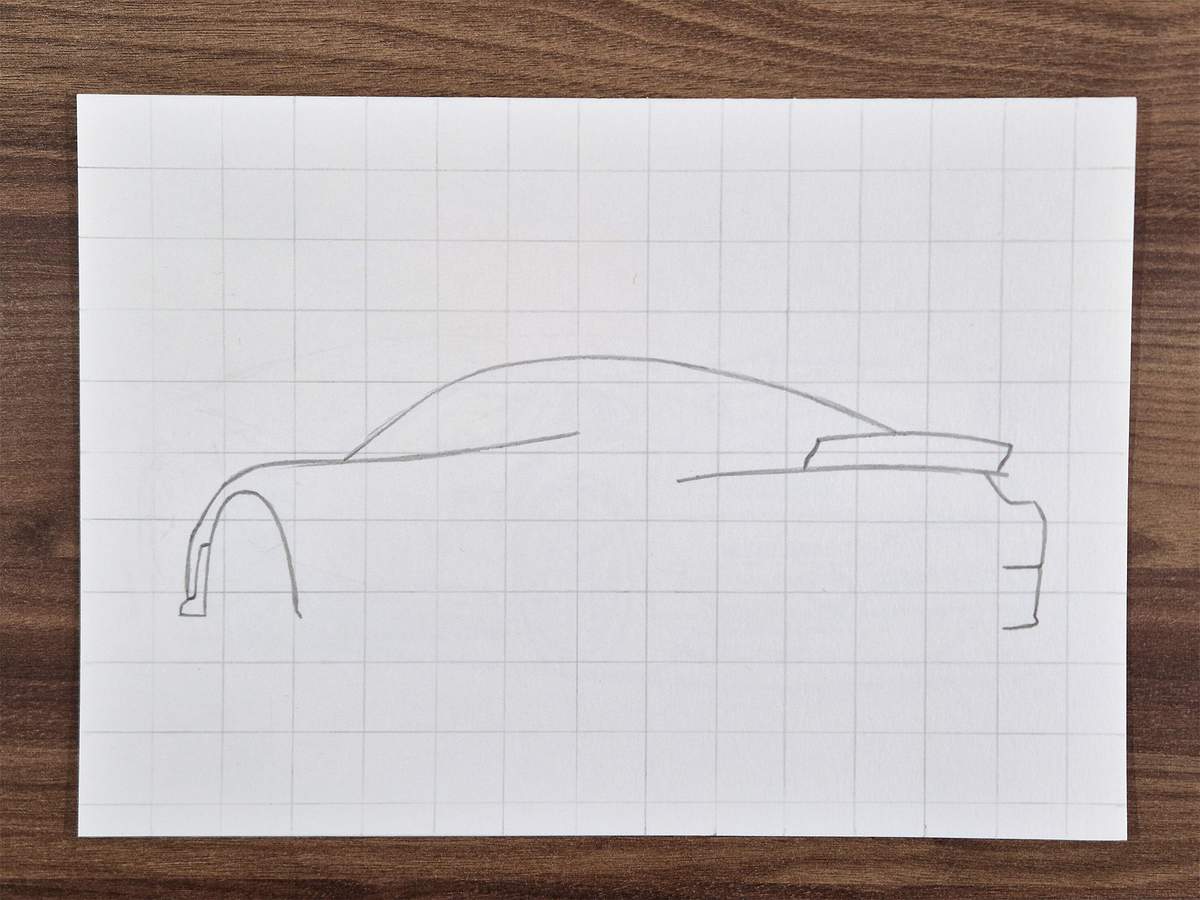
Then, I added the silhouette of the rear wheel on the other side of the car.
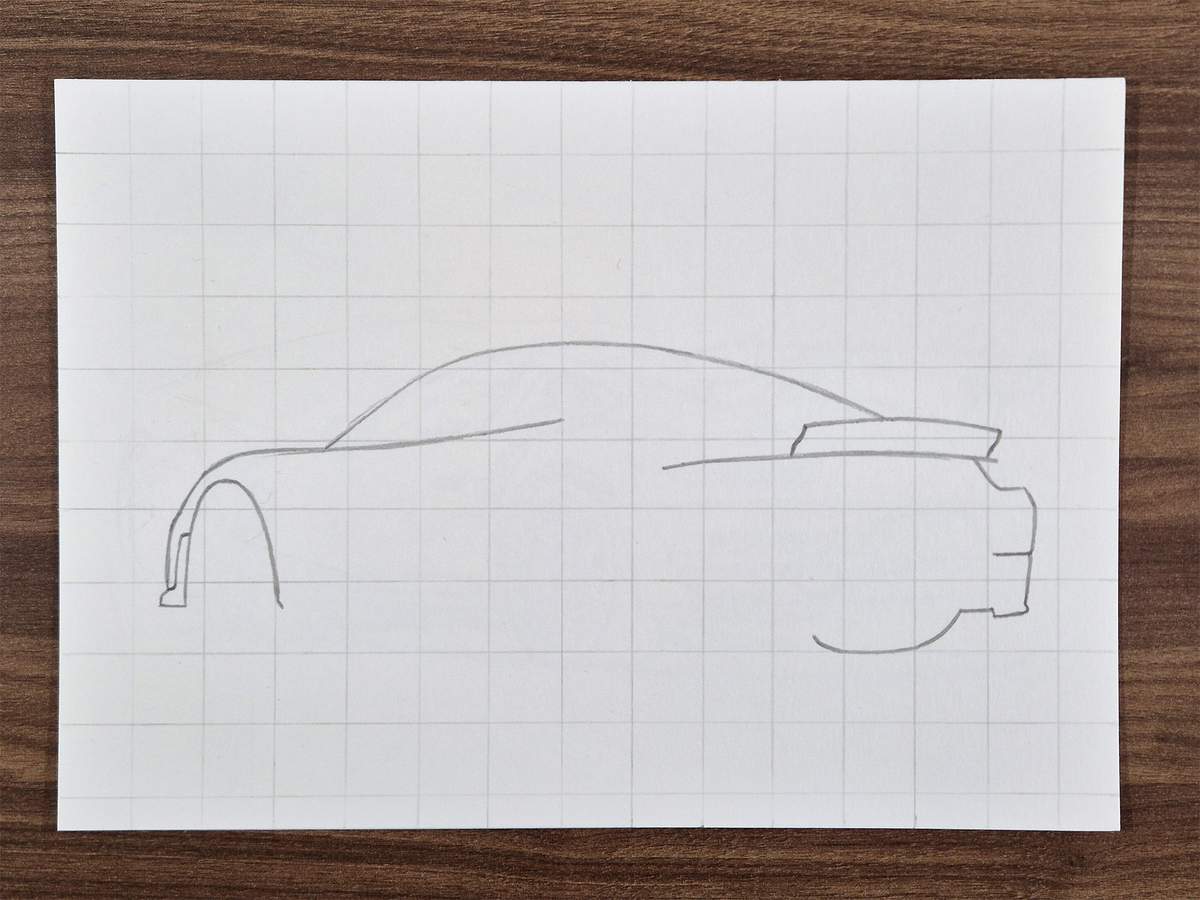
Above this silhouette, I added the trapezoid shape of the diffuser.
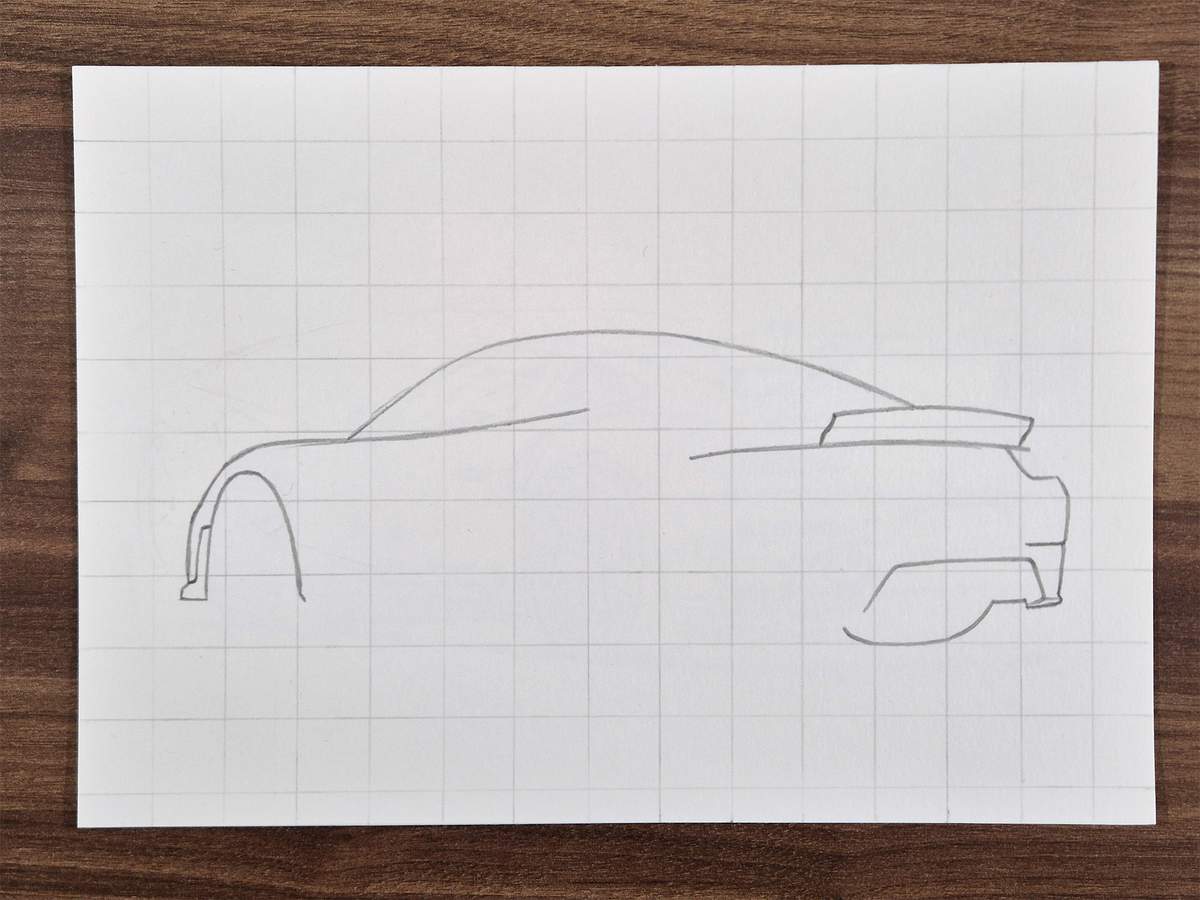
On the left of this shape, I added a line to continue the outline of the bumper.
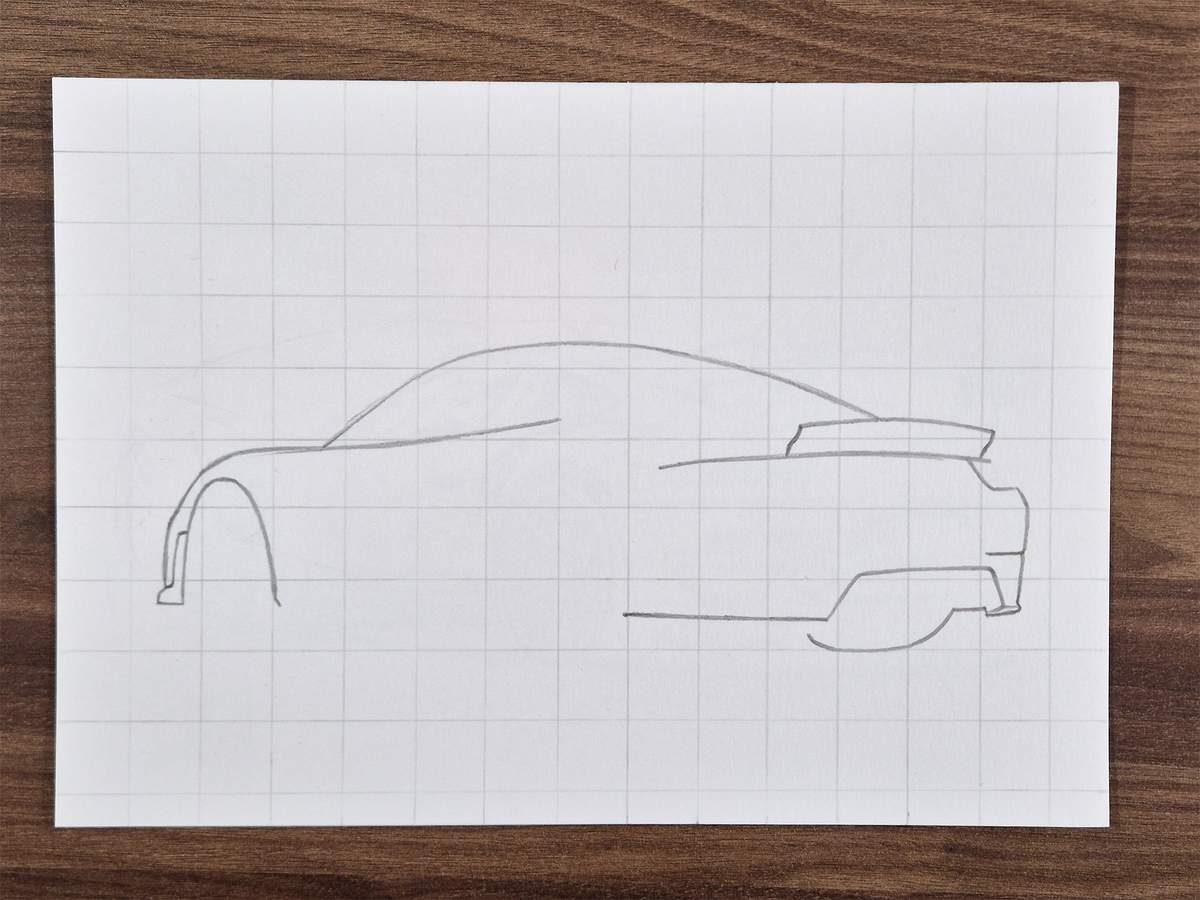
Next, I added a line in the diffuser that is parallel to the top edge of the diffuser.
I also continued the bottom edge of the car to the left of the rear wheel and connected it to the underside of the bumper.
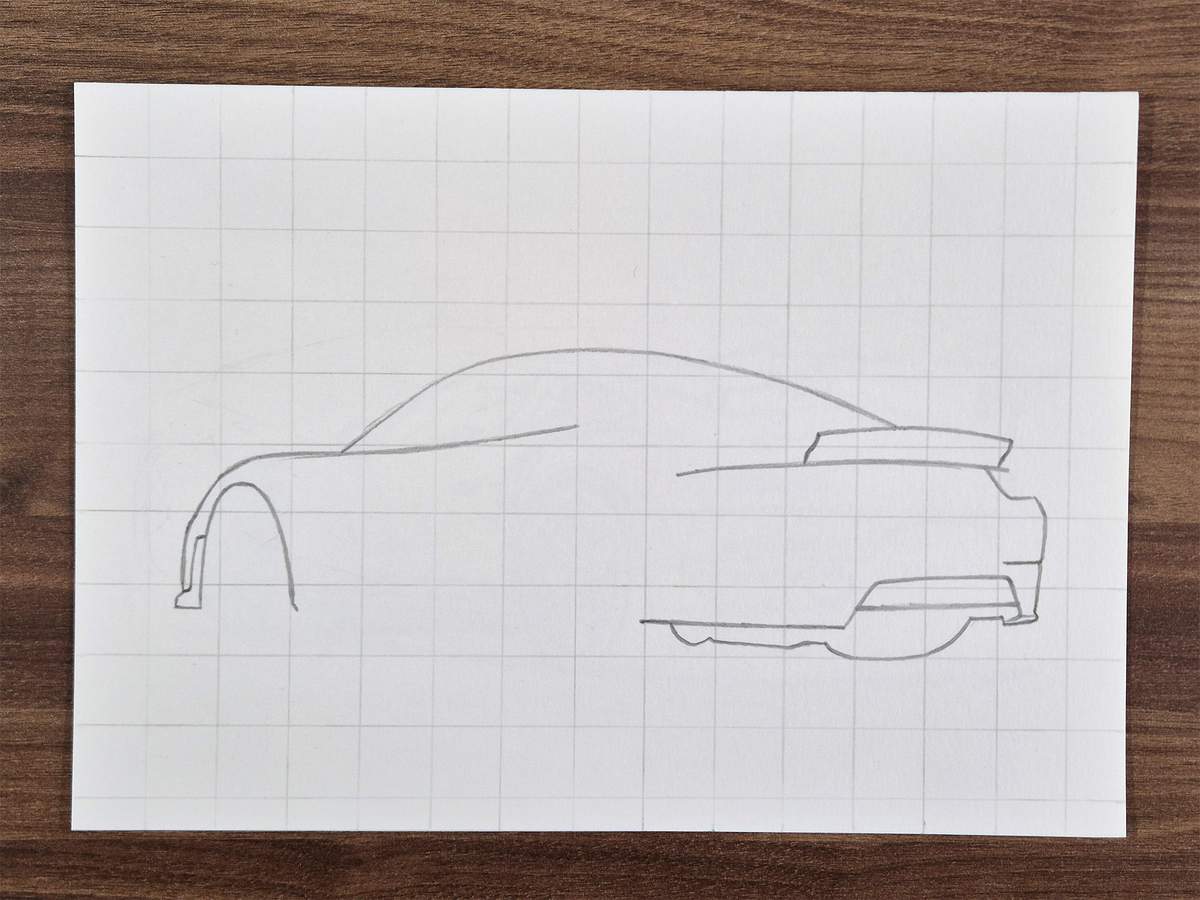
After that, I sketched the rear wheel arch. From the bumper, there is first a small diagonal line where the wheel arch attaches.
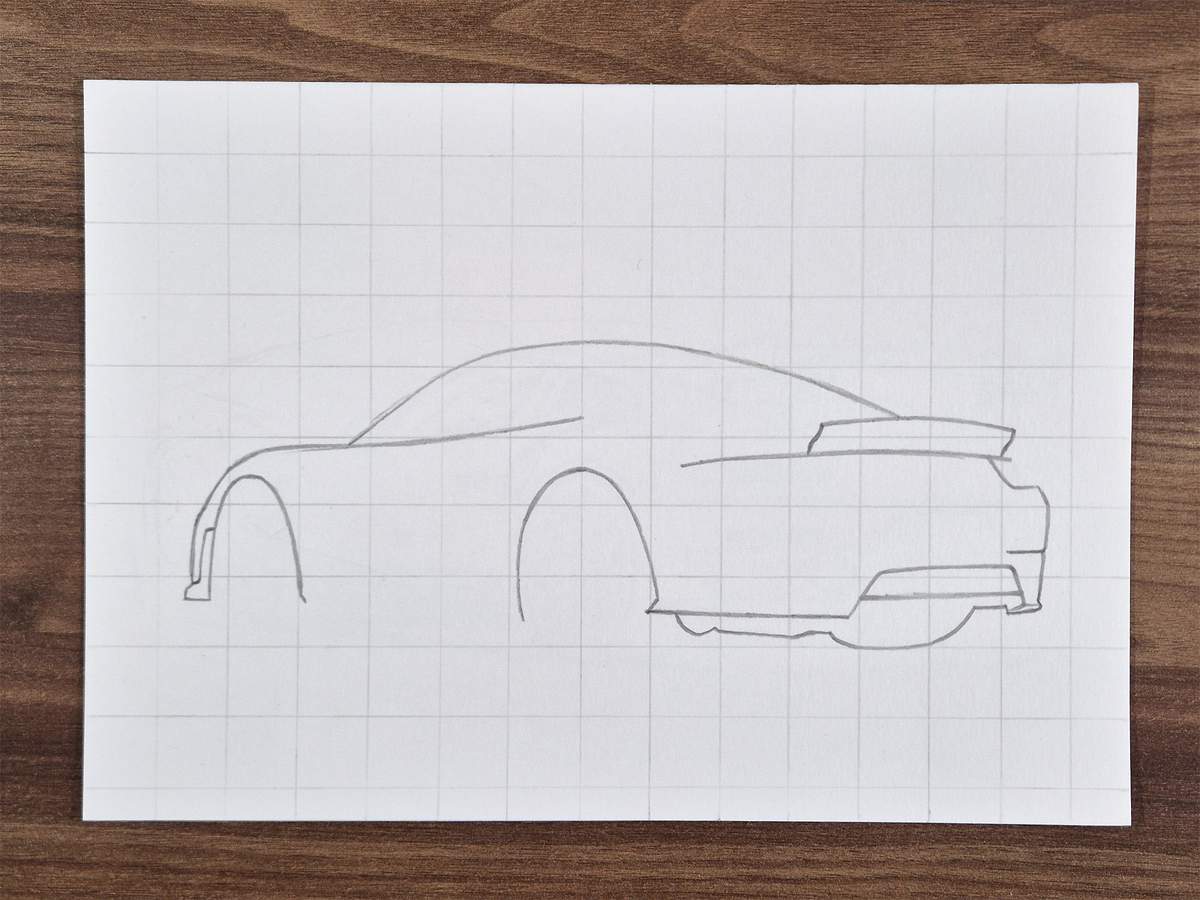
Then, I connected both wheel arches with the bottom edge of the side of the car.
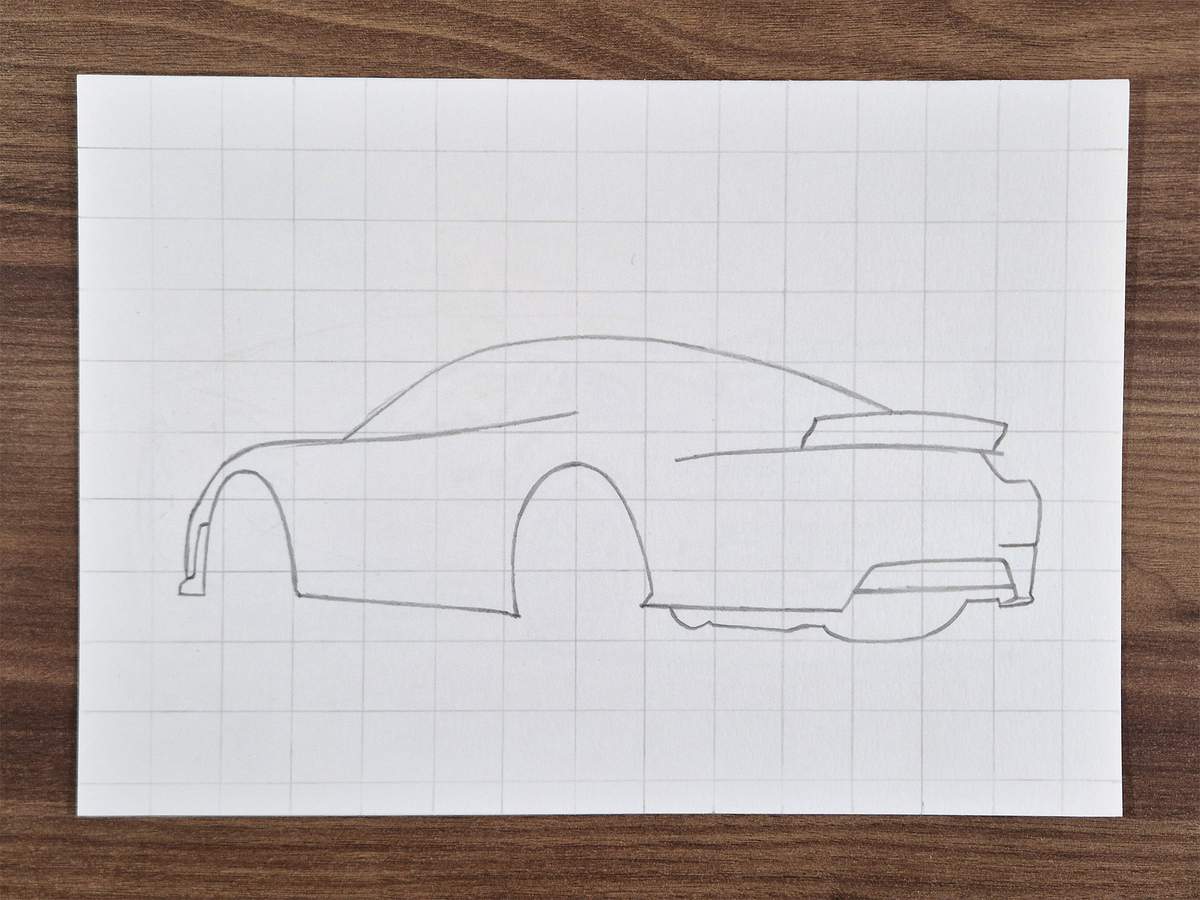
To complete the outline, I also sketched two ellipse shapes for the wheels.
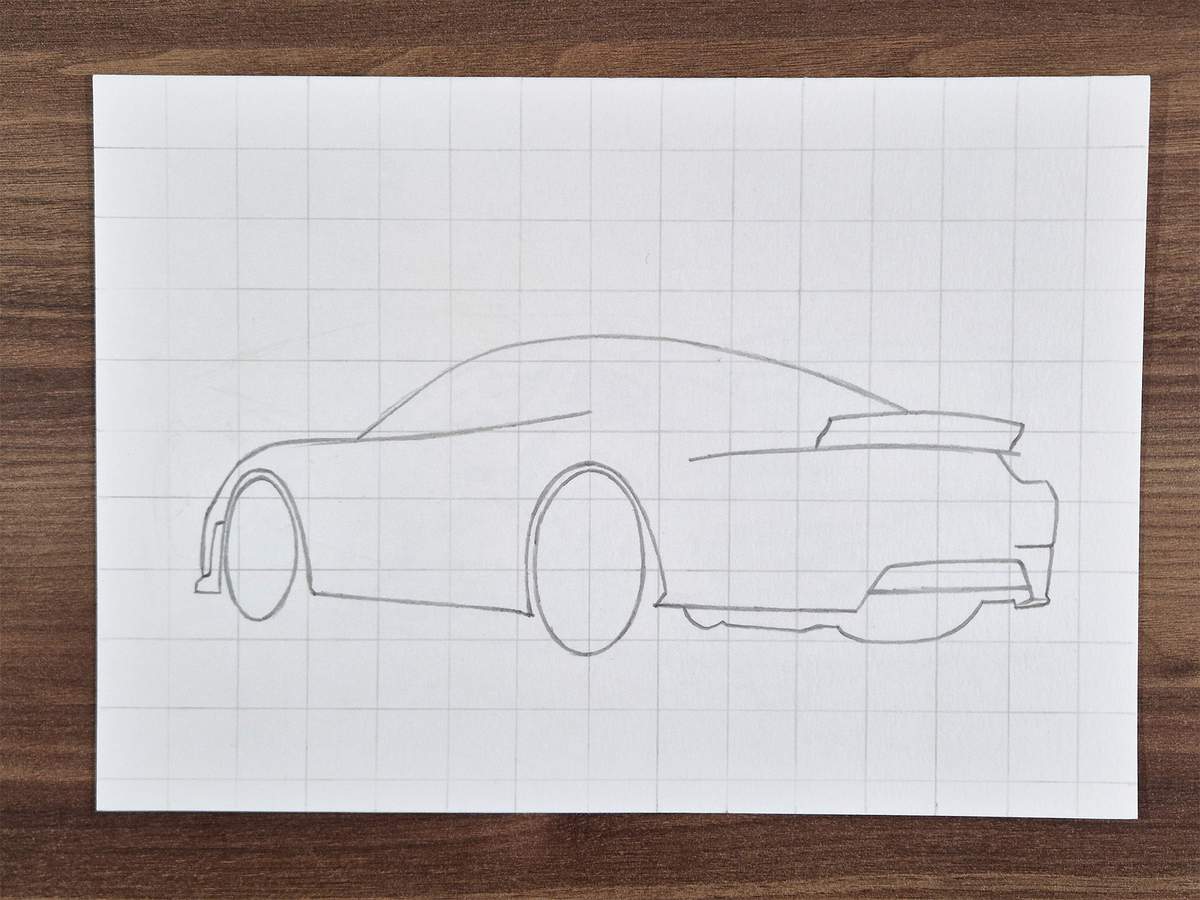
And I sketched the bottom and right edges of the wheels, too.
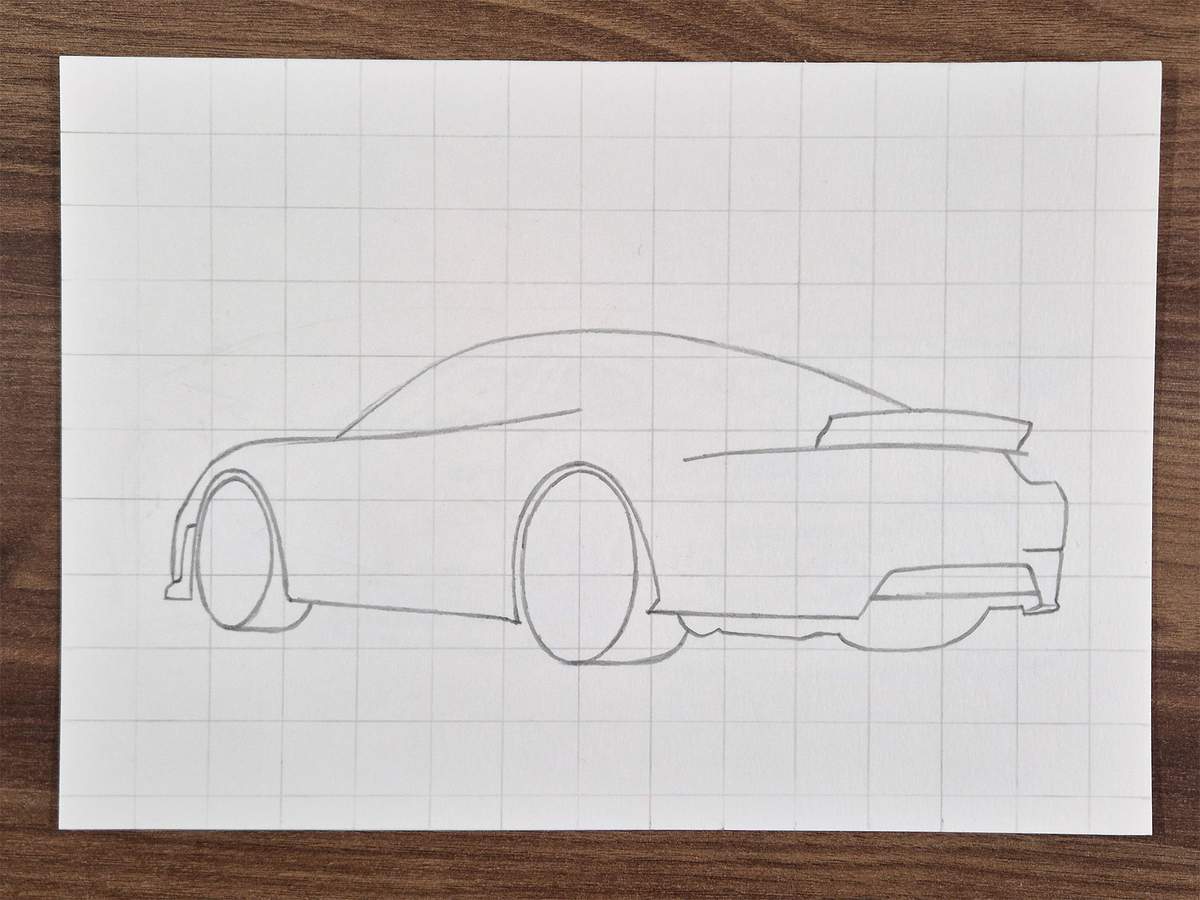
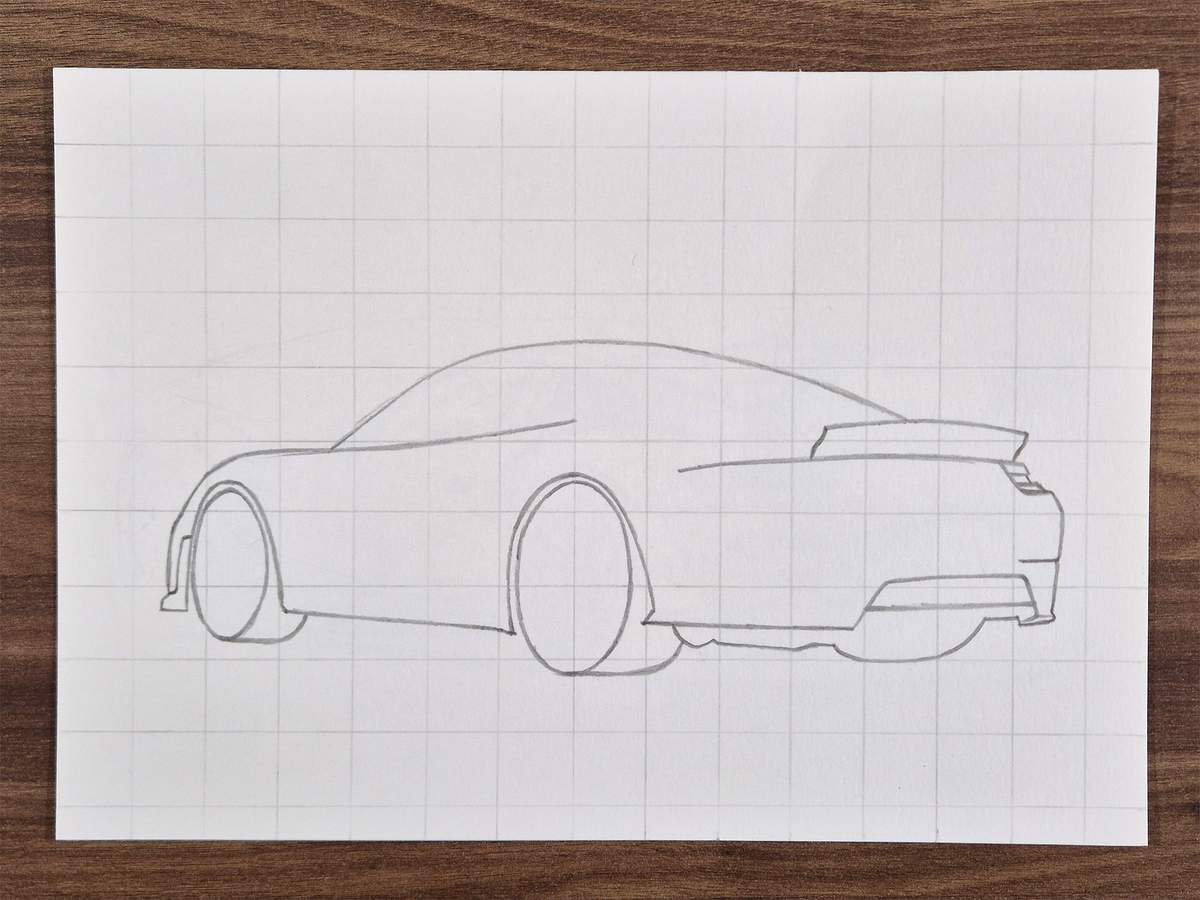
And that completes the outline sketch of the Porsche 911 GT2 RS.
Step 3: Sketch all the parts on the rear bumper of the GT2 RS
Next, I sketched all the parts of the front bumper, starting with the taillights.
The right taillight is made up of three rectangles, with the middle one slightly shorter than the other two, creating this indent on the right edge.
The left taillight is slightly more complex, so I divided it up into multiple small steps.
First, I sketched the bottom and left edges of the taillight.
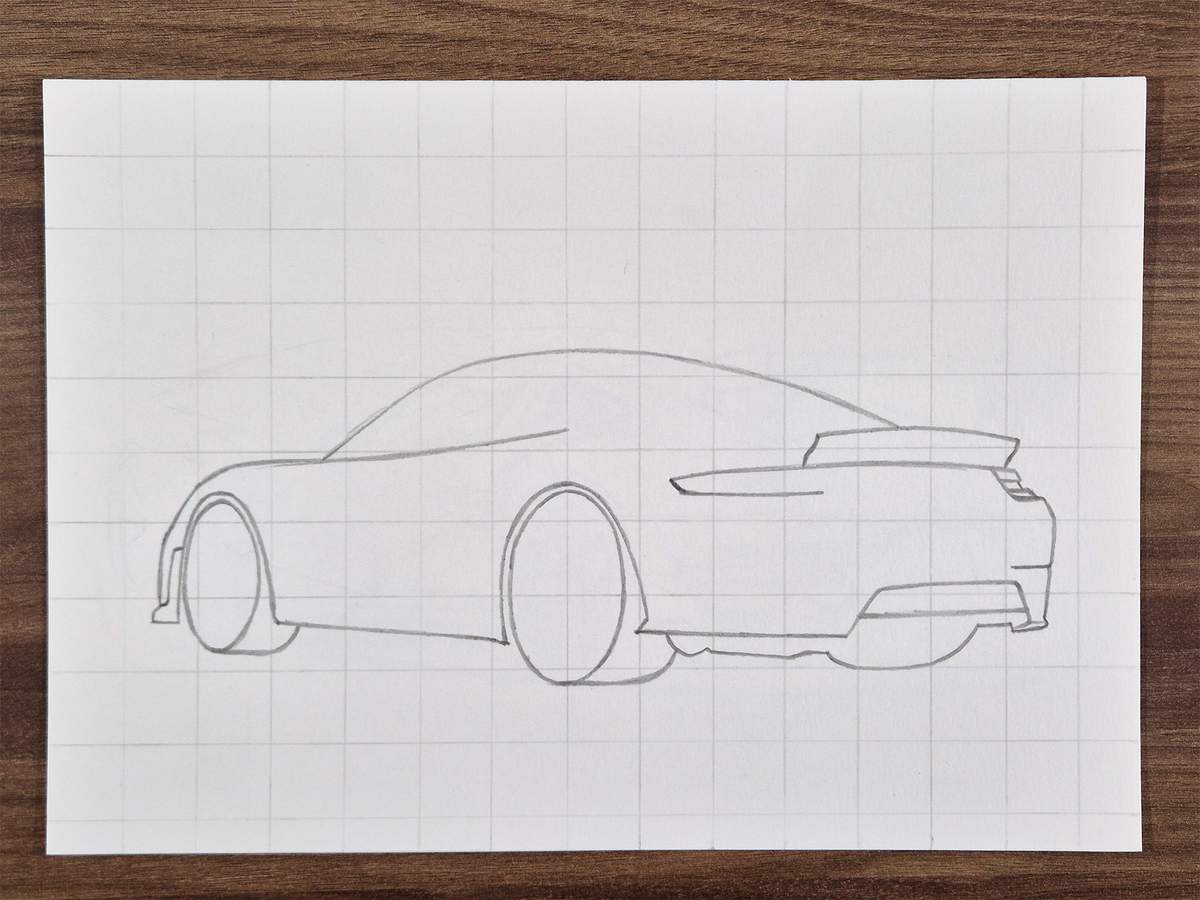
Then, I added a diagonal line on the end of the bottom line, and I added a parallel line just below the top edge.
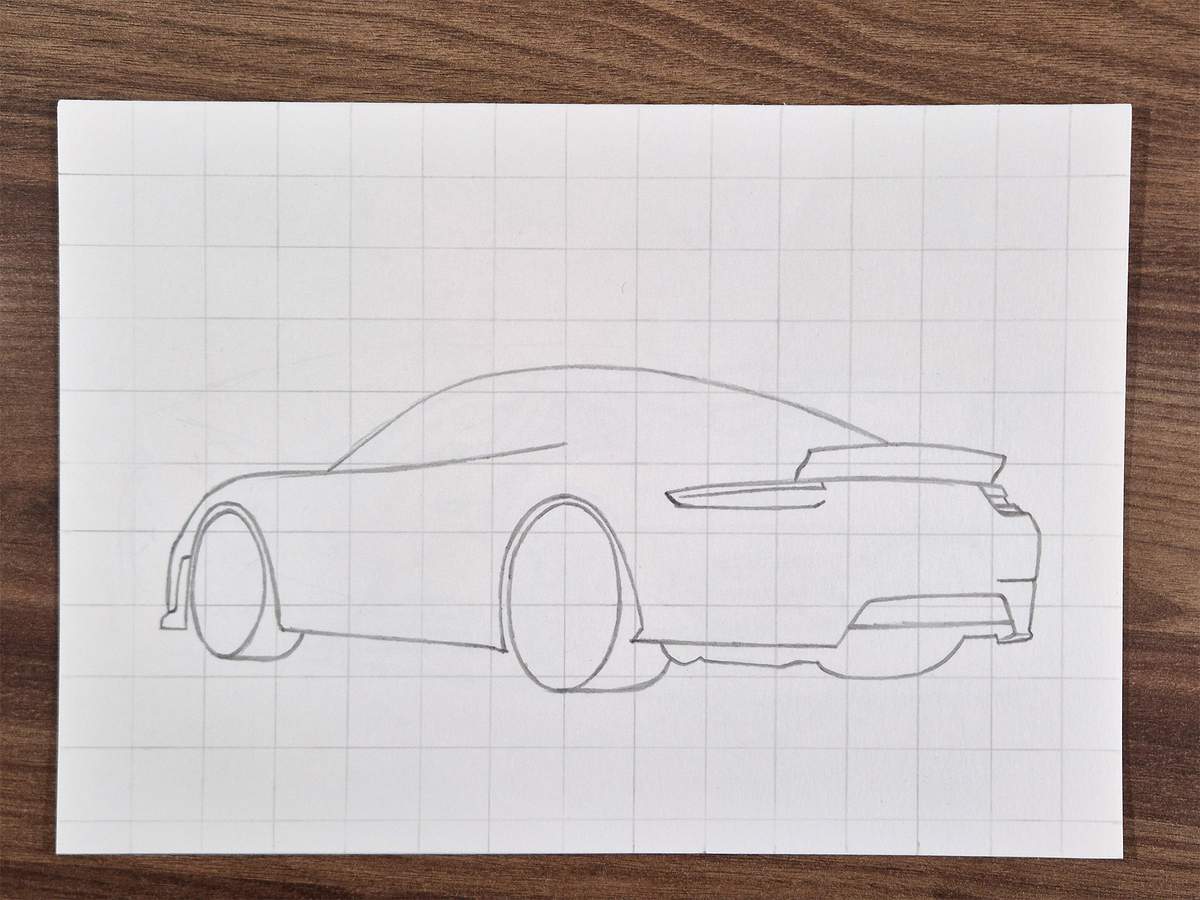
Next, I added a line just below the bottom edge, connecting on the right, and on the left, I made the line curve up and connect to the top of the taillight.
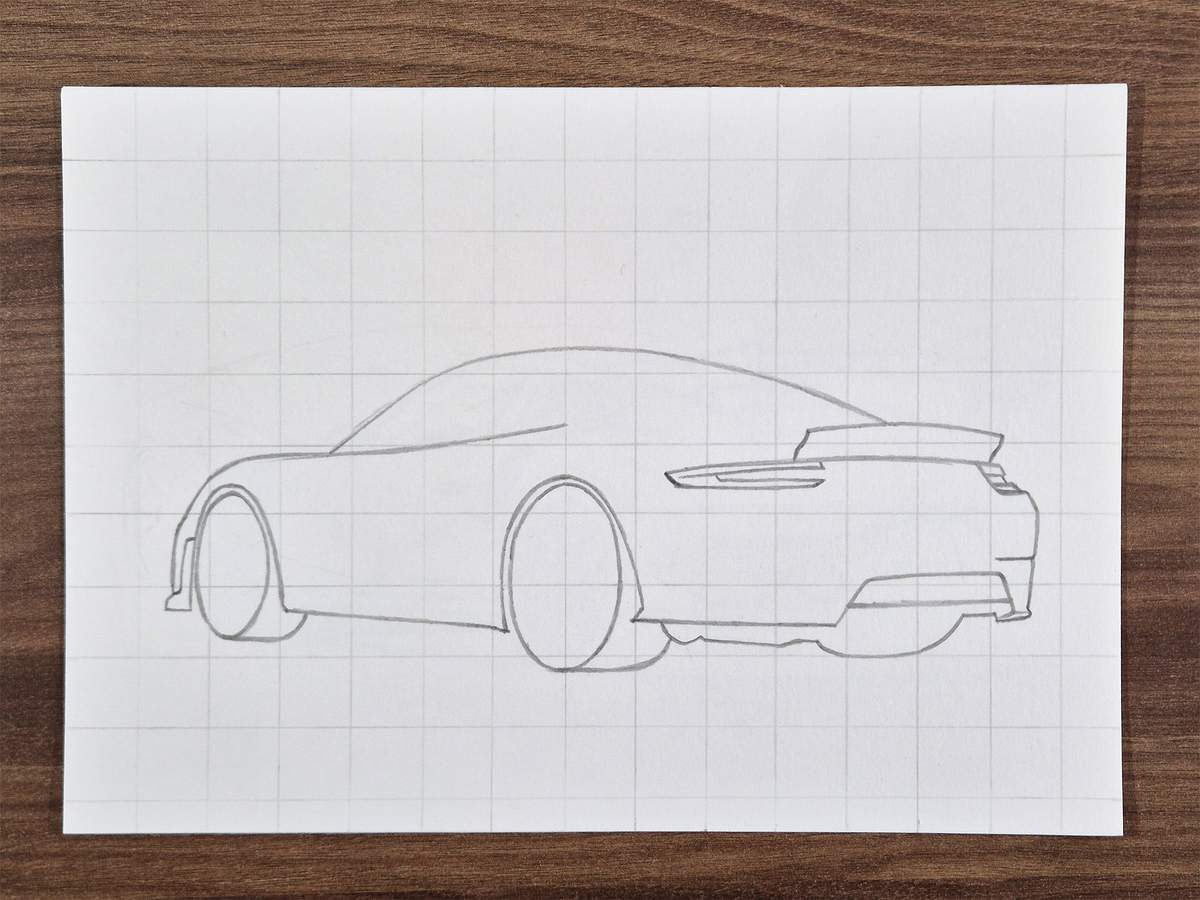
Then, I added a short vertical line on the right, connecting the top and bottom parts, and from the center of this line, I added a horizontal line parallel to the bottom of the taillight. This makes it connect in the top left, where the bottom and top parts also connect.
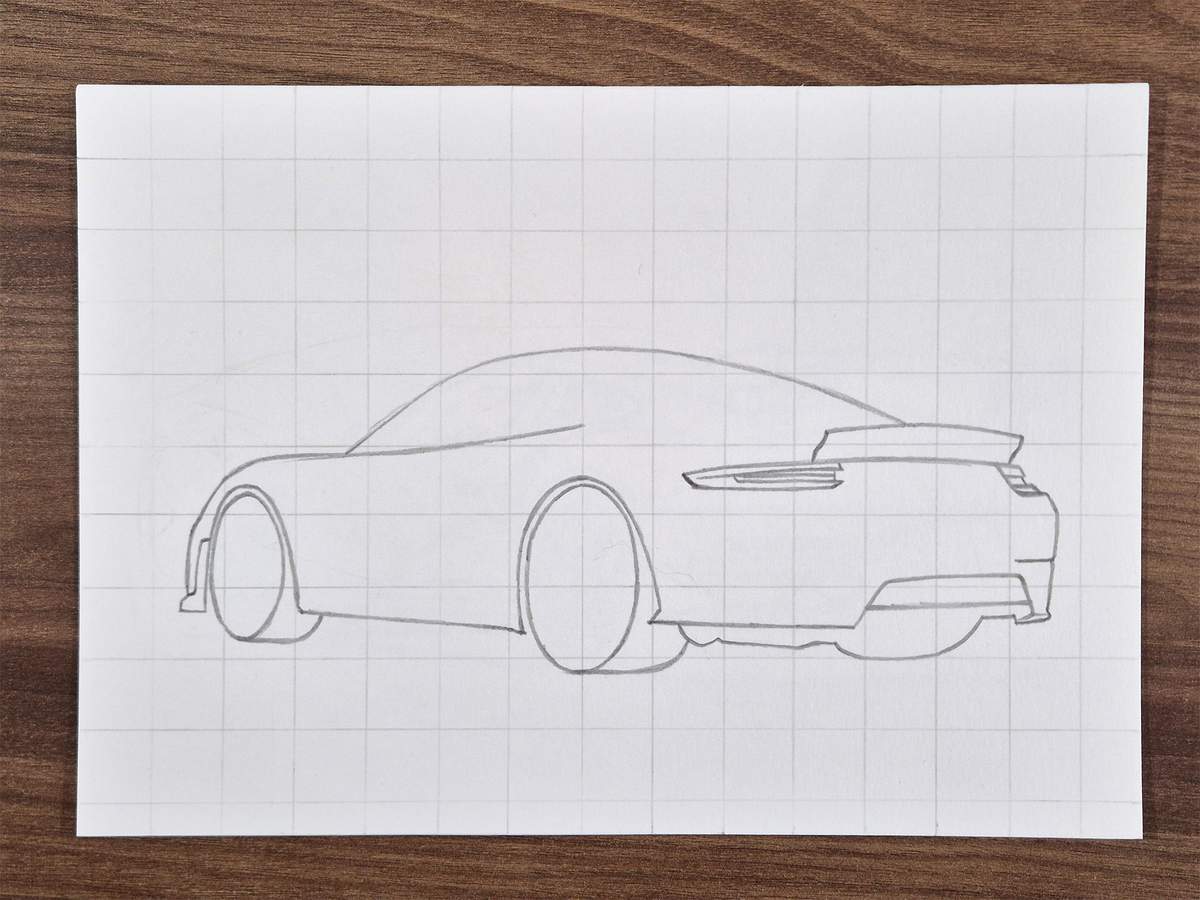
After that, I added an edge around the diffuser, and I sketched a sharp line to create this fin shape on the bottom left of the bumper.
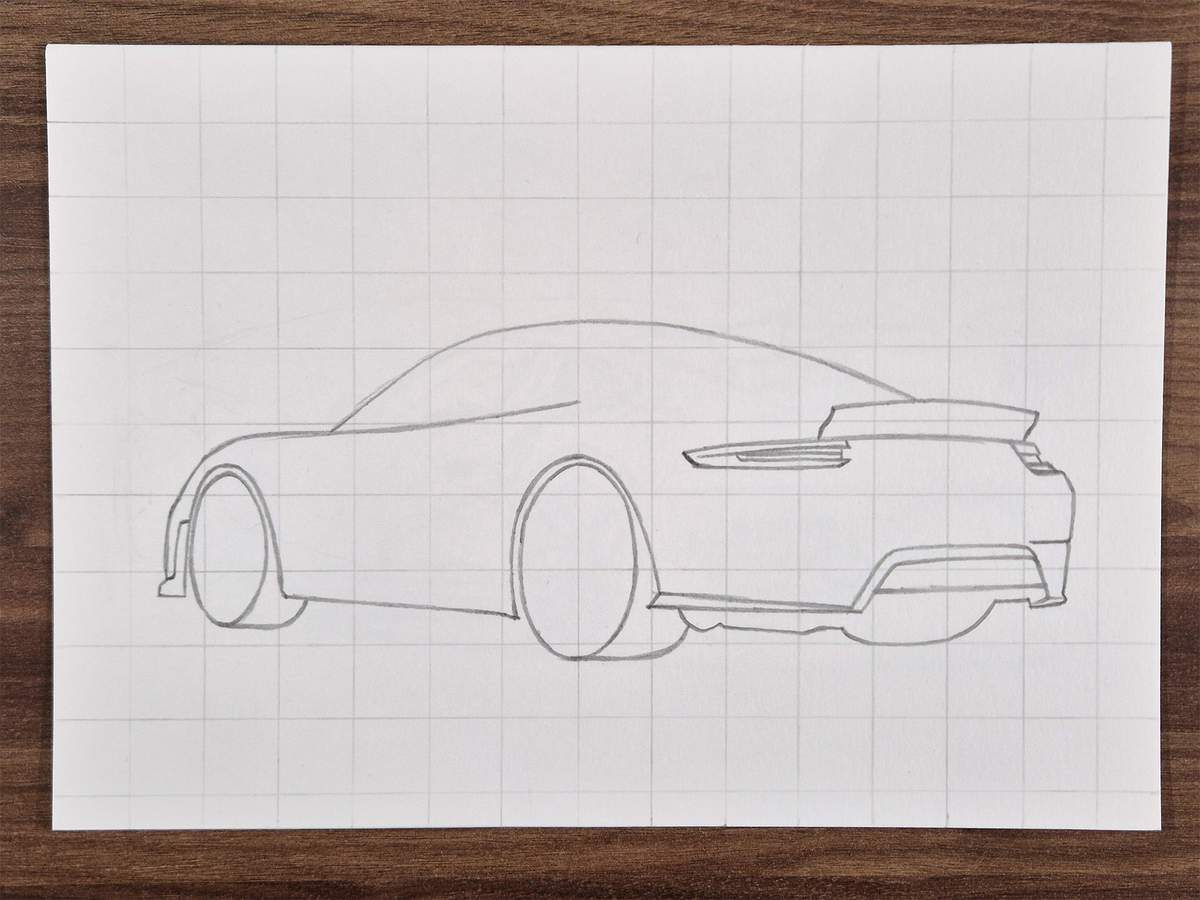
Next, I added this fin shape behind the rear wheel.
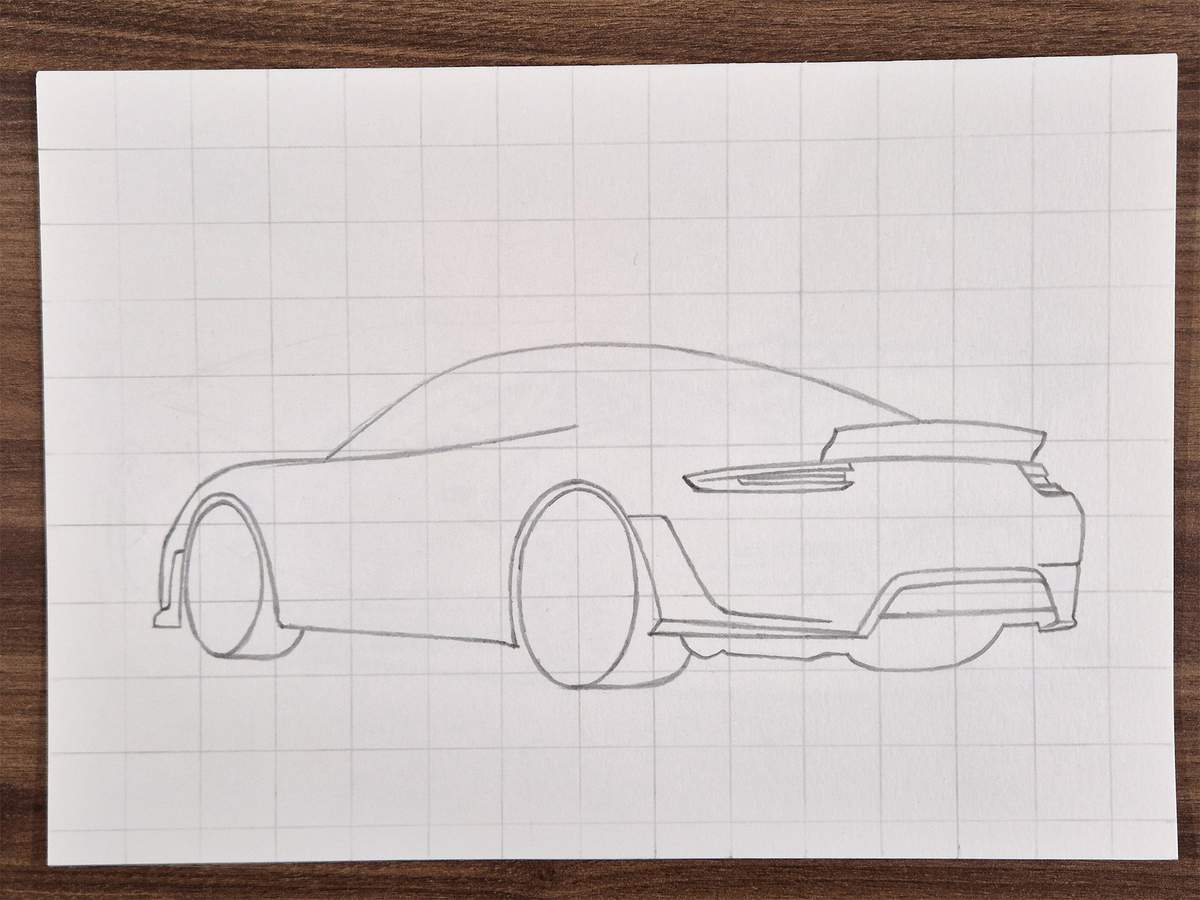
Then, I sketched the dividing line between the plastic part of the bumper and the painted part. It has a cutout for the number plate right above the diffuser.
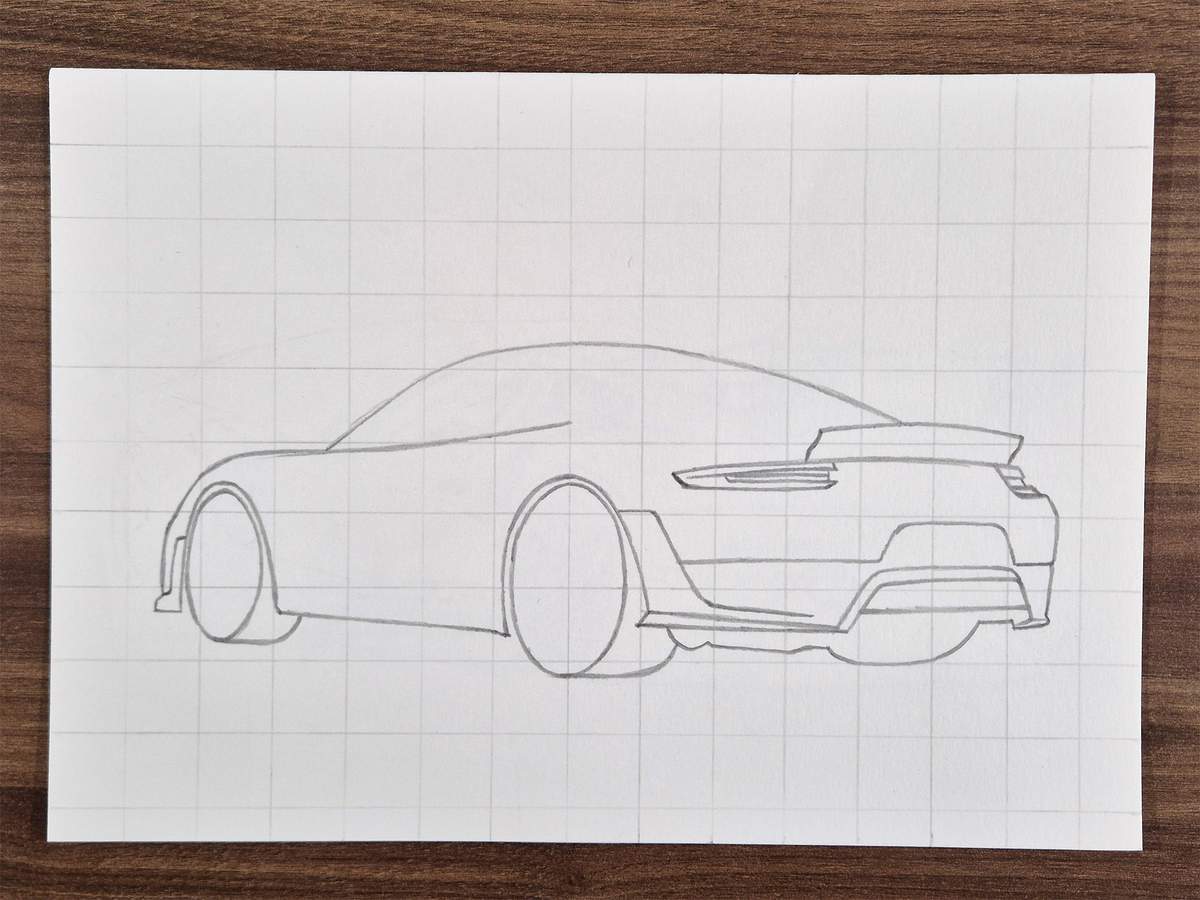
I then added a horizontal line to the big fin on the left and a line just to the right of it, below the dividing line.
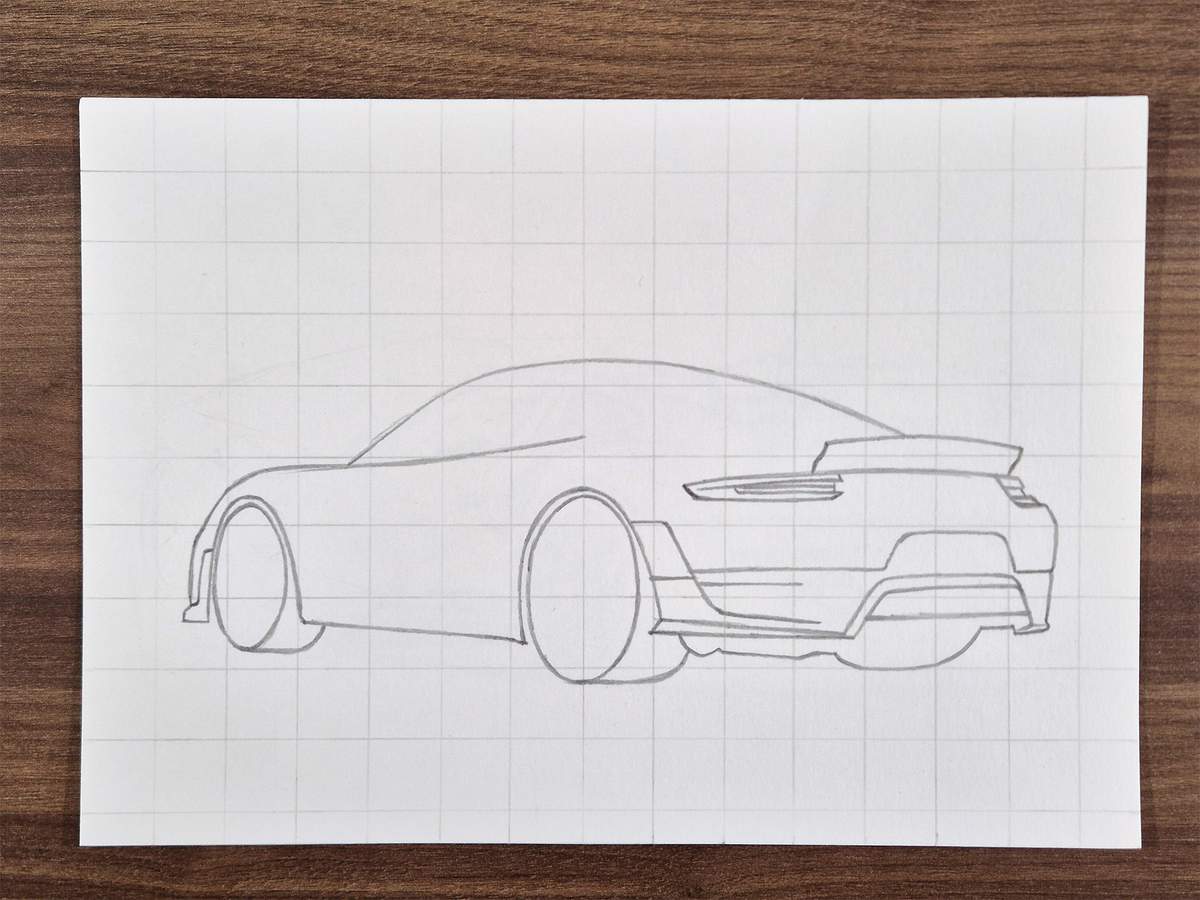
Between this line and the line from the fin, I created this air vent with rounded corners on the right.
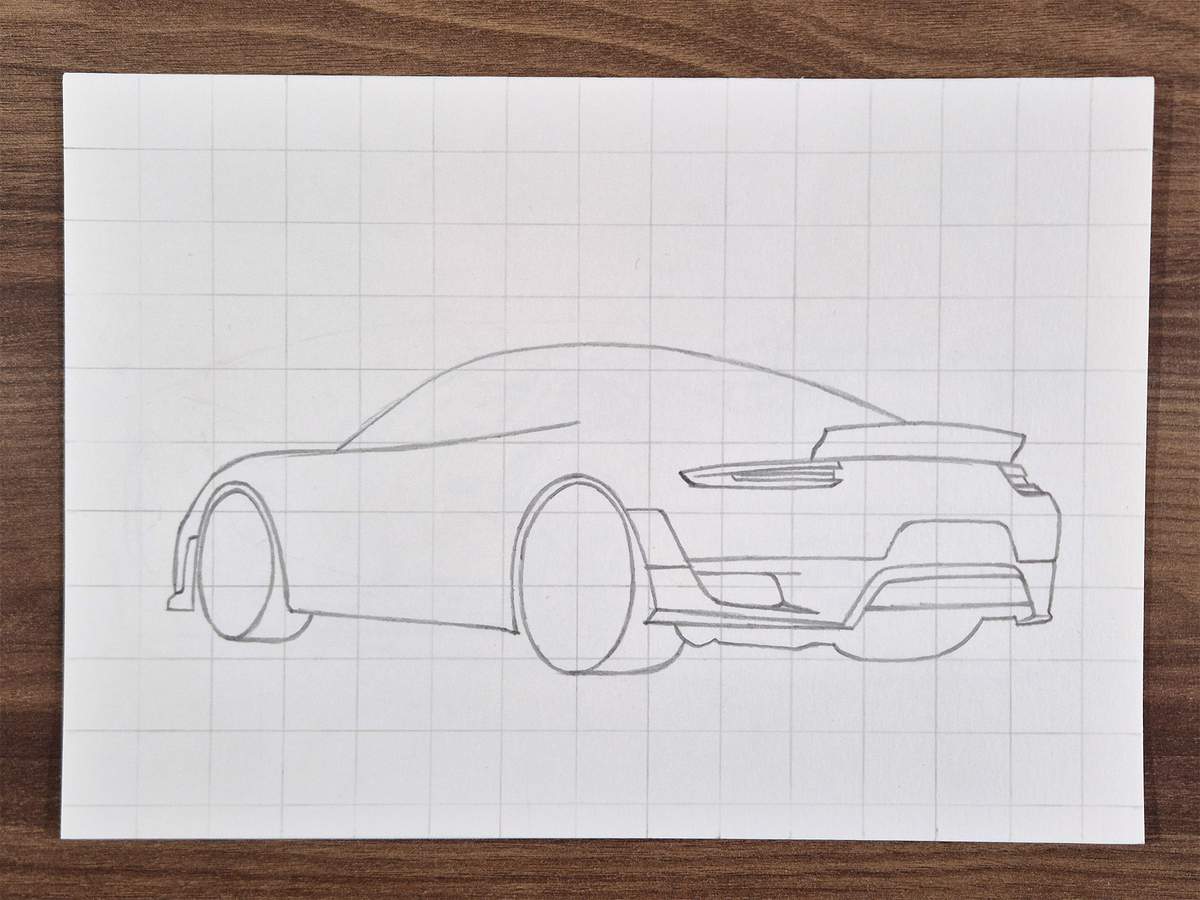
Next, I added the oval shape of the black bit around the exhaust tips.
I planned on coloring this whole part black with markers and then using a pencil to draw the edge of the actual exhaust tips. That's way easier than trying to leave a tiny edge to color with a grey marker, in my opinion.
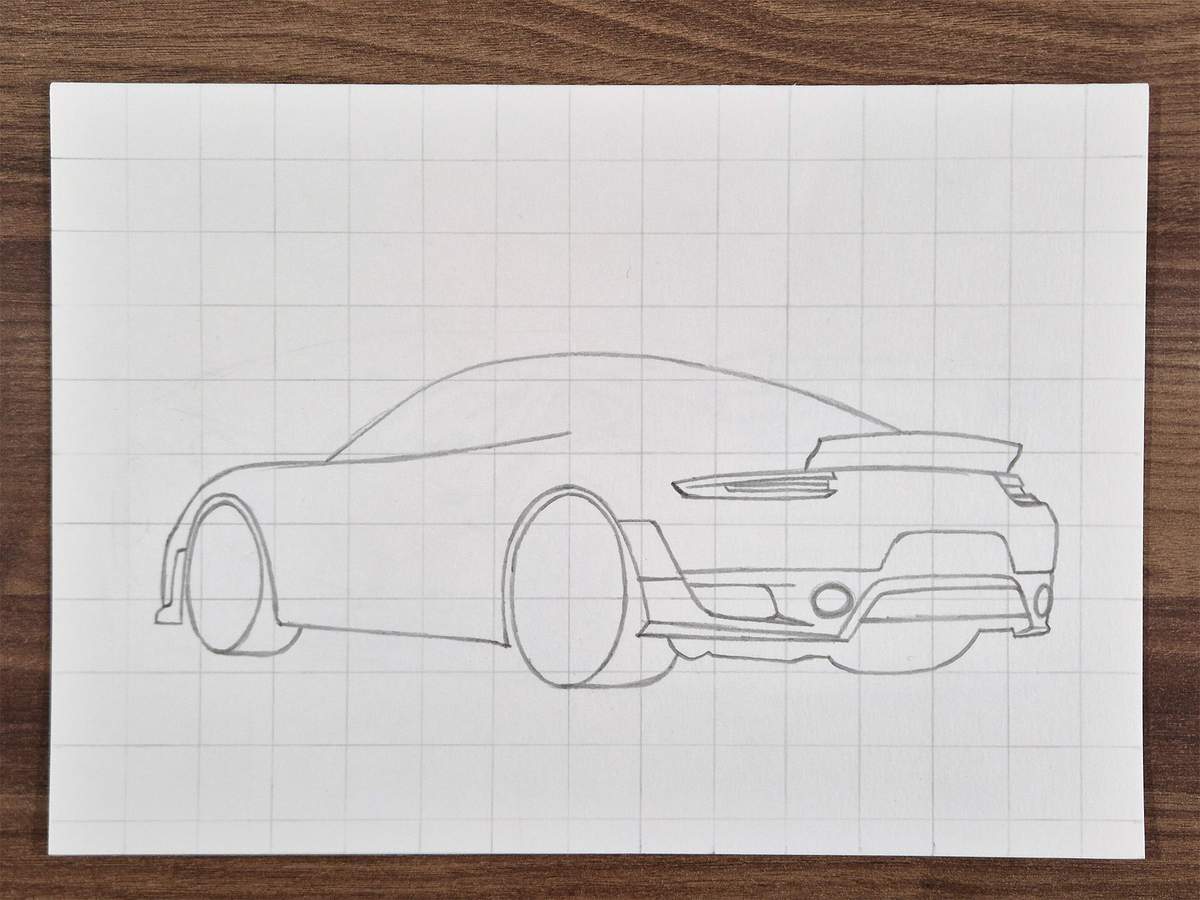
Around the exhaust holes, there is a curved part. I sketched the outline of these parts too. Mostly just to remember to keep these parts lighter.
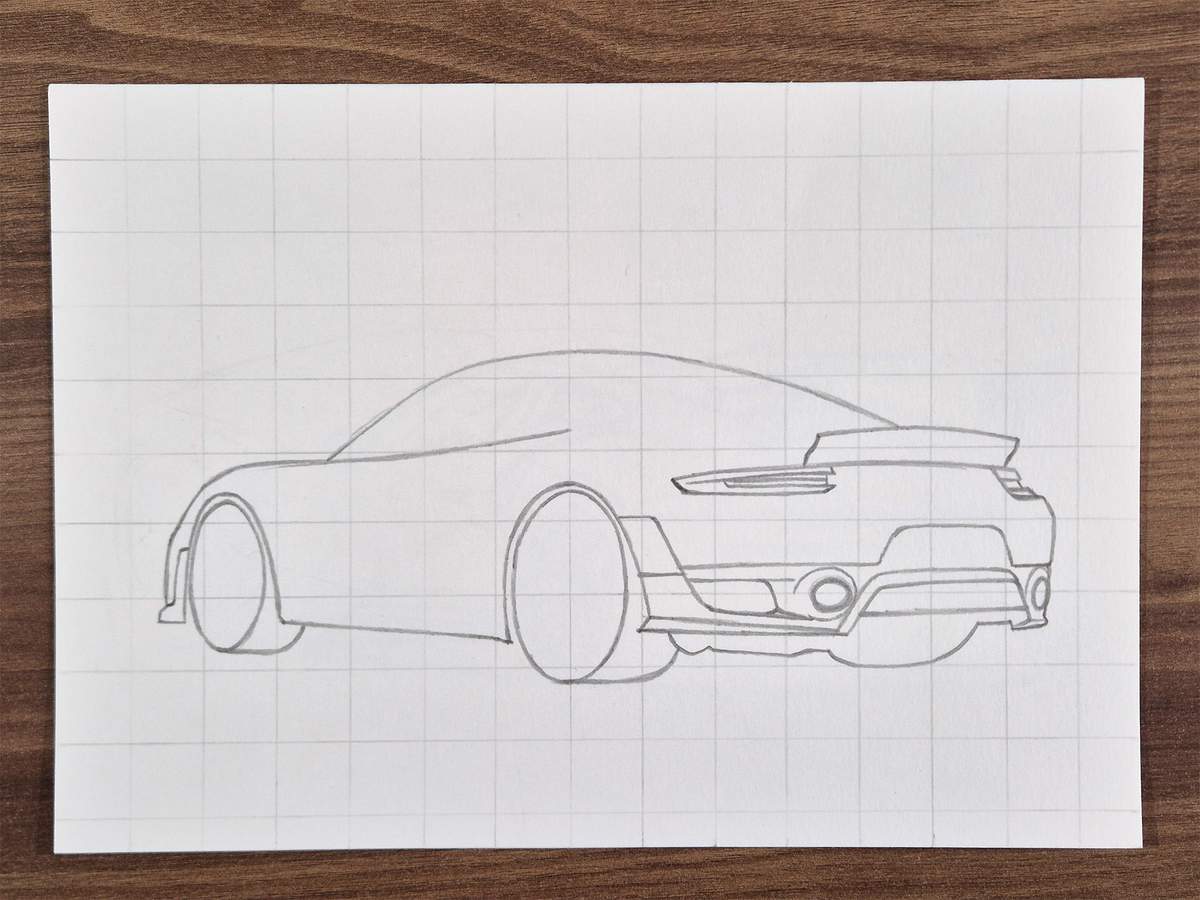
On the painted part of the rear bumper, there is this line going all the way from the left to the right side of the car. It's not a harsh line in reality, but because it is curved, the reflections form a harsh line here, so I sketched it.
The line starts at the top of the fin on the left and connects on the right just where that little kink is.
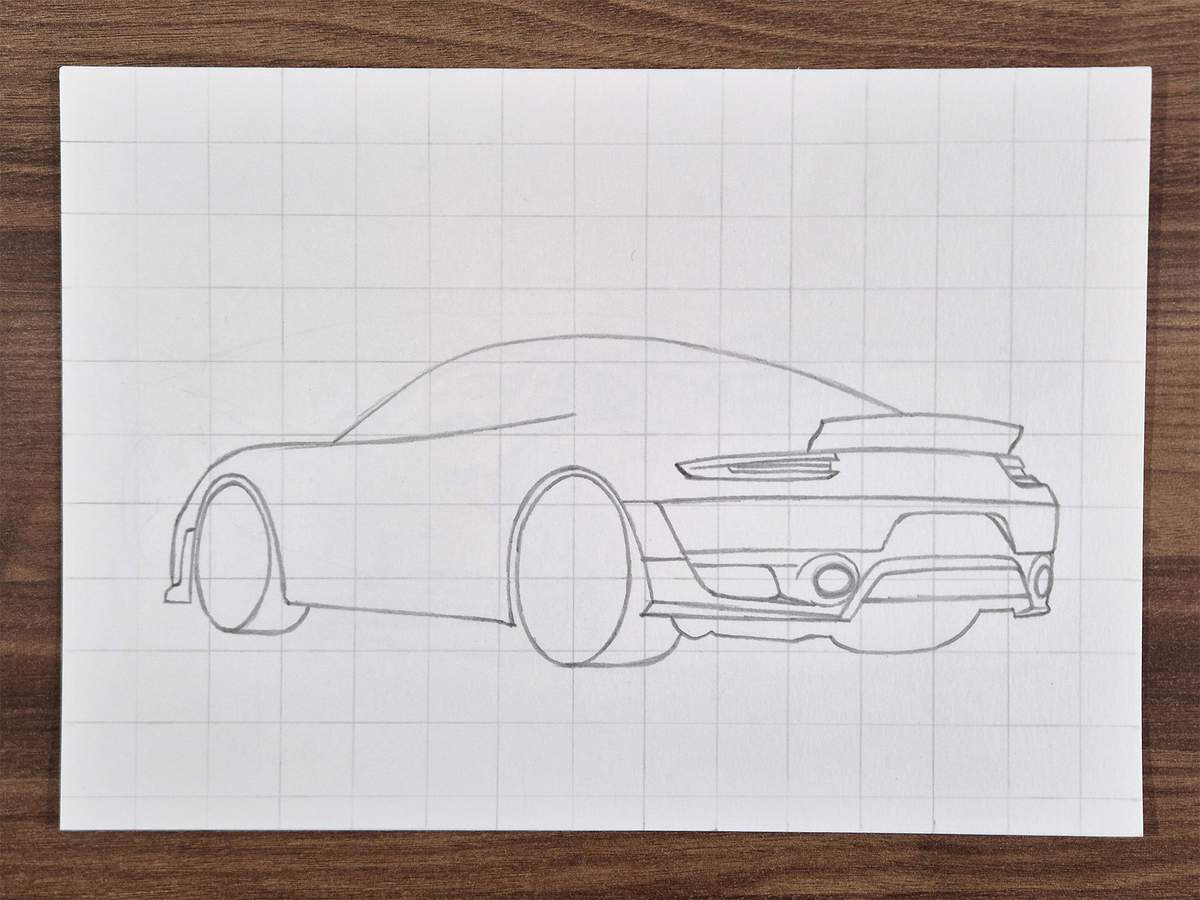
To complete the rear bumper, I added both reflectors, and I sketched this air vent thingy in the part just above the taillights.
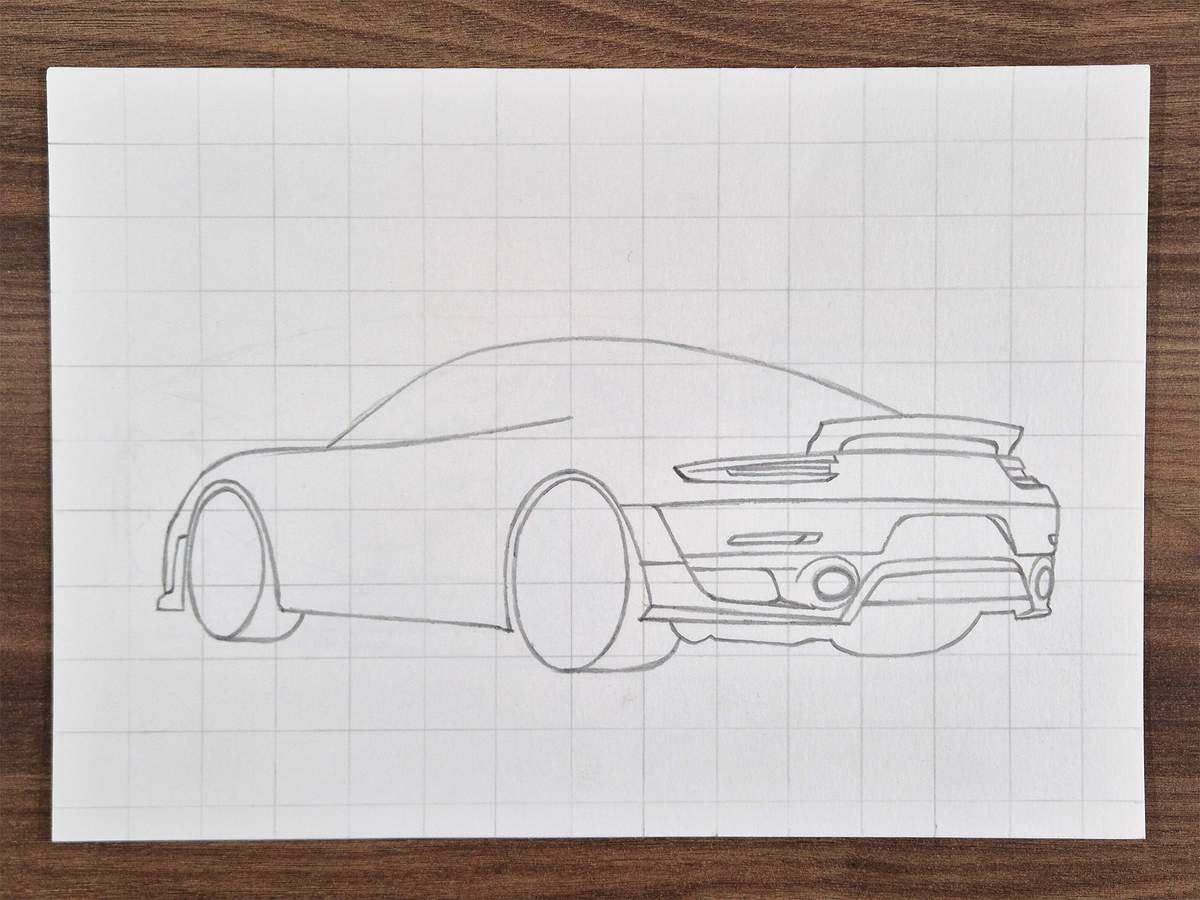
Step 4: Sketch all the parts on the side of the GT2 RS
With the rear all done now, we can focus our attention on the side of the Porsche.
Most cars, just like this 911, have this extra parallel line around the rear wheel arch. I sketched this line as well as the top of the "shoulder" above the rear wheel.
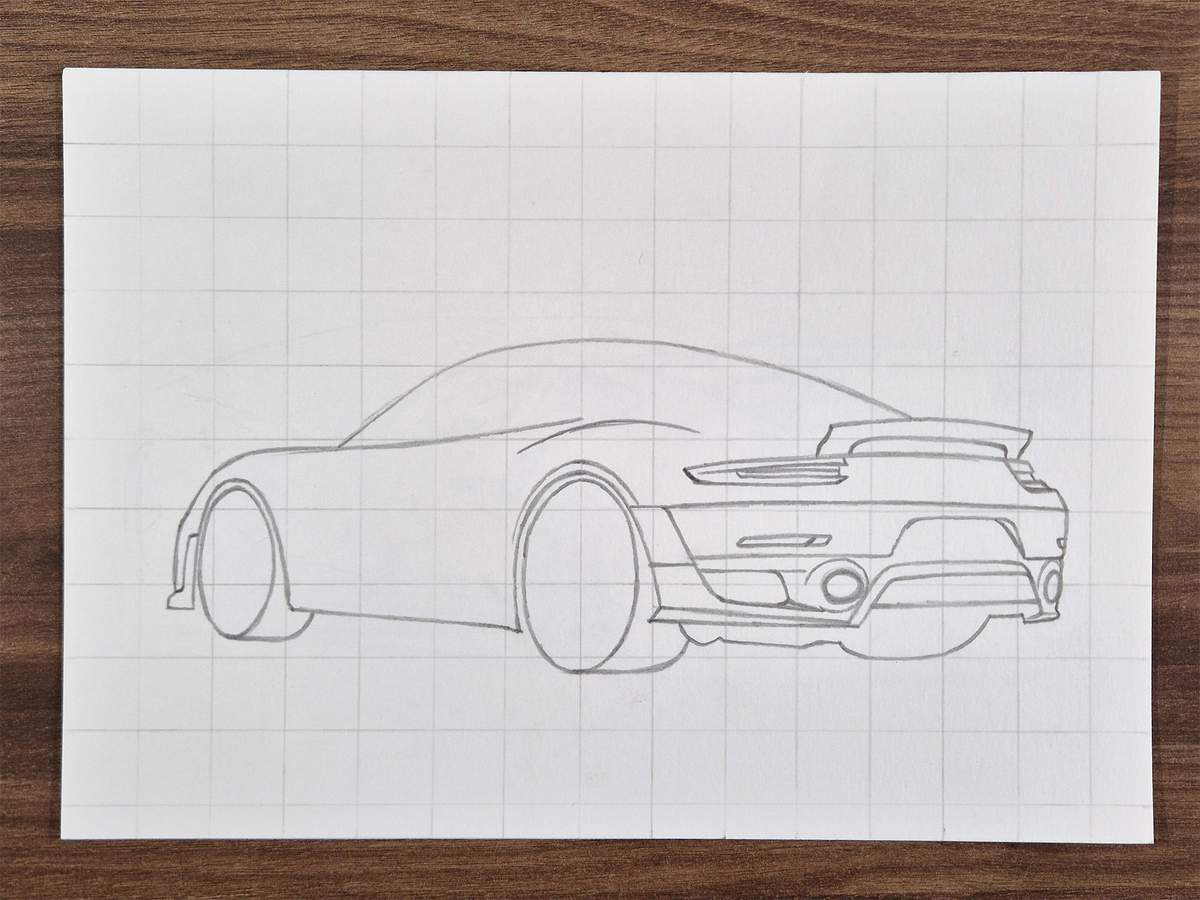
Next, I sketched the outline of the air intake on the side of the car. This attaches at the top to the shoulder line we just sketched.
I used simple straight lines for now, and added rounded corners in the next step.
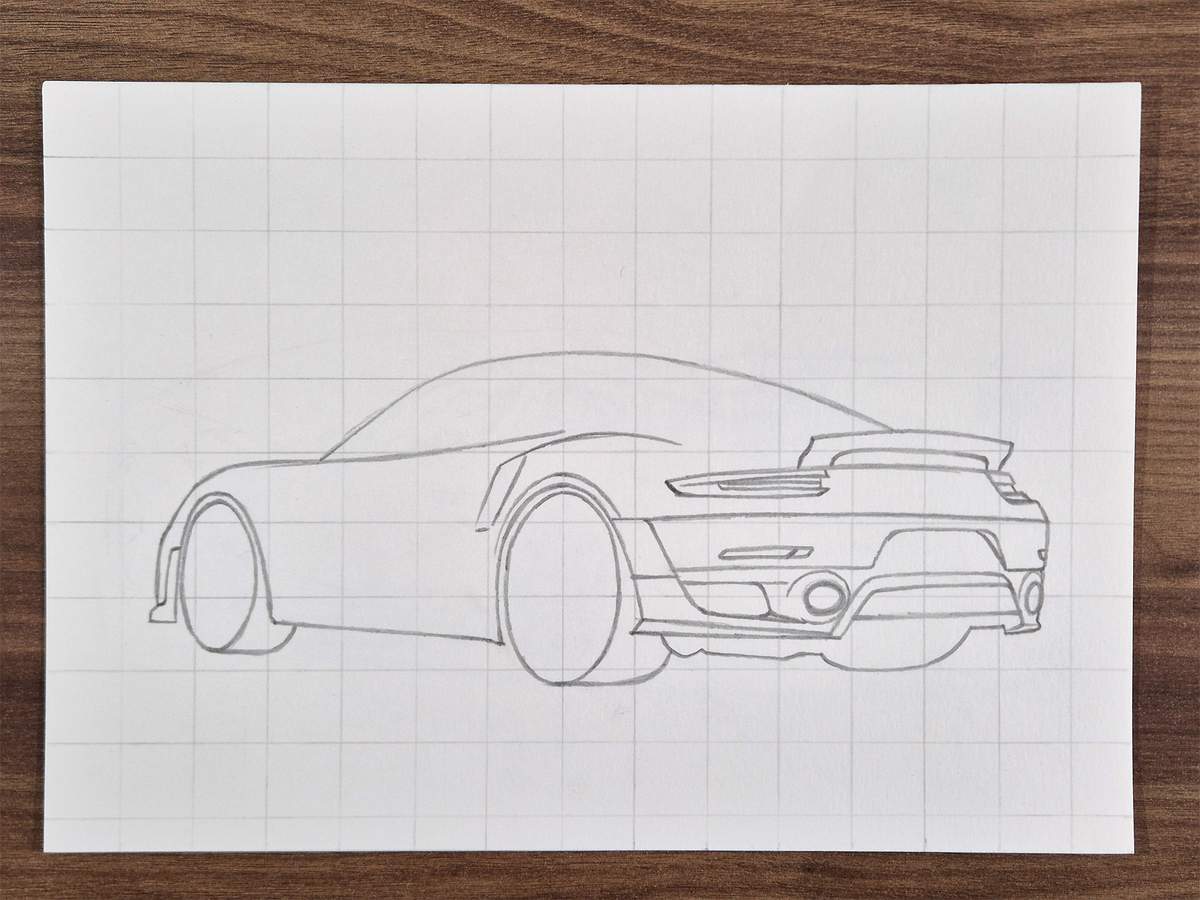
Next, I rounded the corners of the intake and added this double edge of the tight side.
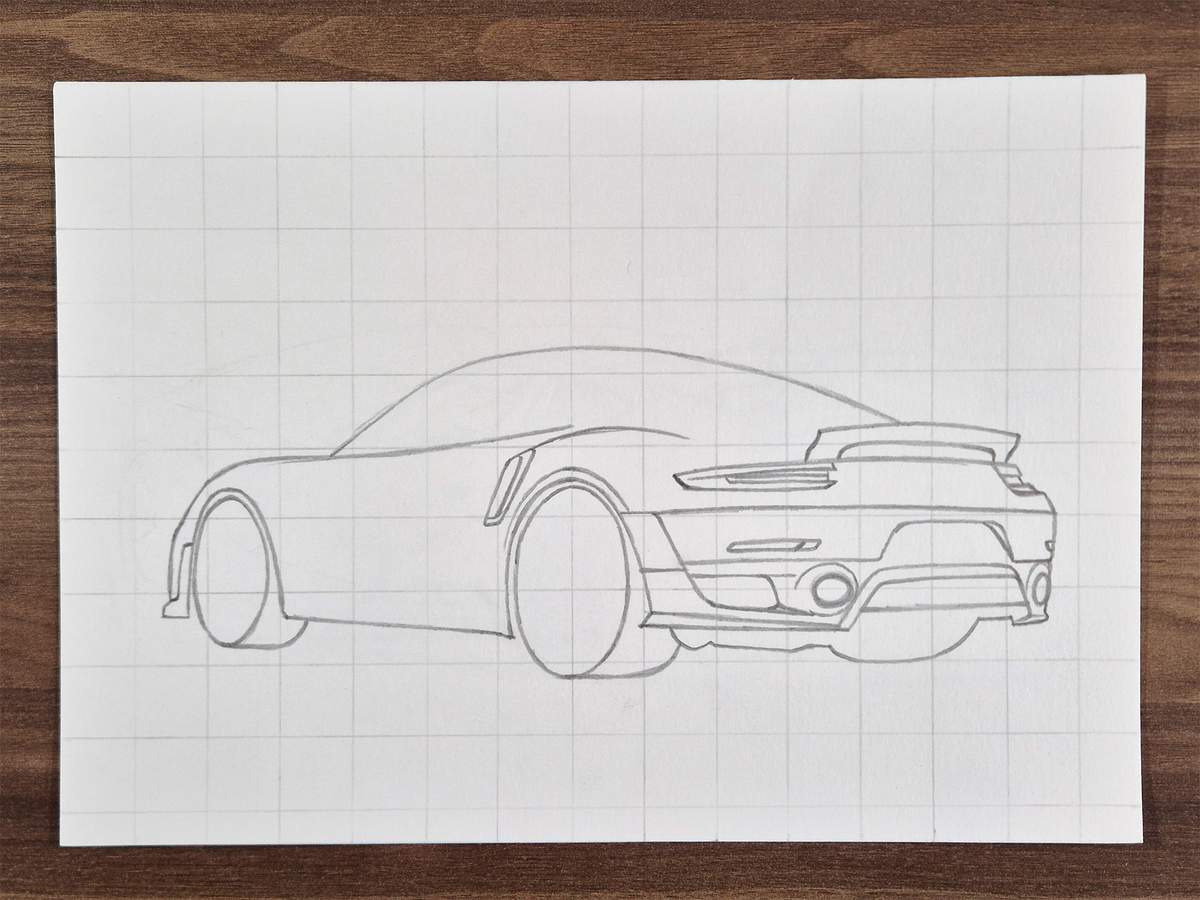
To complete the air intake, I added an upside-down hockey stick shape in the middle.
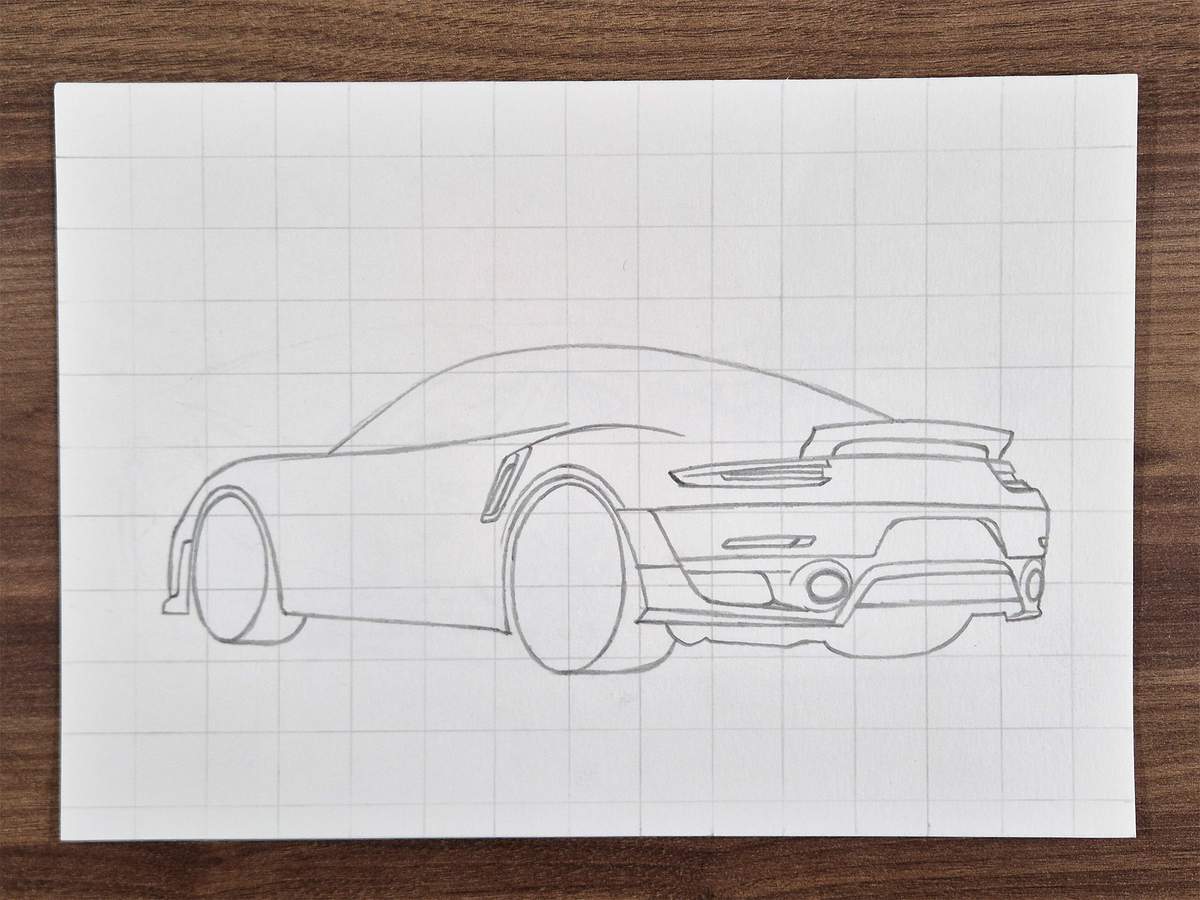
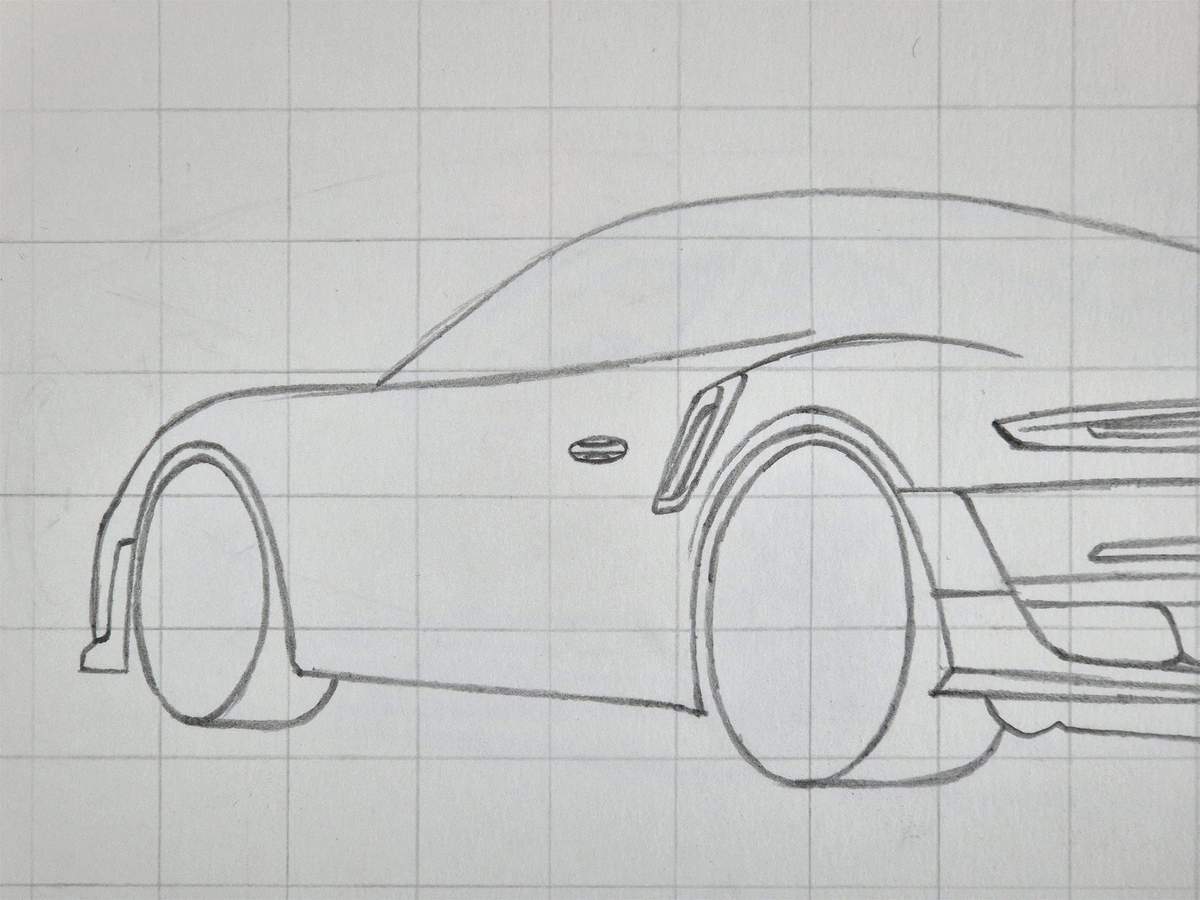
To the left of the intake, I sketched a small oval. This is the outline for the door handle.
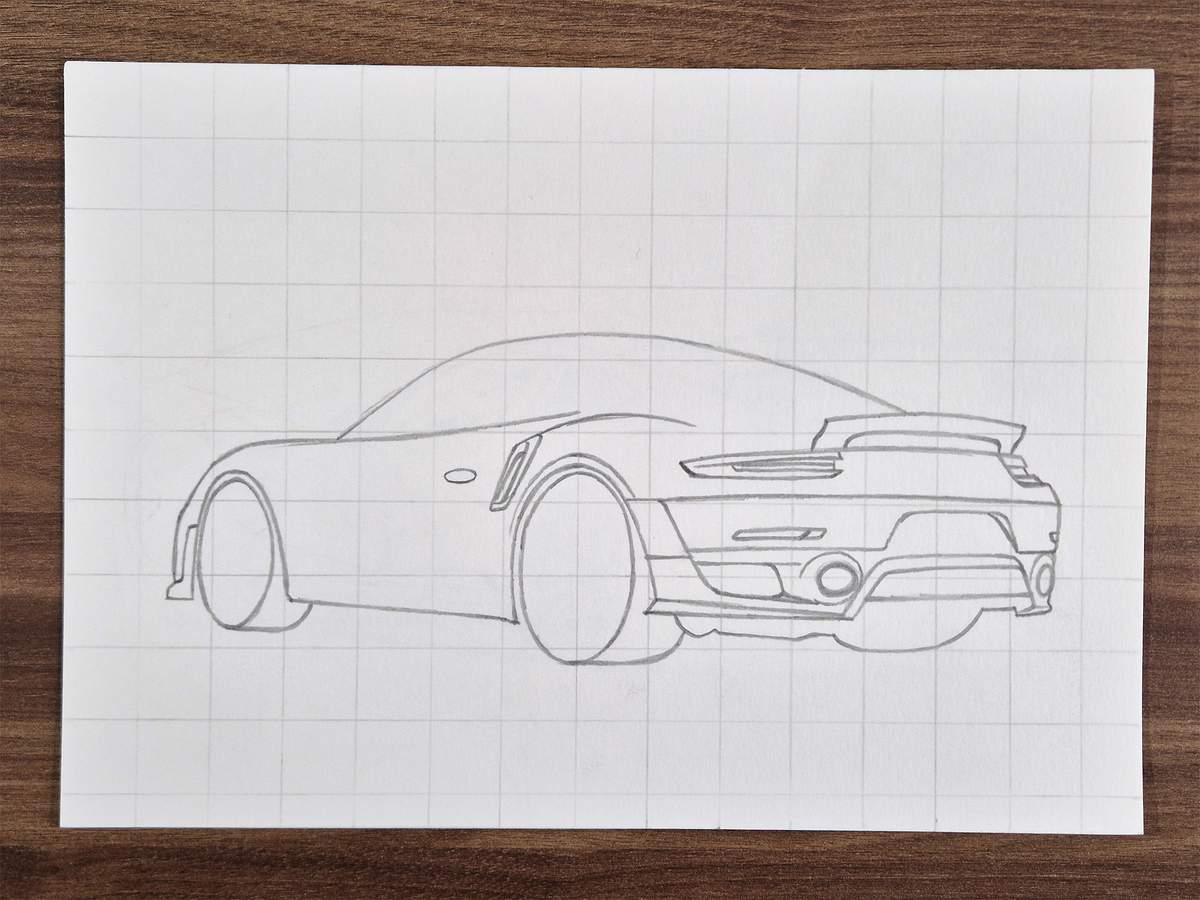
After that, I sketched the actual door handle, which is made up of two curved lines and a straight line through the center.
Next, I worked on the side skirt. This is just two lines on the bottom of the side.
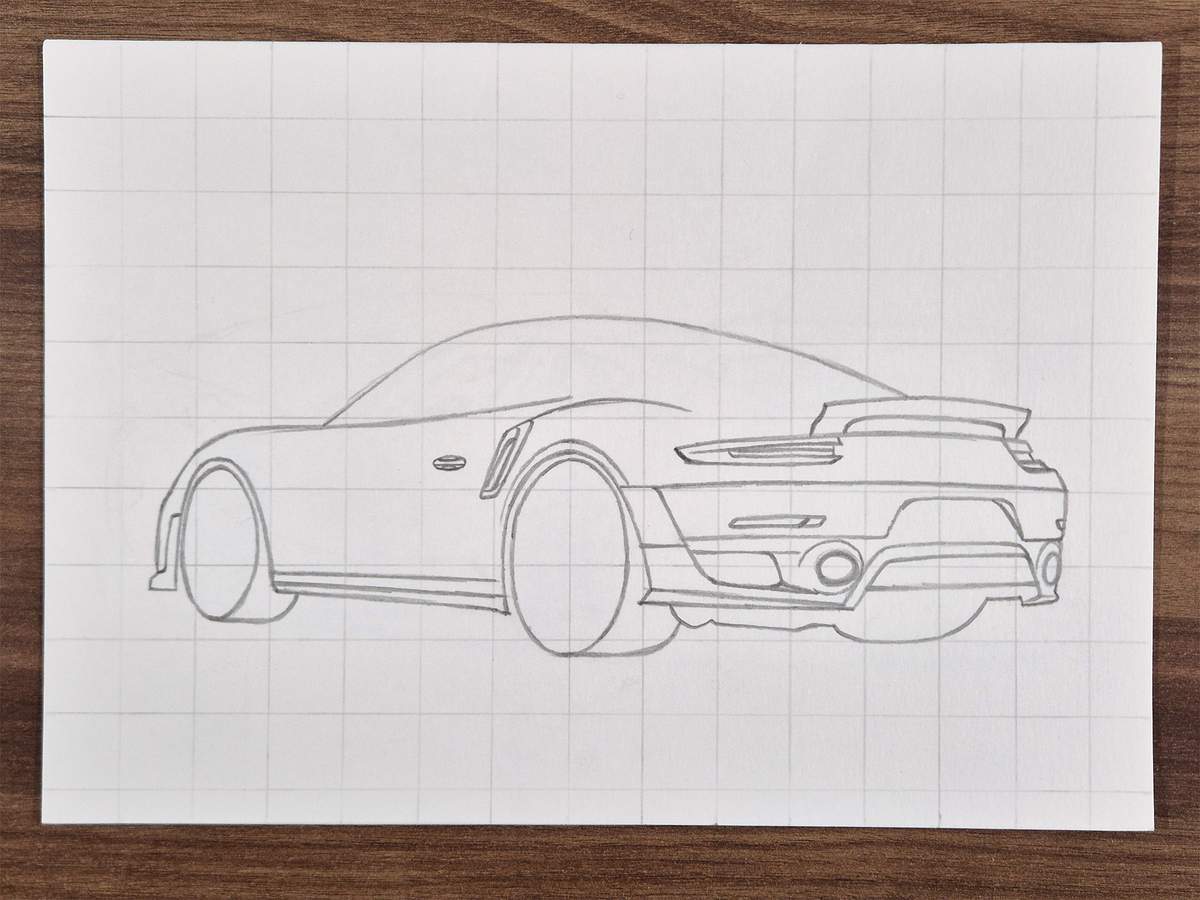
Above the side skirt is this indent characteristic of modern 911s. I roughly outlined that shape.
In reality, it doesn't have a hard top edge, but reflections sometimes create a hard edge here, as is the case here.
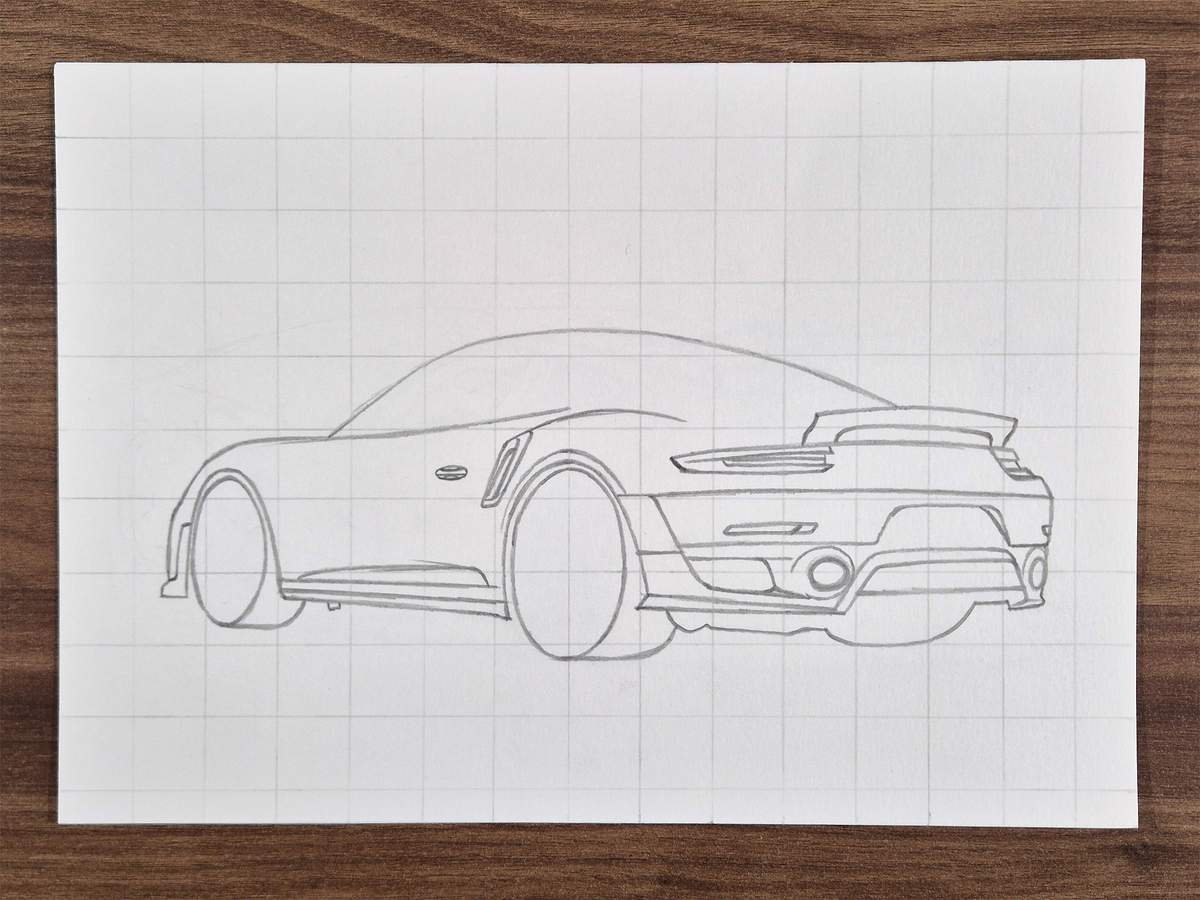
I also added this small aero piece underneath the car.
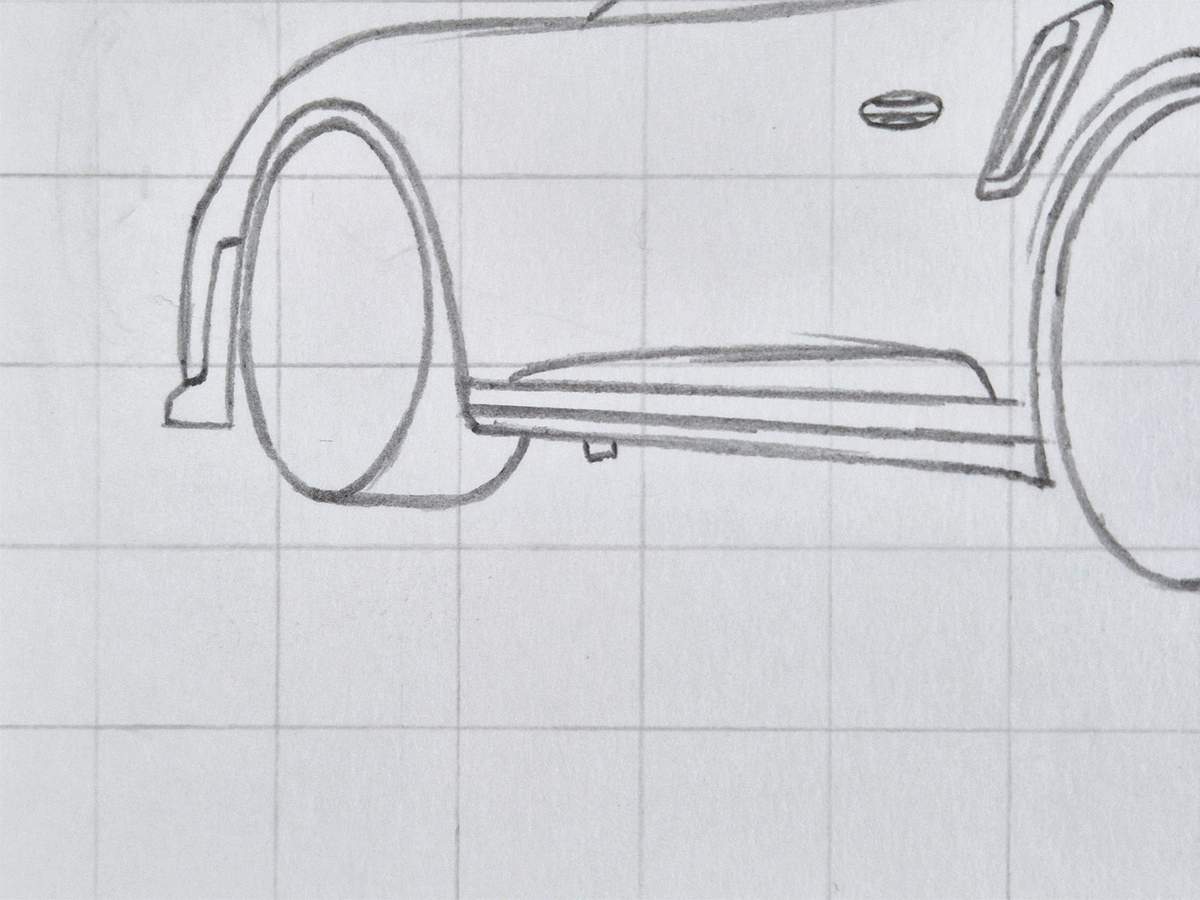
Next, I added the edge around the front wheel arch.
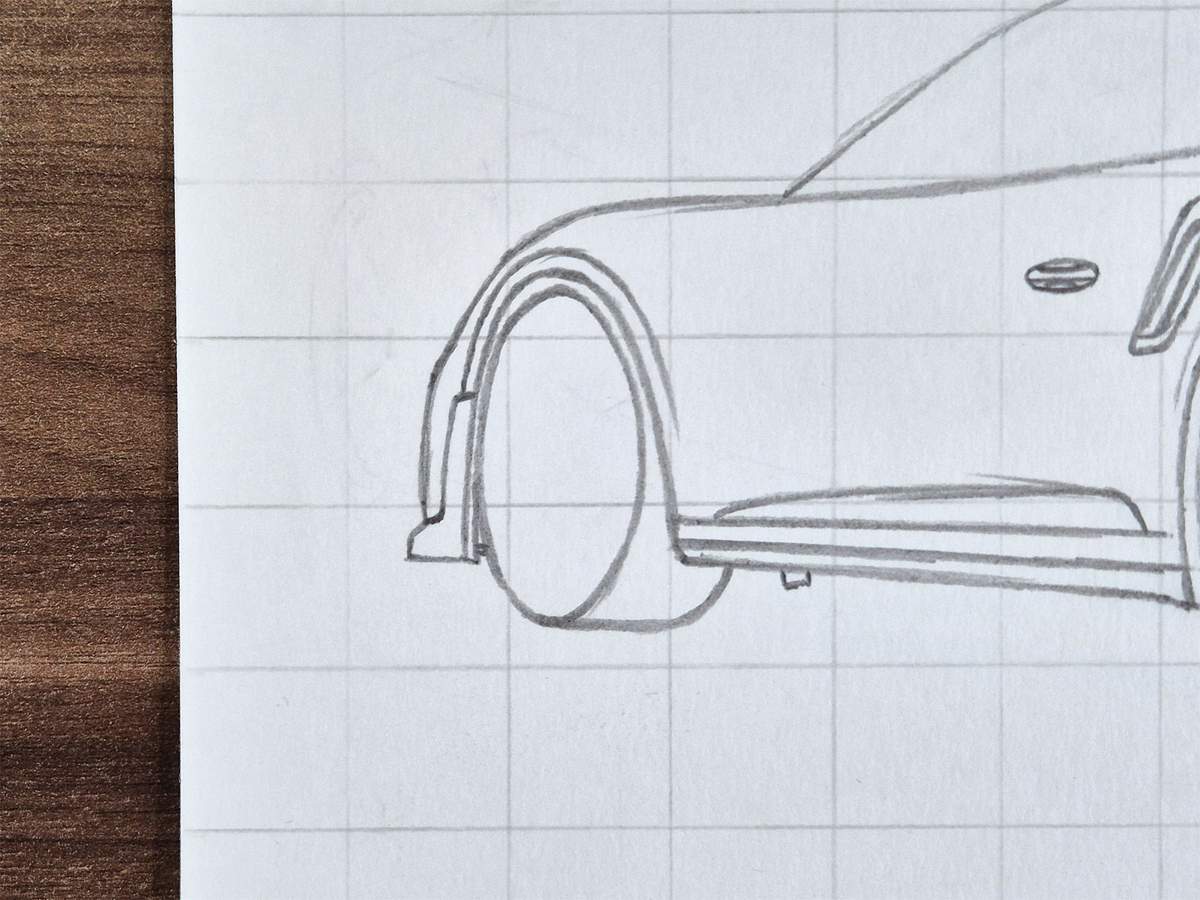
And then, I added the air vent behind the front wheel.
To do this, I first sketched these two diagonal lines and erased the part in between.
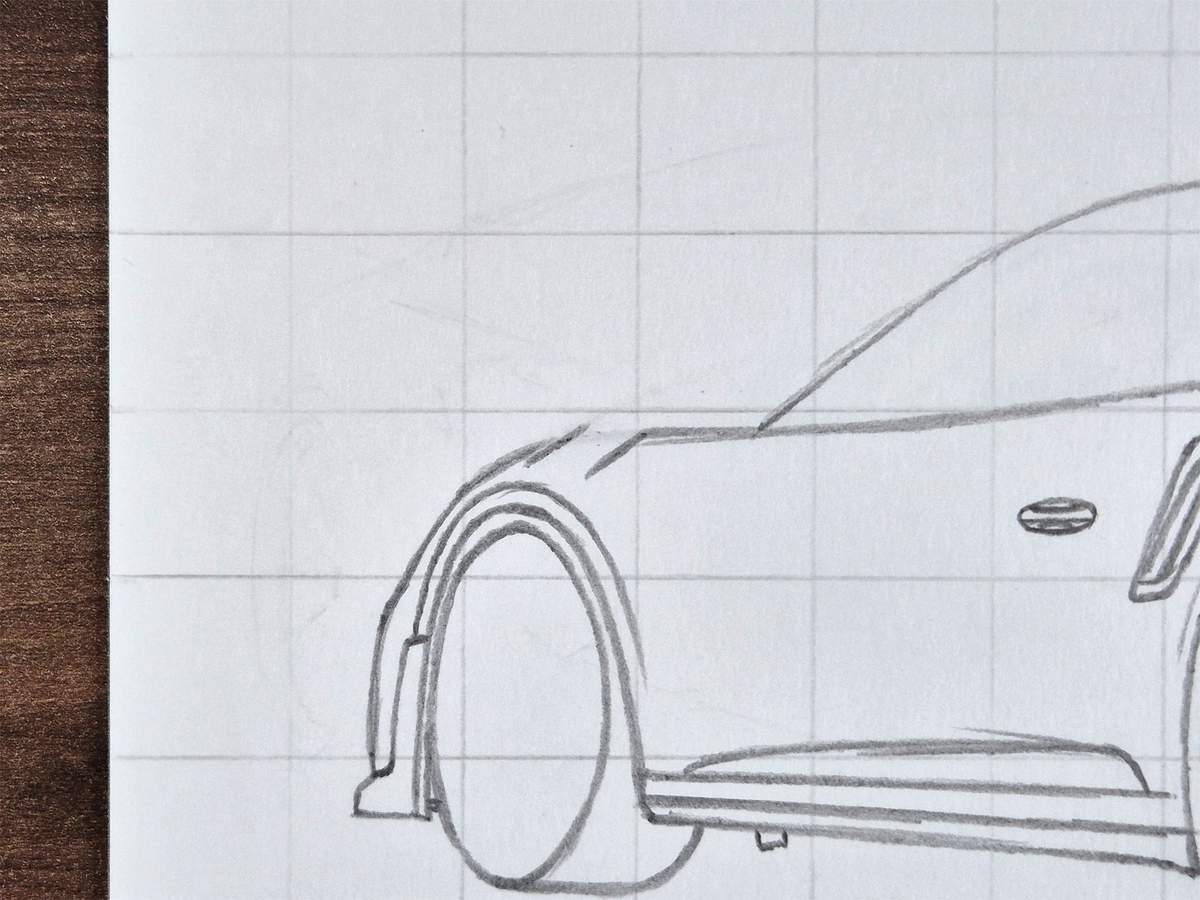
Then, I added two more diagonal lines in between.
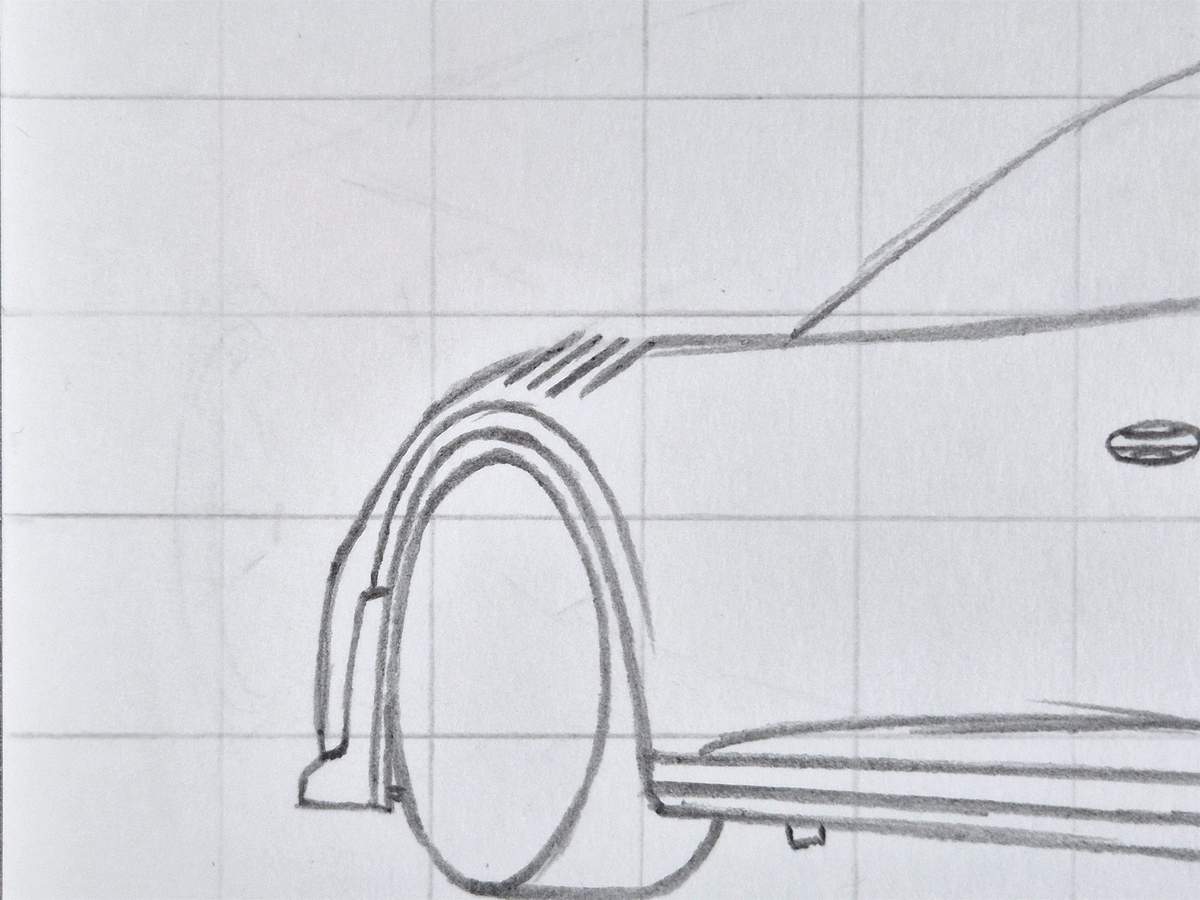
Next, I added short diagonal lines in the opposite direction to connect each of the lines. This creates these small triangles in between them.
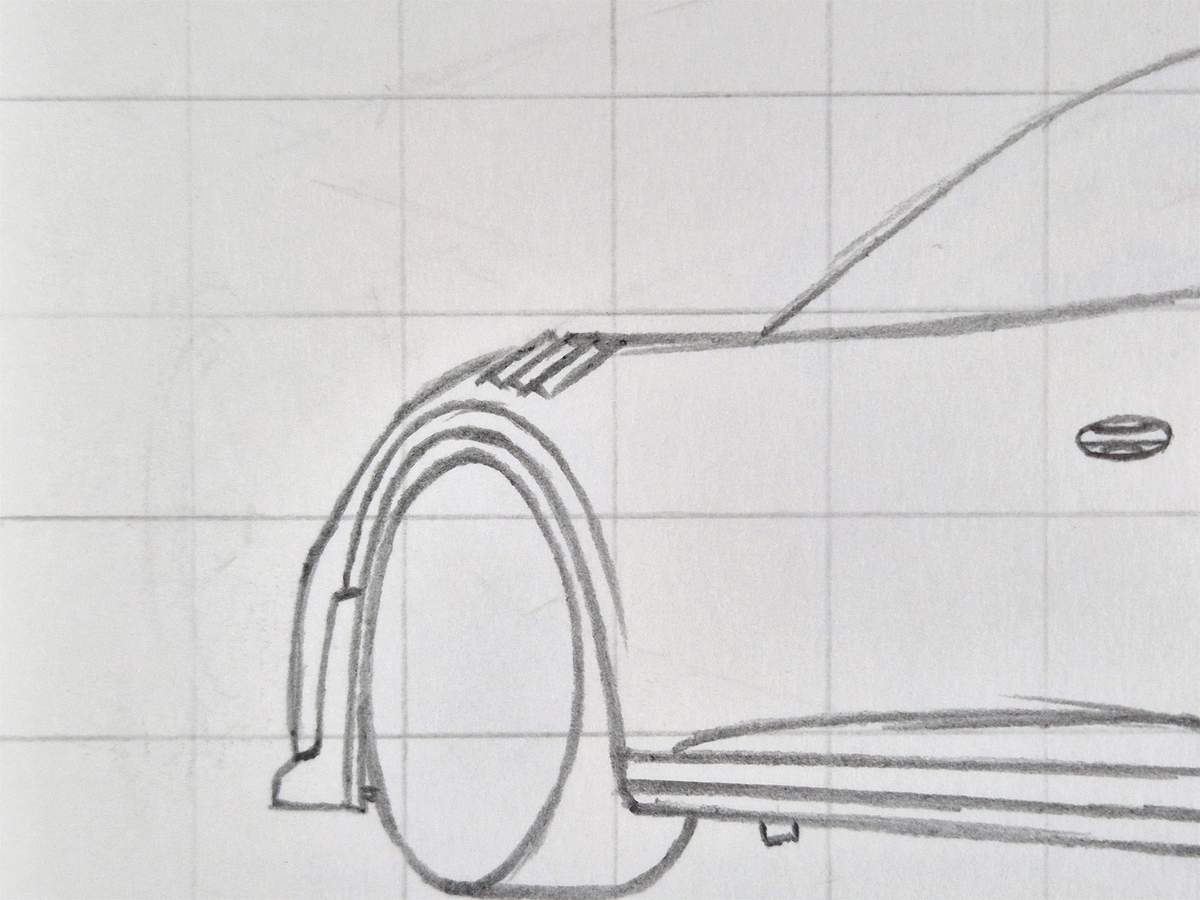
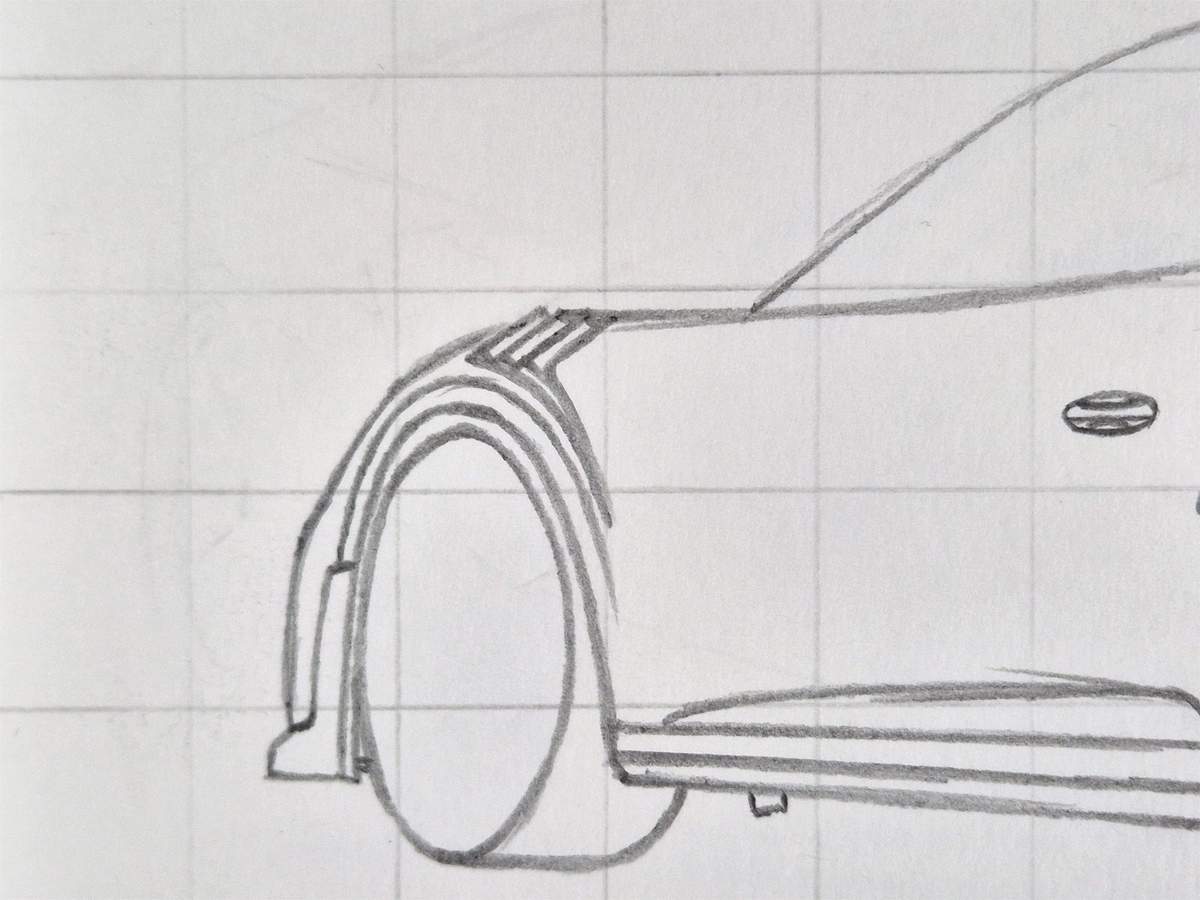
And to finish this air vent, I added two converging curved lines following the shape of the wheel arch downwards.
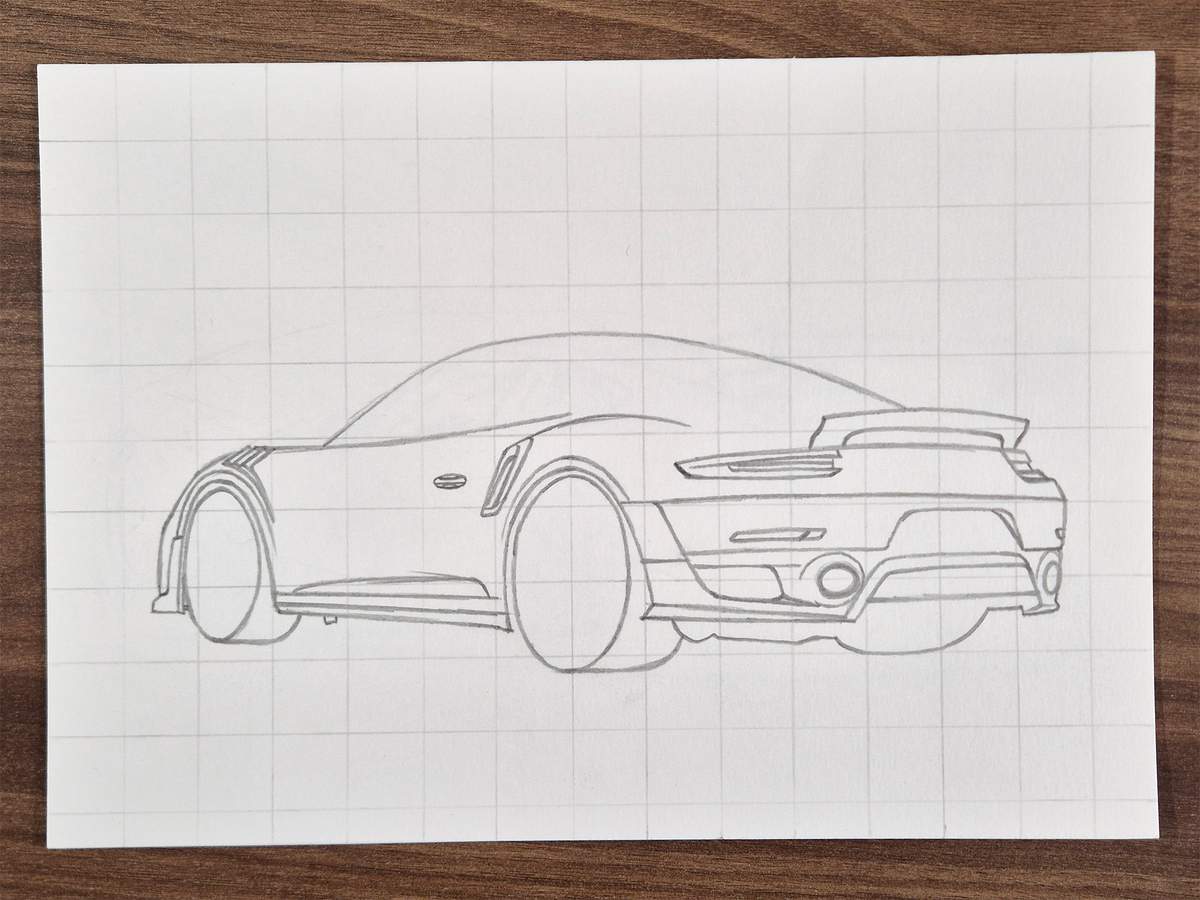
Here is how the sketch looks so far.
One last thing to add to the side of the GT2 RS is the door mirror.
The door mirror is positioned almost at the front edge of the windscreen.
It kinda looks like an overly round triangle with the vertical edge on the right.
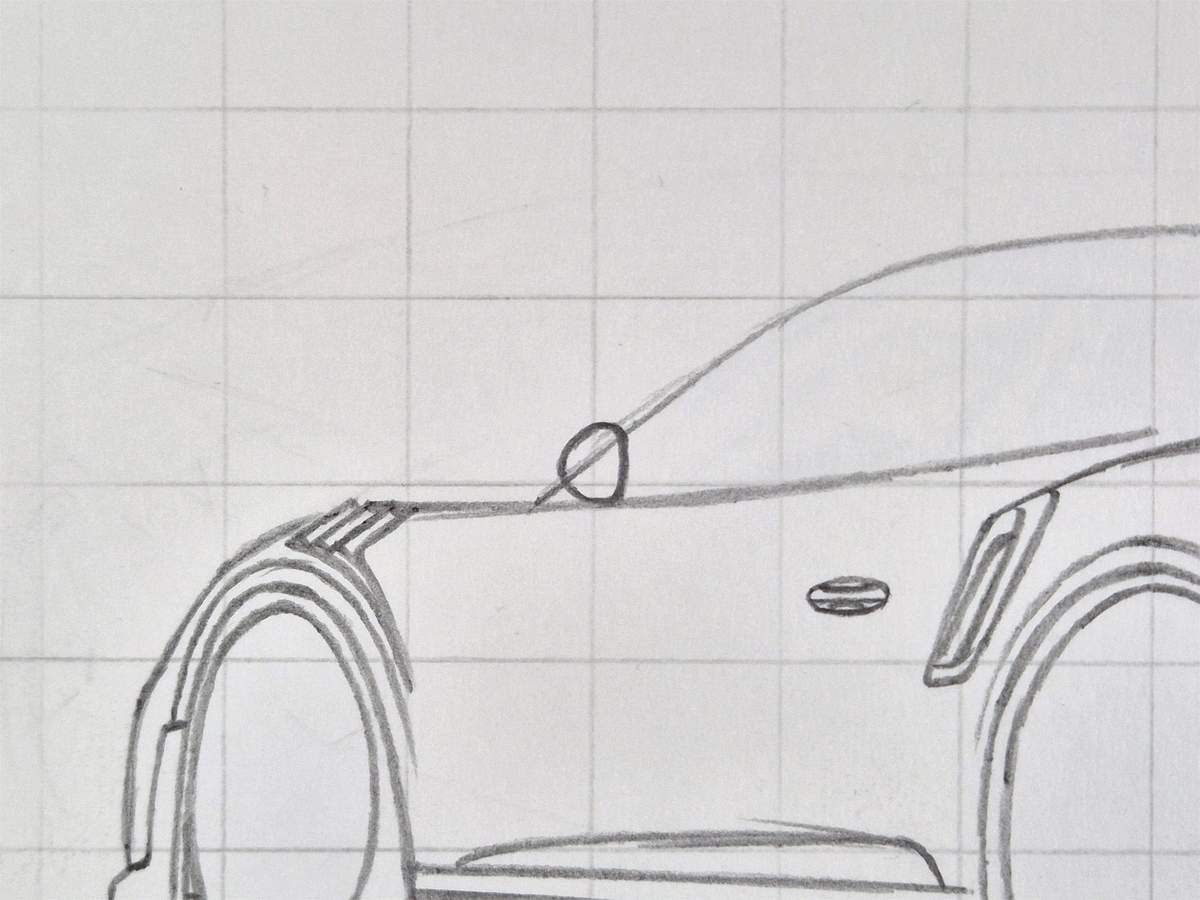
After that, I added the front edge of the mirror cap on the left and the inner line of the actual mirror on the right.
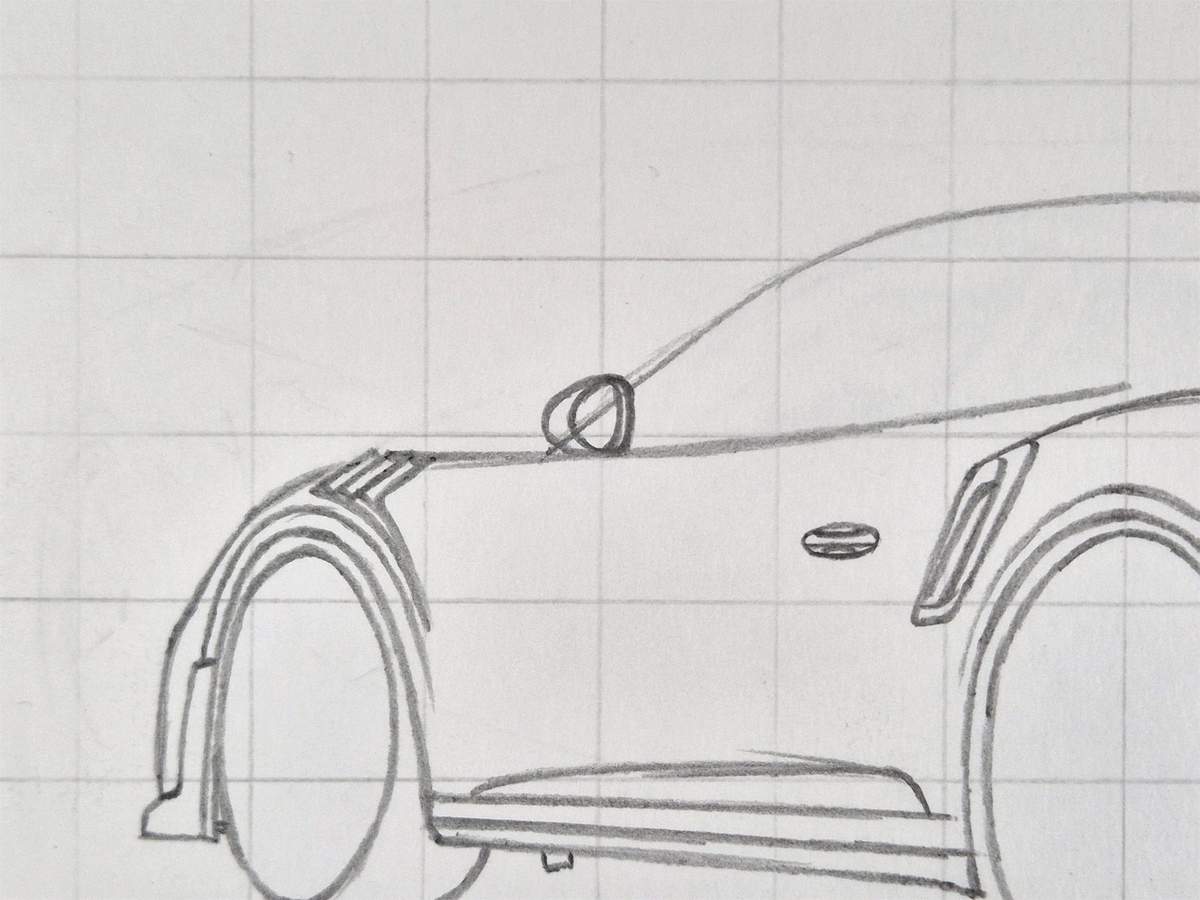
I then erased the overlapping lines and sketched the part that holds the mirror in place and connects it to the main body of the car.
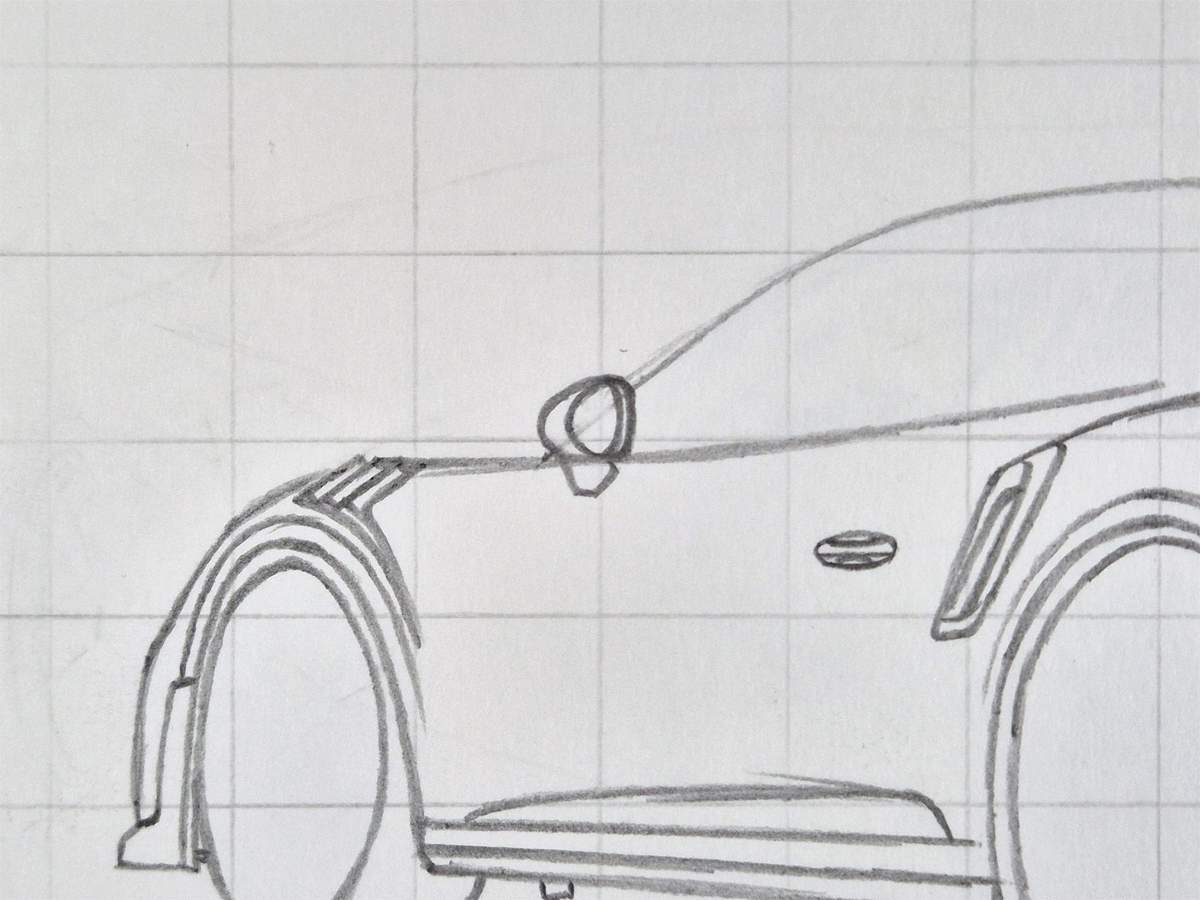
To complete the mirror arm, I added a triangle shape in the middle of it. This is the hole in the mirror arm that GT product Porsches have.
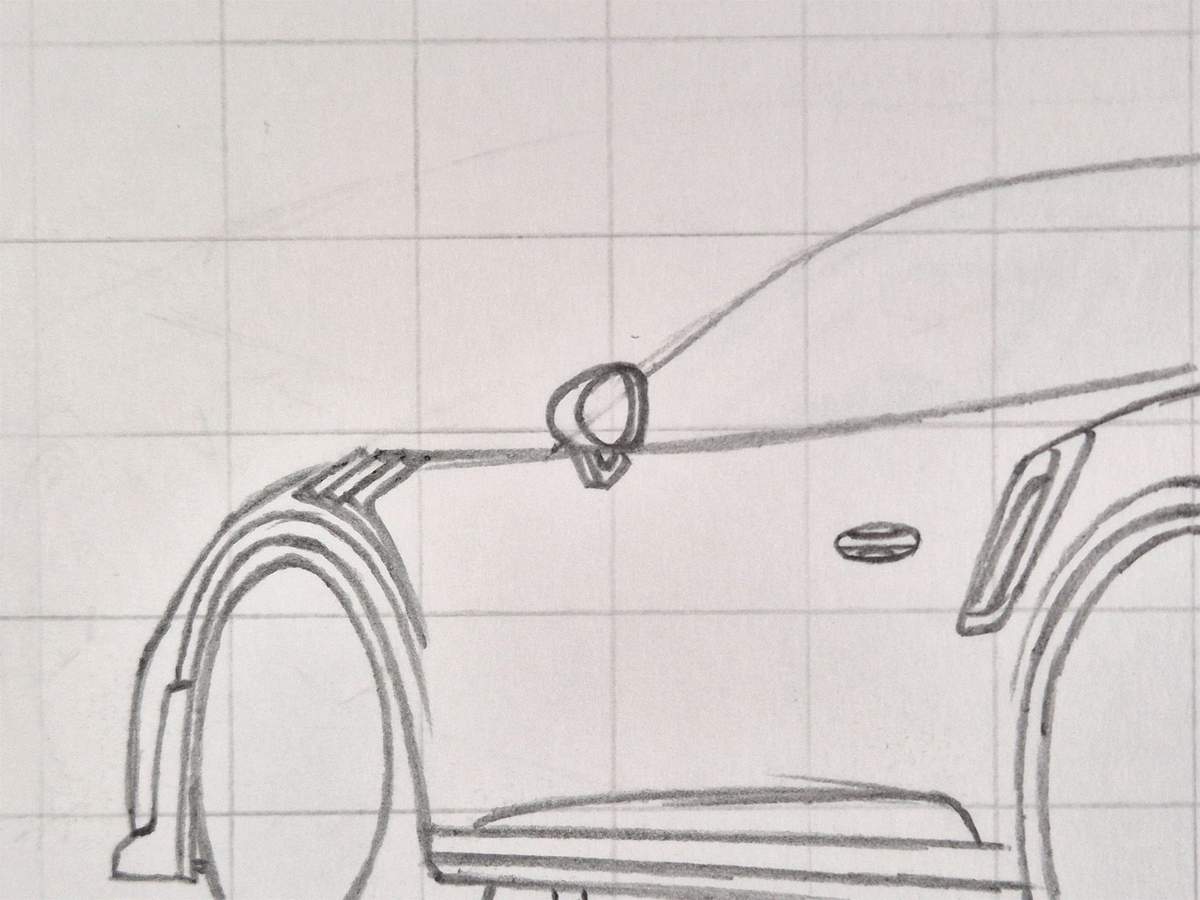
I would show you a photo here of the whole sketch so far, but I forgot to take it... You can see it in the next step.
Step 5: Sketch the side windows and the interior
After completing the side, I extended that window line we sketched all the way at the start and turned it into the outline for the side windows.
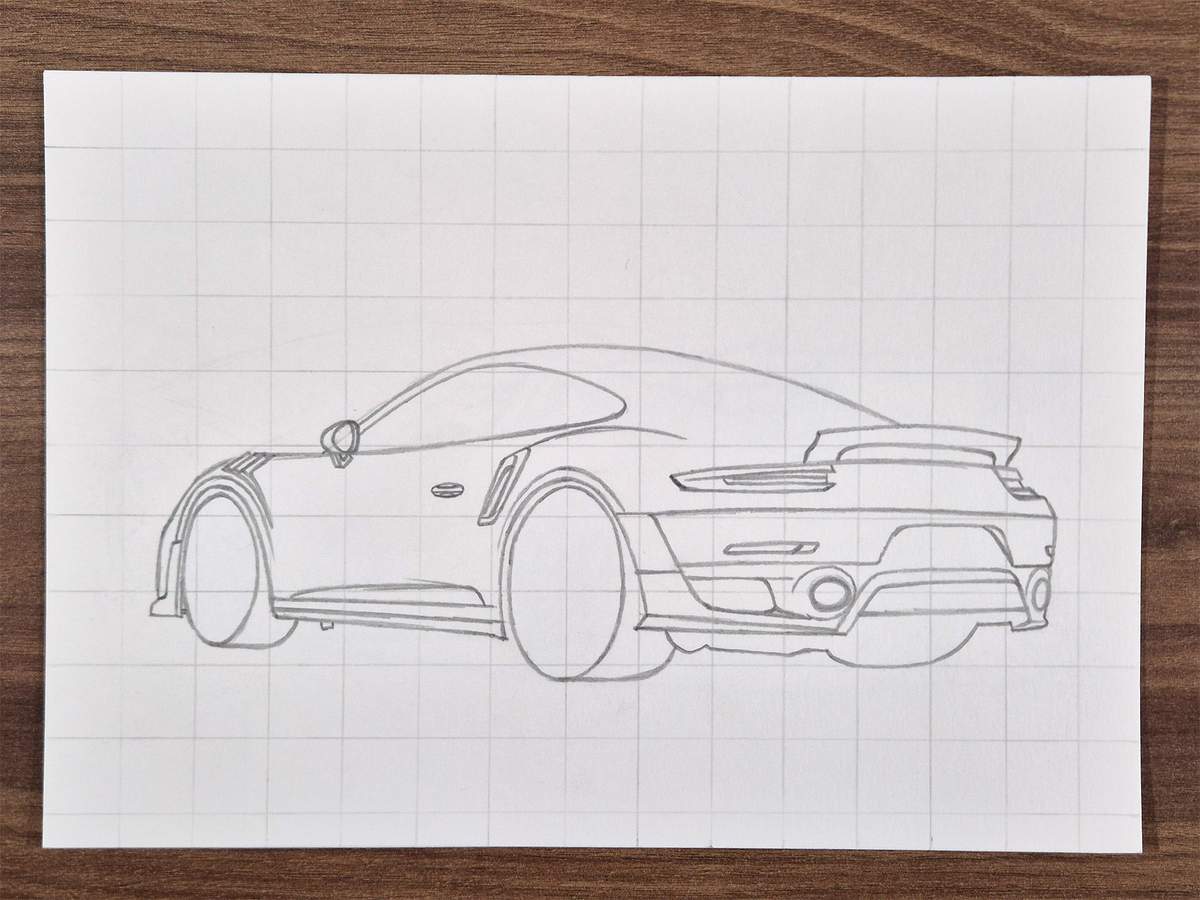
Next, I added the window triangle on the far left, and I added this line separating the front side window from the rear side window.
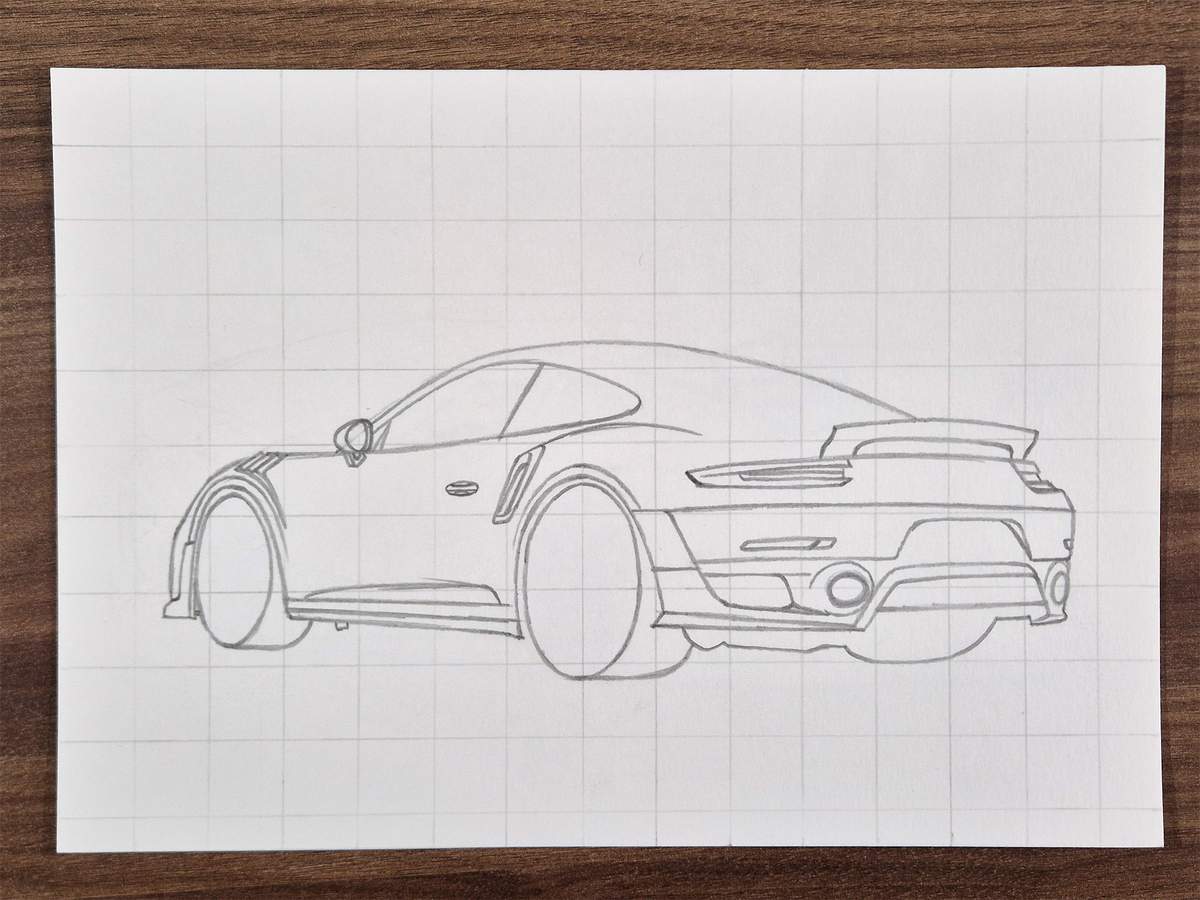
Then, I added the inside edge of the rear side window.
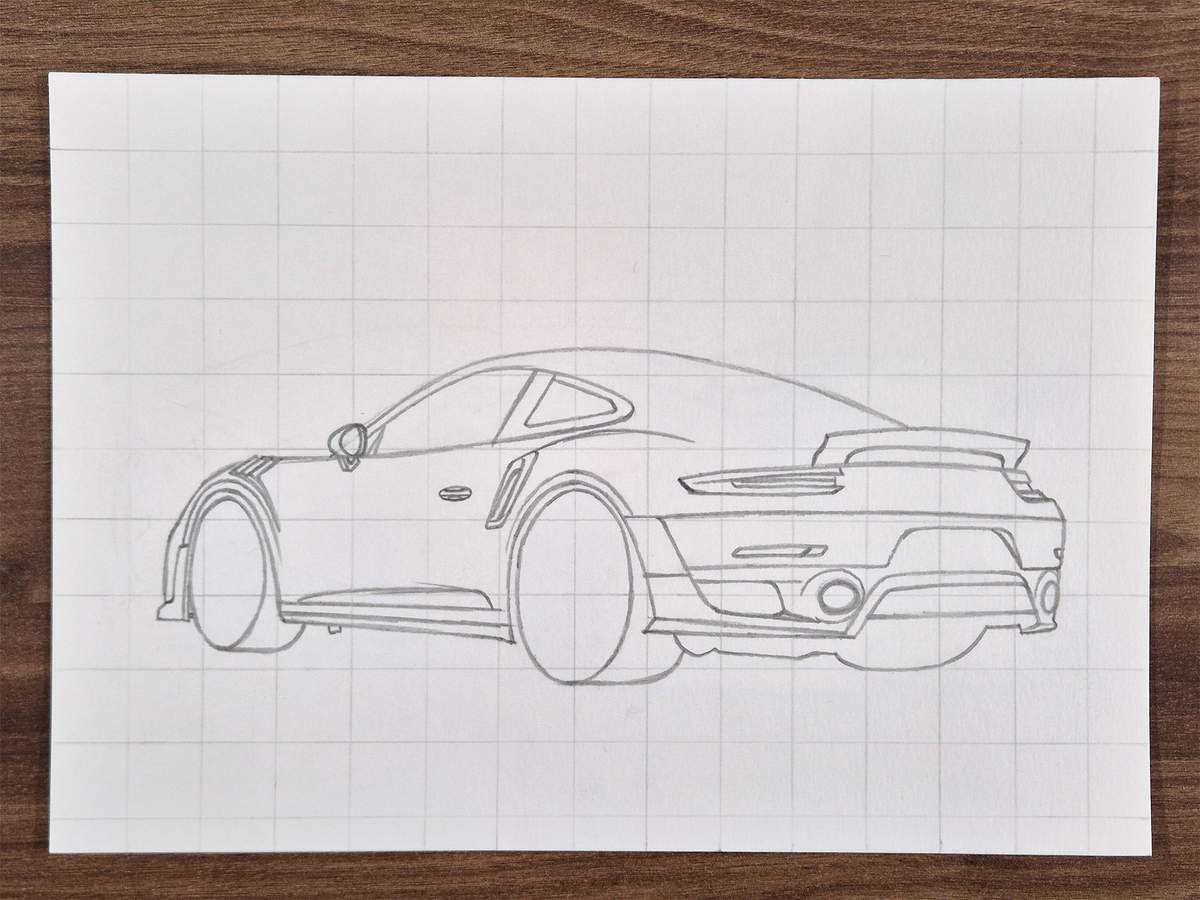
And I added the bars of the roll cage that you can see through this tiny window.
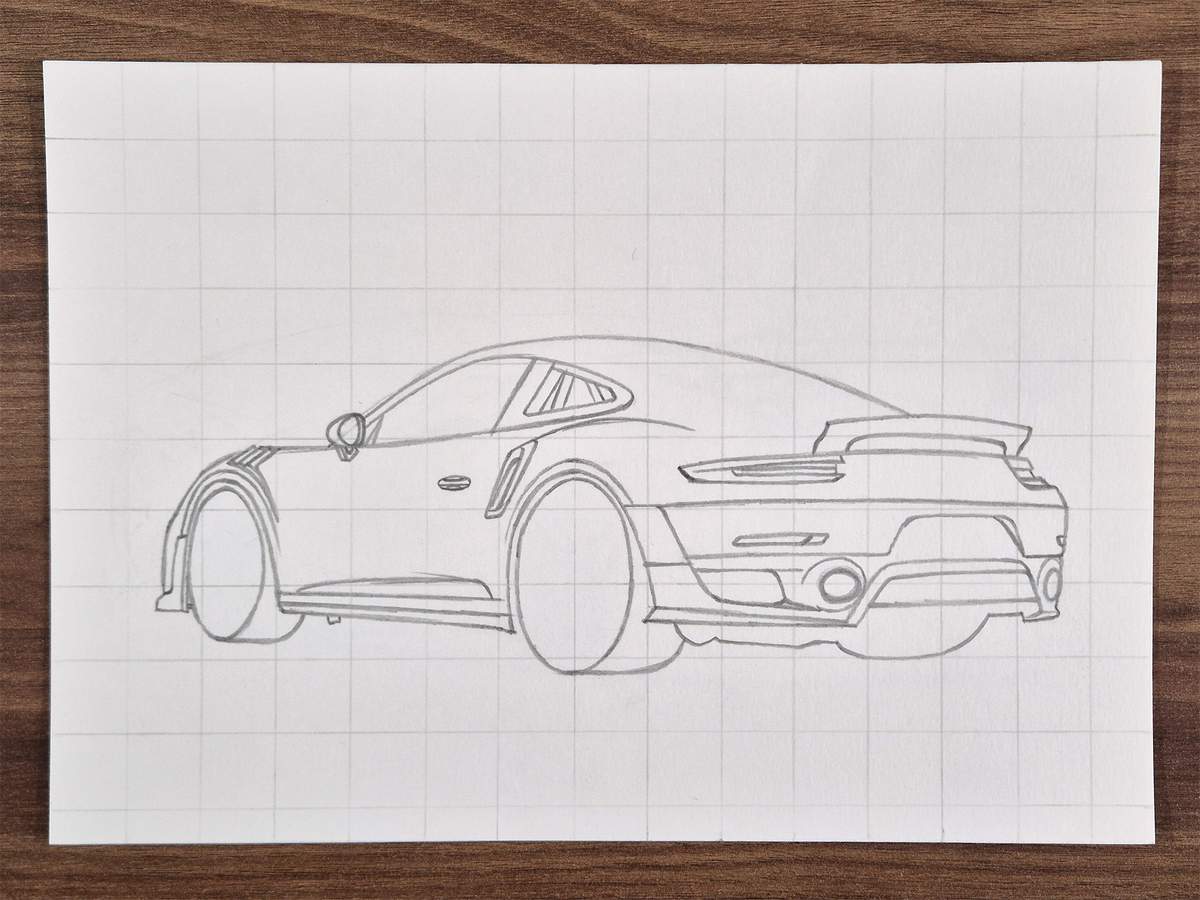
In the front side window, I added the lining on the A-pillar and the roof.
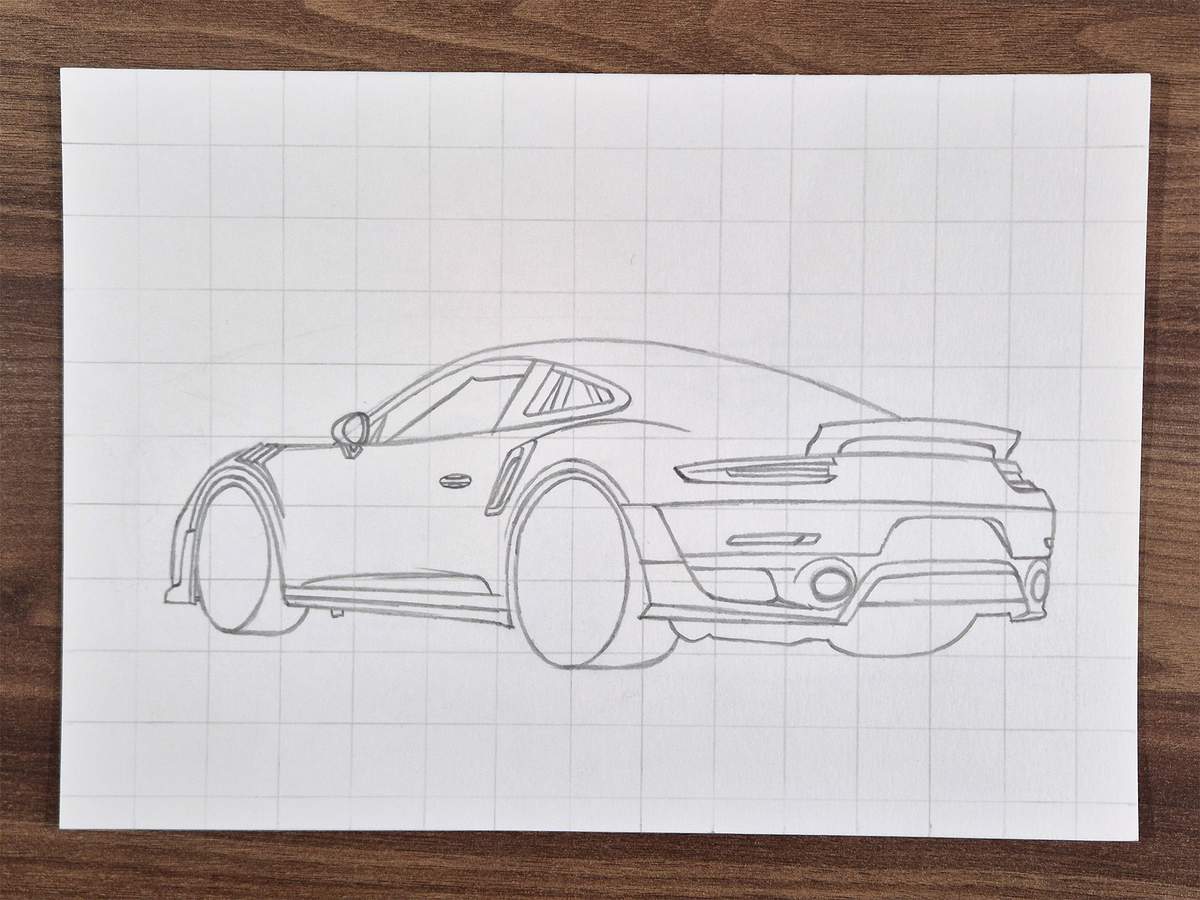
I then added the rearview mirror in the top right.
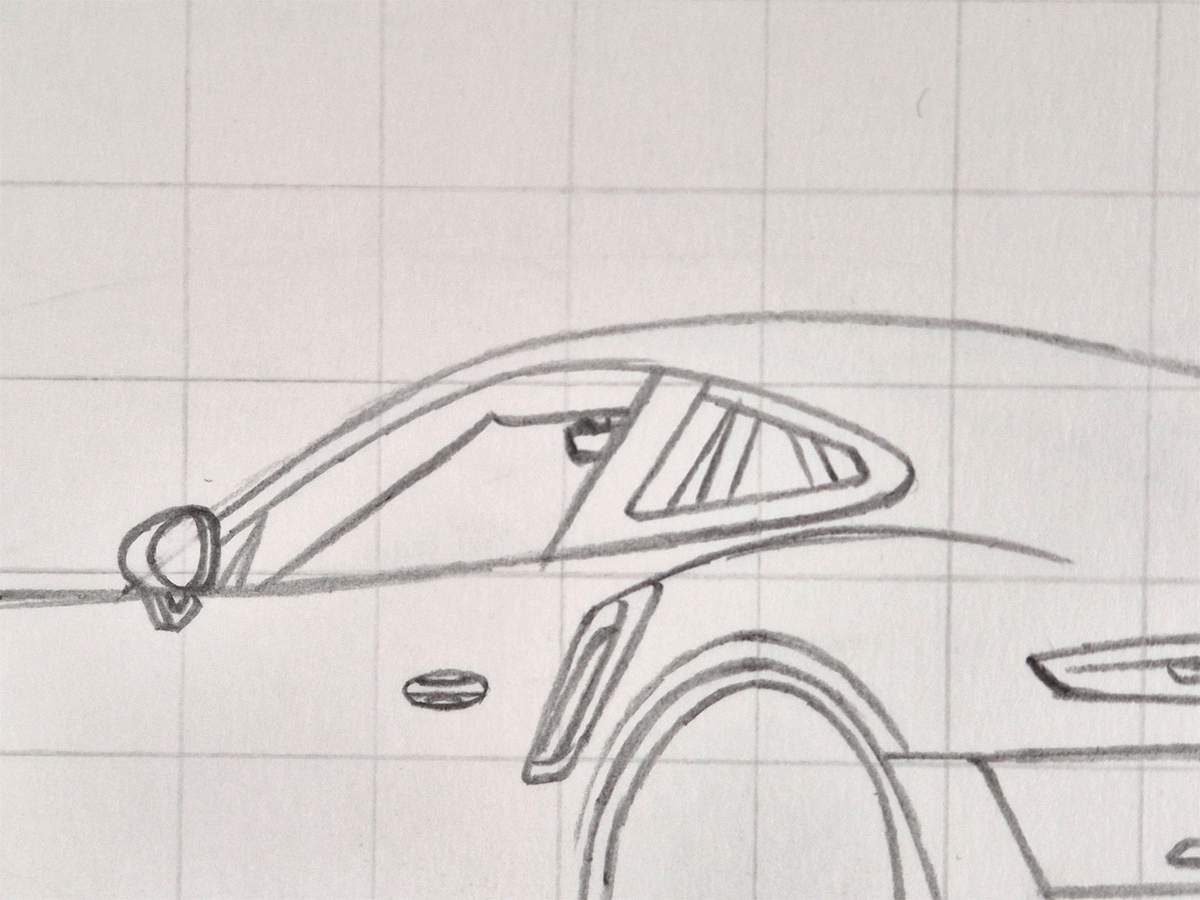
Next, I added the top part of the steering wheel.
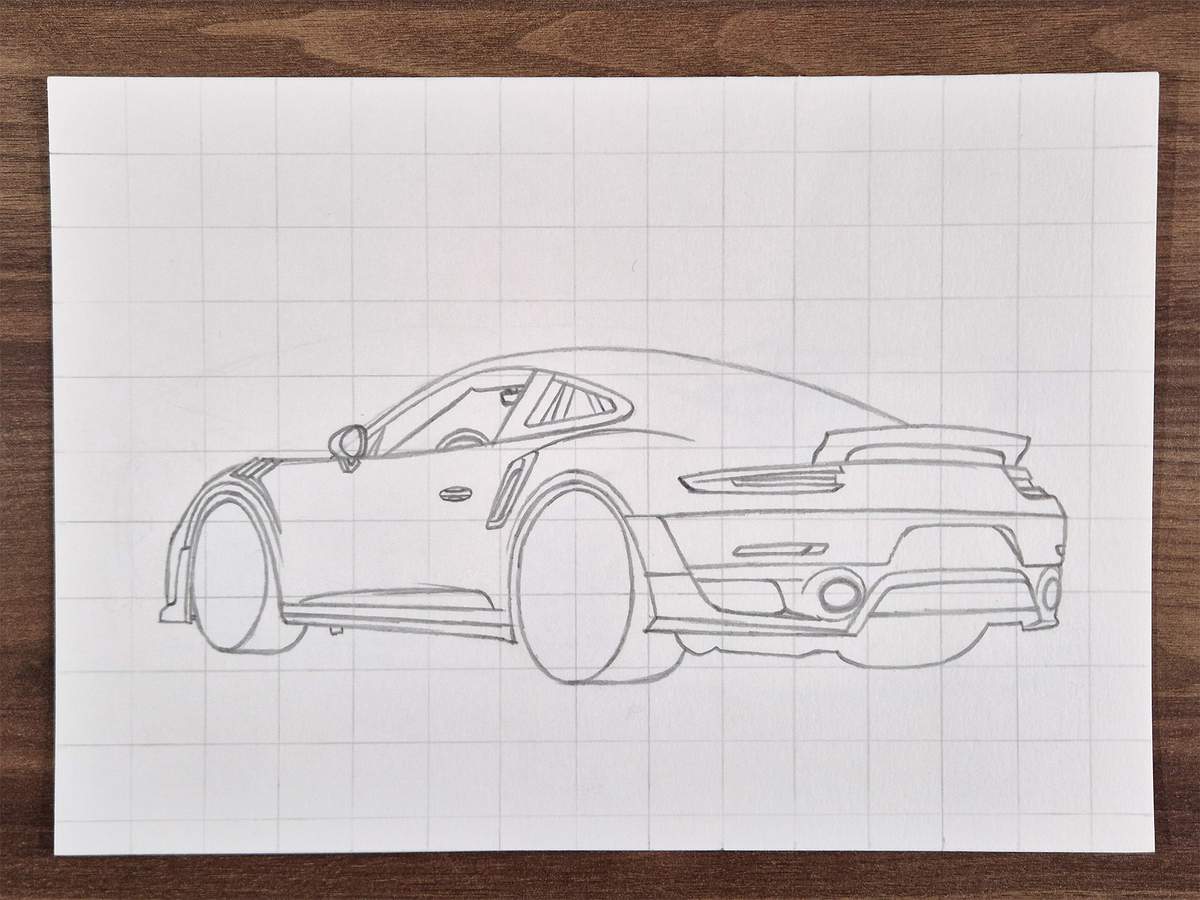
And I sketched the top edge of the dashboard.
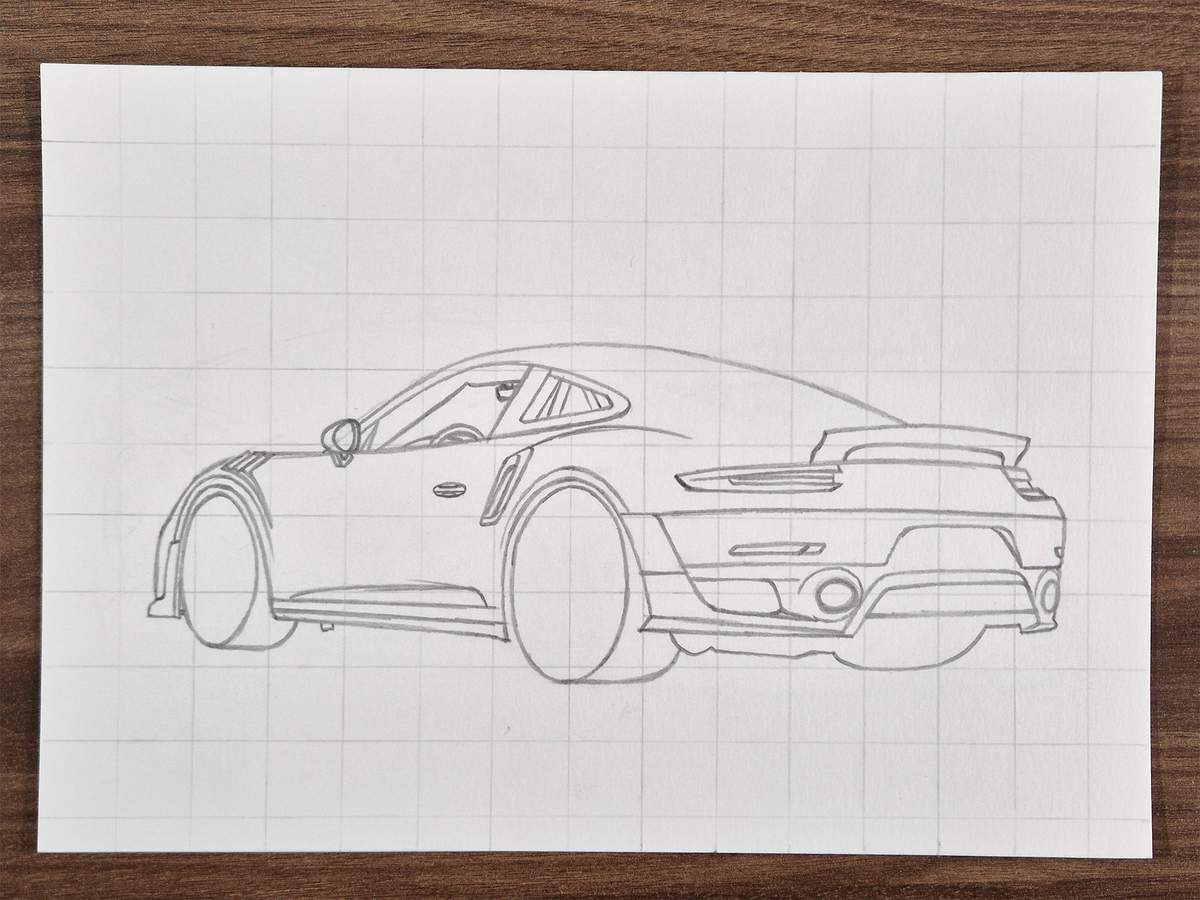
In this step, I also sketched this long line running across the roof, which also forms the side of the rear window later on.
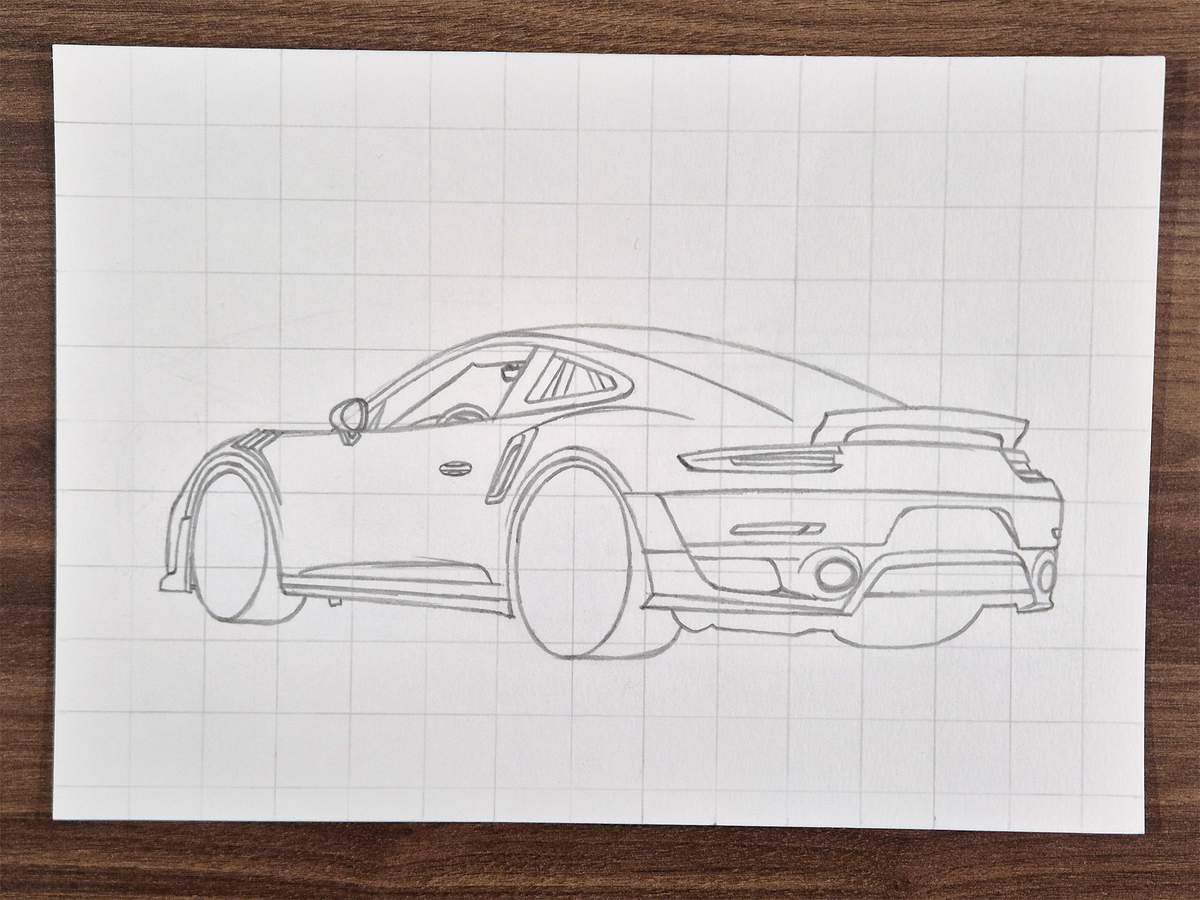
Step 6: Sketch the wing of the GT2 RS
Now it's finally time to sketch what might be the most recognizable part of the GT2 RS: the giant wing.
I didn't really know where to start, so I just started with the line of the blade (is that what you call it?).
The top edge is slightly curved. The bottom edge is a little more curved.
To make this work, I marked the starting/ending points of these lines. This is to make sure the endplates will fit on nicely.
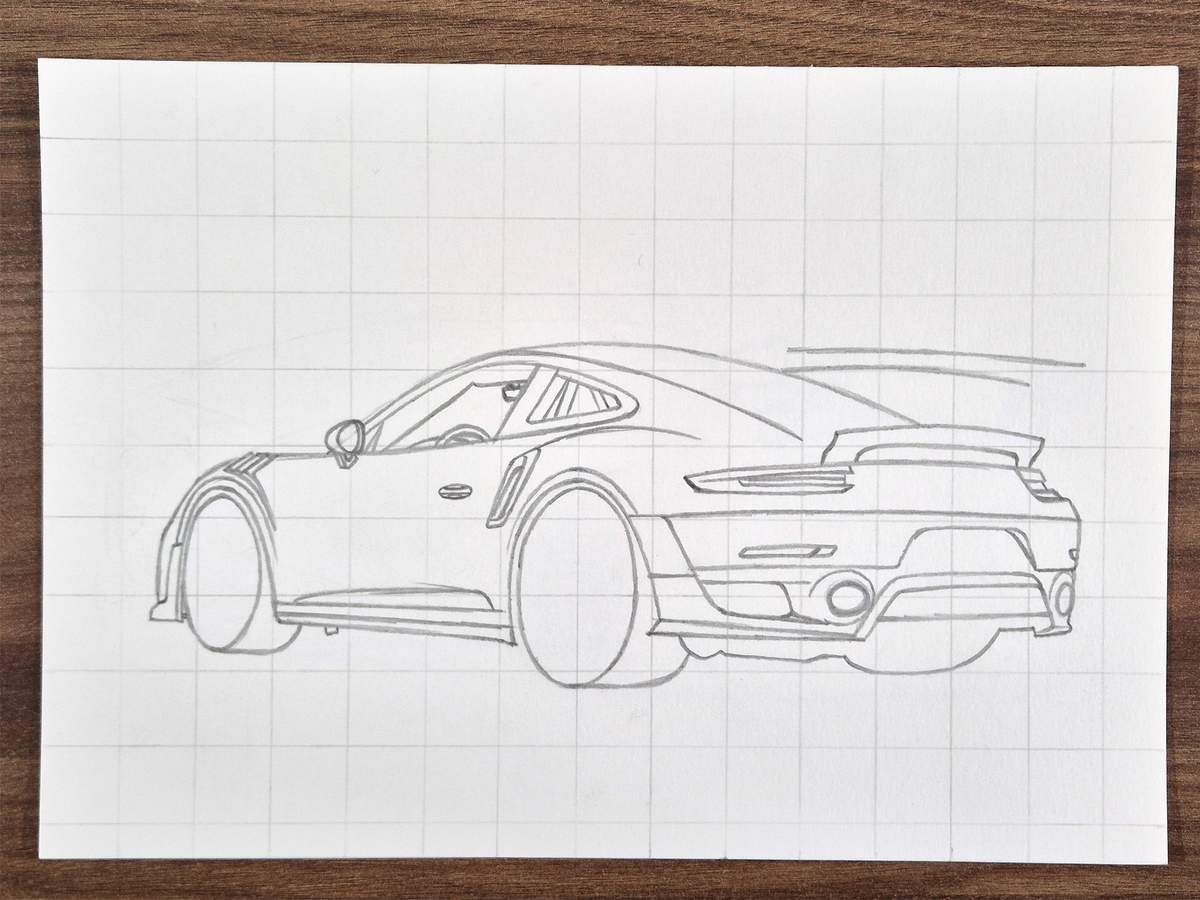
Speaking of the endplates, they are what I sketched next.
The one on the left is pretty easy. I just marked the four corners, then sketched four straight lines connecting them, and lastly, I rounded the corners.
The one on the right follows the same steps. It's only partially hidden. That's why this one is slightly trickier than the left one.
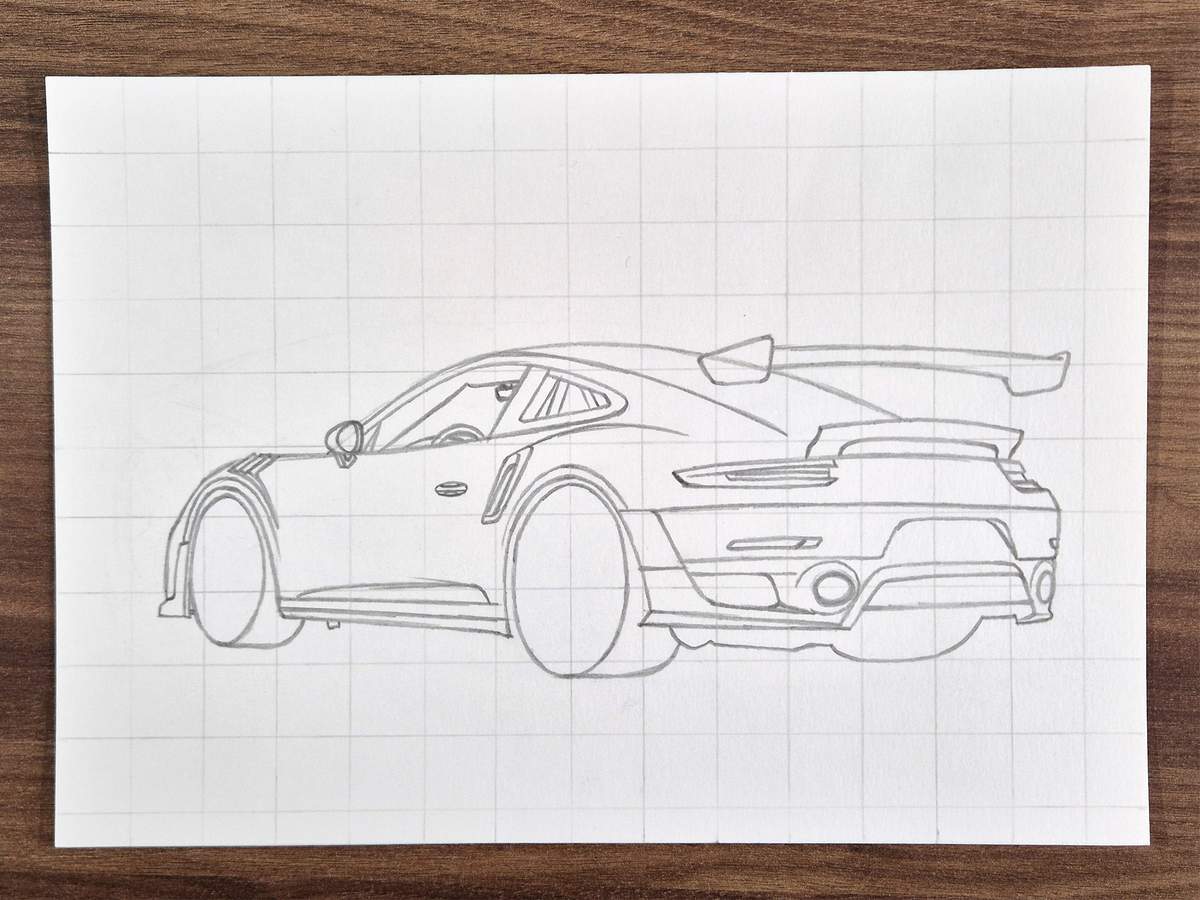
After that, I sketched the backsides of the wingstands. From what we have already sketched, these are just the continuation with a slight kink to the left at the top.
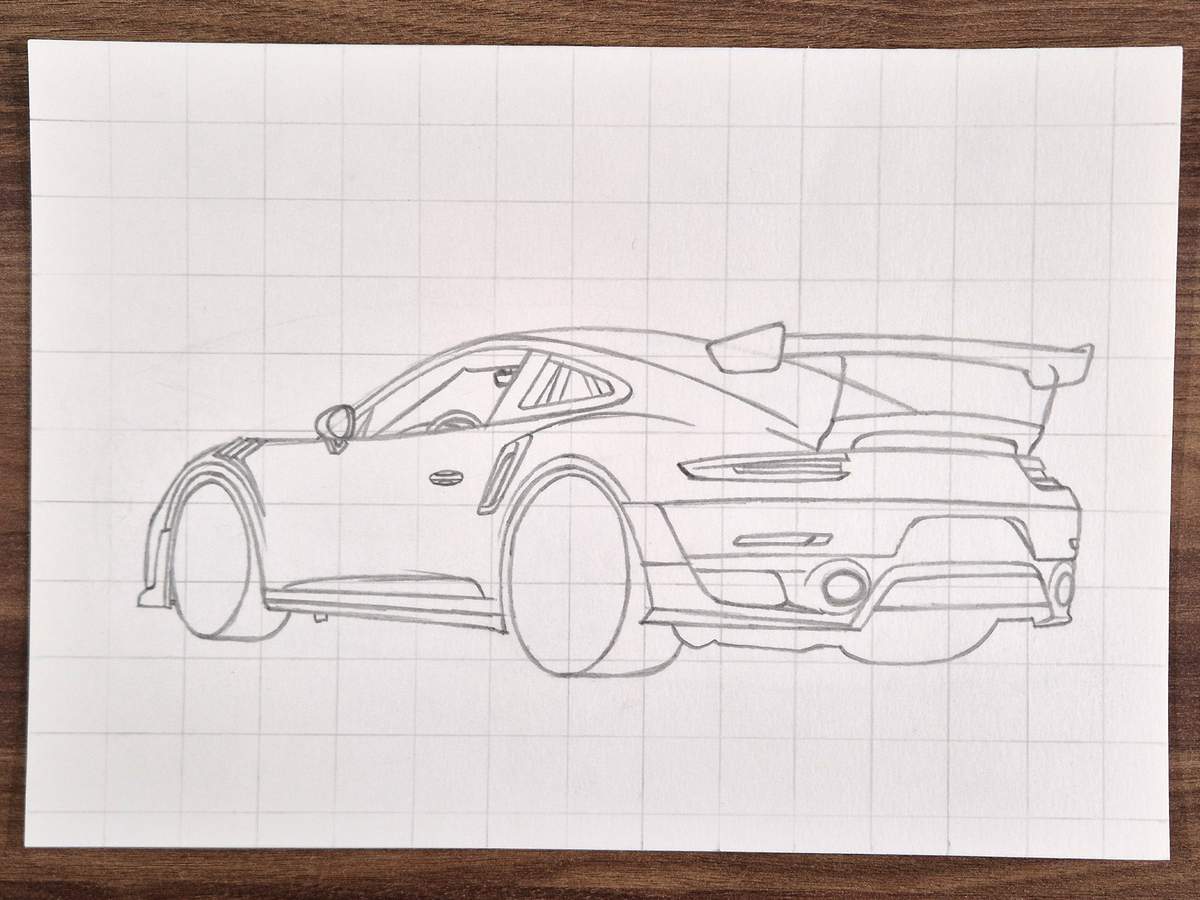
I sketched the front edge of the wingstands after that. These are diagonal lines that get just a tad closer to the back sides at the top and then kink to the left.
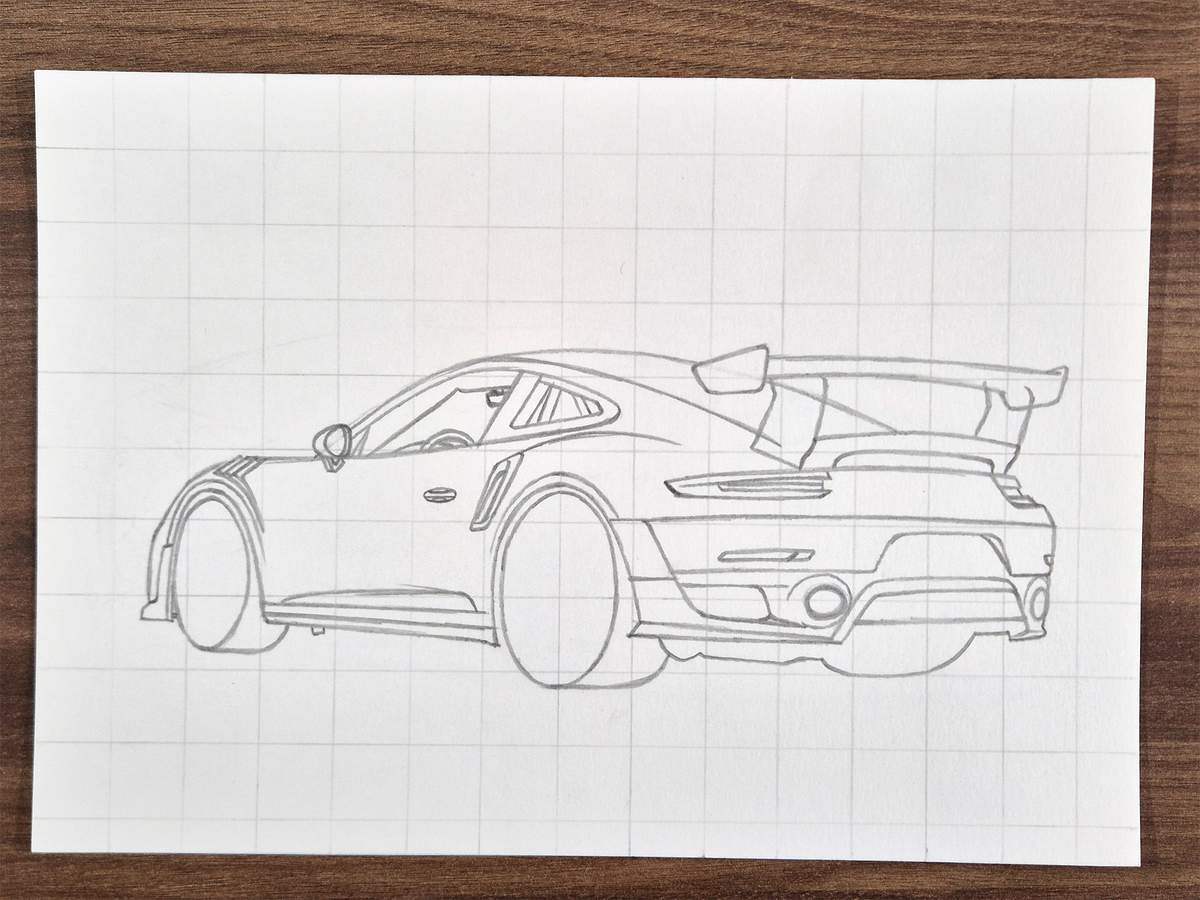
Then, I sketched the cutout in the wingstands.
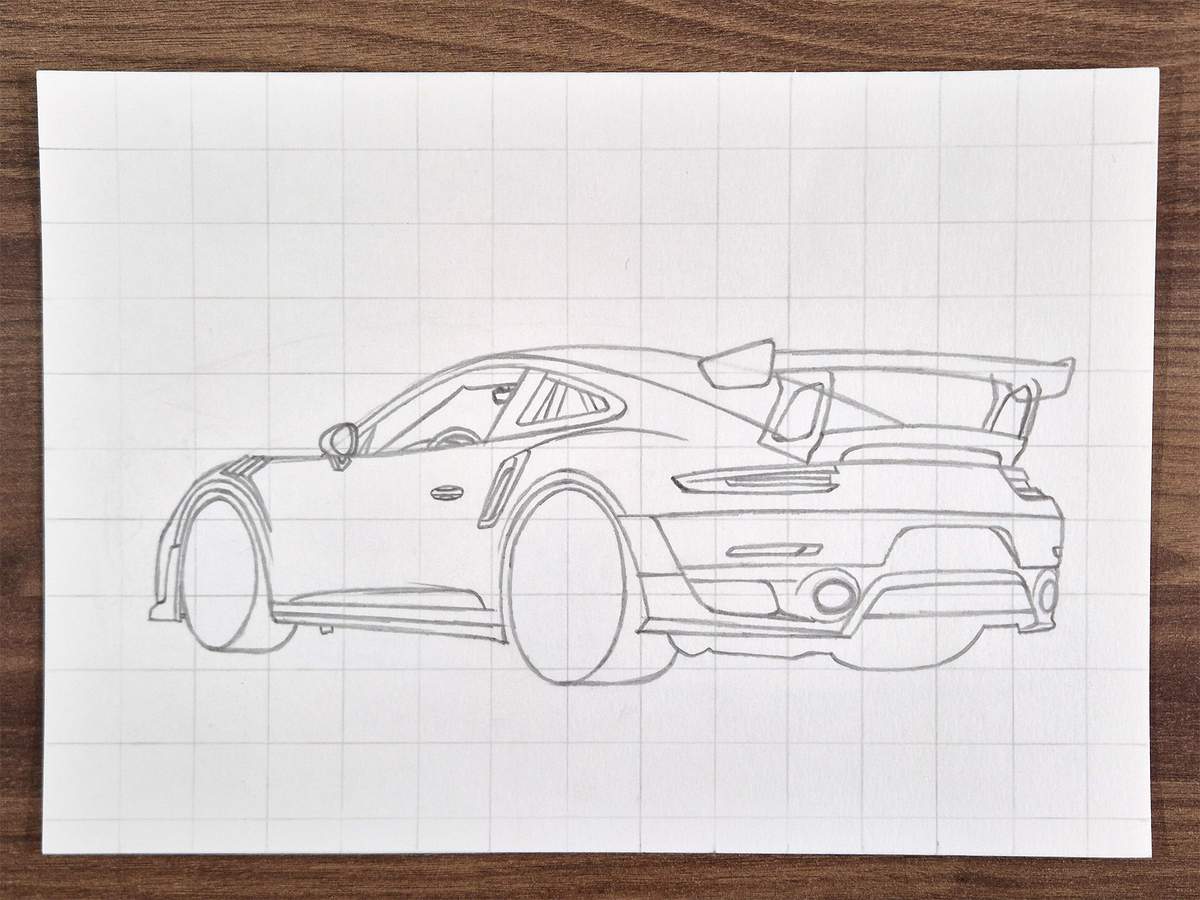
And then, I added the top bits that bolt onto the wing.
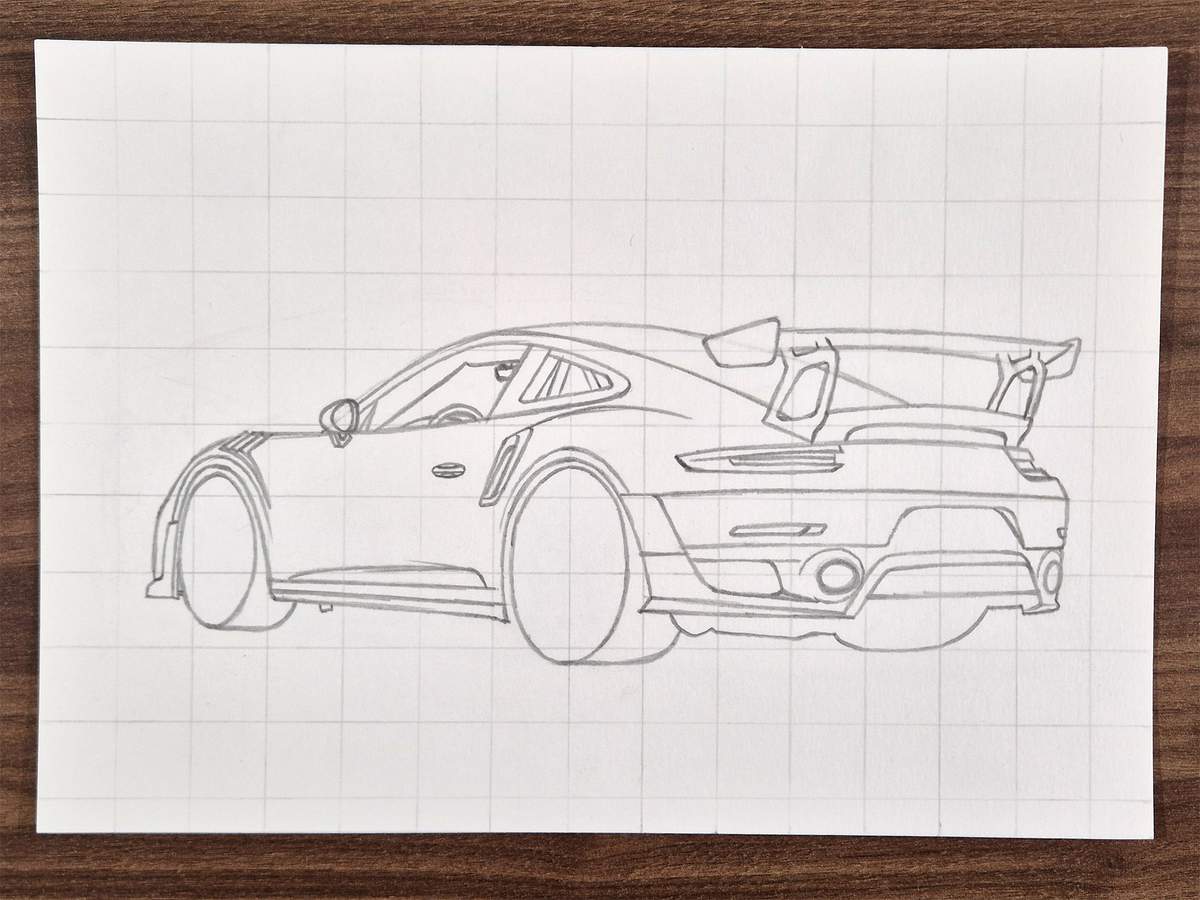
And that's the wing complete!
Step 7: Sketch the rear window and the roof of the Porsche
Next, I worked on the rear window. I also counted the intakes as part of the window.
I started by sketching the outline of the intakes/rear deck thingy. This is placed just to the bottom right of what will be the rear window and below the big wing.
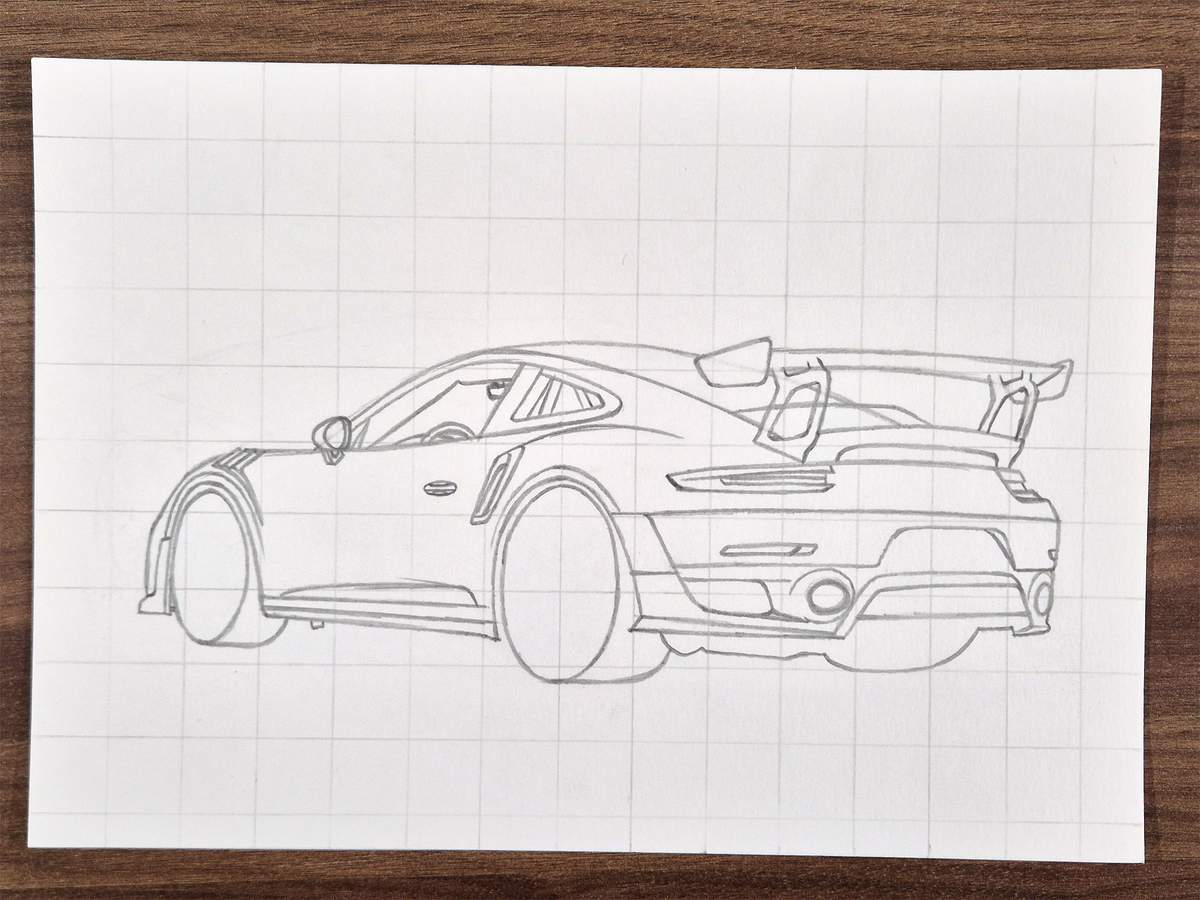
Then, I added the lines of the actual intakes. I only added them on the left intake, as the roofline already perfectly formed the line on the right intake.
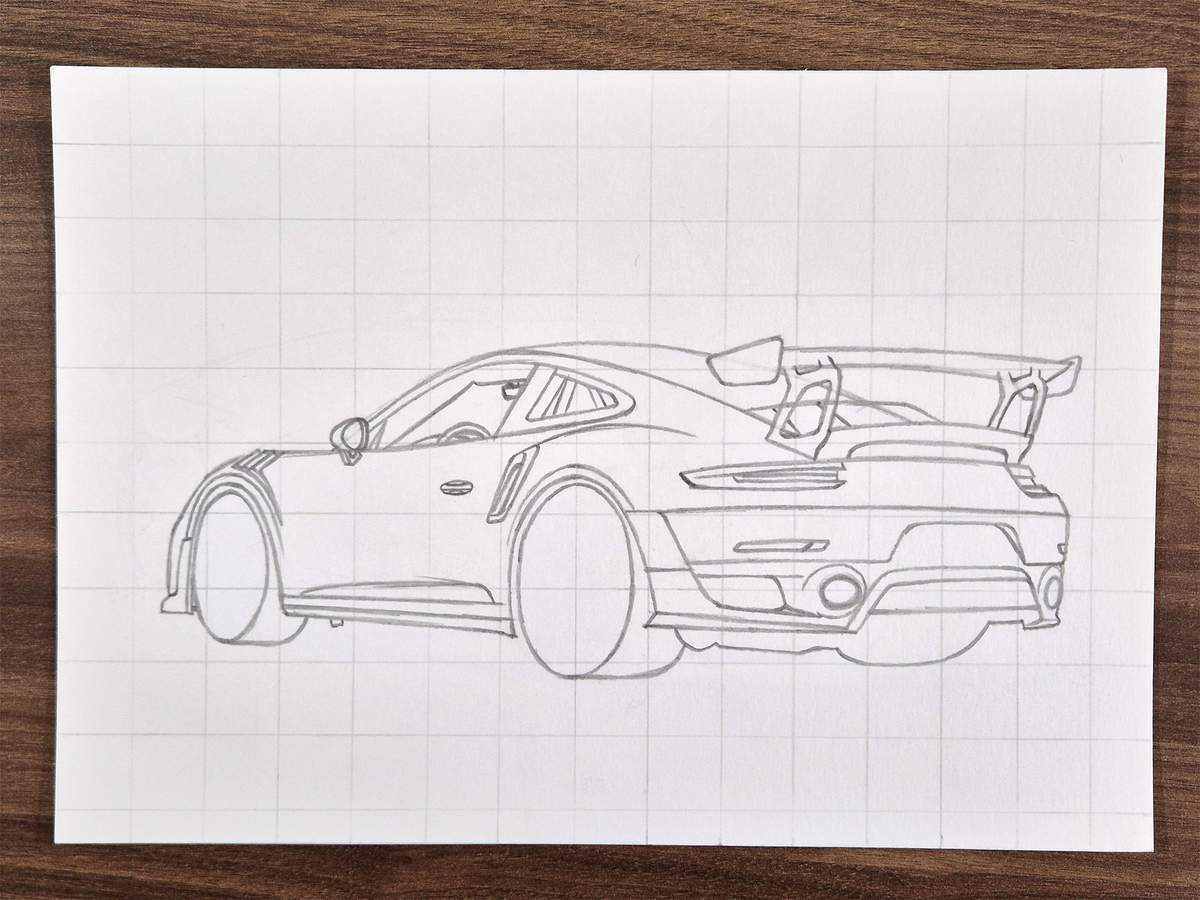
After that, I added a small opening between those two intakes.
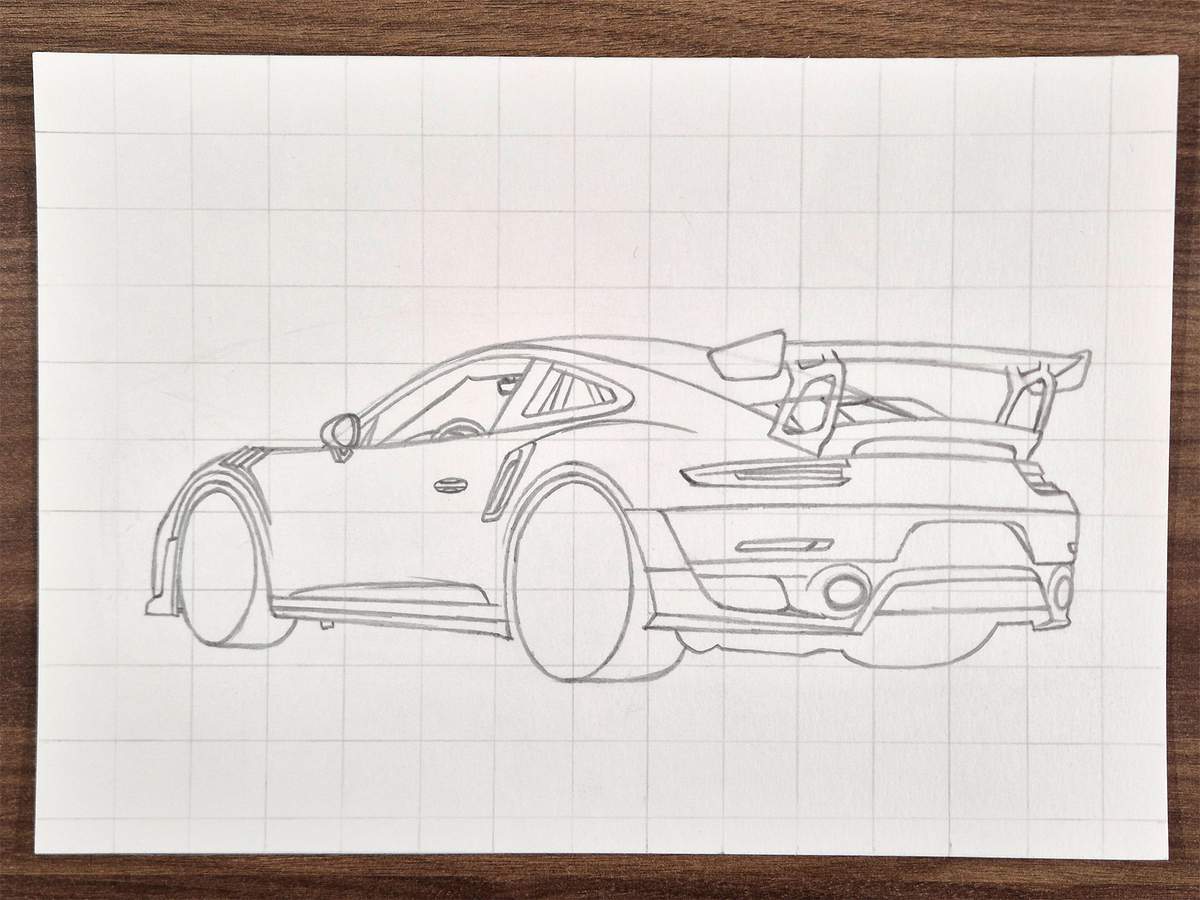
Lastly, I added another opening just below that opening.
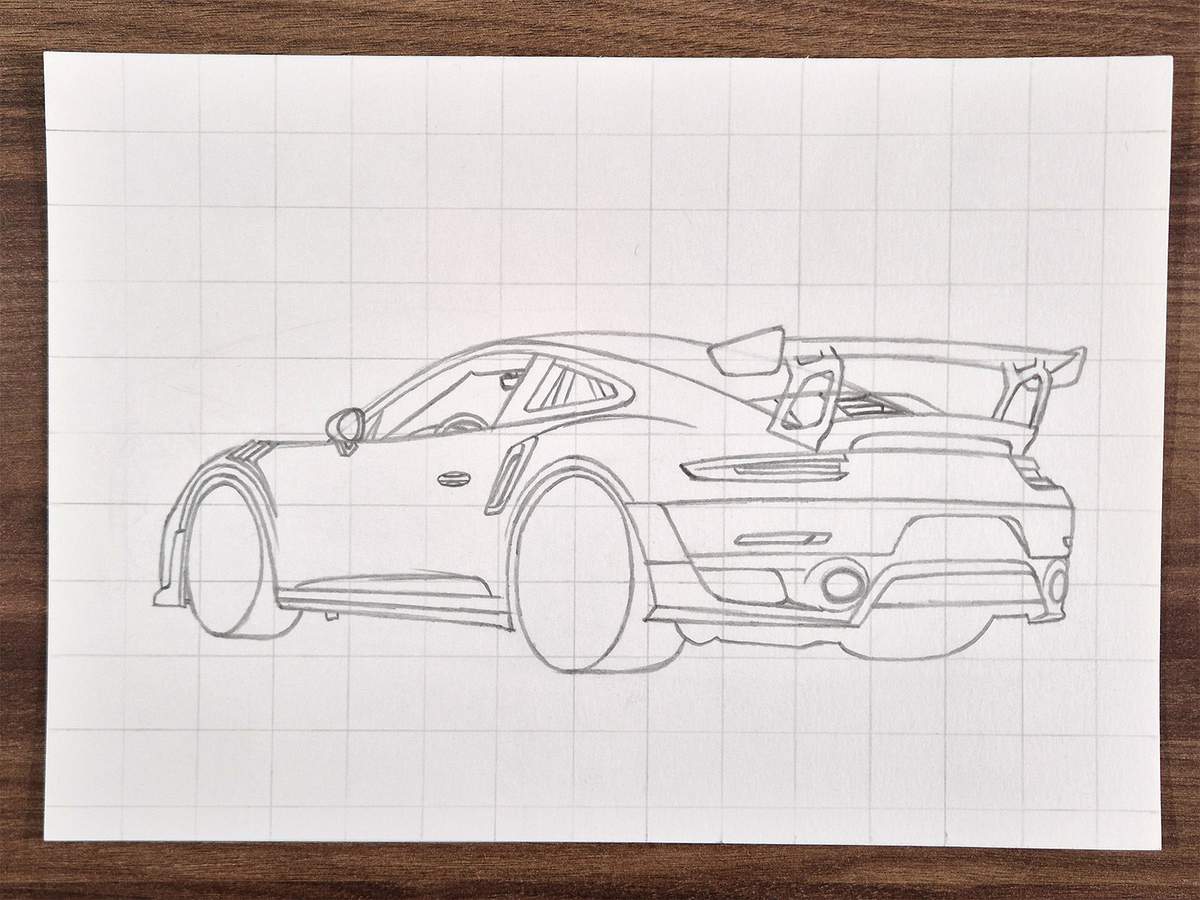
Here's a close-up of how it looks.
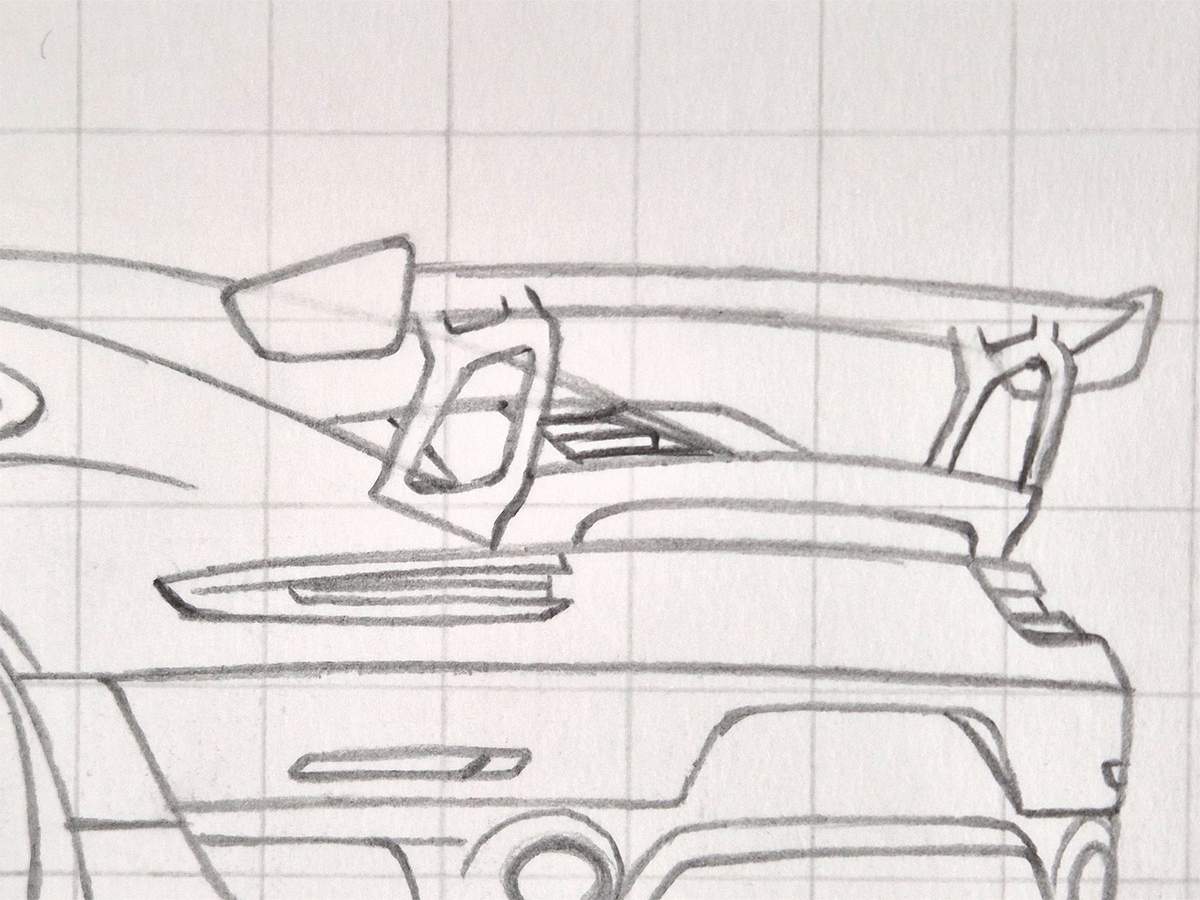
After that, I sketched the top edge of the rear window, as well as a small rectangular reflection just below the left endplate of the wing.
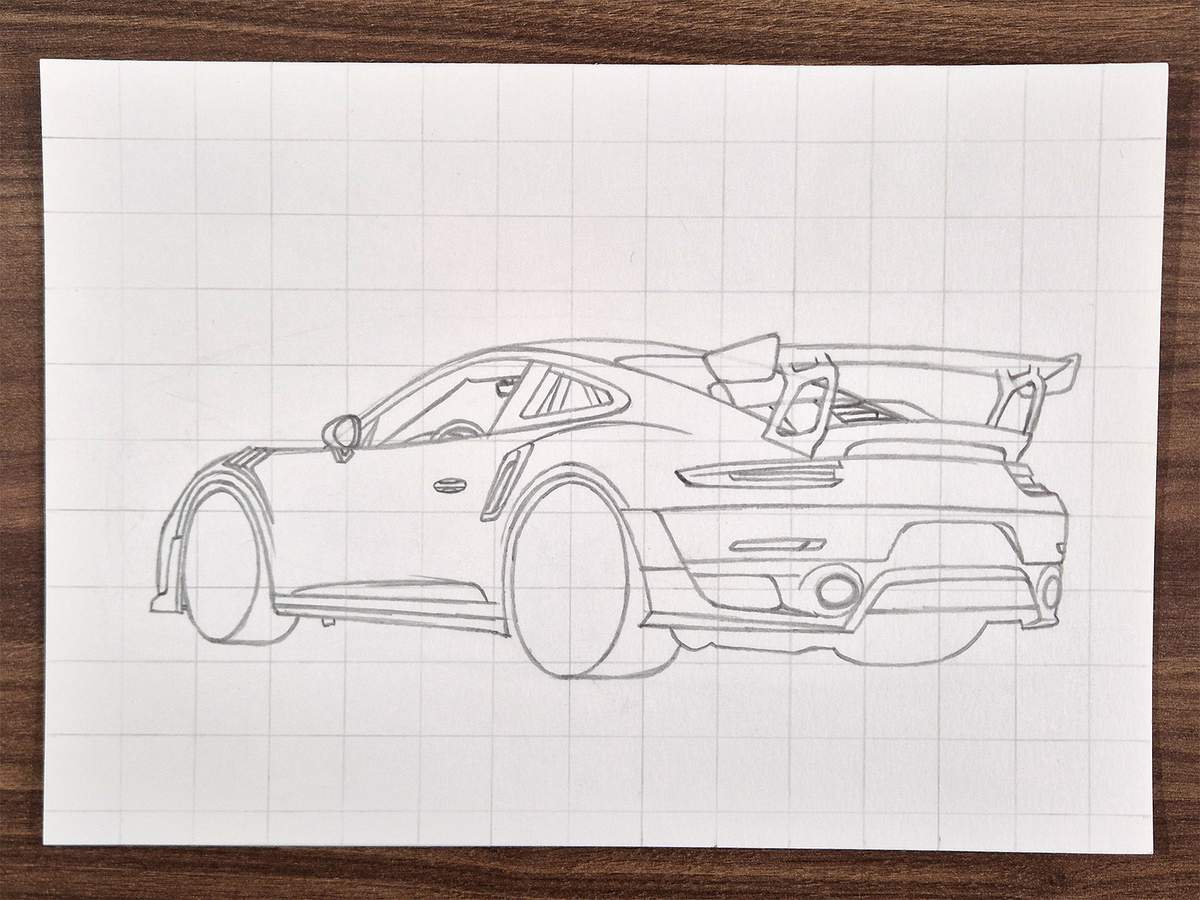
Then, I added the indented lines into the roof. Instead of one continuous line, it's now two curved lines.
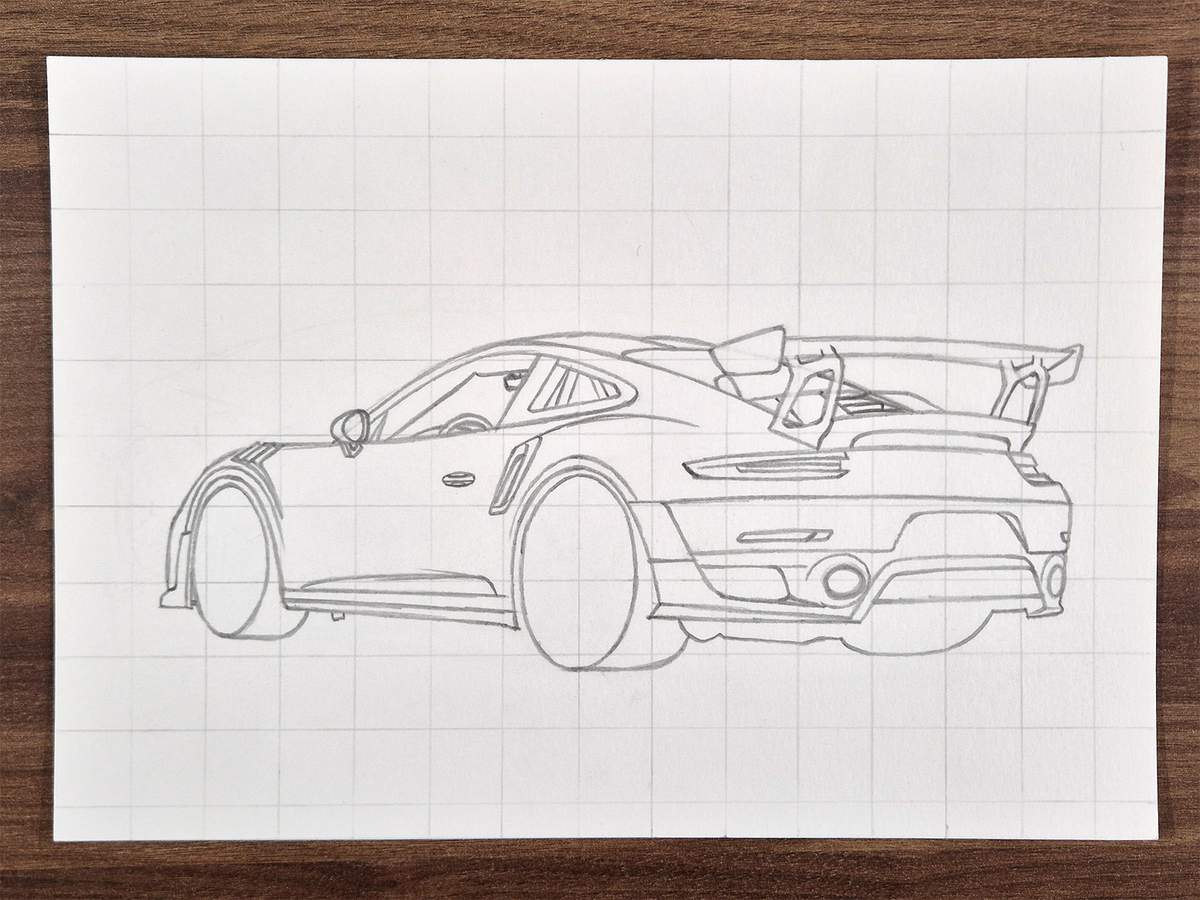
Step 8: Sketch the outline of the shadow of the car
The next thing I sketched was the outline of the shadow of the car.
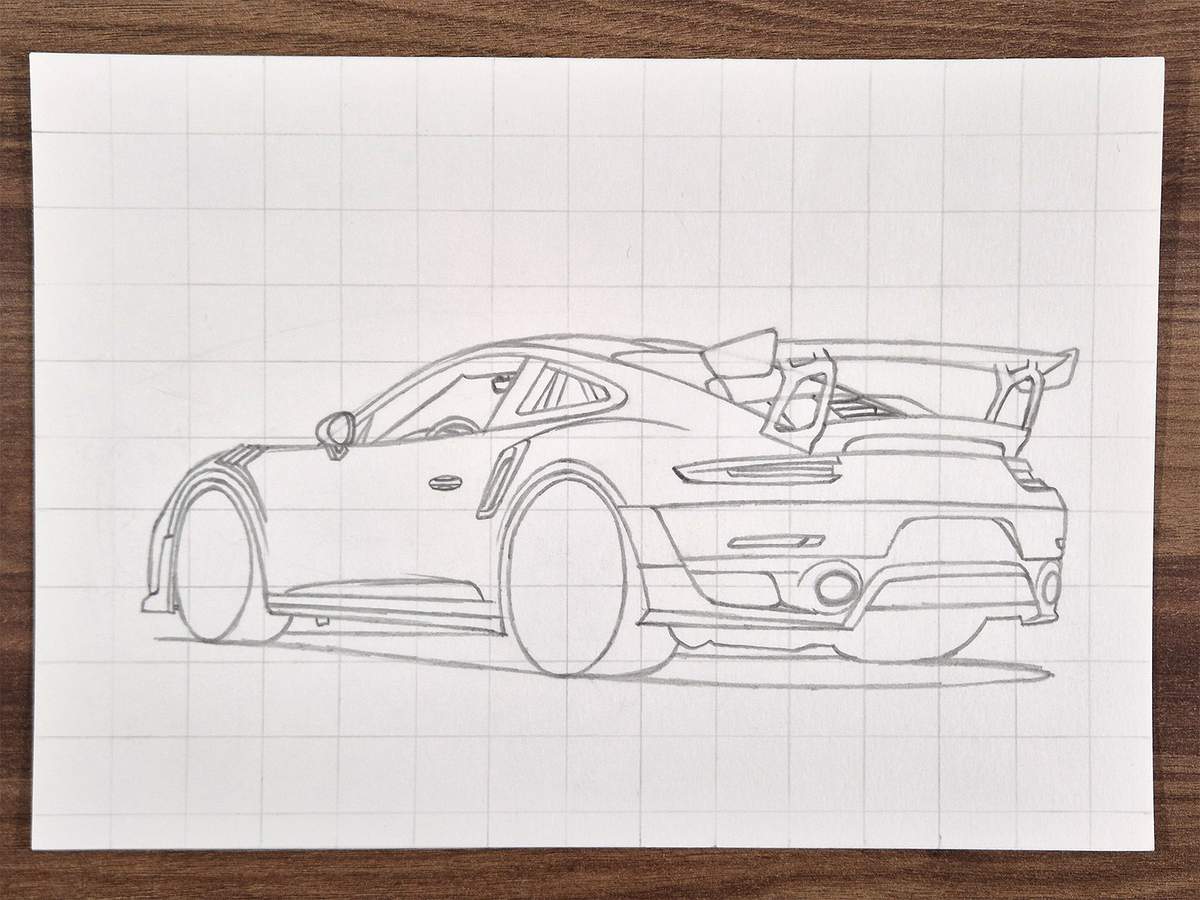
Step 9: Sketch the wheels step by step
We've now sketched almost everything. It already looks very much like a Porsche 911 GT2 RS, but there are two things still missing: the front wheel and the rear wheel.
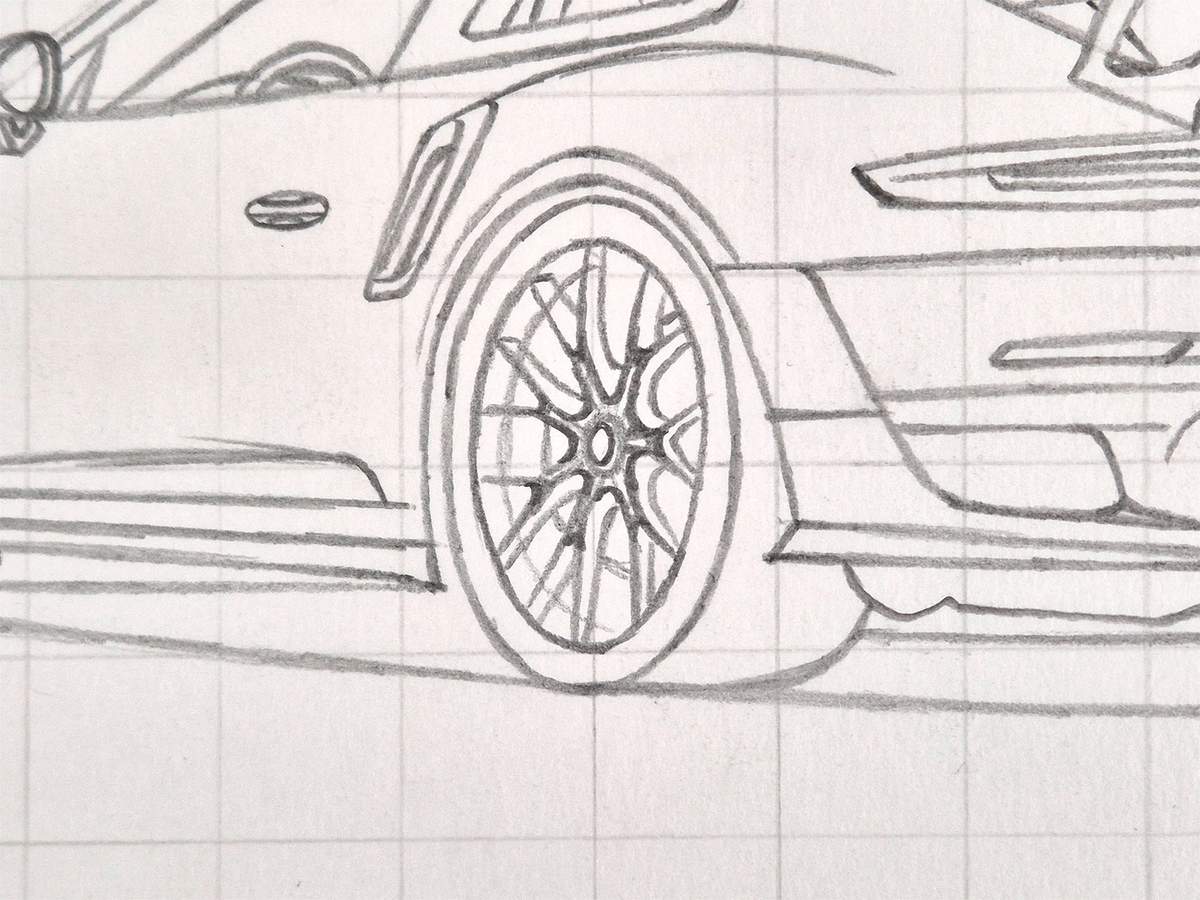
I started with the front wheel and marked the center with a small ellipse.
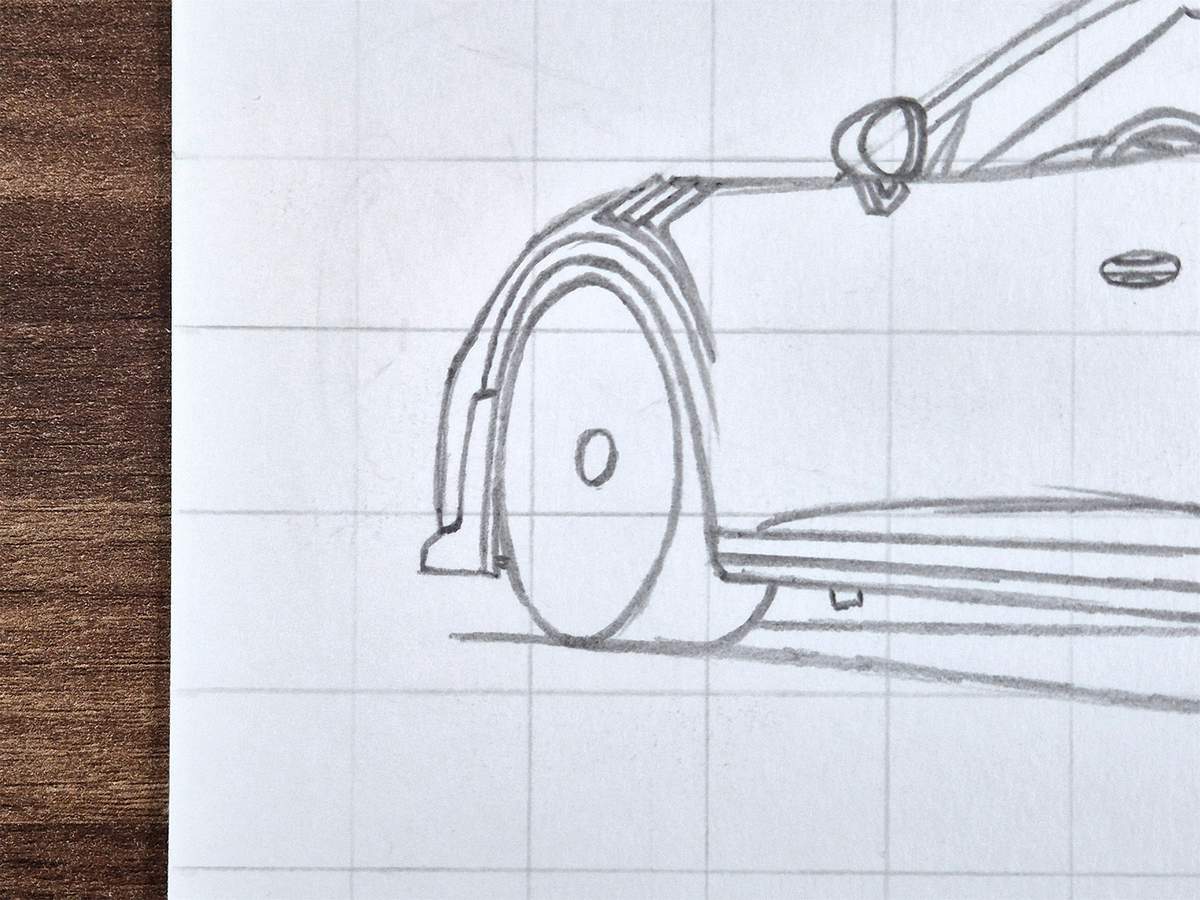
Next, I added the start of the spokes onto the center. They are quite thick, so I used two lines for most spokes.
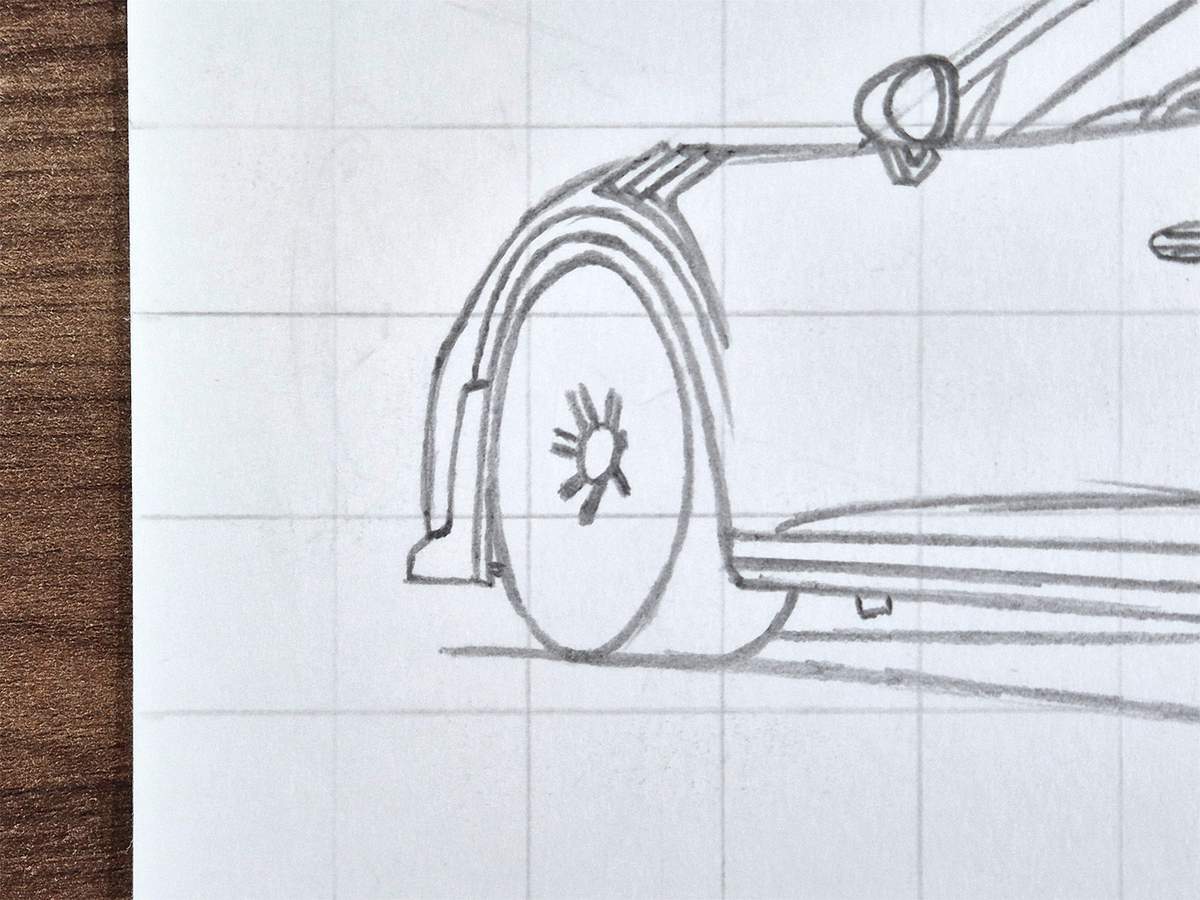
Then, I noticed I had completely forgotten to sketch the outer rim of the wheel, so I sketched that. I had almost connected the spokes straight to the outer edge of the tire...
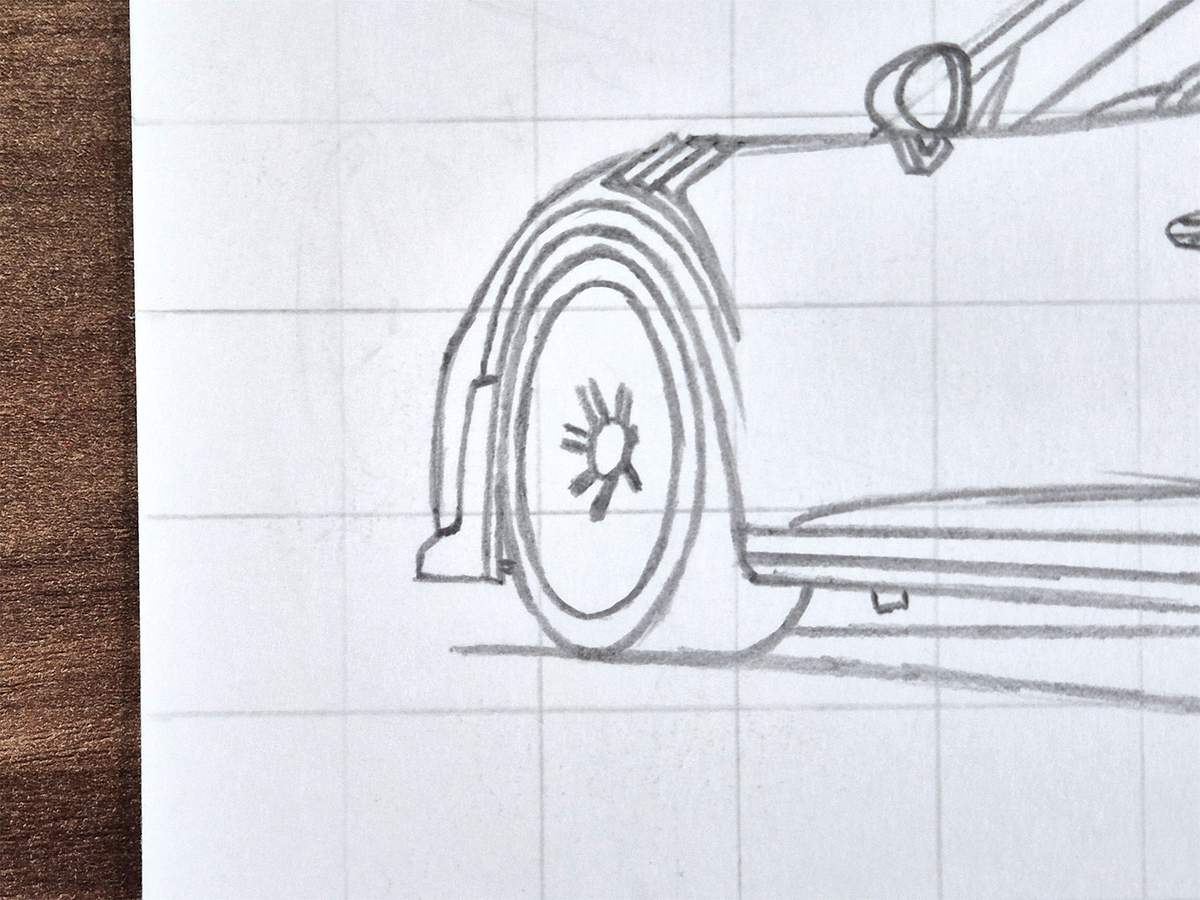
After that, I sketched the rest of the Y-shaped spokes with the bottom of the Y connecting to the center (we had already sketched this part) and the two arms connecting to the outer rim.
The arms of each Y-shape are almost parallel to the arms of the neighboring Y-shape.
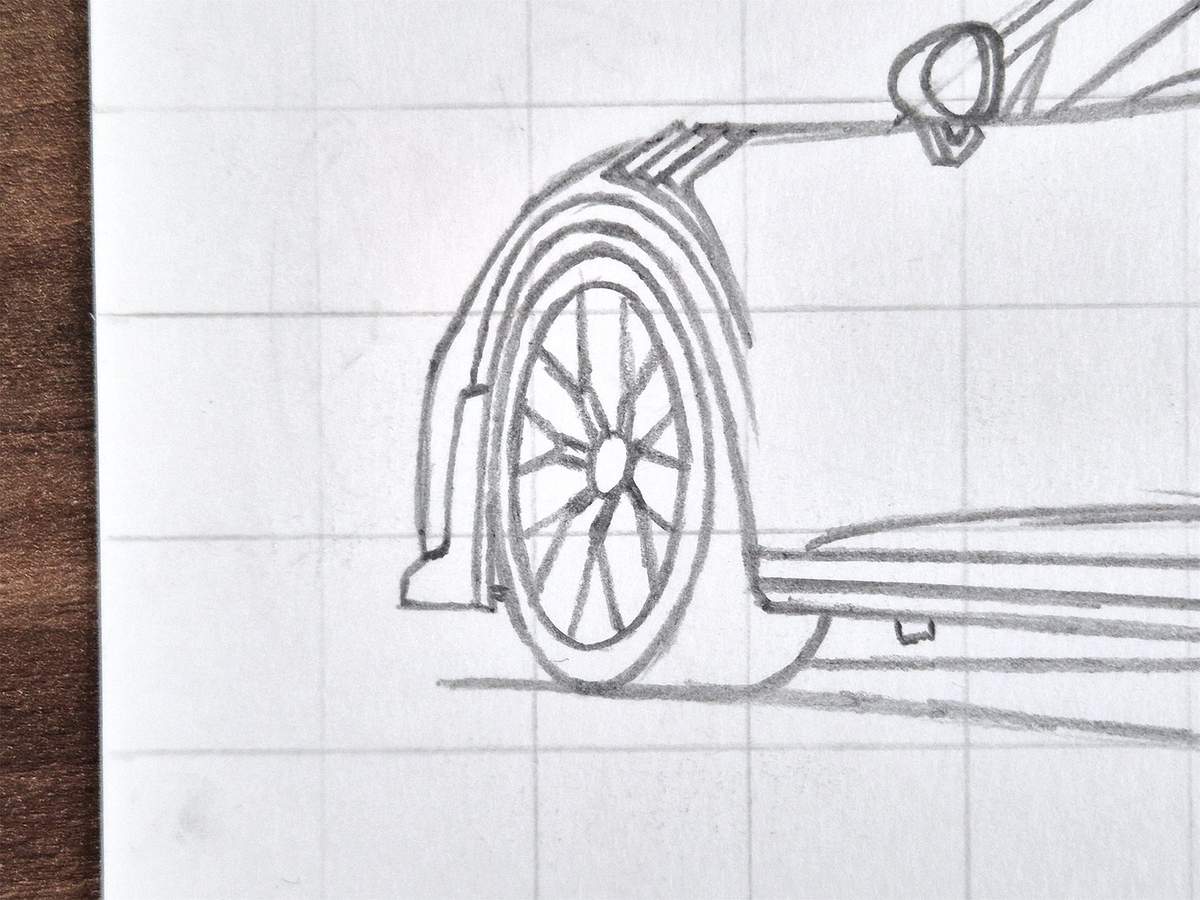
Then, I rounded the insides where the bottoms of the Y-shapes connect to each other and where the arms of each Y-shape connect to the base of the Y-shape.
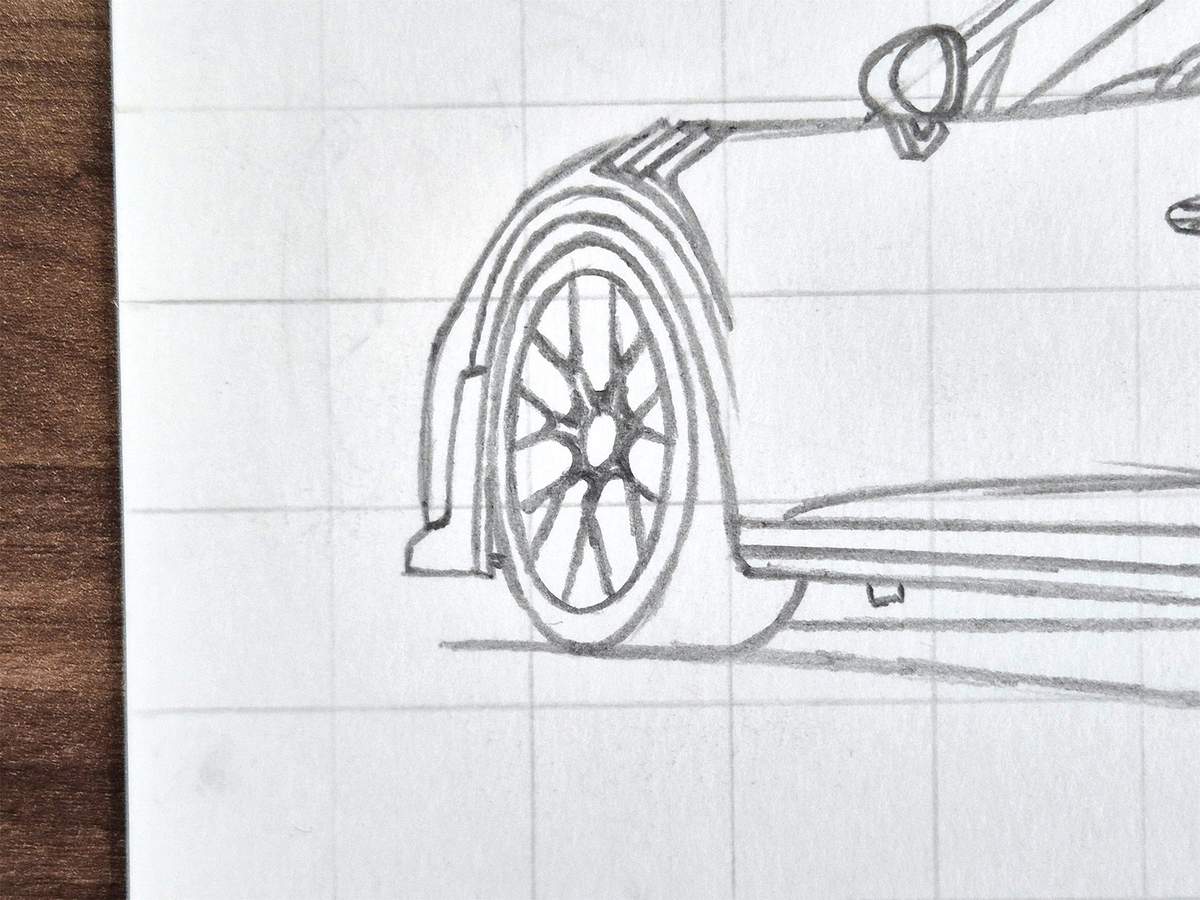
Next, I added the back edge of the spokes. This gives them their thickness and sturdier look.
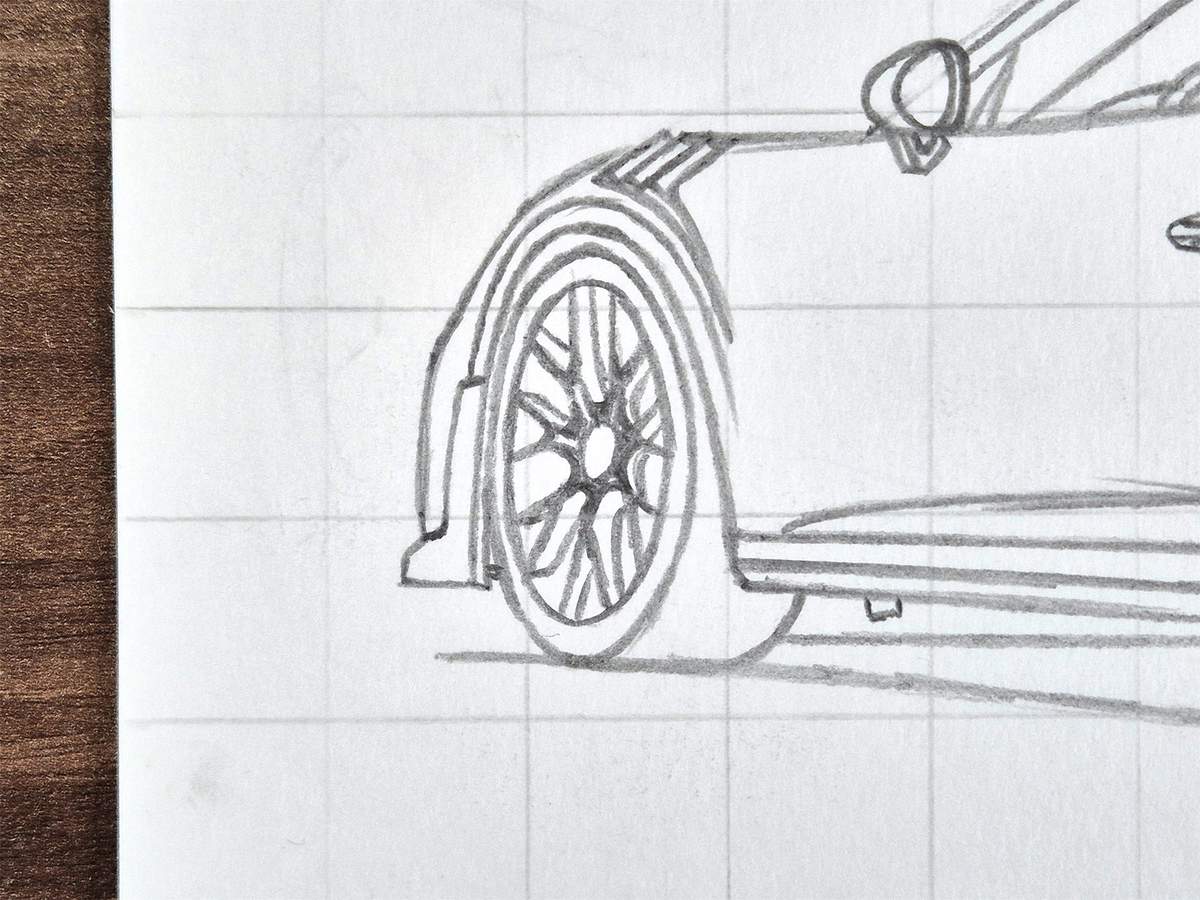
Lastly, I added a small circle in the center for the centerlock, and I added two more rim lines: one on the left and one on the right.
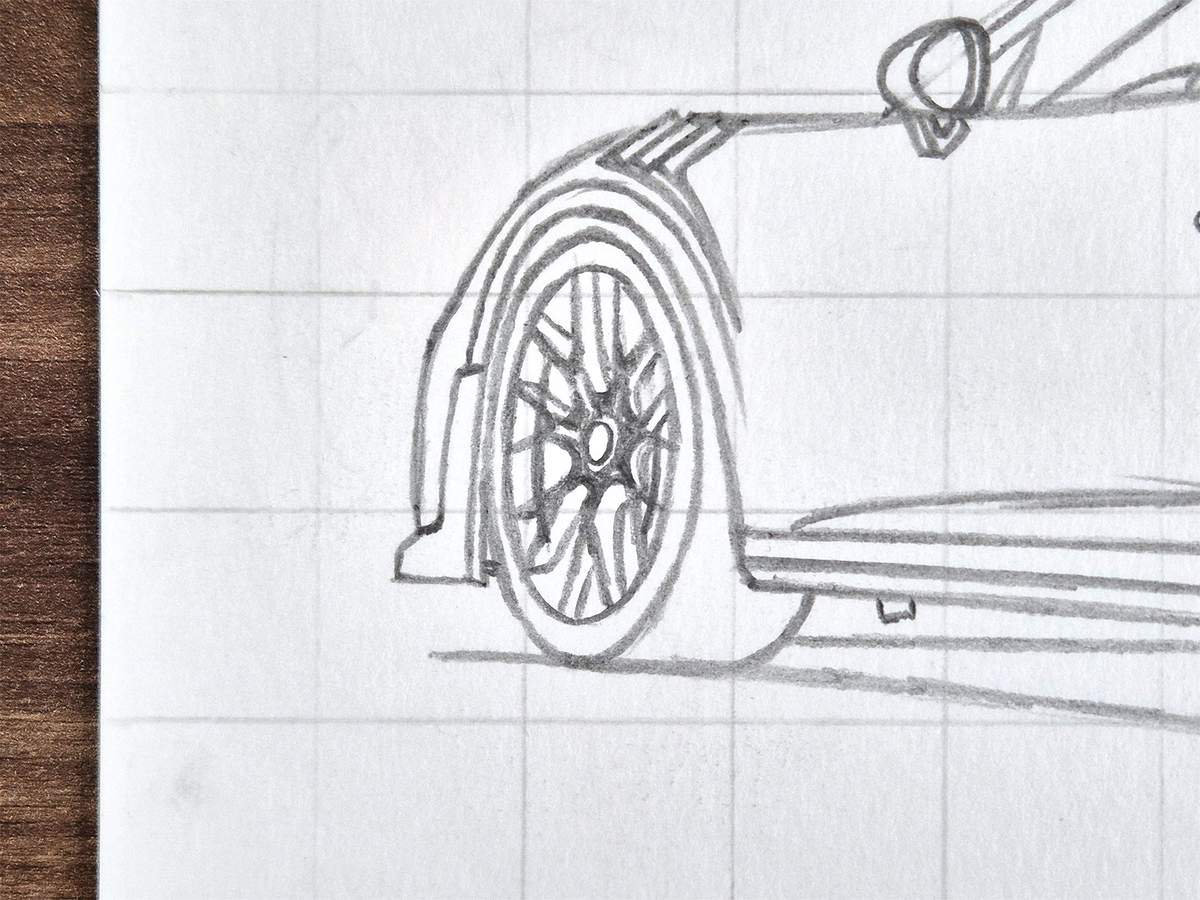
That is one wheel complete!
I then used the same steps to sketch the rear wheel, but this time in the right order.
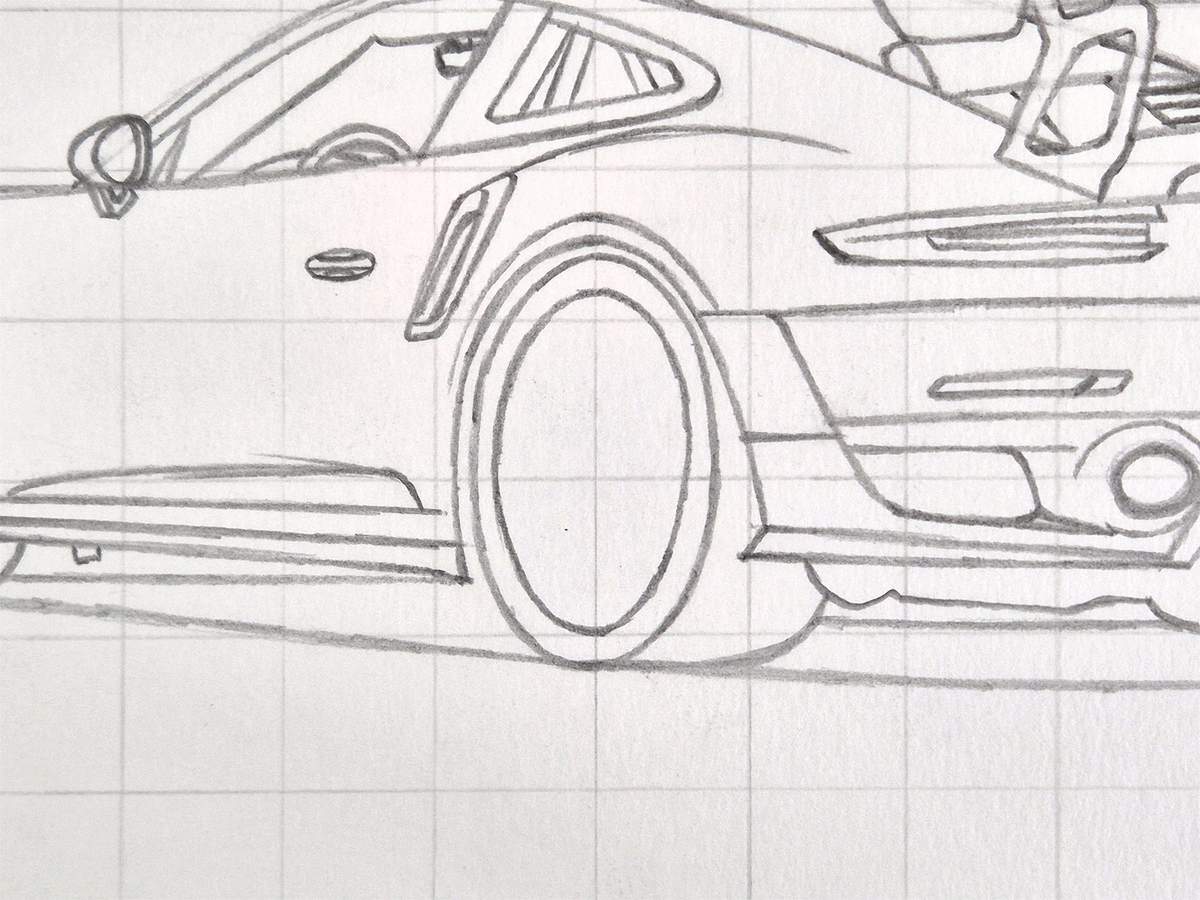
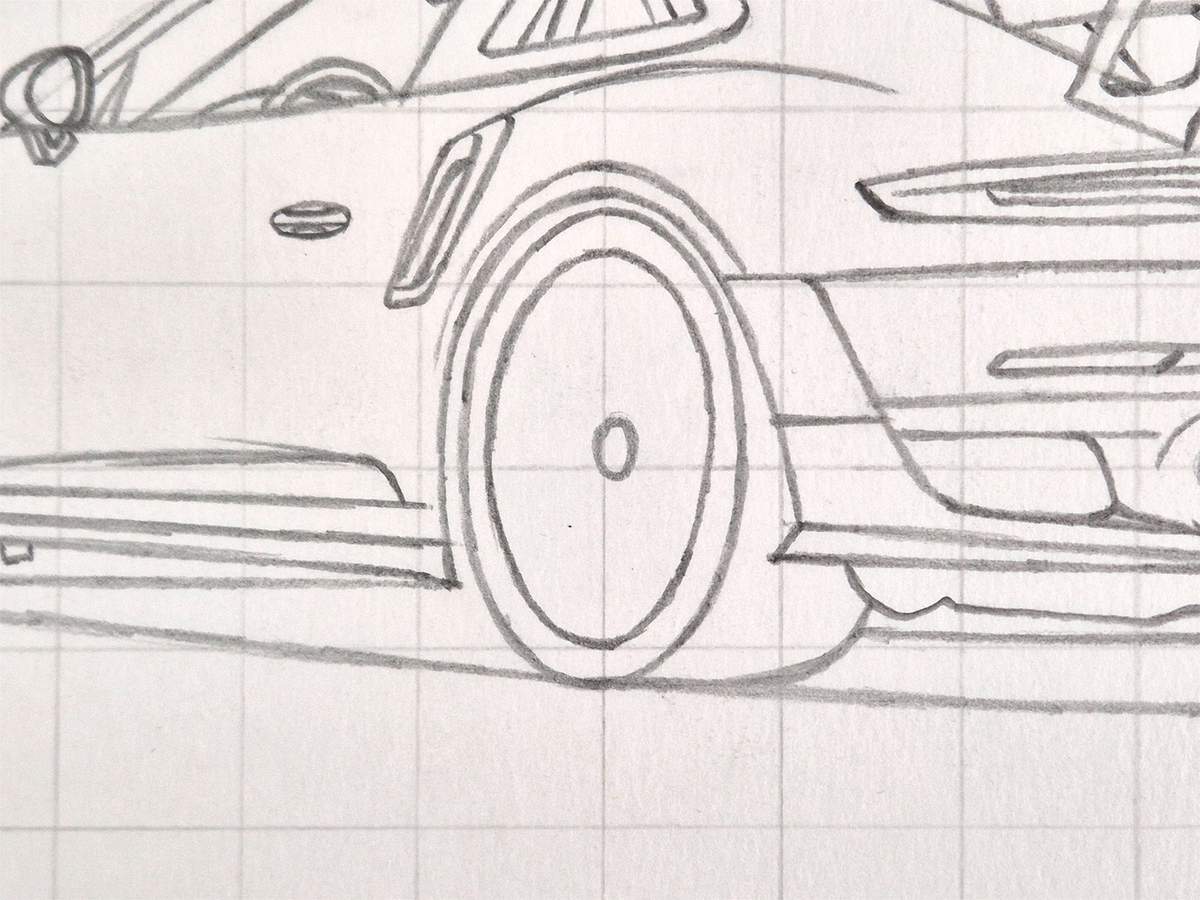
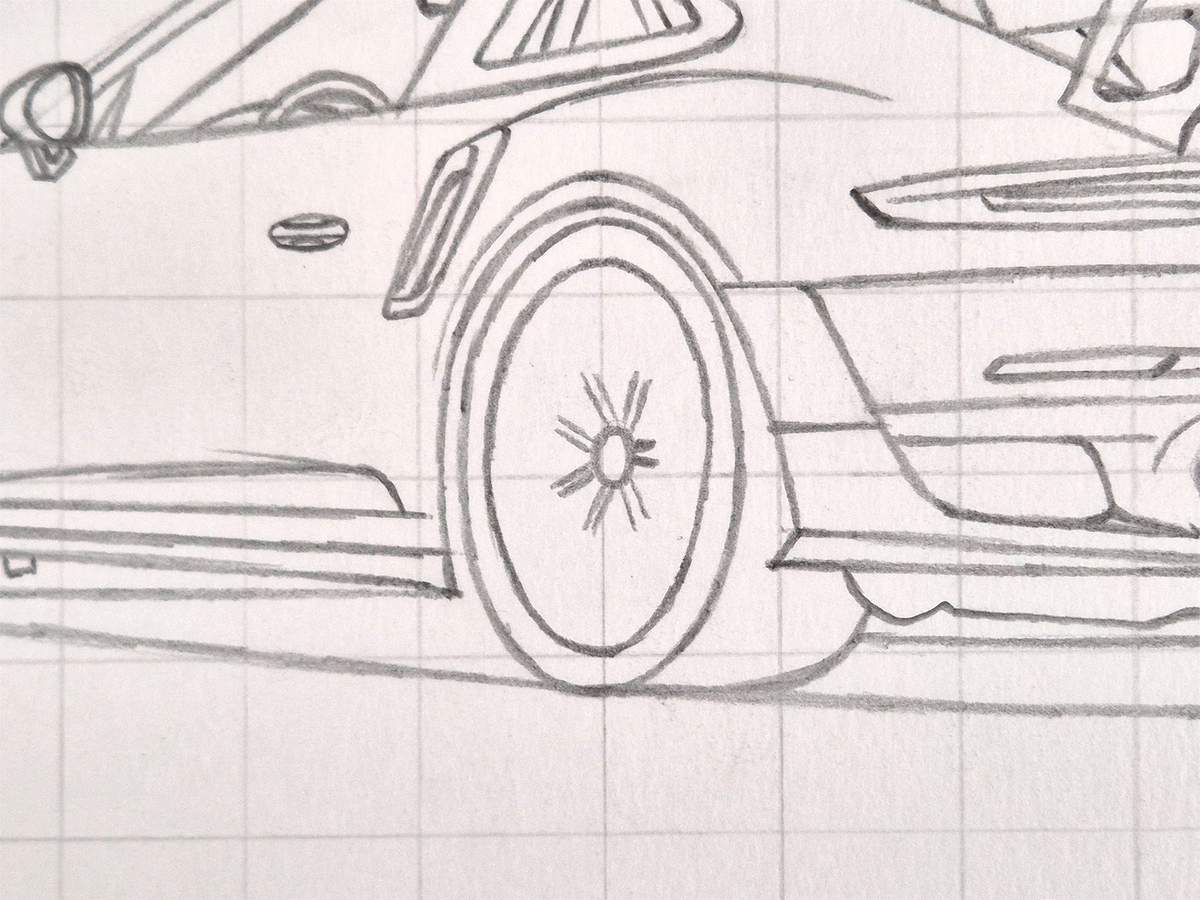
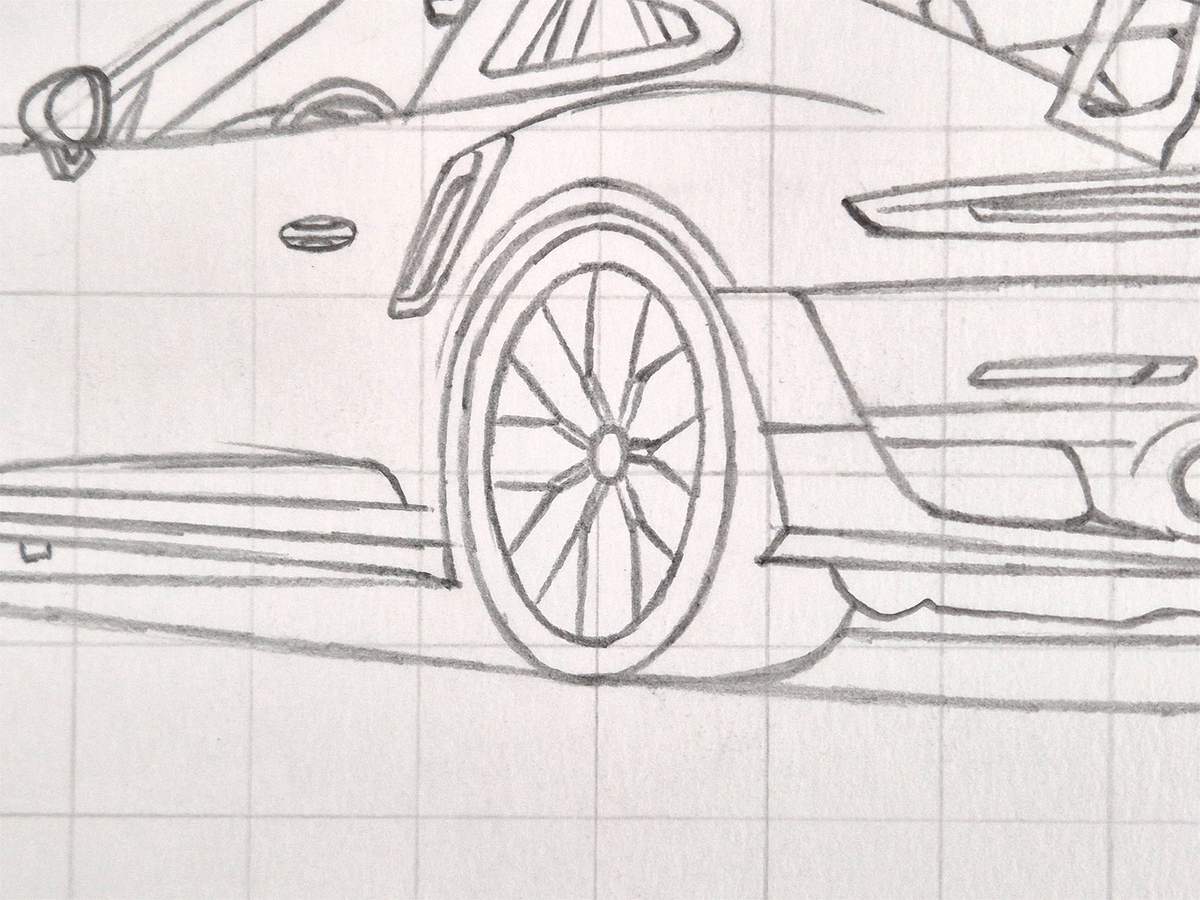
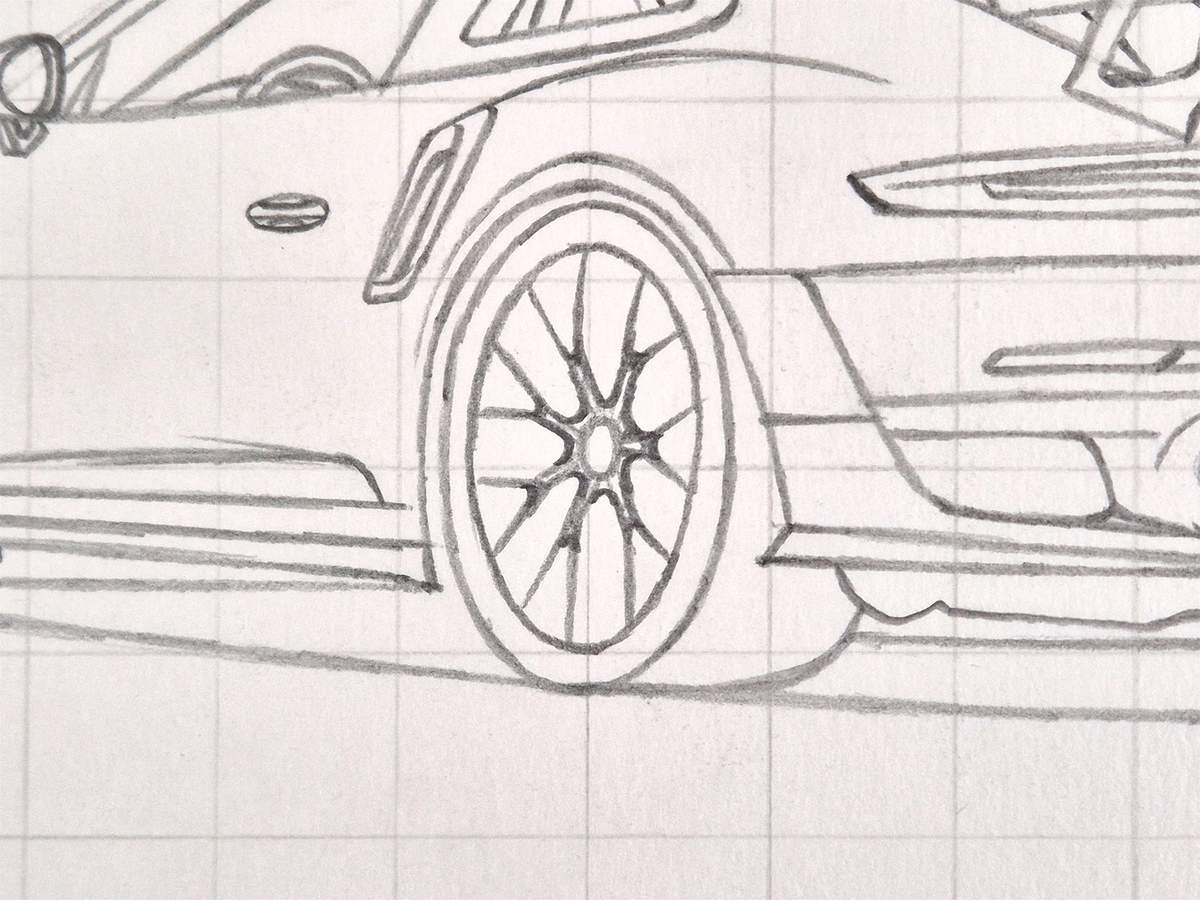
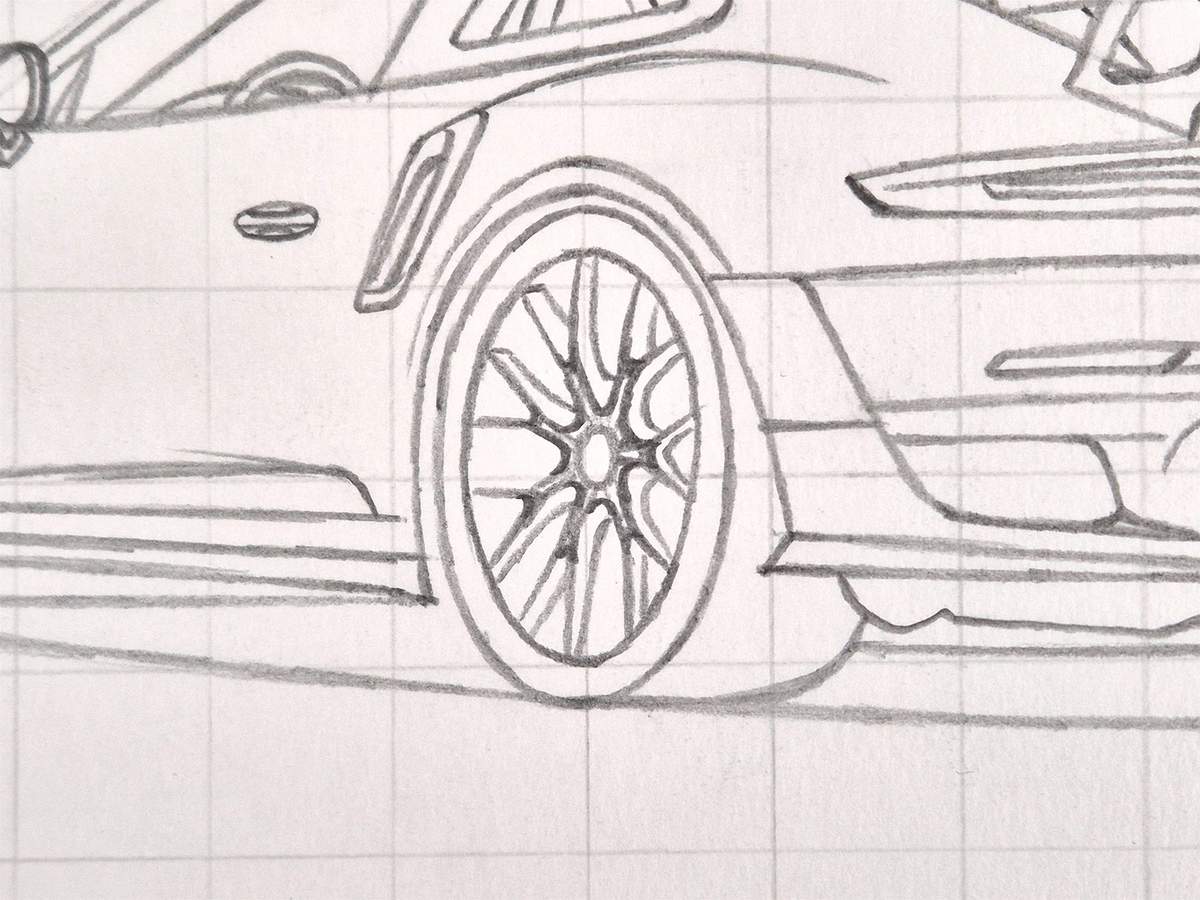
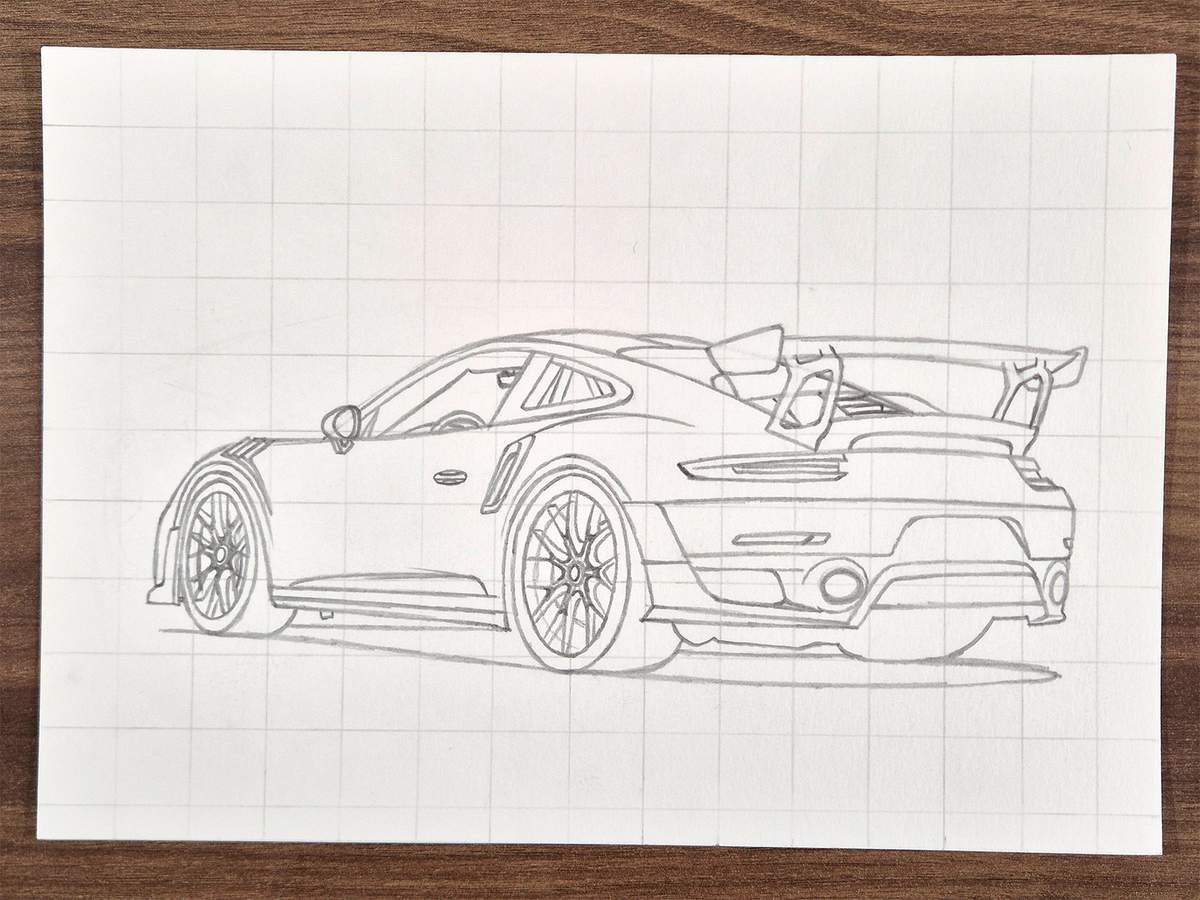
And with the rear wheel now all sketched too, the Porsche 911 is ready to be colored!
Coloring the Porsche 911 GT2 RS
When coloring the GT2 RS with marker, you always need to erase or lighten the part you're going to color first. Otherwise, you will see the sketch through the ink of the markers.
The only time I don't do this is when I color the pure black parts.
Step 10: Color All Pure Black Parts
Usually, I would go straight in with my black marker, but for this drawing it felt right to first outline all the black parts with a black fineliner.
I didn't outline some parts that are black but have a soft edge, like the shadow.
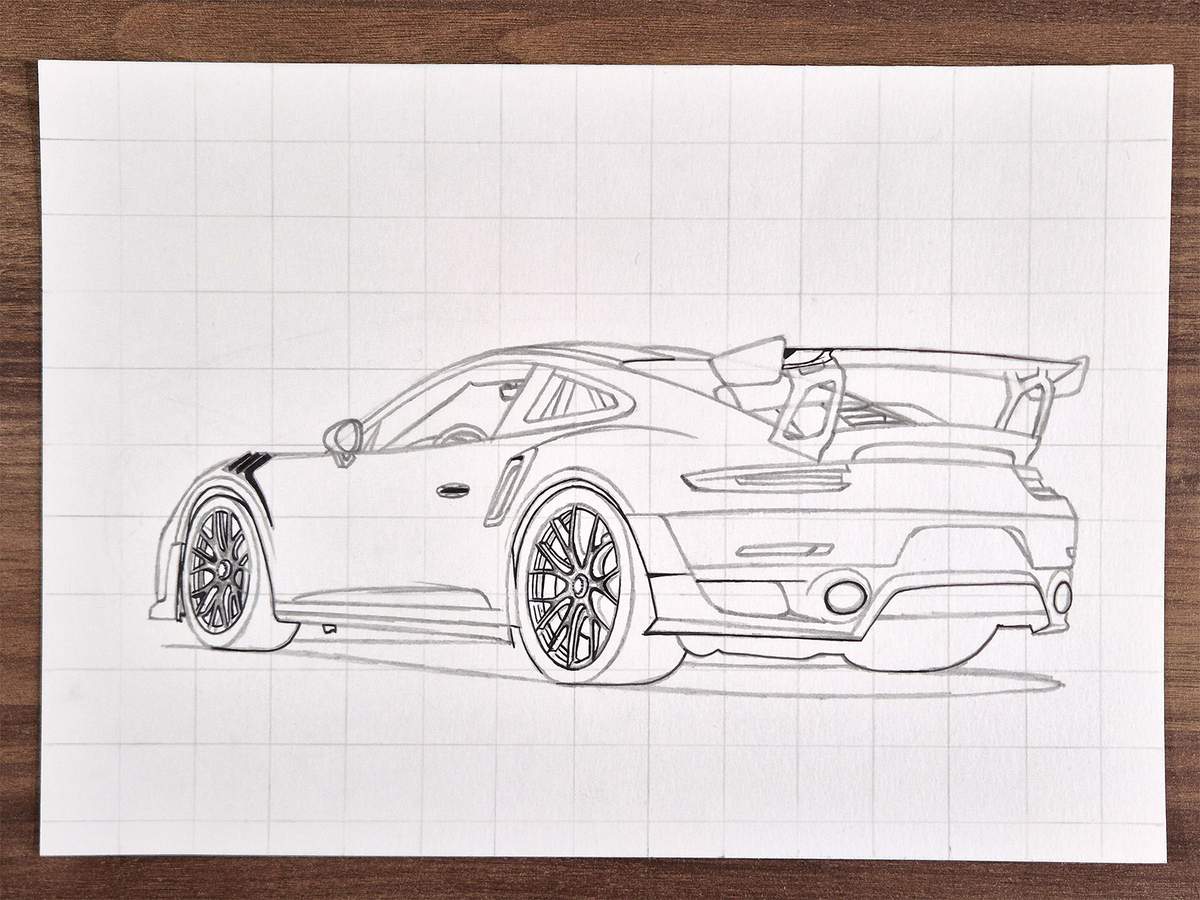
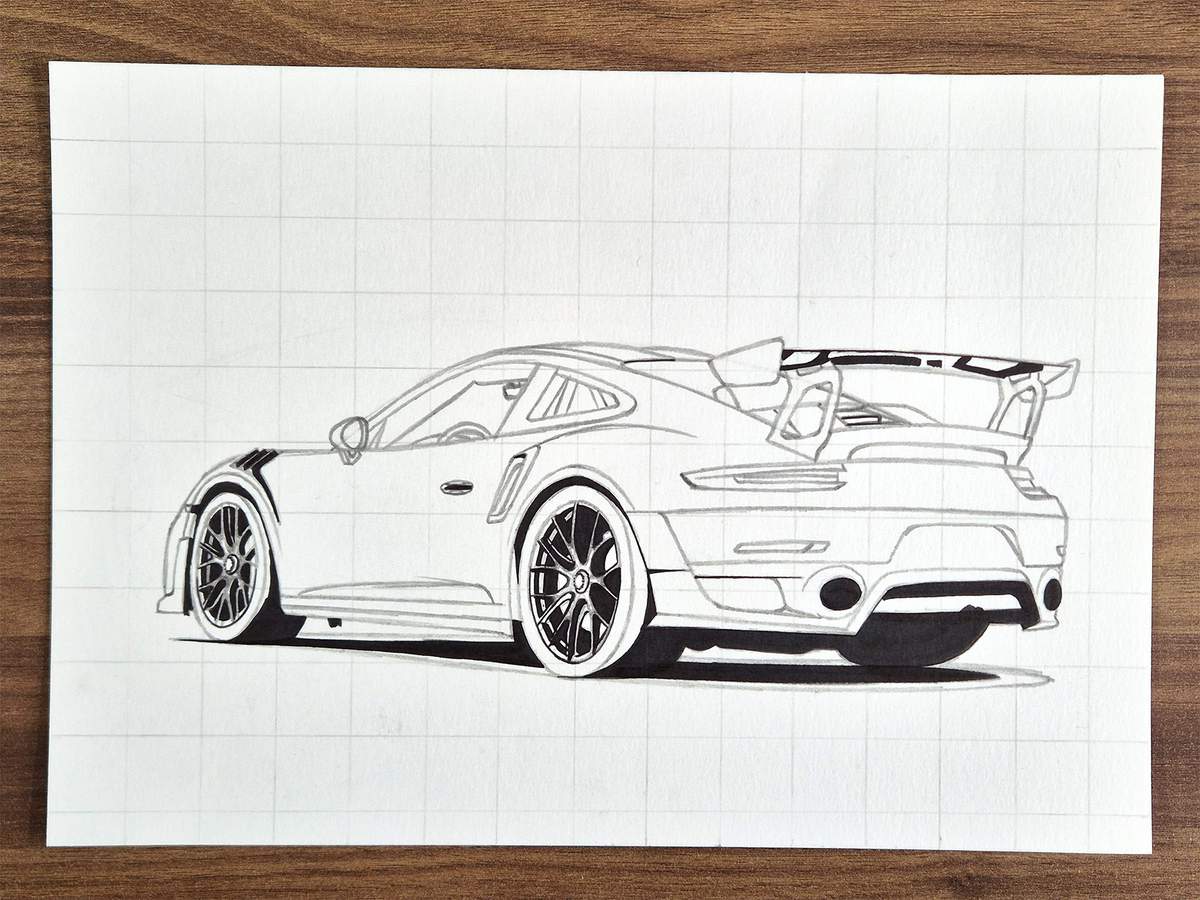
After that, I used my black marker to color all the parts I just outlined. I also colored the parts with a soft edge, like parts of the tires and the shadow.
Step 11: Color the Wheels
Next, I colored the wheels with Neutral Grey 6 (NG06). Be careful not to color the brake calipers. I made that mistake on the front wheel. Luckily, I was able to lighten it with my colorless blender marker.
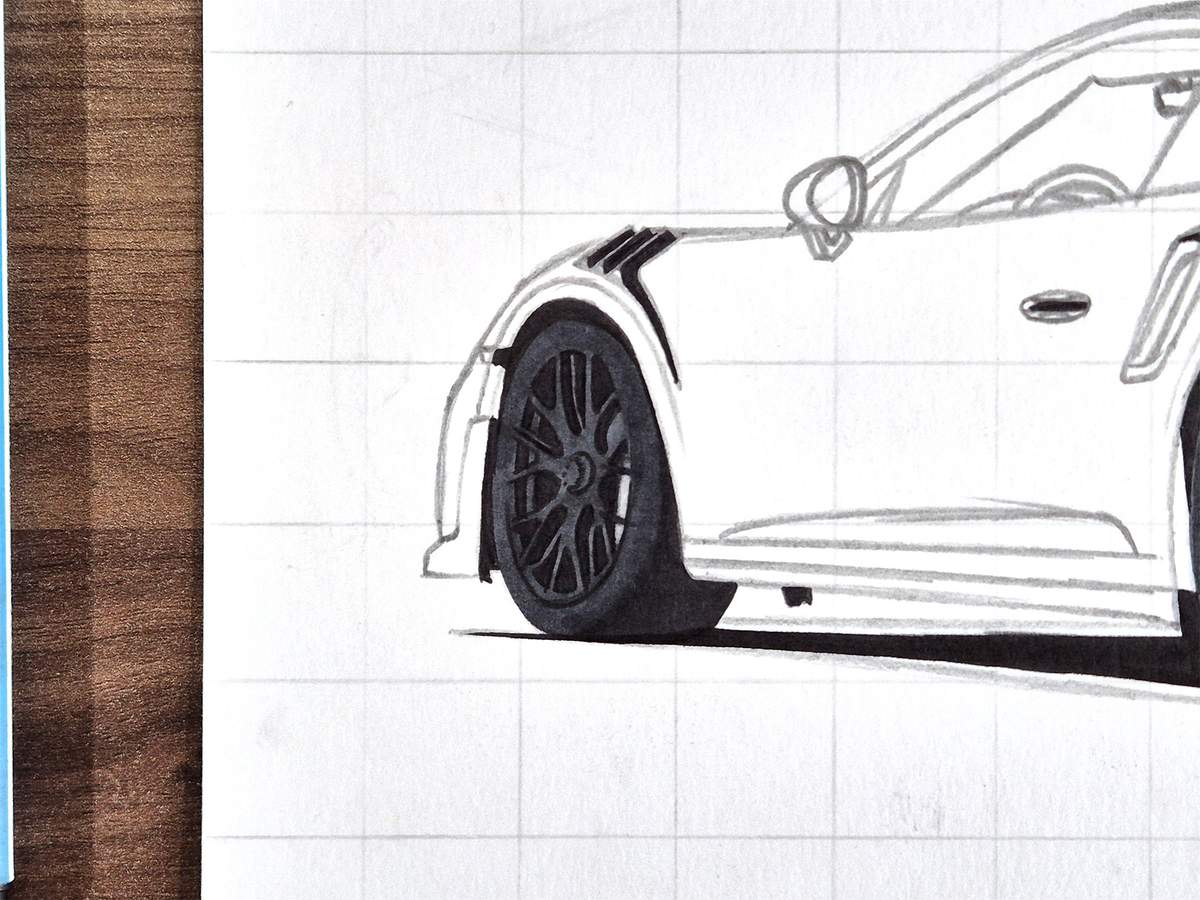
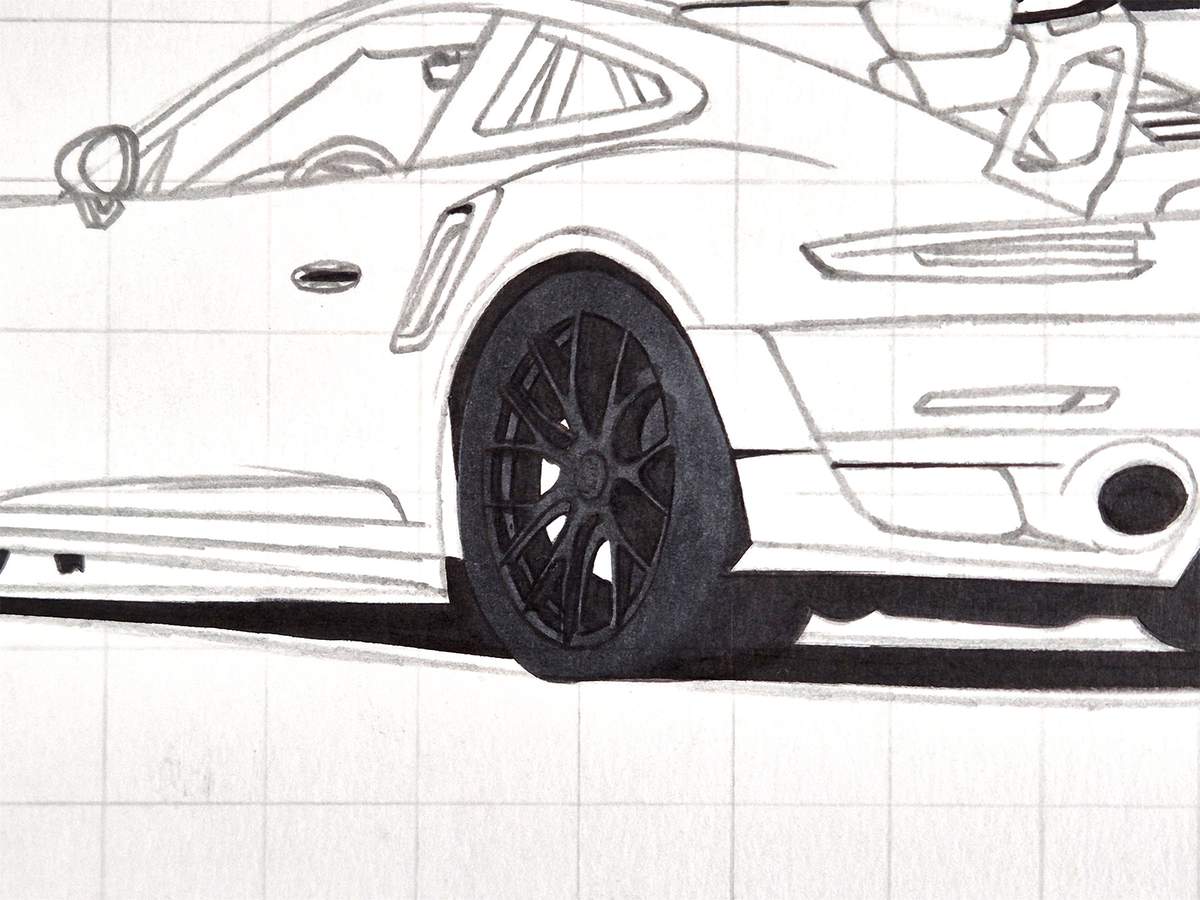
I then added some black shading to the bottom half of the tires.
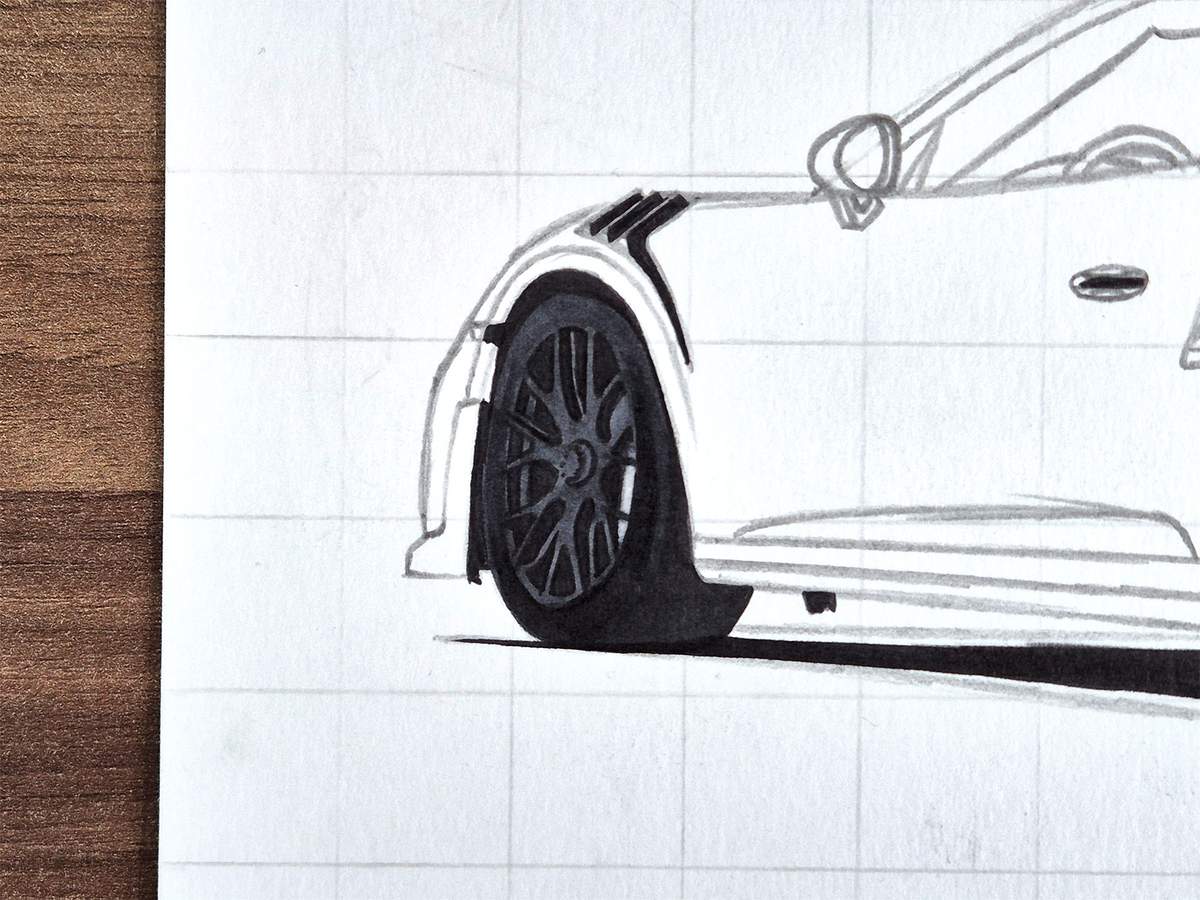
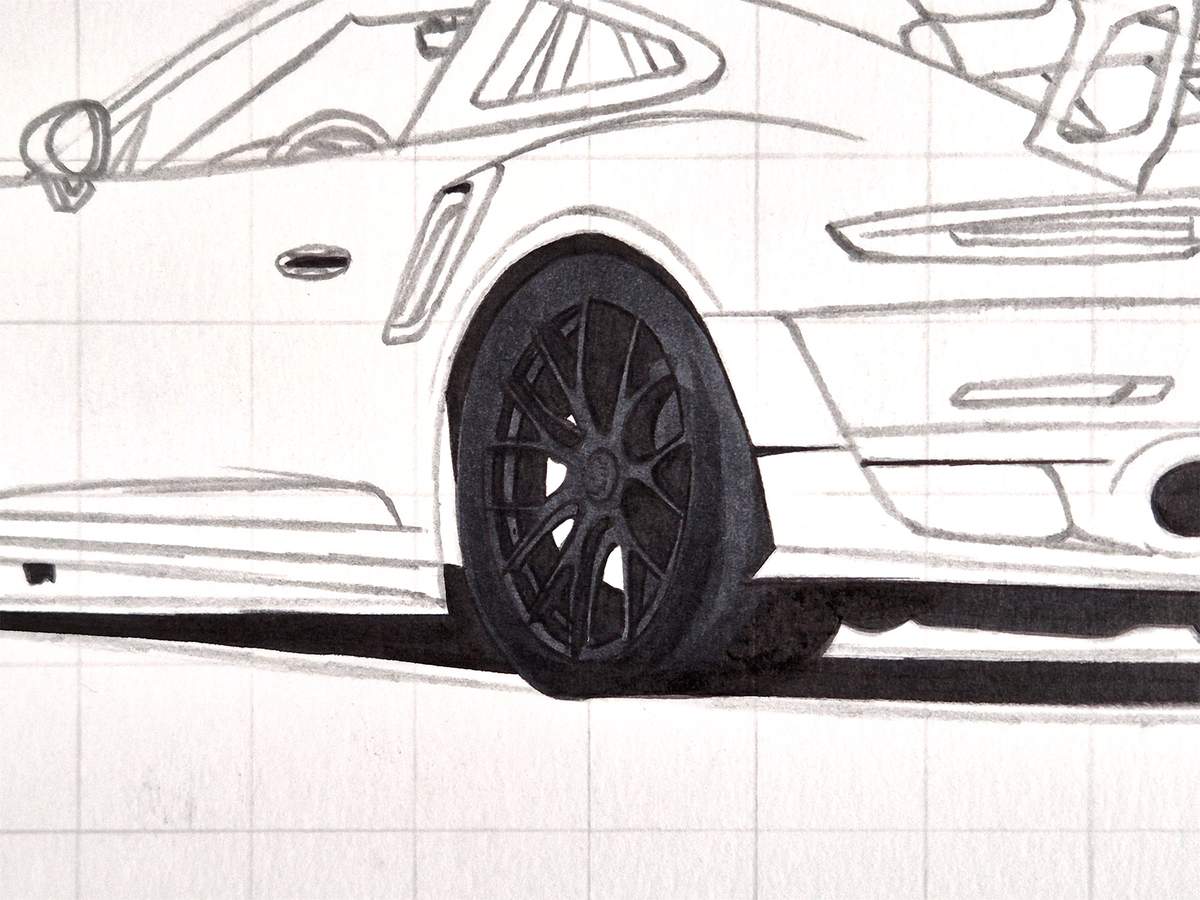
And that's it for the tires for now.
Step 12: Color the Splitter & Side Marker Light
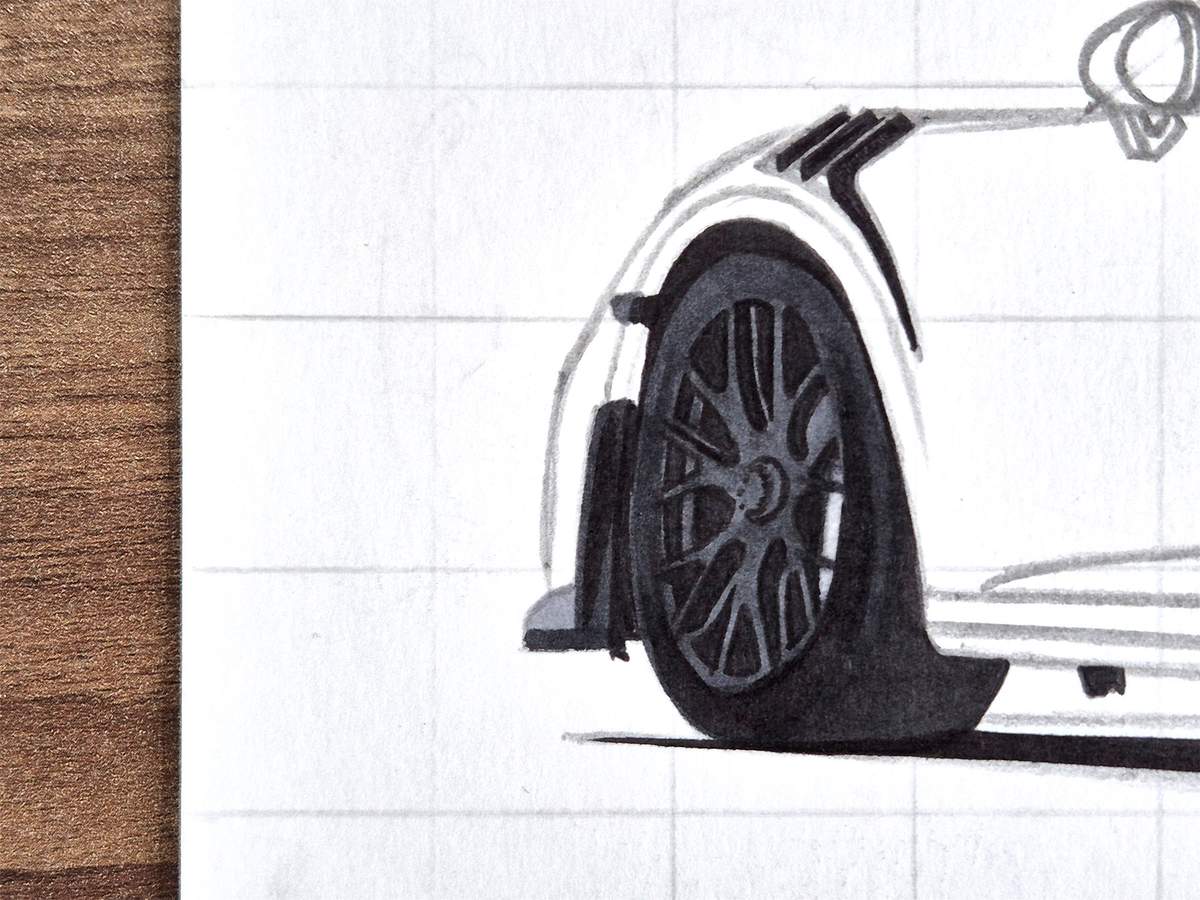
After that, I colored the big fin thing on the front of the car and the bottom edge of the splitter. I used Neutral Grey 6 (NG06).
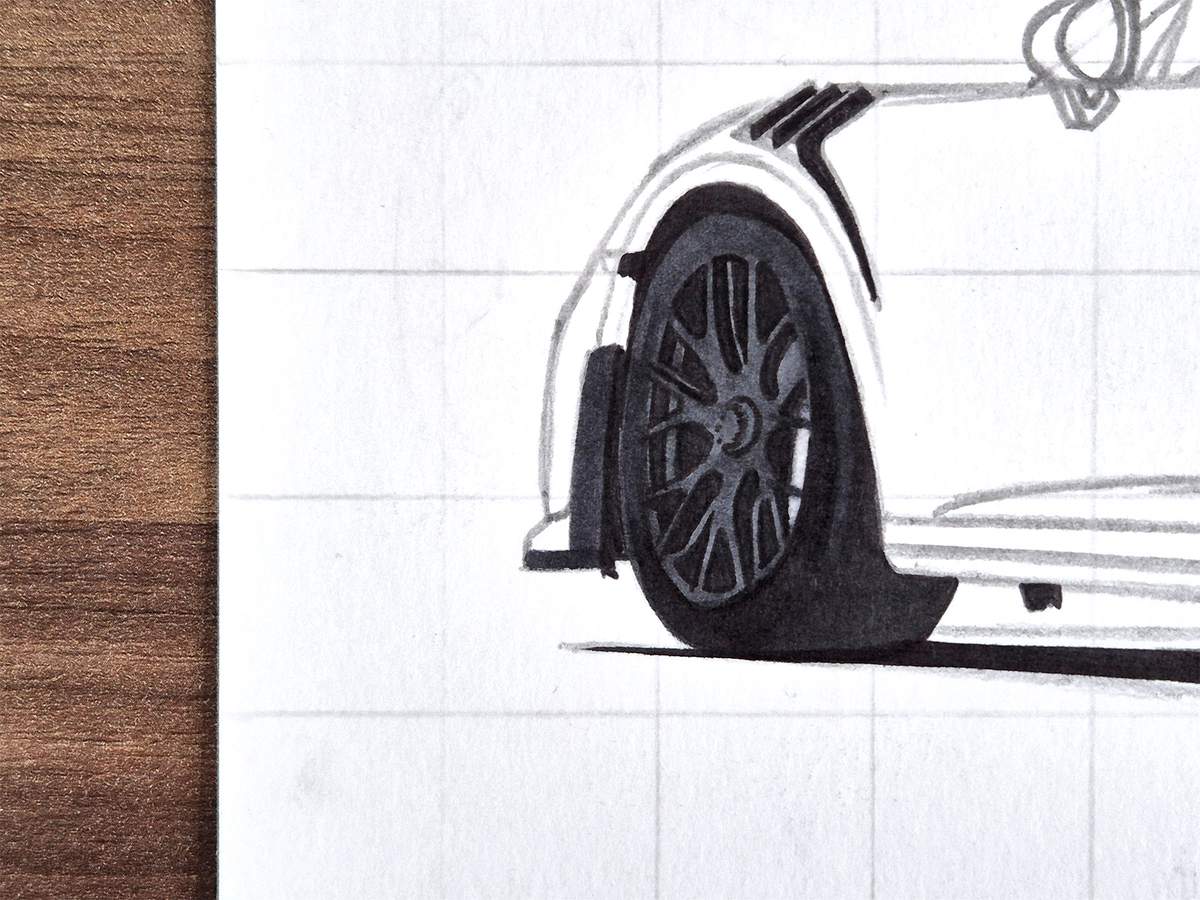
Then, I used Neutral Grey 05 (CG050) to color the remainder of the splitter and the little marker light above the fin.
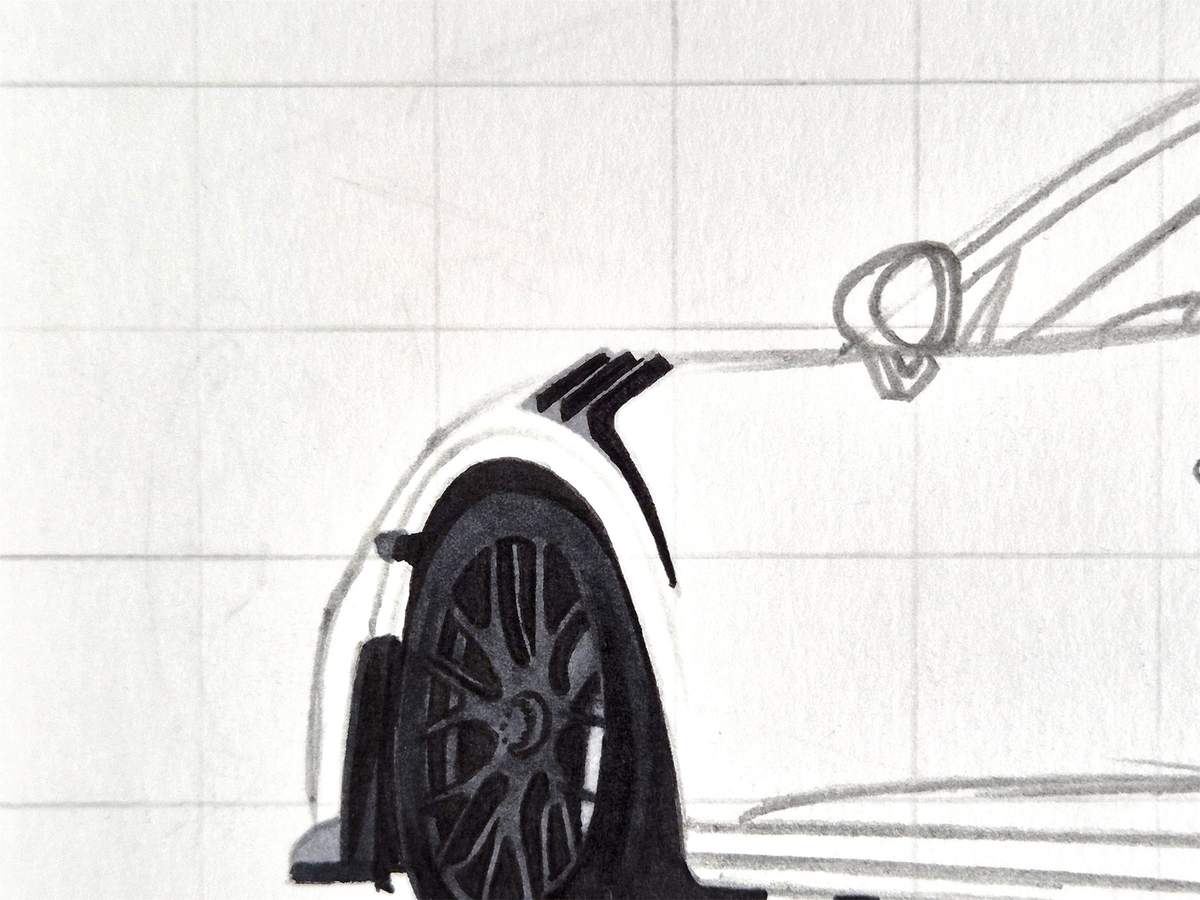
Step 13: Color the Air Vent Behind the Front Wheel
Next, I colored the air vents behind the front wheel with Neutral Grey 05 (CG050).
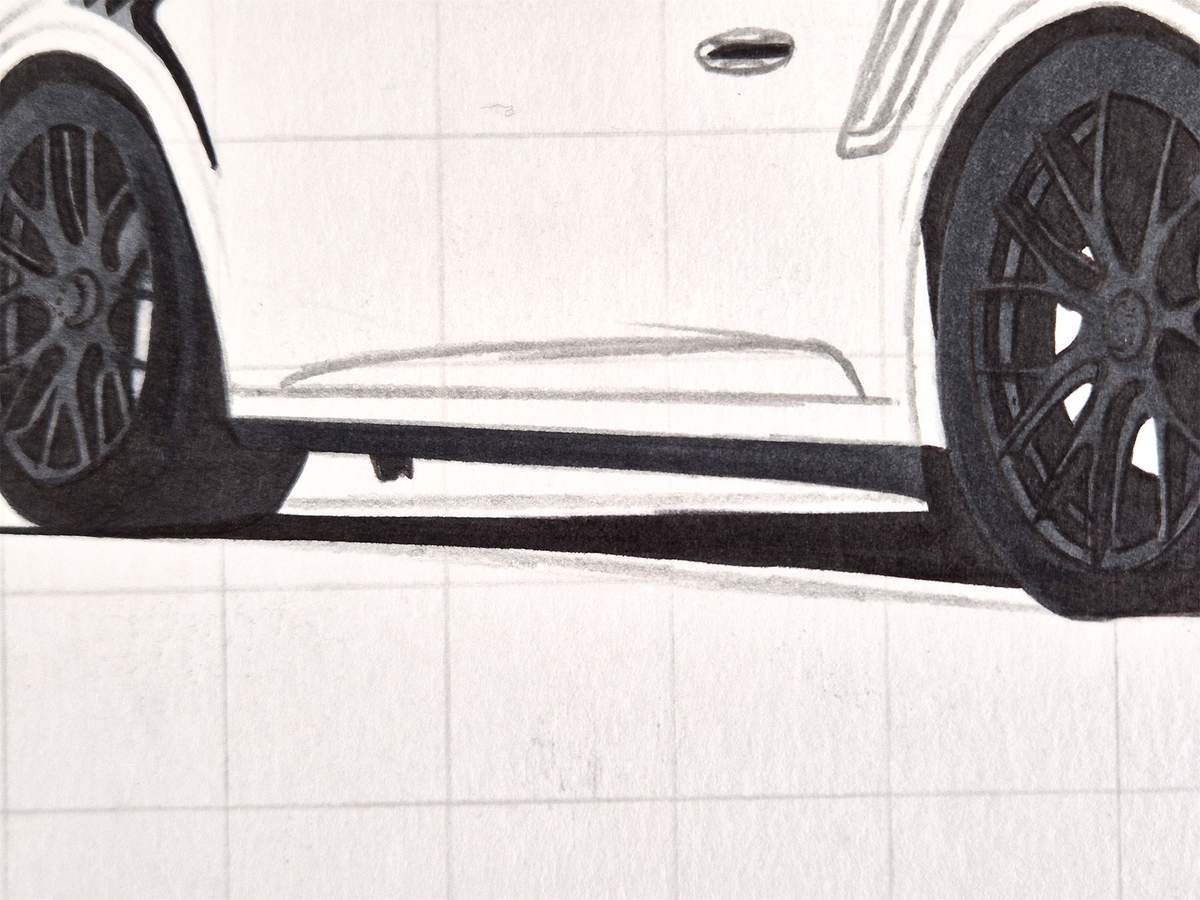
Step 14: Color the Sideskirt
Then, I colored the sideskirt with Neutral Grey 6 (NG06).
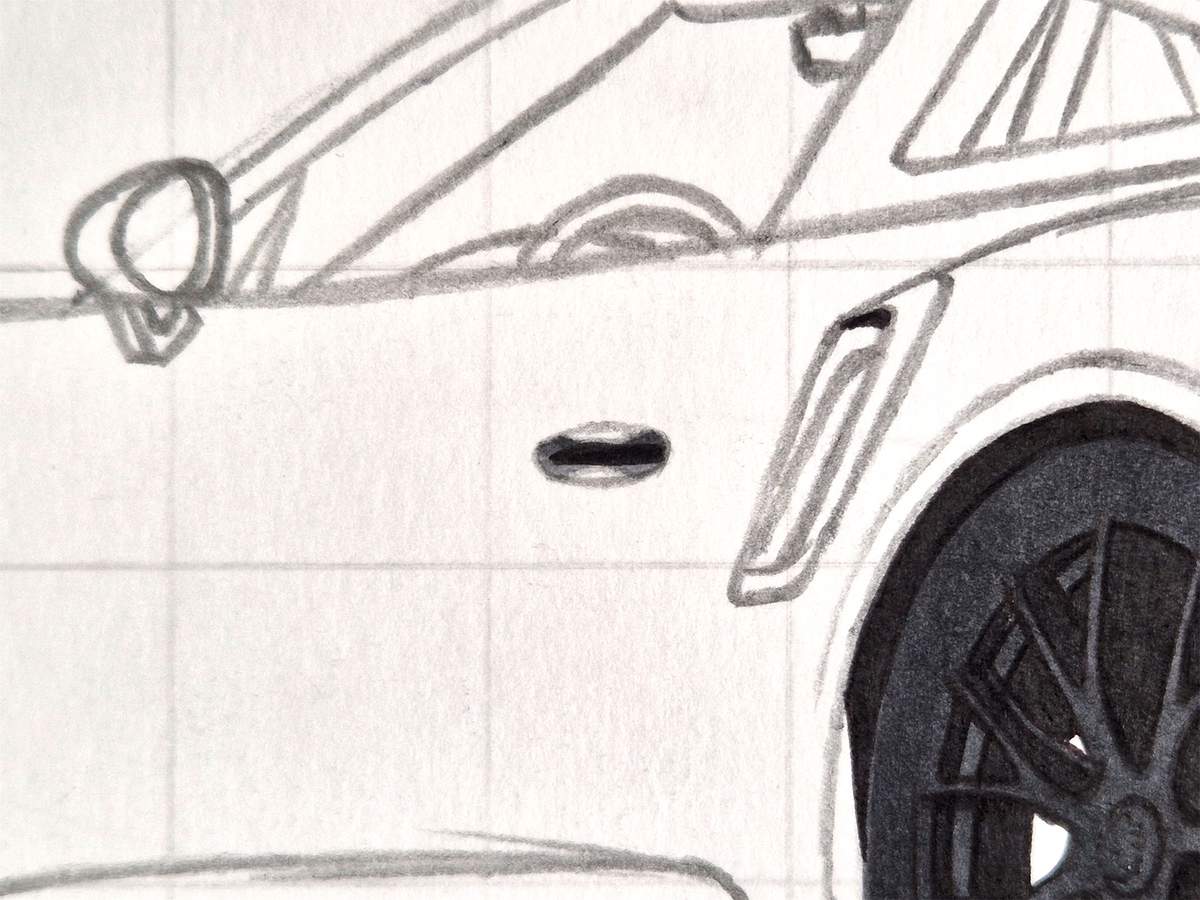
Step 15: Color the Door Handle
I then moved on to the door handle.
I started by coloring the remainder of it with Neutral Grey 05 (CG050).
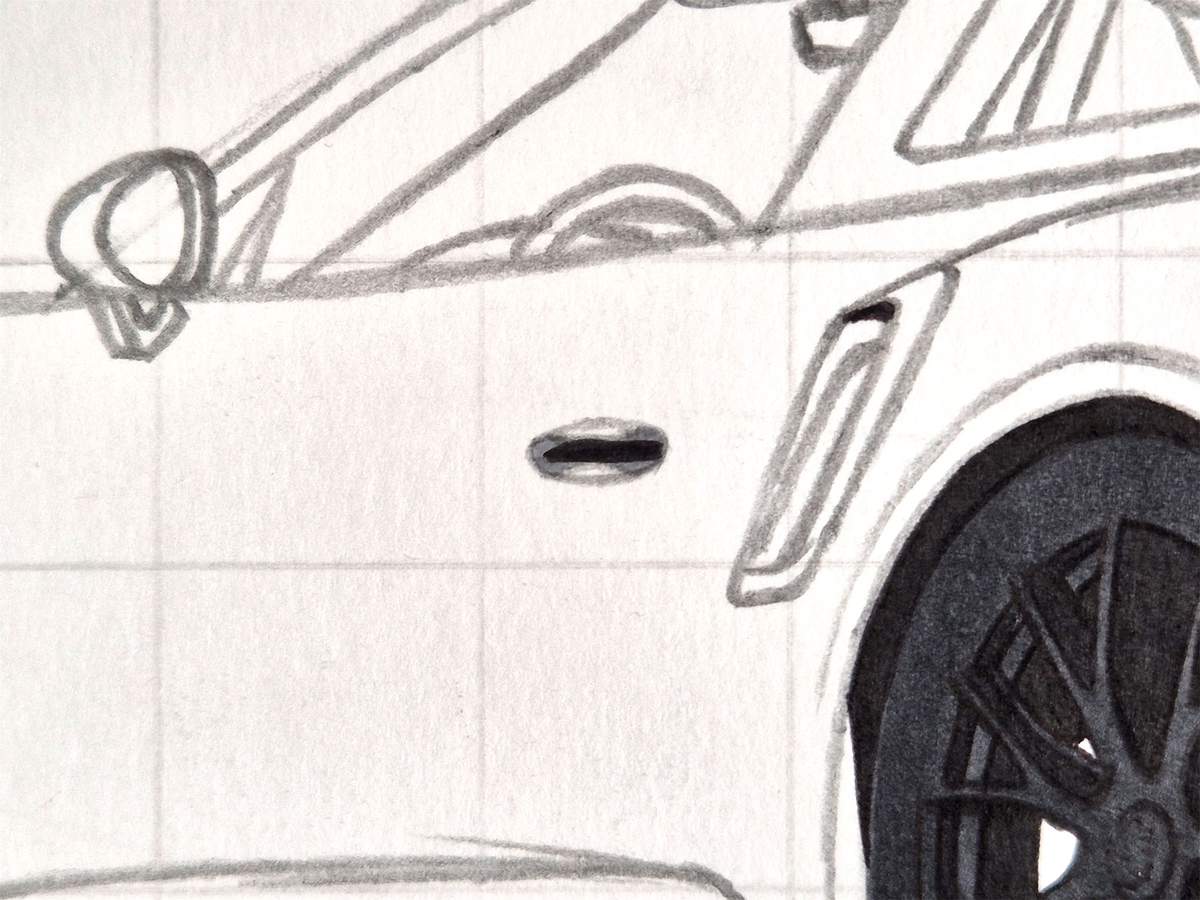
And then, I used a darker grey called Neutral Grey 07 (CG070) to darken the top half of the handle.
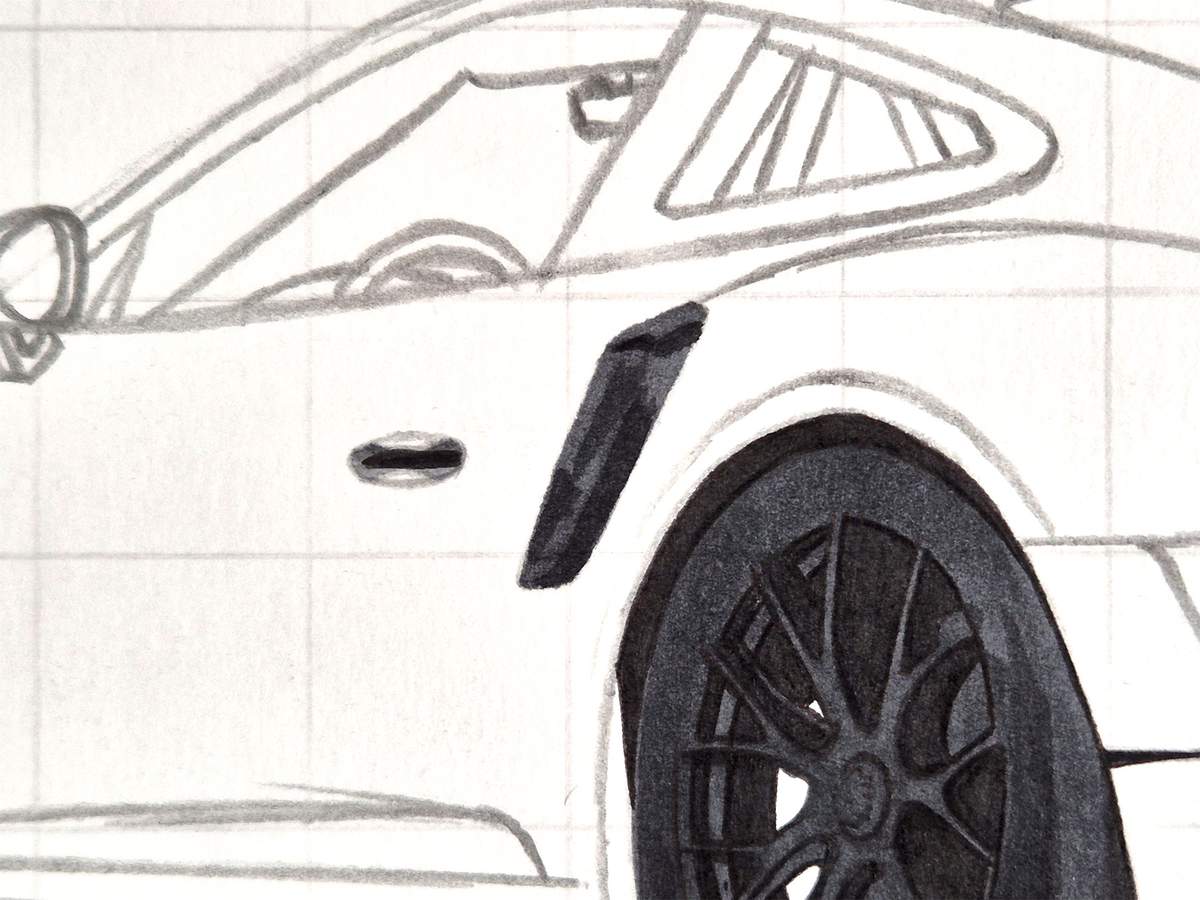
Step 16: Color the Side Intake
After that, I colored the side intake with Neutral Grey 6 (NG06).
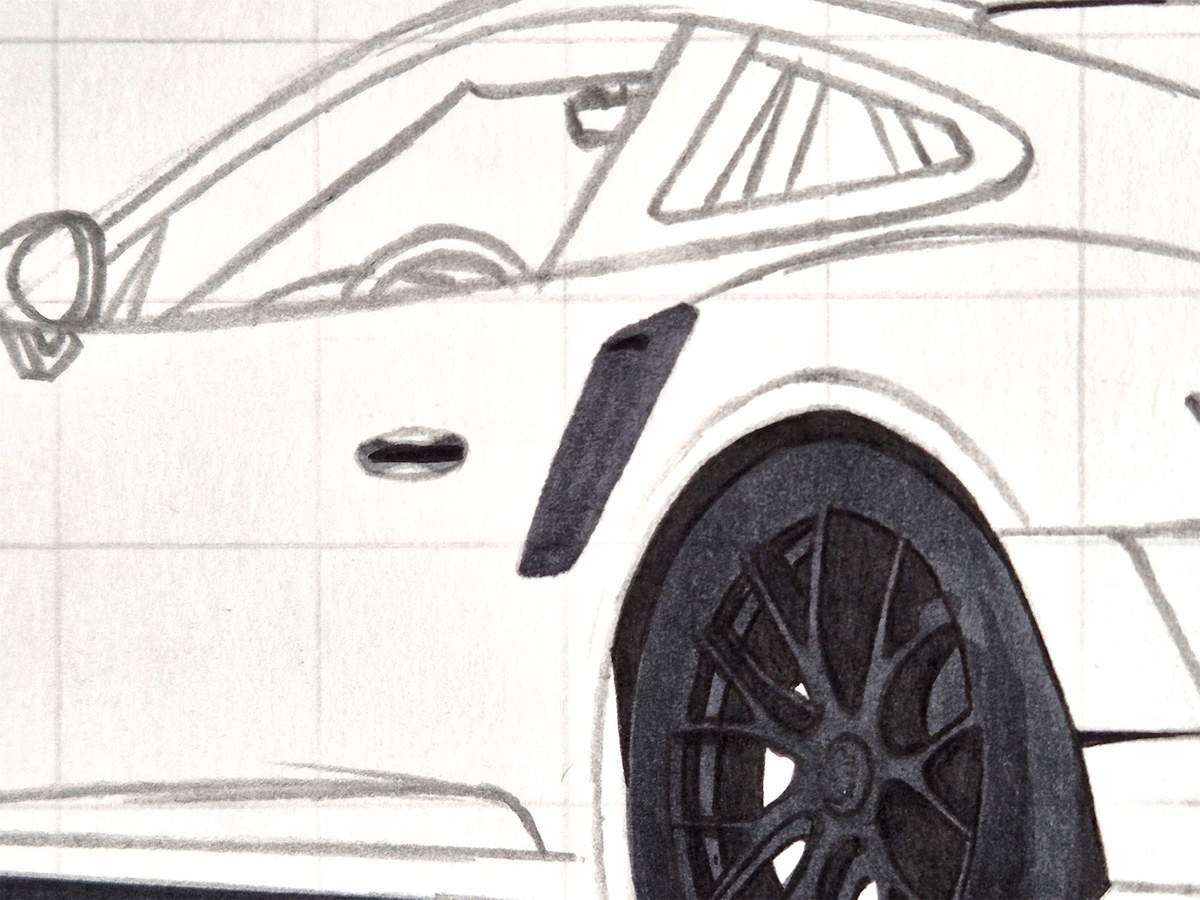
And I added some dark shadows with Black (120).
Step 17: Color the Rear Bumper
Next, I colored the rear bumper.
I started by coloring all the lightest parts with Neutral Grey 05 (CG050).
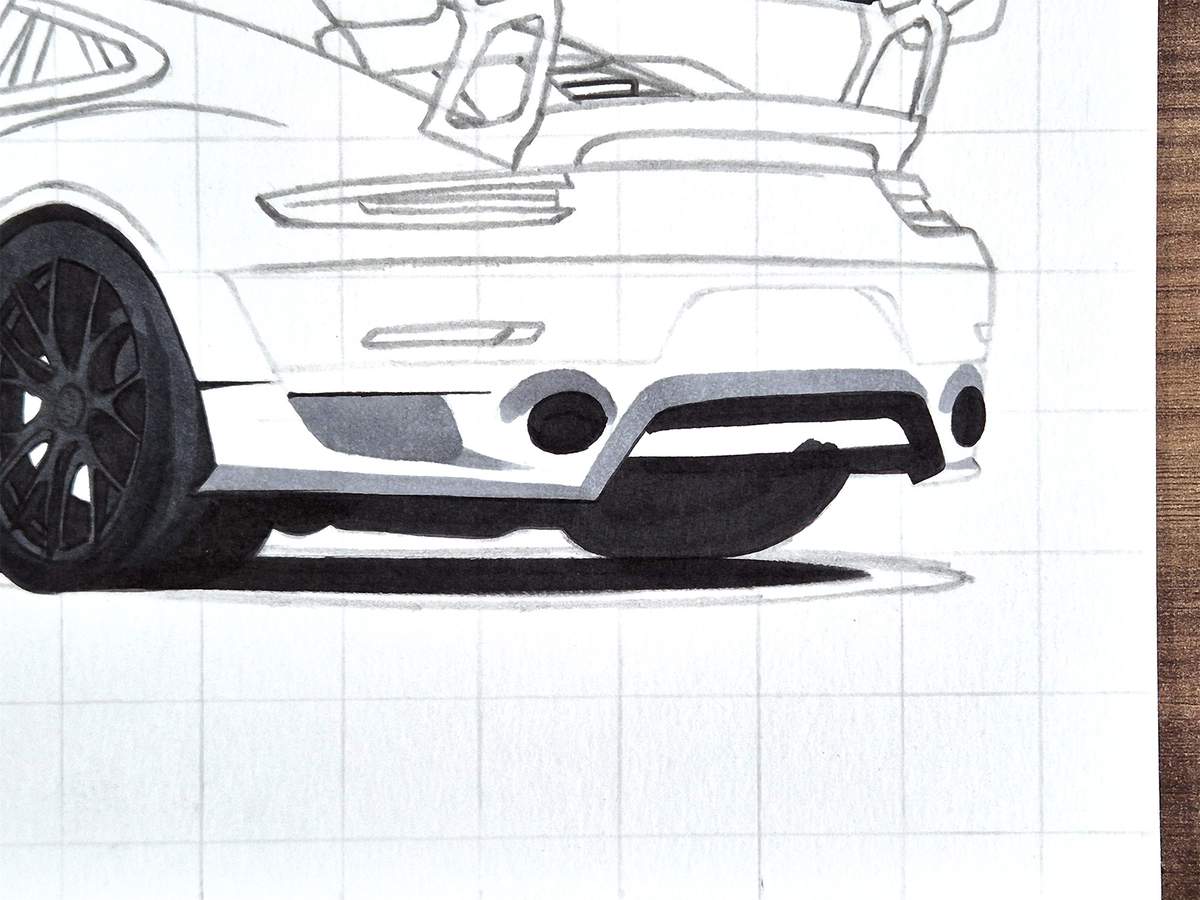
Then, I used Neutral Grey 07 (CG070) to color the remainder of the bumper.
Around the exhaust tips and the top edge of the diffuser, I blended the greys using Neutral Grey 05 (CG050).
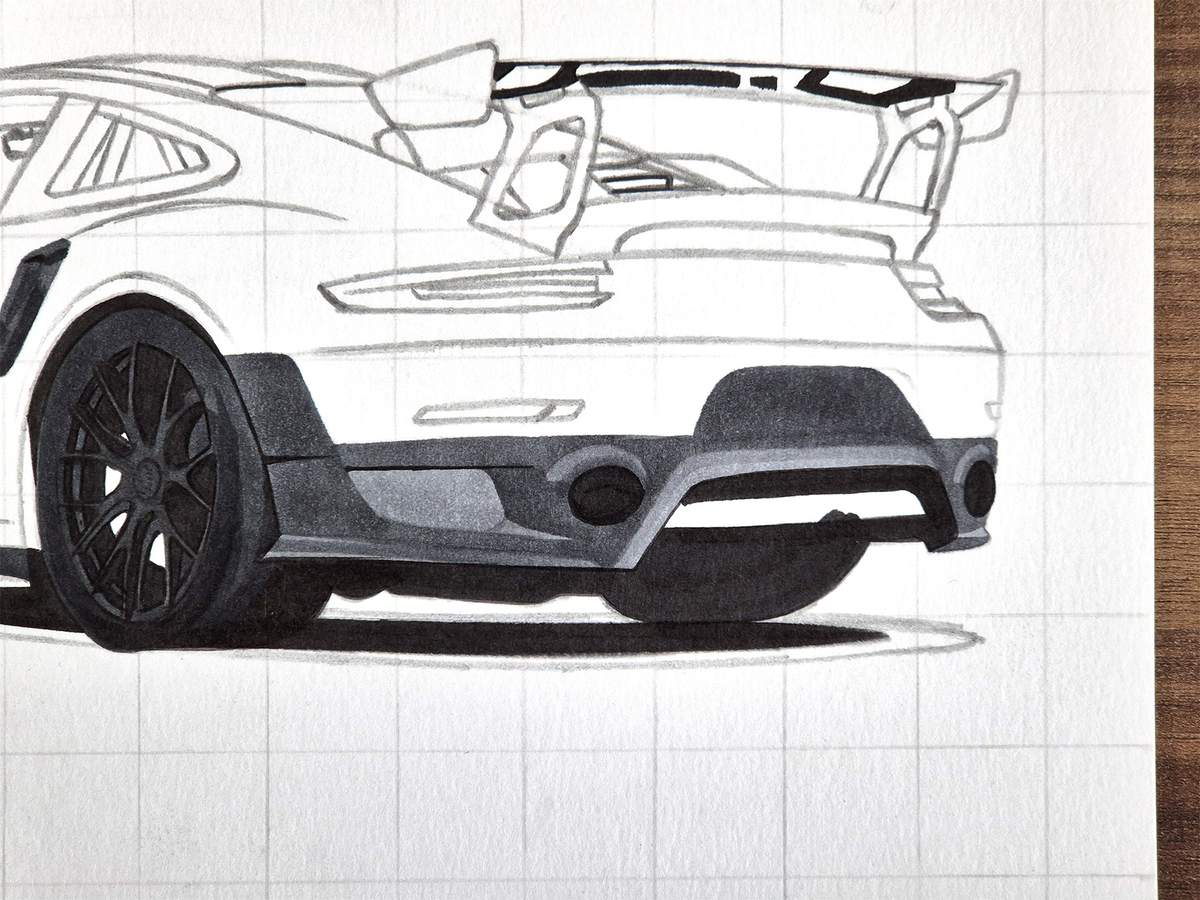
I then used Neutral Grey 06 (NG06) to add shading to the bumper and to color the last remaining part.
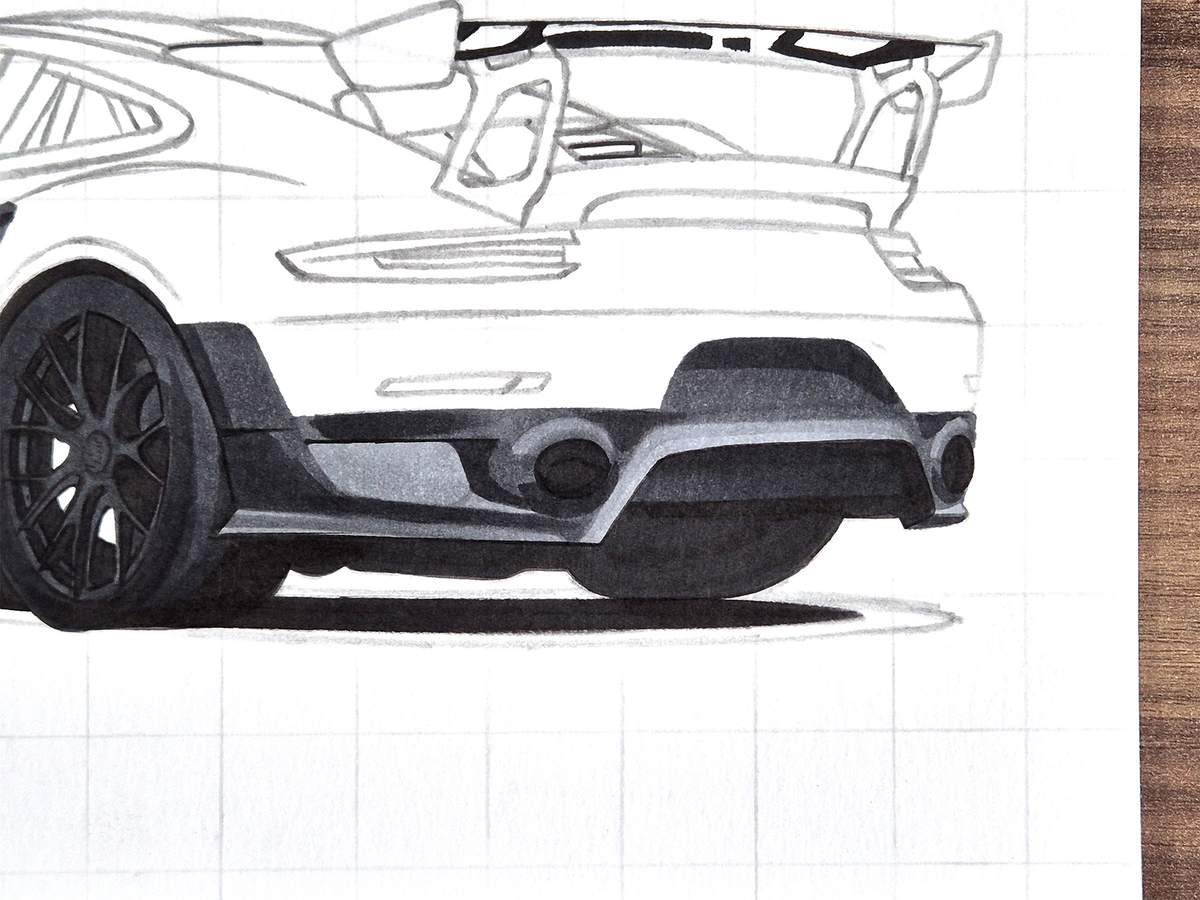
Lastly, I blended most of the edges of the darkest grey with Neutral Grey 07 (CG070), and I darkened the air vents behind the rear wheel with Neutral Grey 07 (CG070), too.
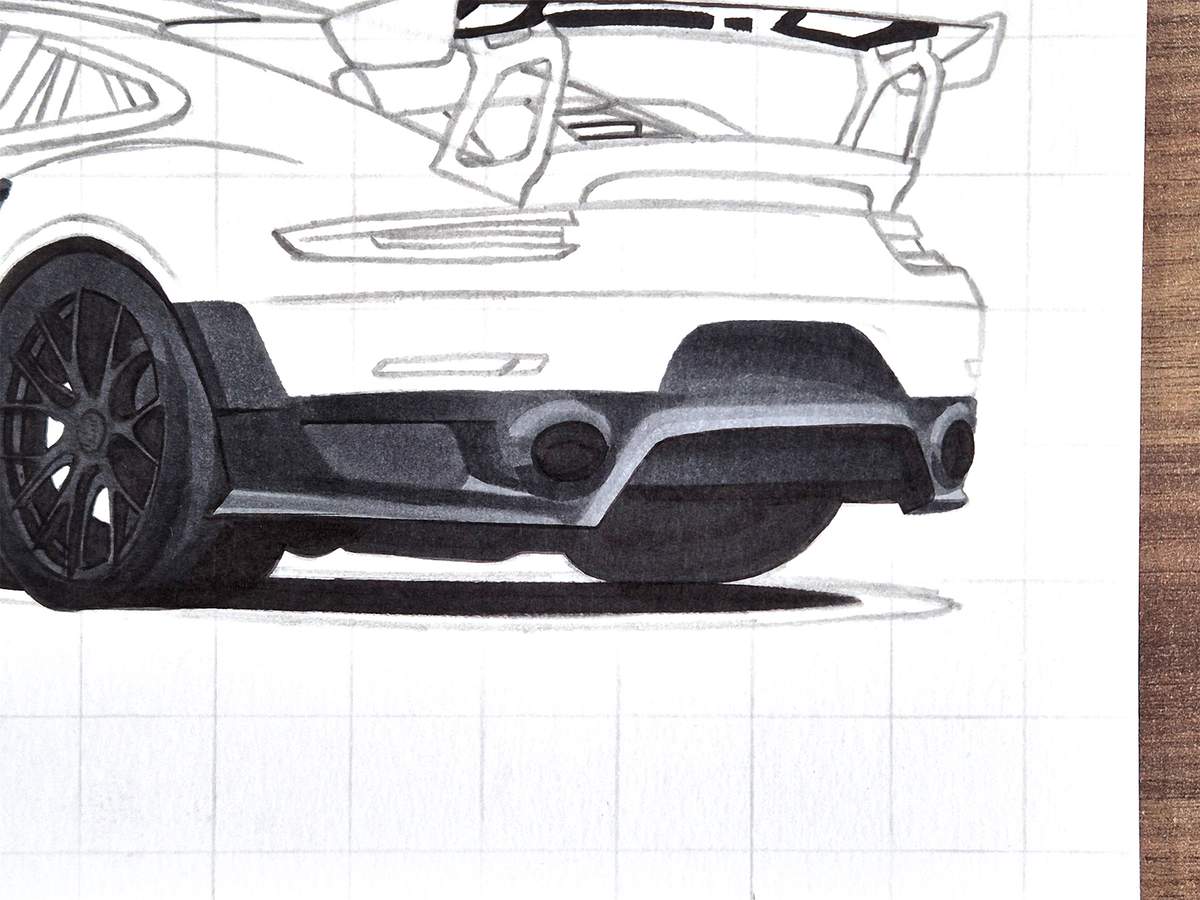
Here's a quick overview of how far we've already come:
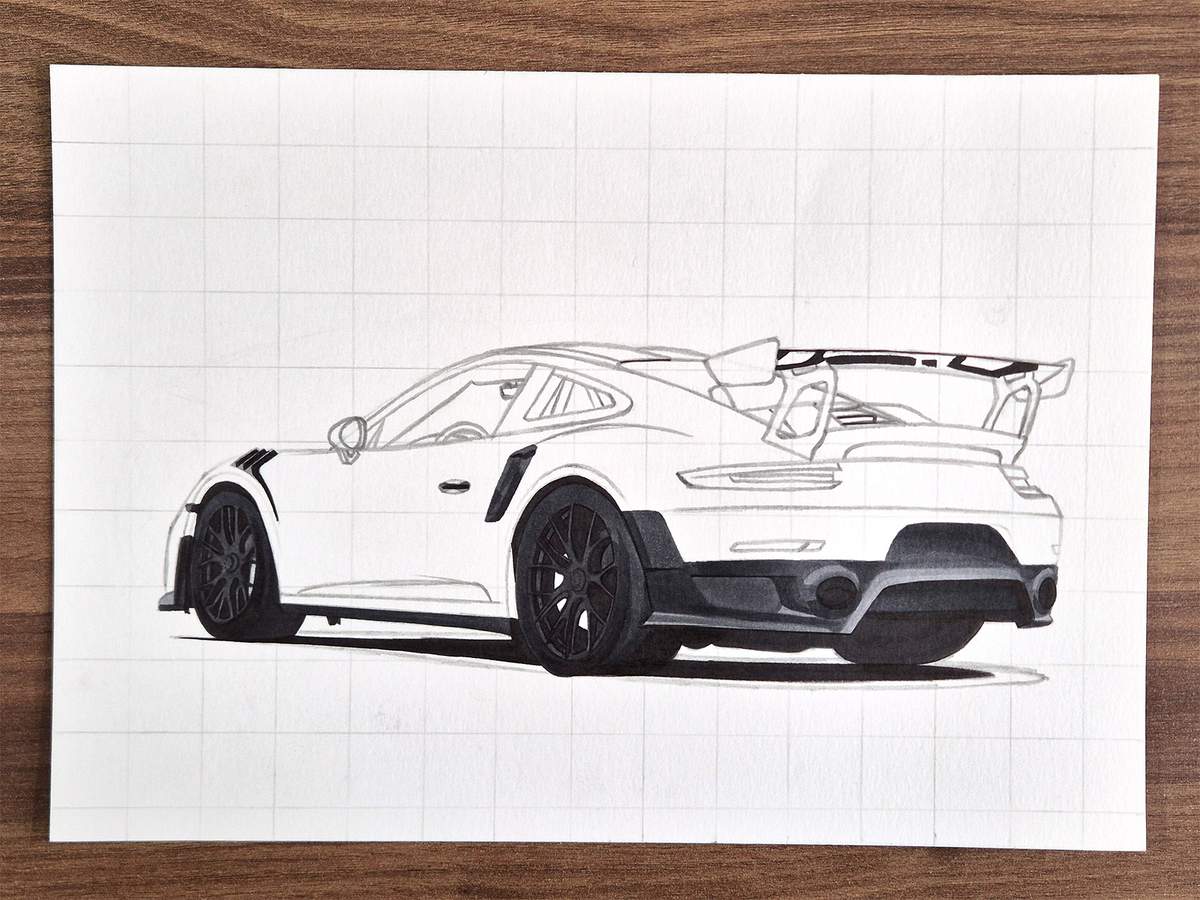
Step 18: Color the Wing
Next, I colored the wing.
I started with this small patch in the middle, which I colored with Neutral Grey 03 (CG030).
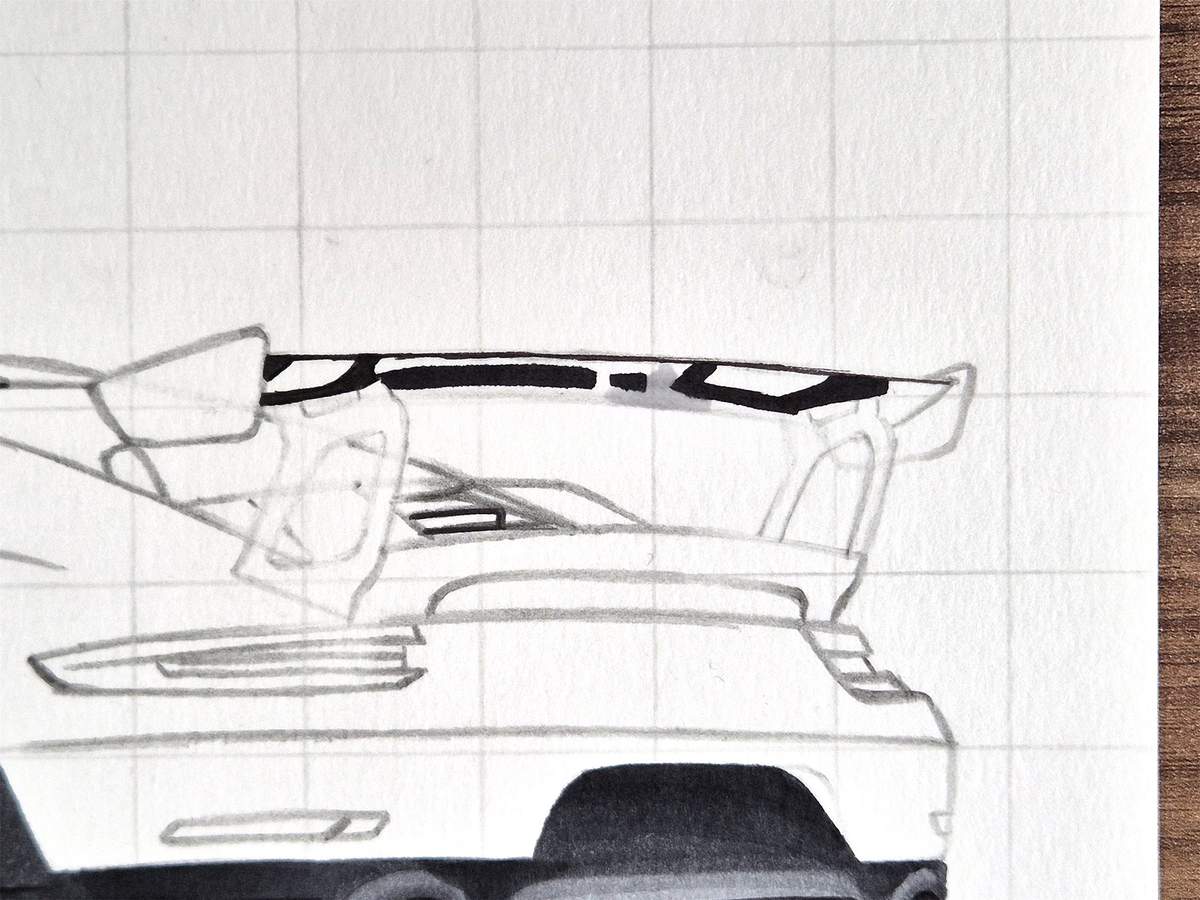
Then, I used Neutral Grey 05 (CG050) to color most of the remainder, except for the far right bits.
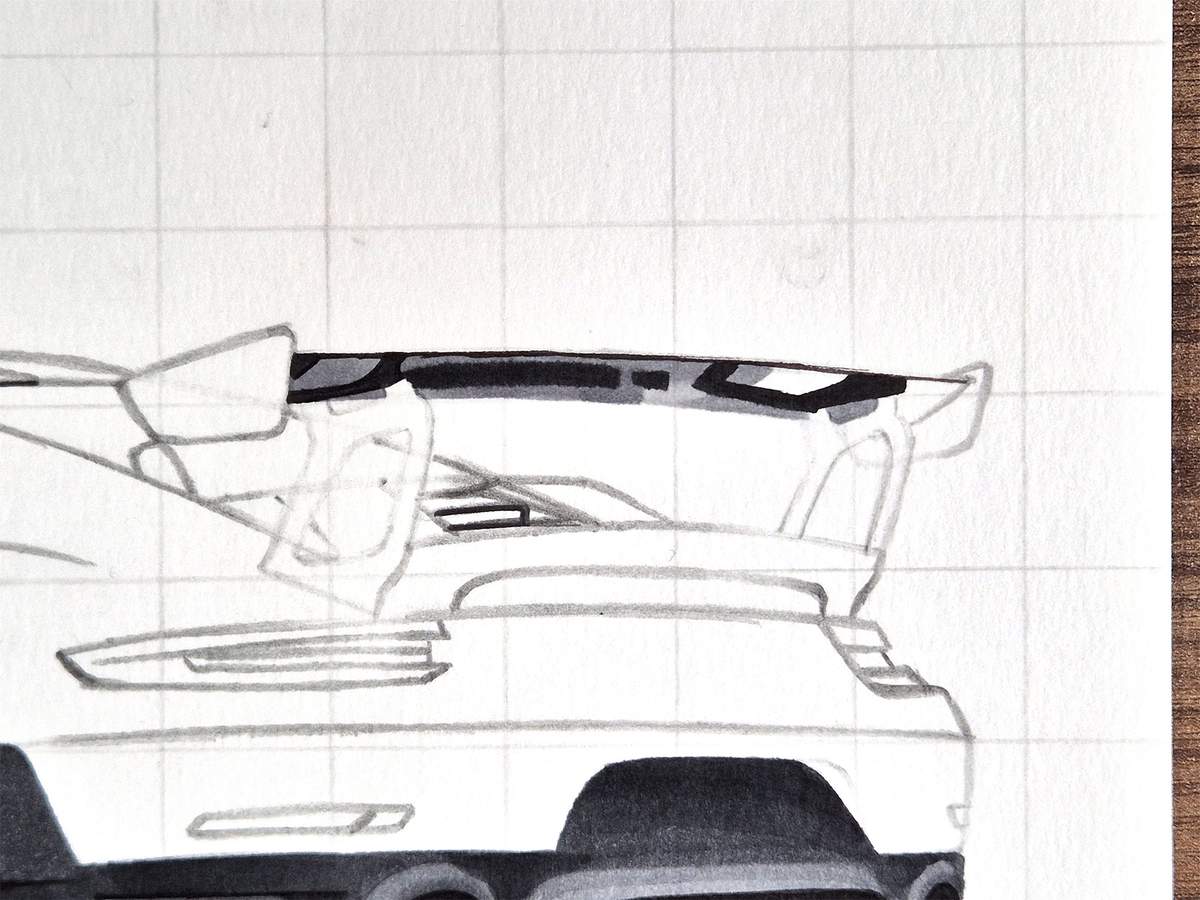
And lastly, I used Neutral Grey 07 (CG070) to color the far right bits, a little piece in the top left, and the wingstands.
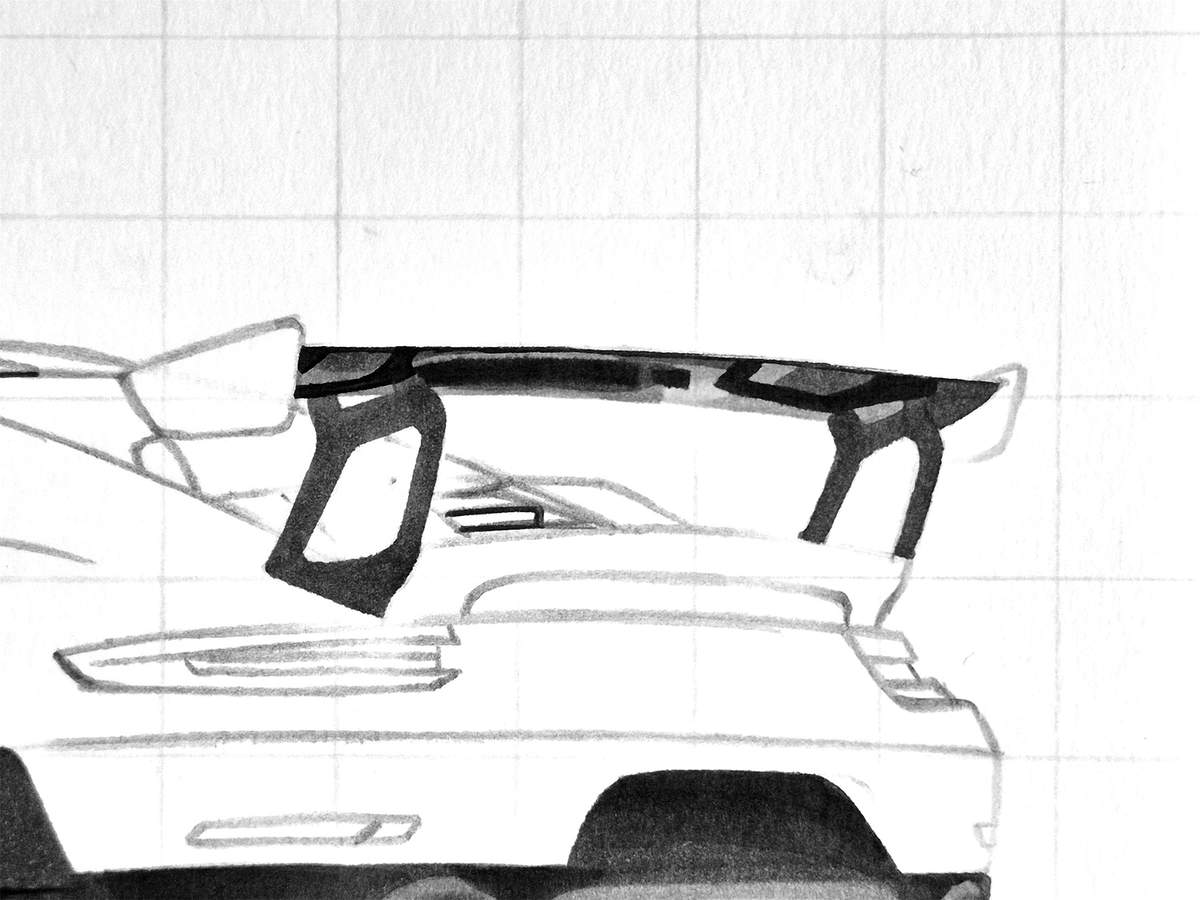
I also colored this air vent below the wing. To do that, I used Neutral Grey 6 (NG06).
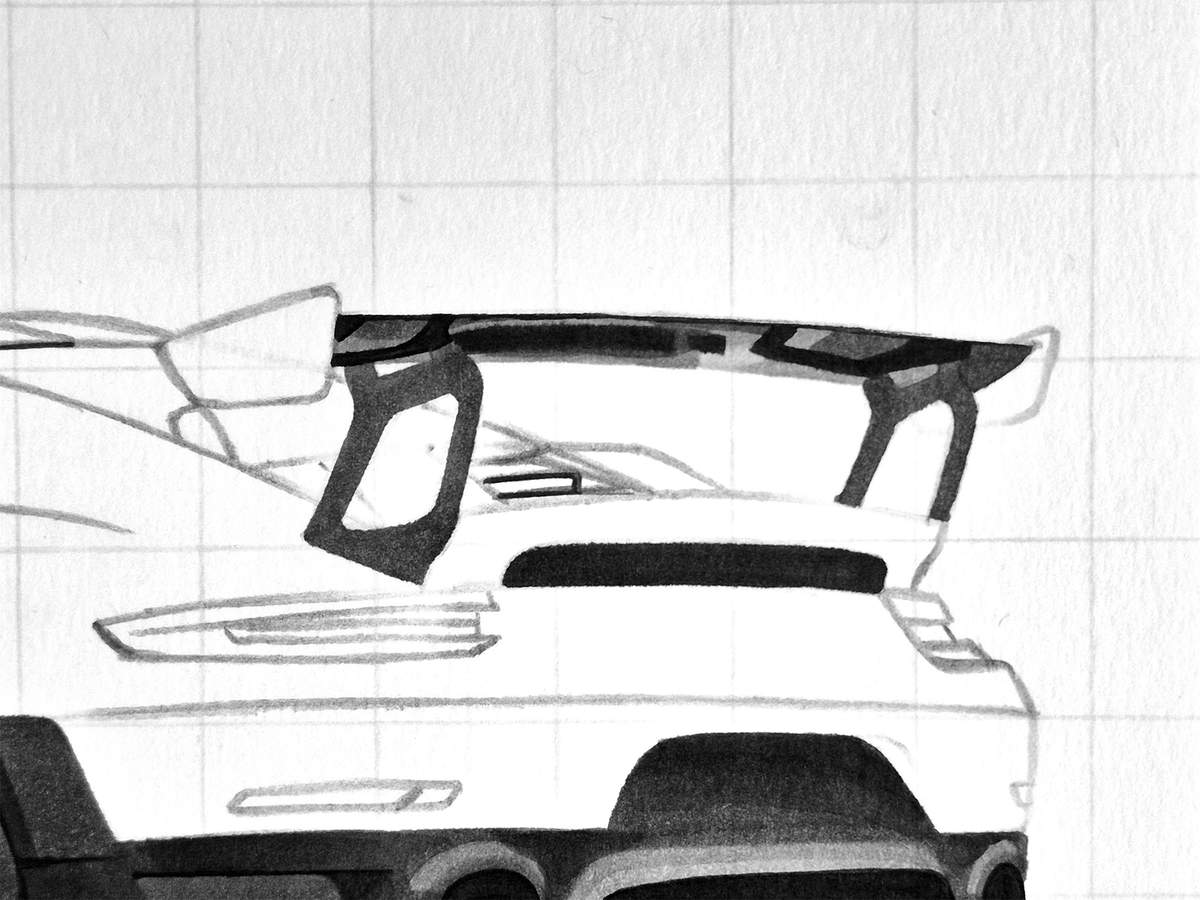
Step 19: Color the Roof, the Rear Window, and the Rear Deck
After that, I colored the roof, the rear window, and the rear deck thingy with the air vents and intakes.
I started by coloring the lightest parts with Neutral Grey 02 (CG020), which includes the carbon fiber piece of the roof, the whole rear window, and the right air intake.
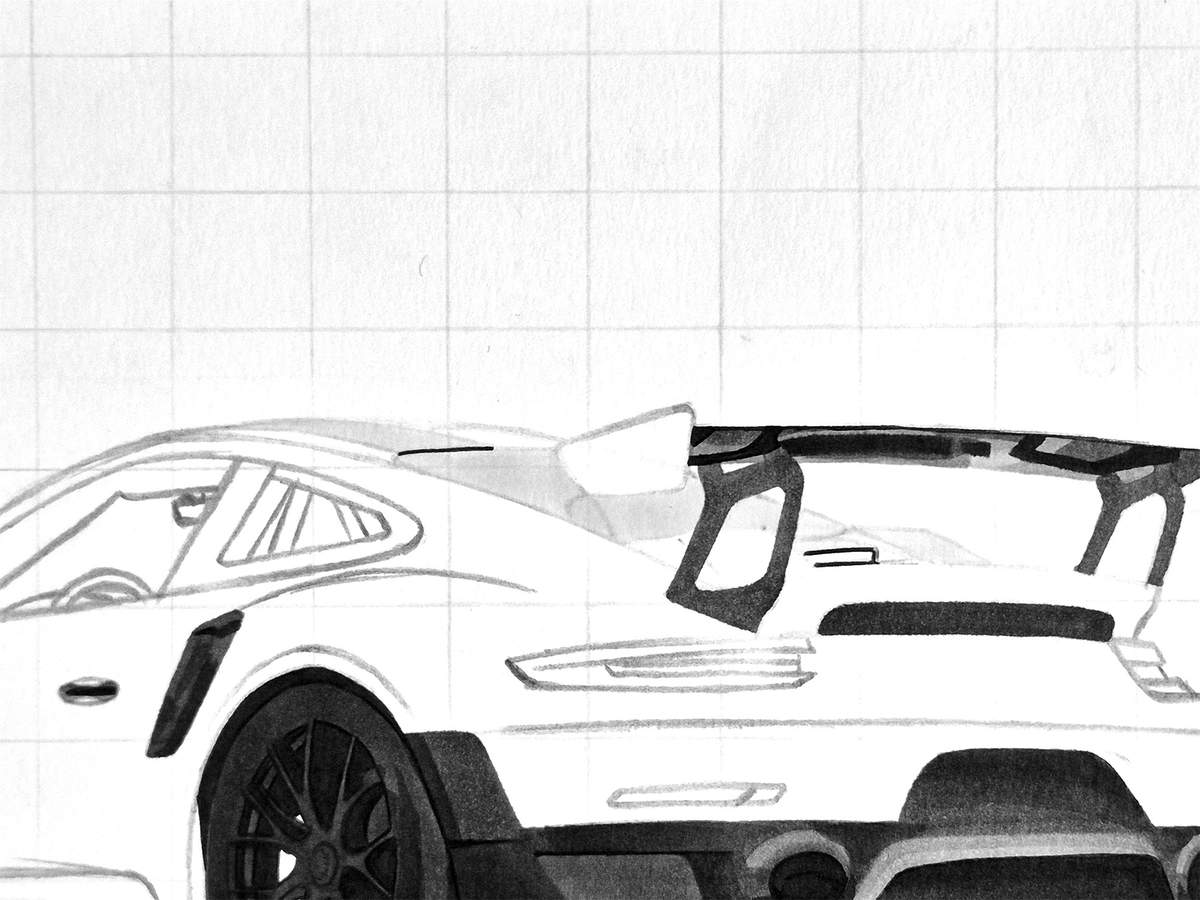
Next, I used Neutral Grey 03 (CG030) and darkened the left half of the rear window, except for the reflection in the bottom left, and the right air intake.
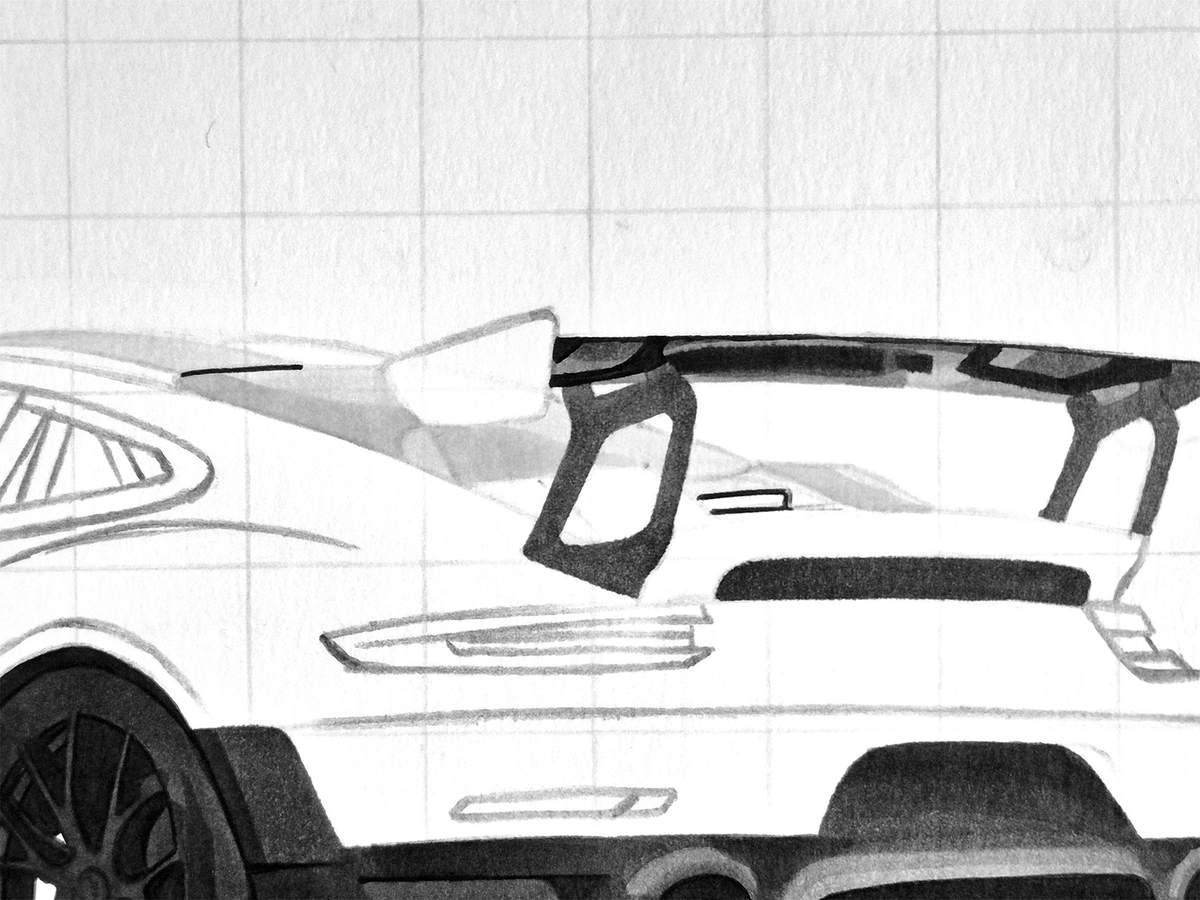
After that, I used Neutral Grey 05 (CG050) and colored the left air intake and the bit below the vent in between the intakes.
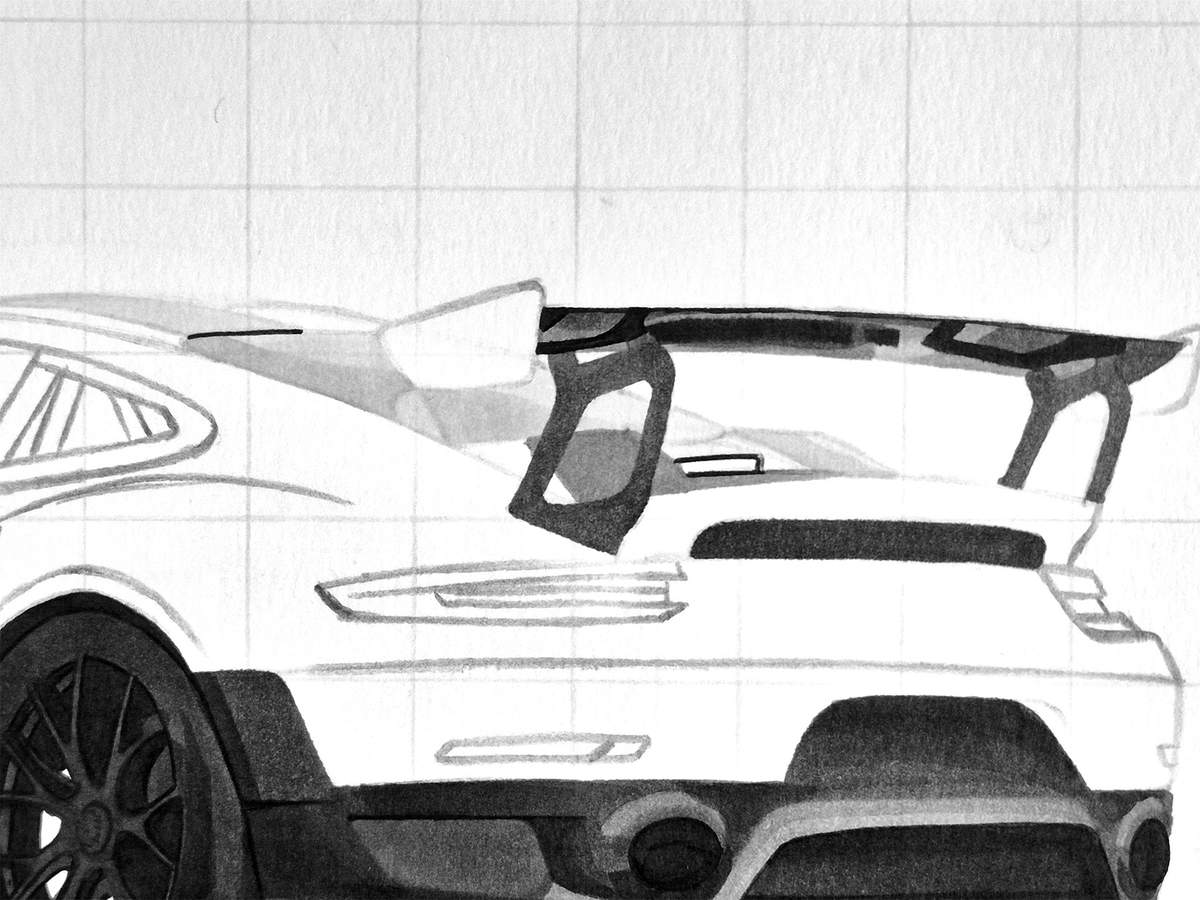
I then used Neutral Grey 07 (CG070) to color the left side of both intakes.
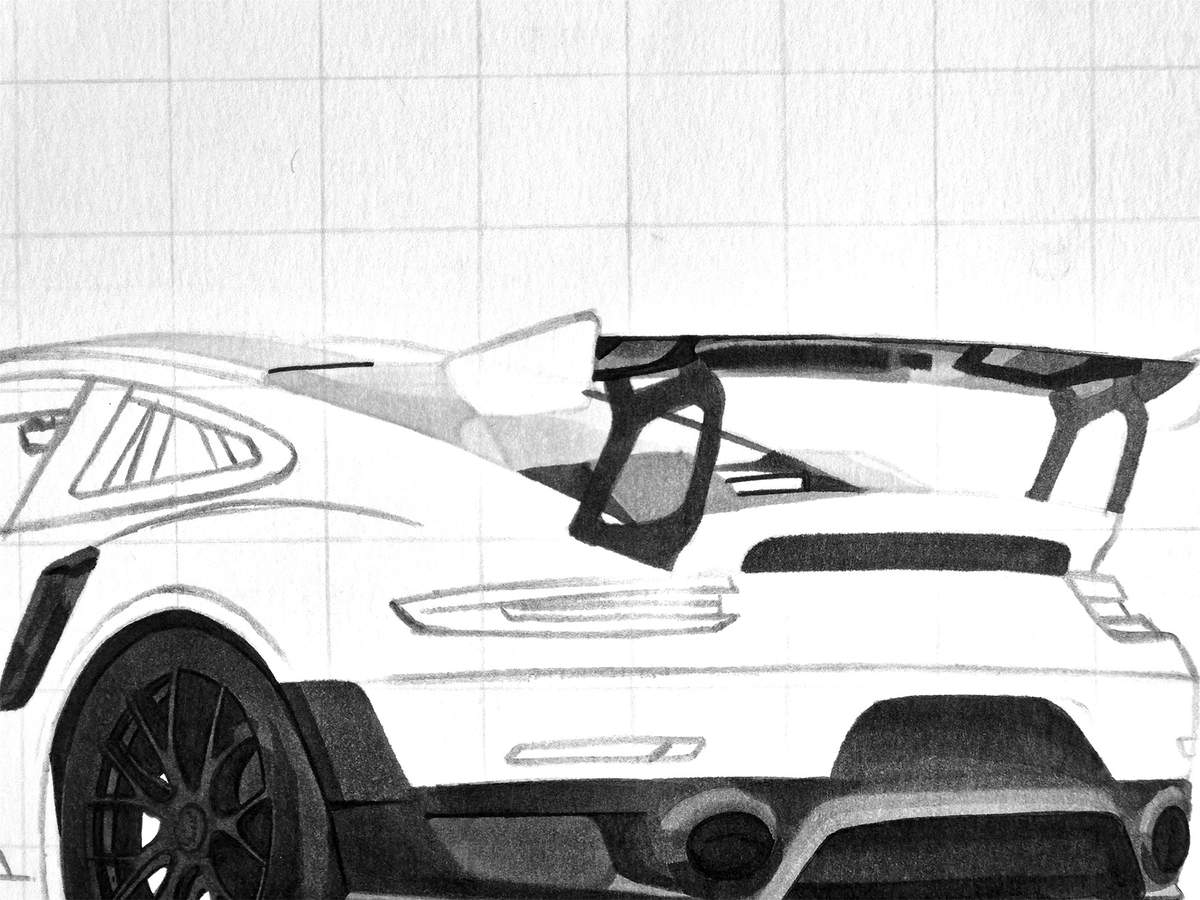
Lastly, I used Neutral Grey 6 (NG06) to color the vent in between the intakes, and I added shading to the top left of the left intake and a reflection on the bottom of the right intake.
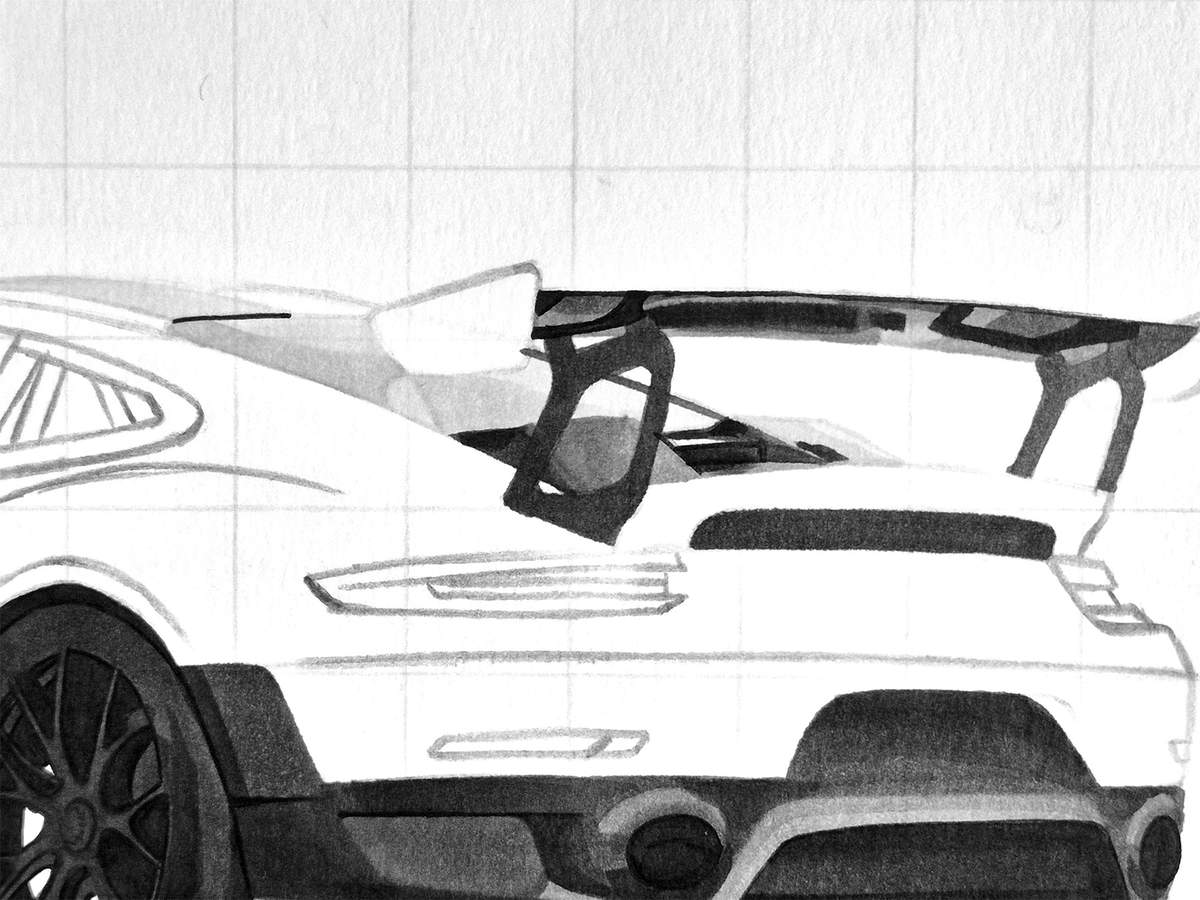
Step 20: Color the Side Windows and the Interior
I then started working on the side windows and the bit of interior you can see through them.
I first colored the view through the windshield with Neutral Grey 02 (CG020).
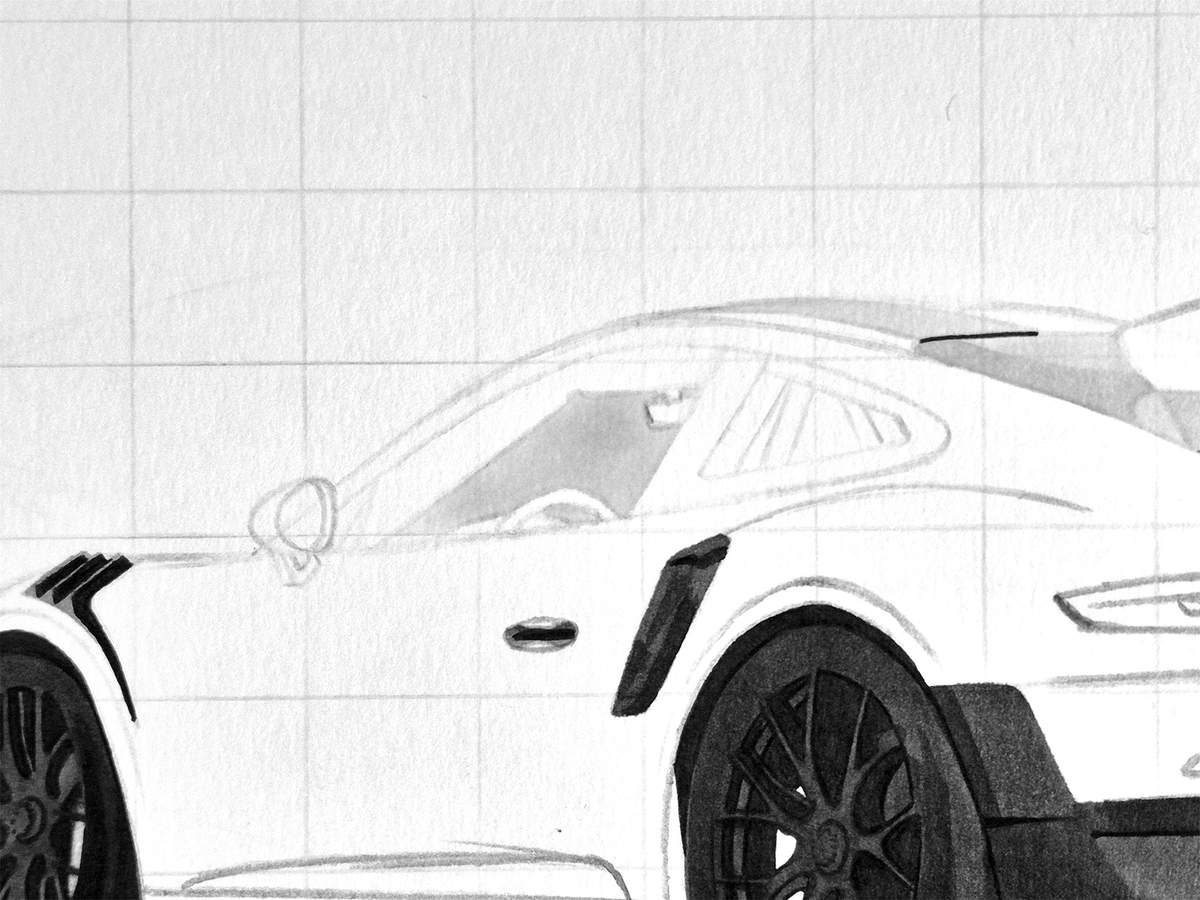
Next, I used Neutral Grey 03 (CG030) and colored a bit of the roll cage you can see through the rear side window.
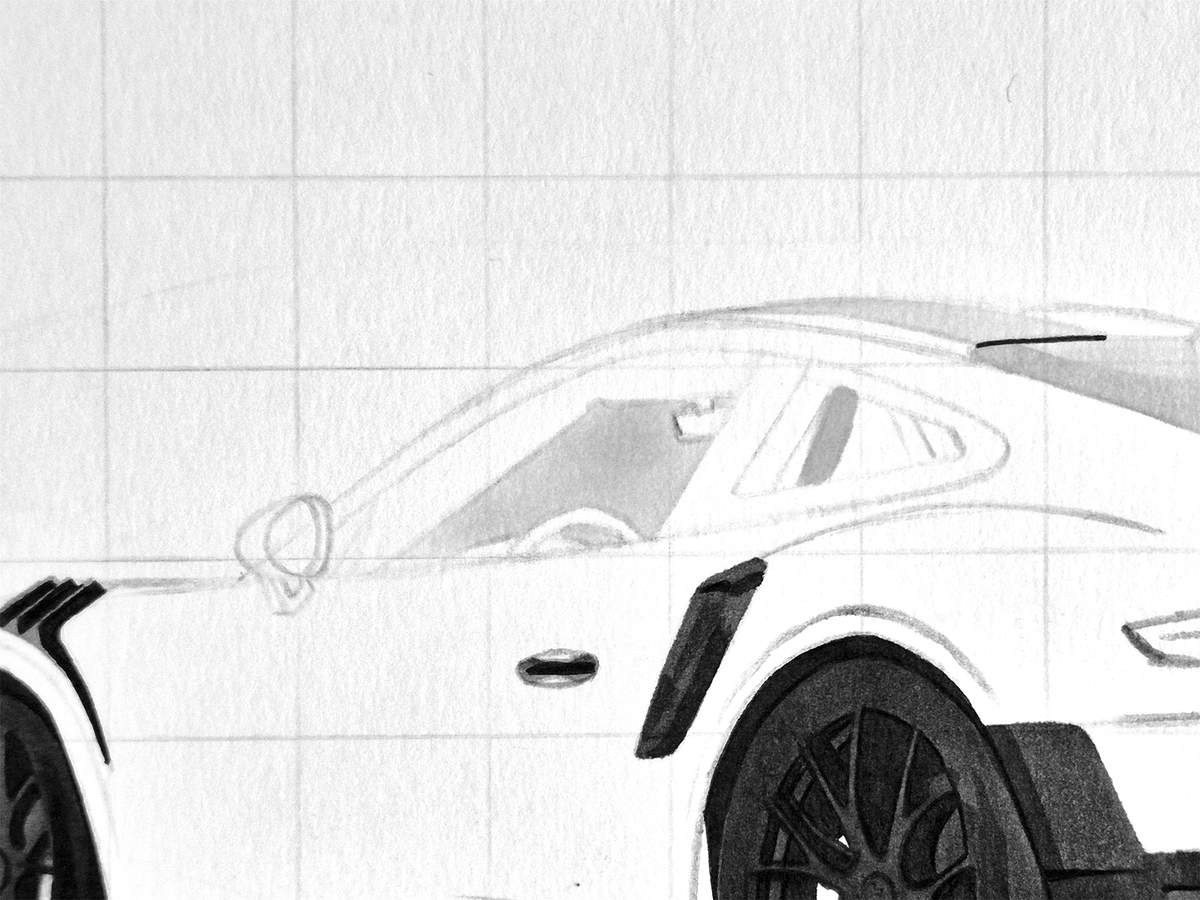
I then used Neutral Grey 05 (CG050) to color the steering wheel, the dashboard behind the steering wheel, the A-pillar lining, and the remainder of the view through the rear side window.
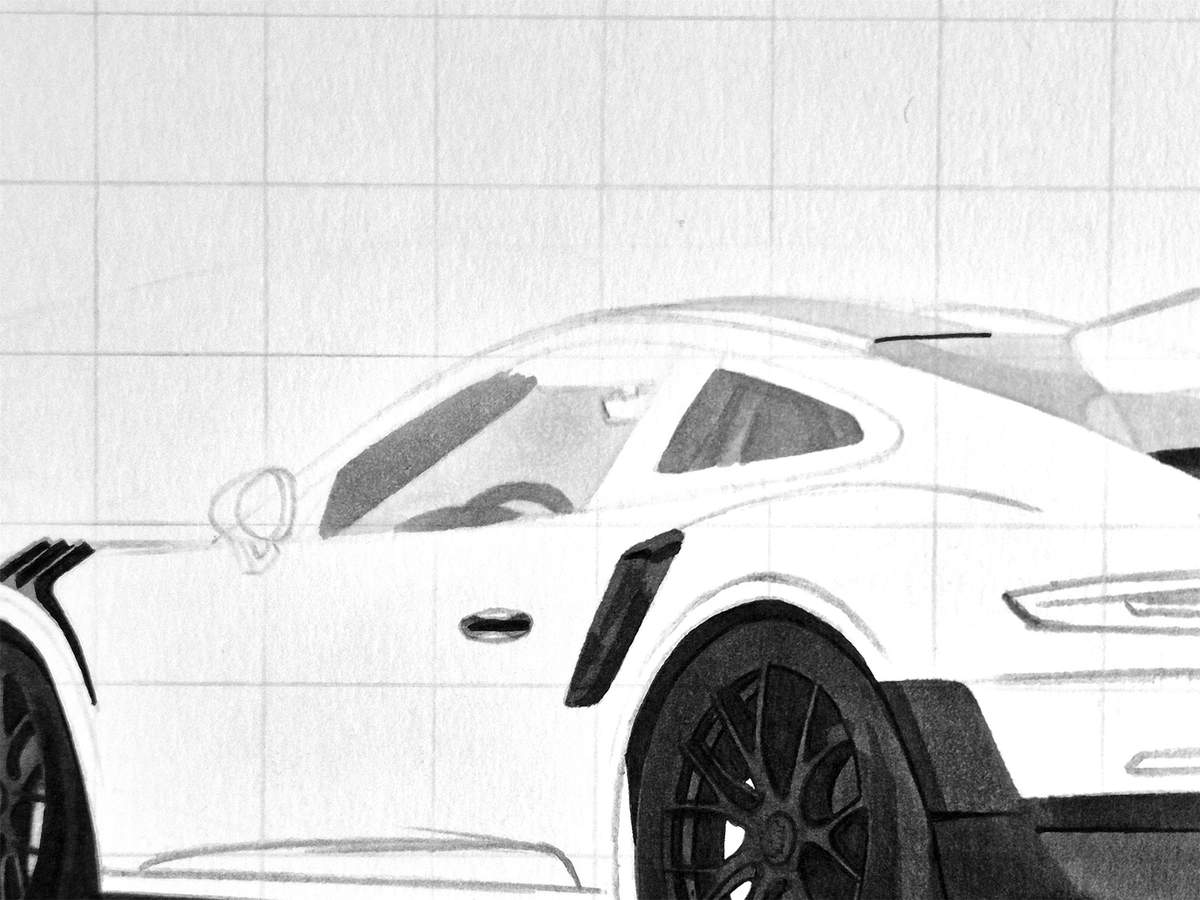
After that, I used Neutral Grey 07 (CG070) and colored most of the remaining parts. I also used it to add some tiny bits of shading on the steering wheel and the dashboard, and I used it to shade the view through the side window.
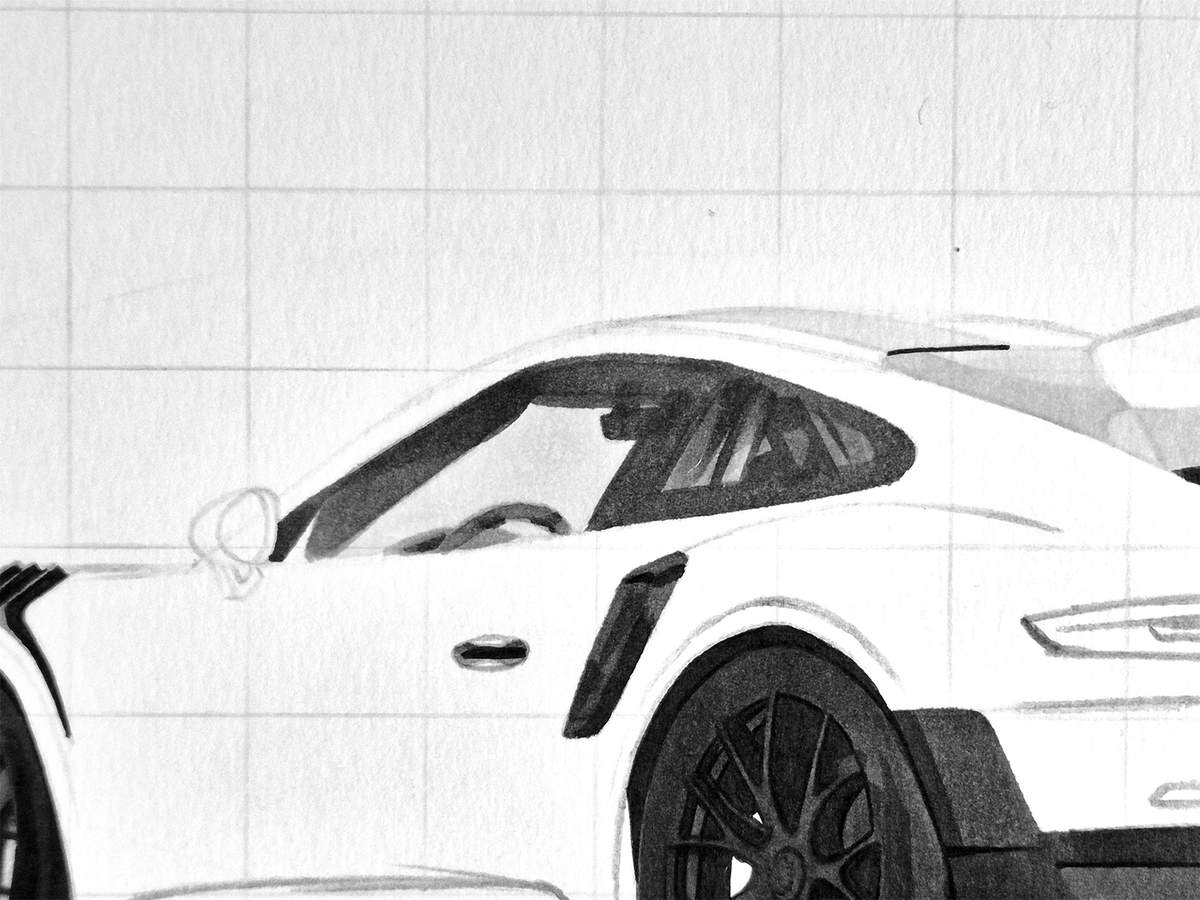
Next, I used my darkest grey, Neutral Grey 6 (NG06), and darkened the top edge of the side windows and all around the rear side window.
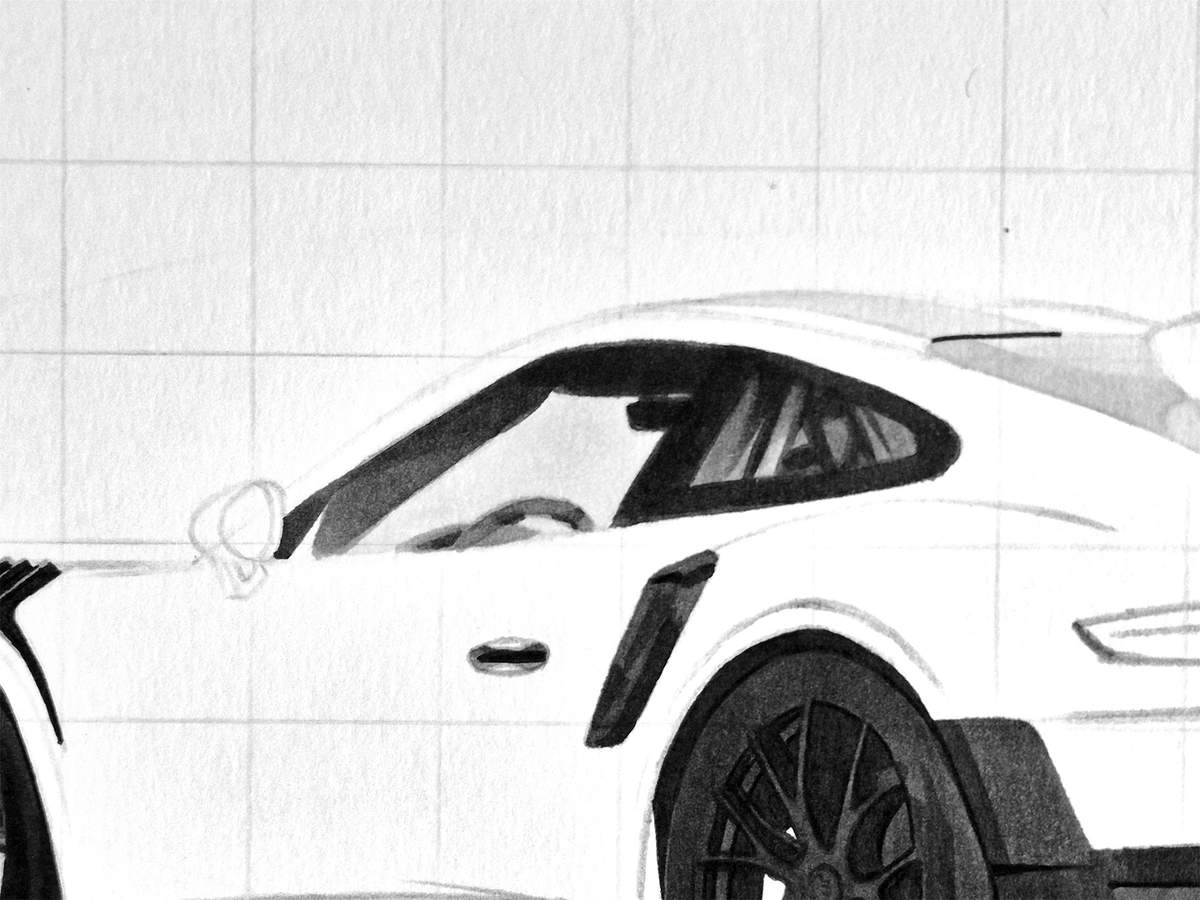
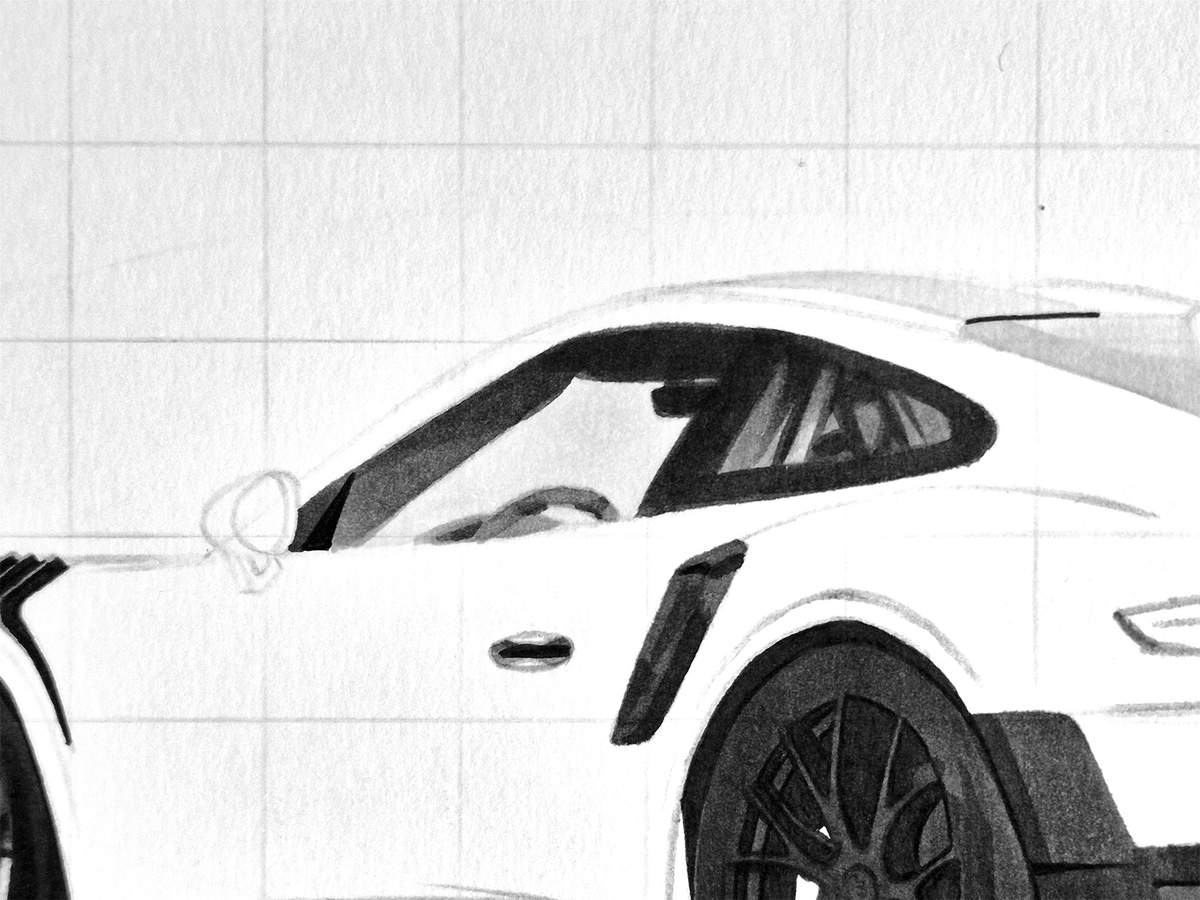
Lastly, I colored this tiny piece of the window triangle, as Porsche calls it (the small bit next to the door mirror), with my black fineliner.
Step 21: Color the Door Mirror
After that, I colored the door mirror itself, starting with the lightest part: the mirror cap. To color it, I used Neutral Grey 03 (CG030).
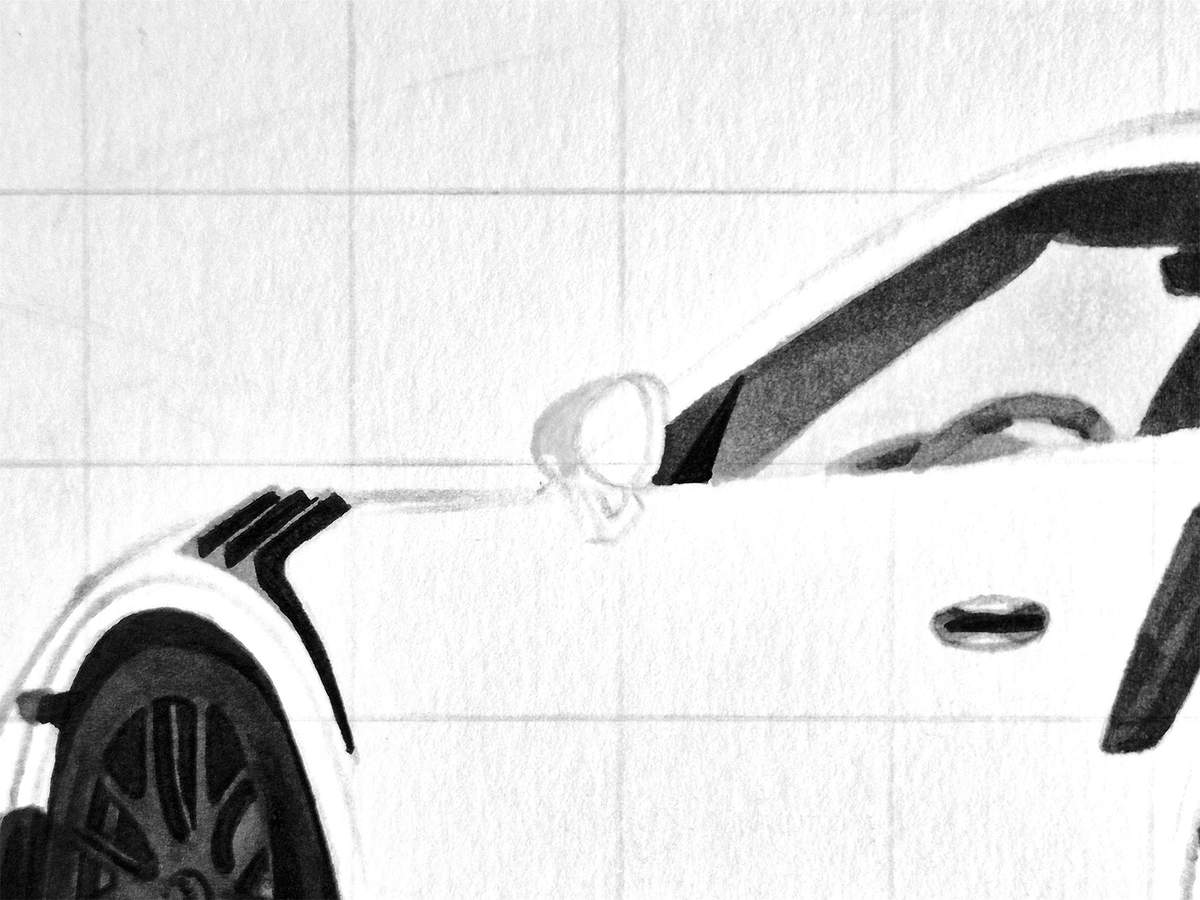
Next, I used Neutral Grey 05 (CG050) and colored the mirror glass and the bottom left corner of the mirror cap.
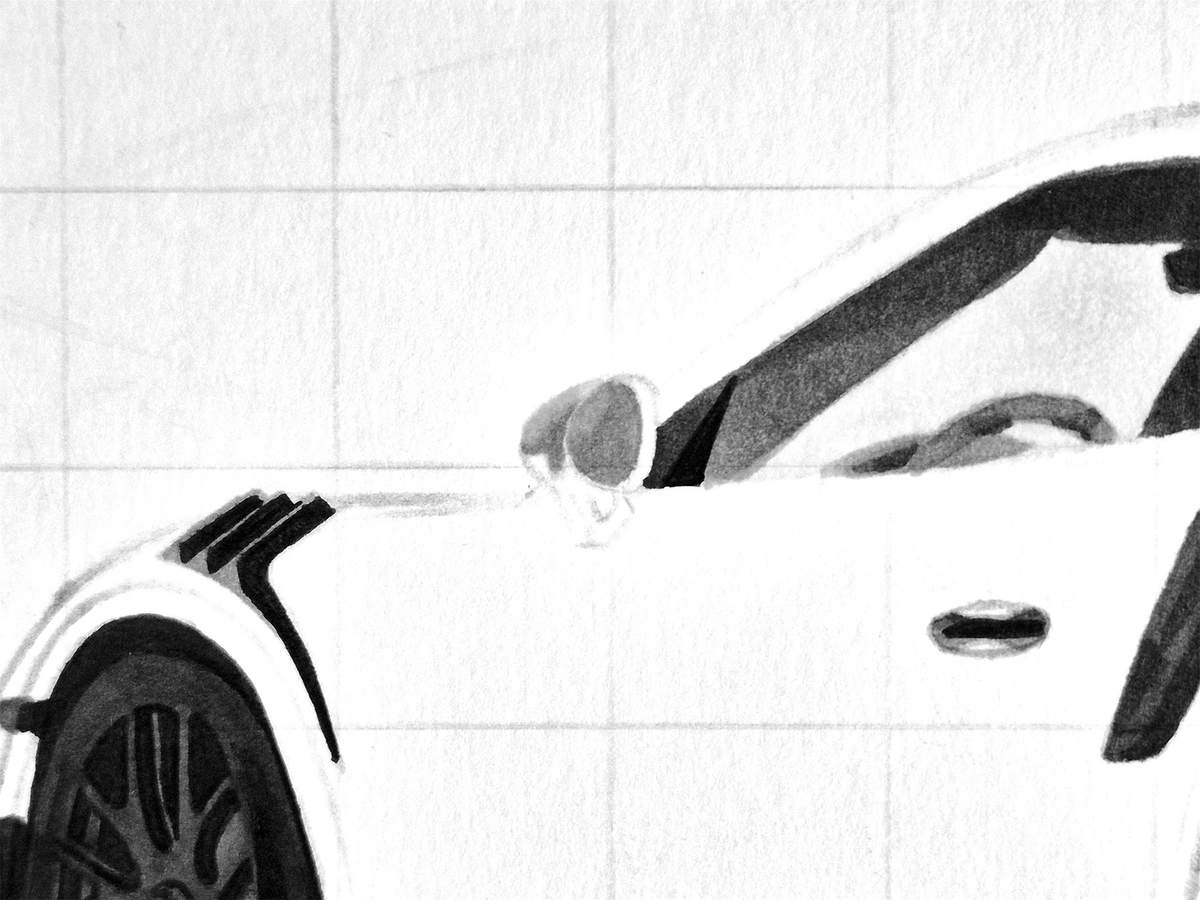
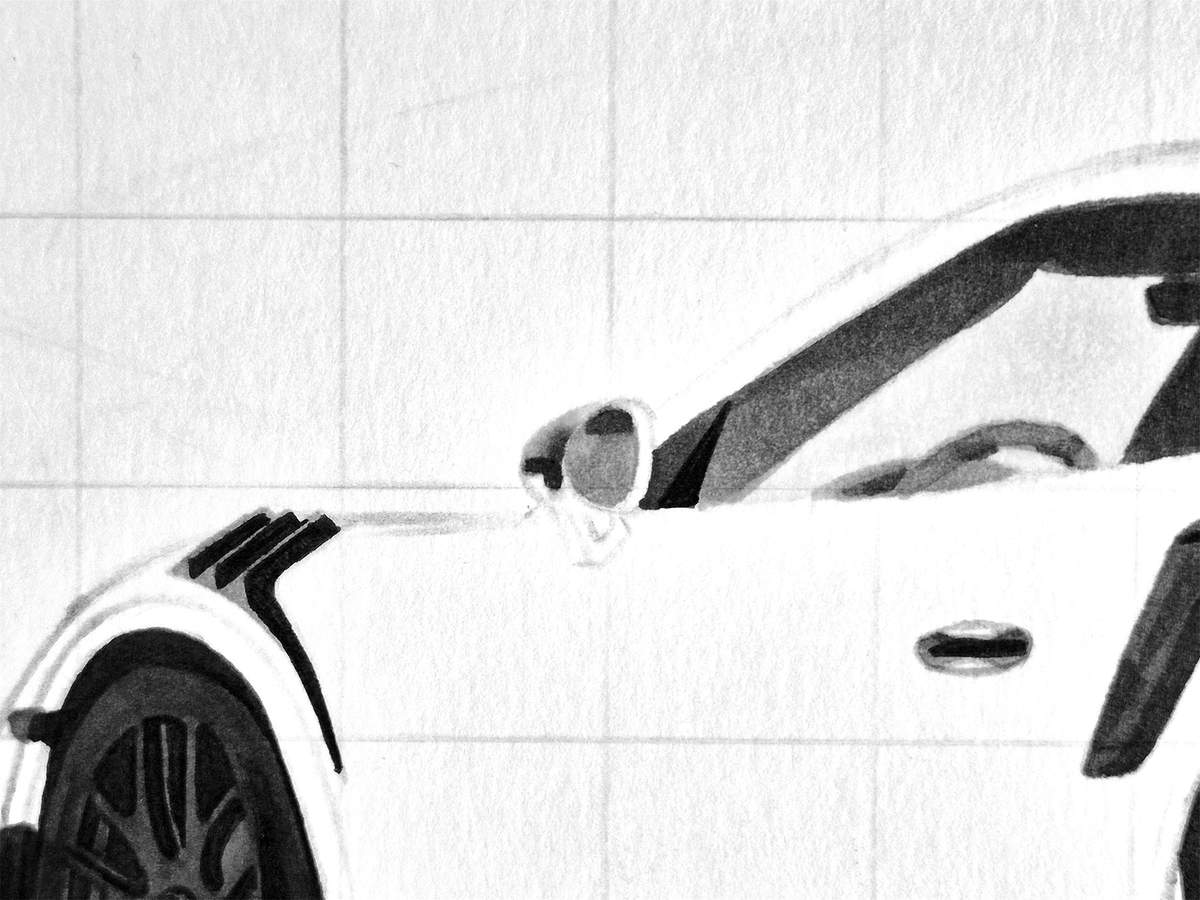
Lastly, I used Neutral Grey 6 (NG06) to add some dark reflections to the bottom of the mirror cap and the top of the mirror glass.
Step 22: Color the Shadow of the GT2 RS
The very last grey thing to color is the shadow of the Porsche.
As usual, I started by coloring the remainder with Neutral Grey 03 (CG030).
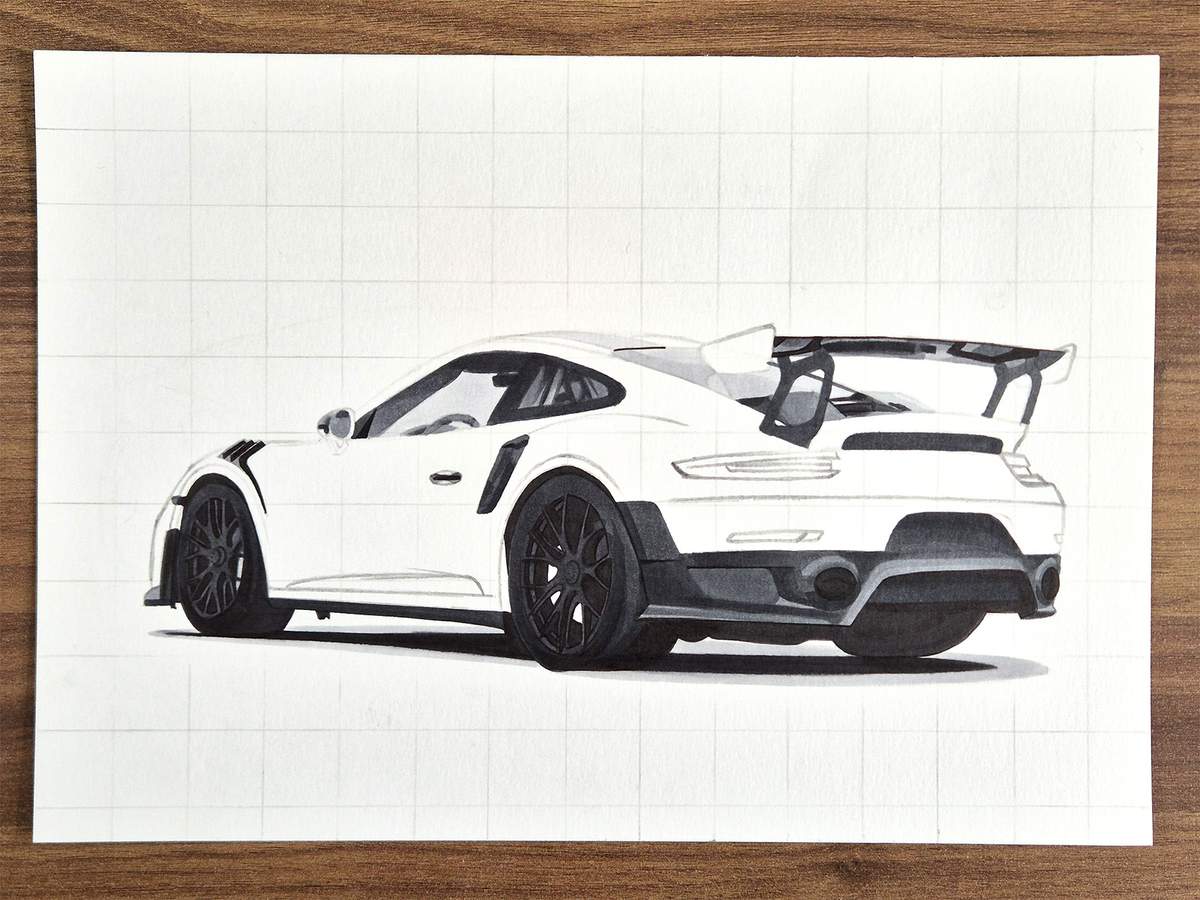
Then, I used Neutral Grey 07 (CG070) and colored in between the light grey and the black, overlapping the black. This makes the grey blend into the black.
I then used the lighter grey, Neutral Grey 03 (CG030), and colored over the edge of the light grey and the dark grey. Again, this blends the edge between the two colors.
To blend the light grey into the white of the paper, I used a colorless blender and used that to color over the edge of the light grey.
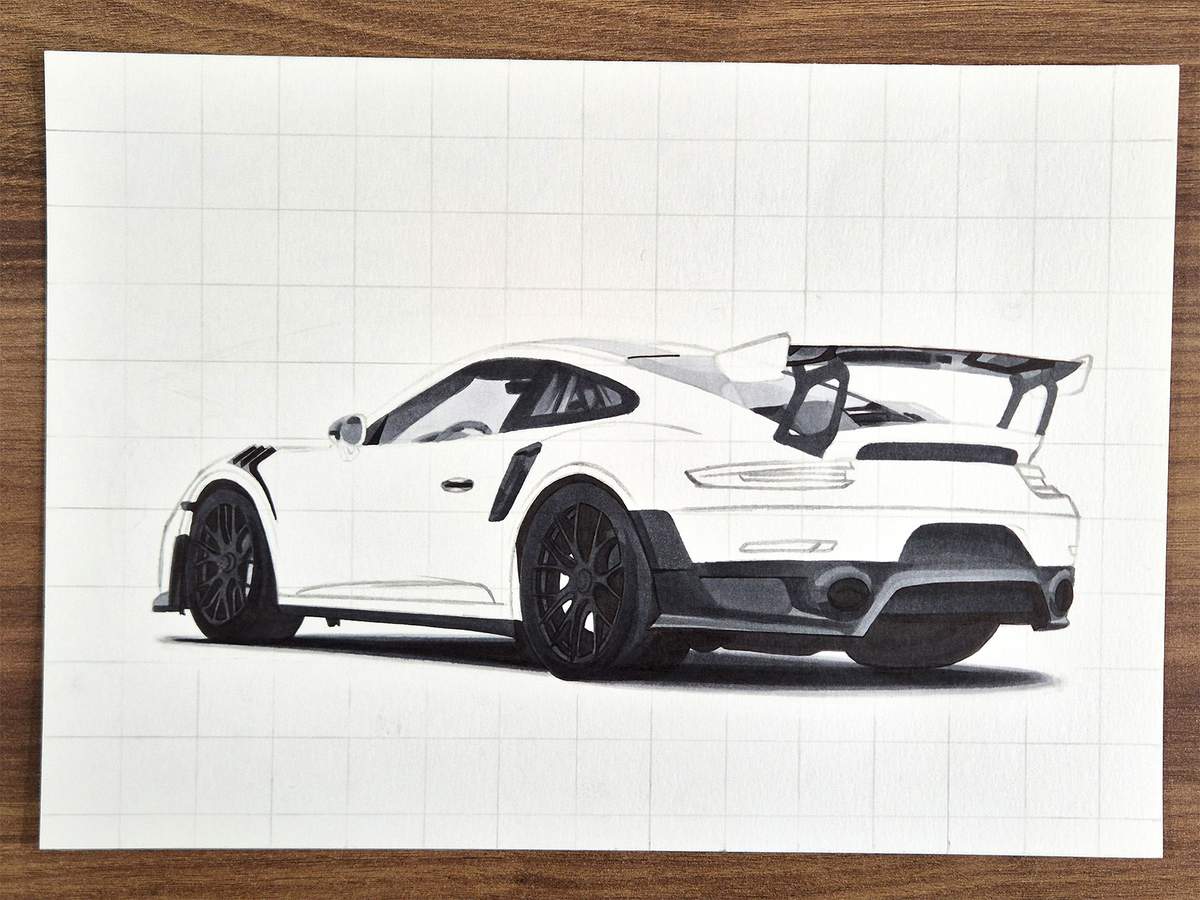
And that's the shadow and all other grey parts done!
Step 23: Color the Reflectors and the Taillights
Next up, I colored the reflectors on the back of the car and the taillights.
I started by coloring the left reflector with Vermilion (R2).
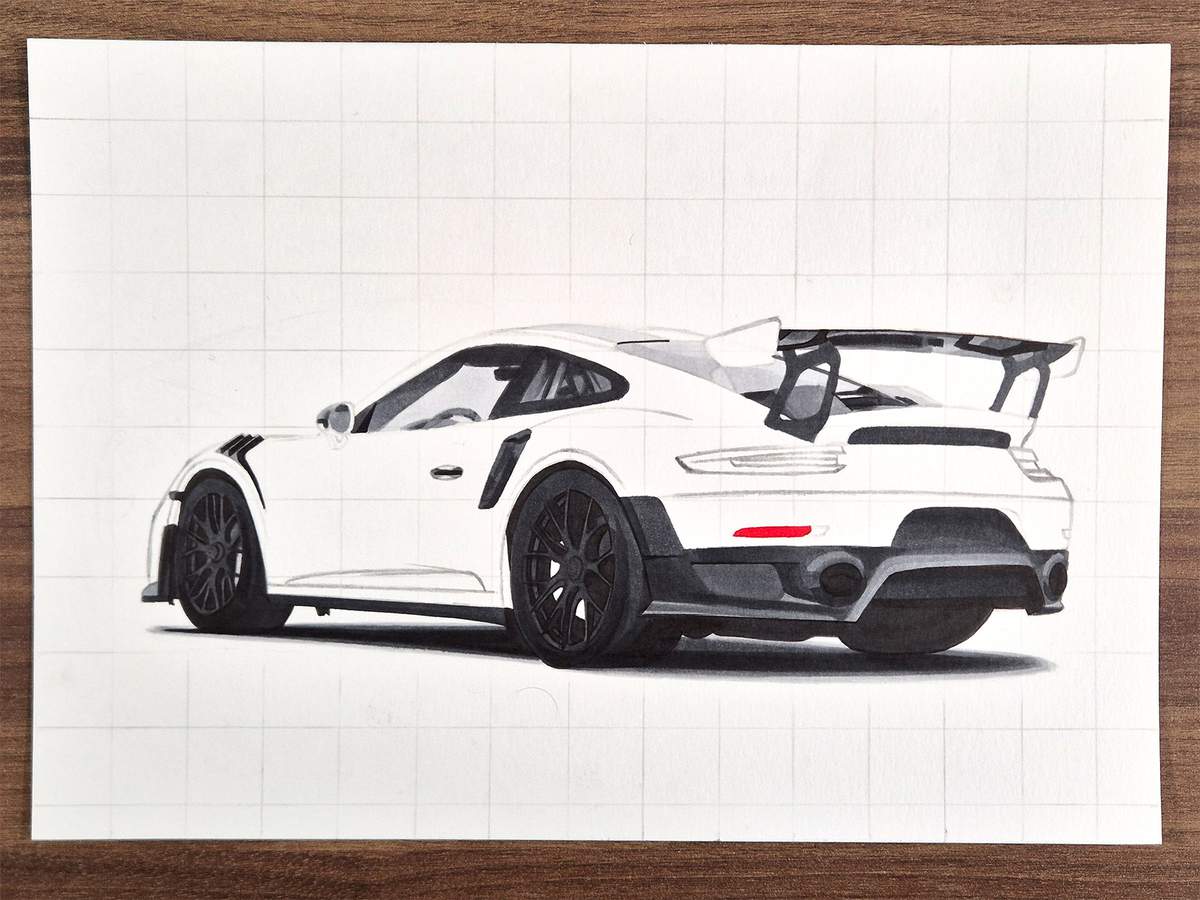
I then used a dark red called Geranium (R8) and added shading to most of the reflector except for the bottom middle.
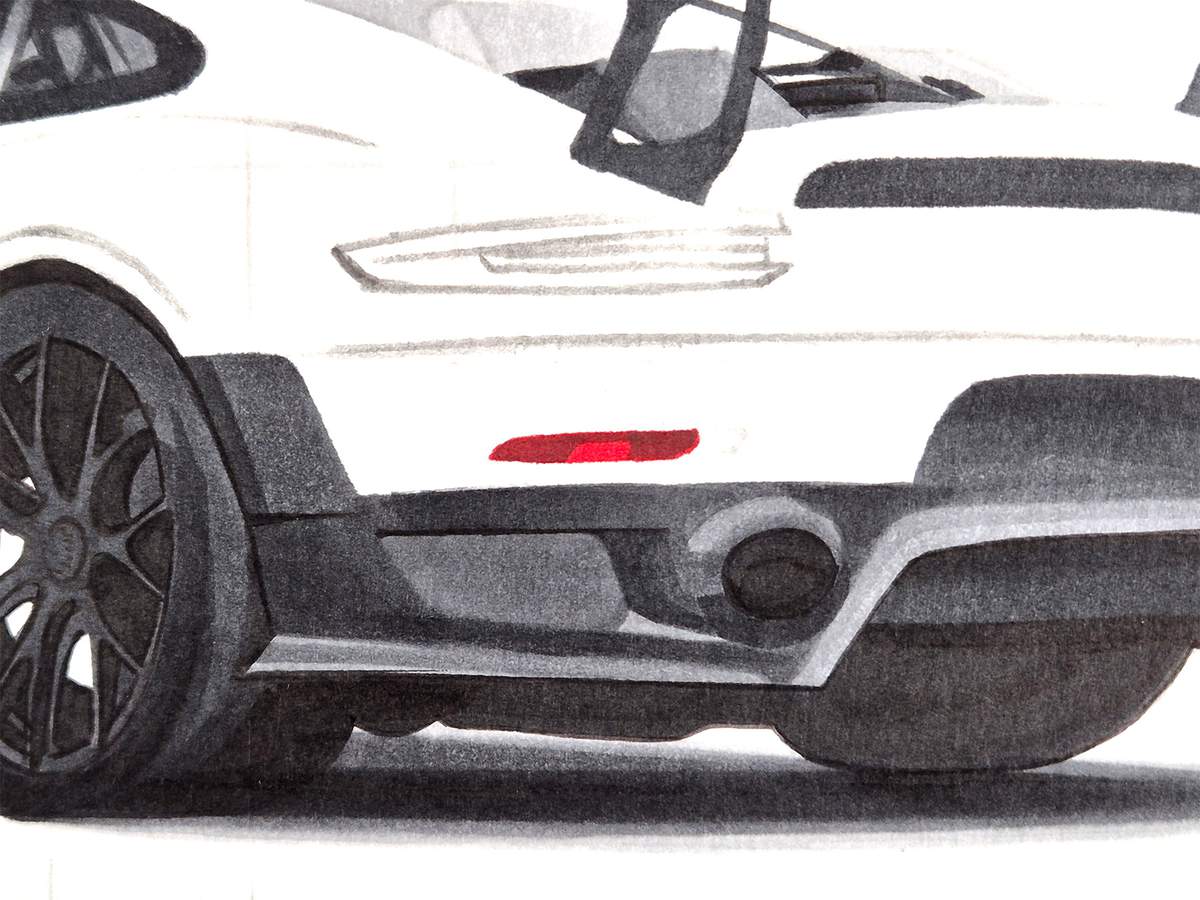
To add even darker shading, I used Neutral Grey 07 (CG070) and colored the top edge, the left side, and the right edge.
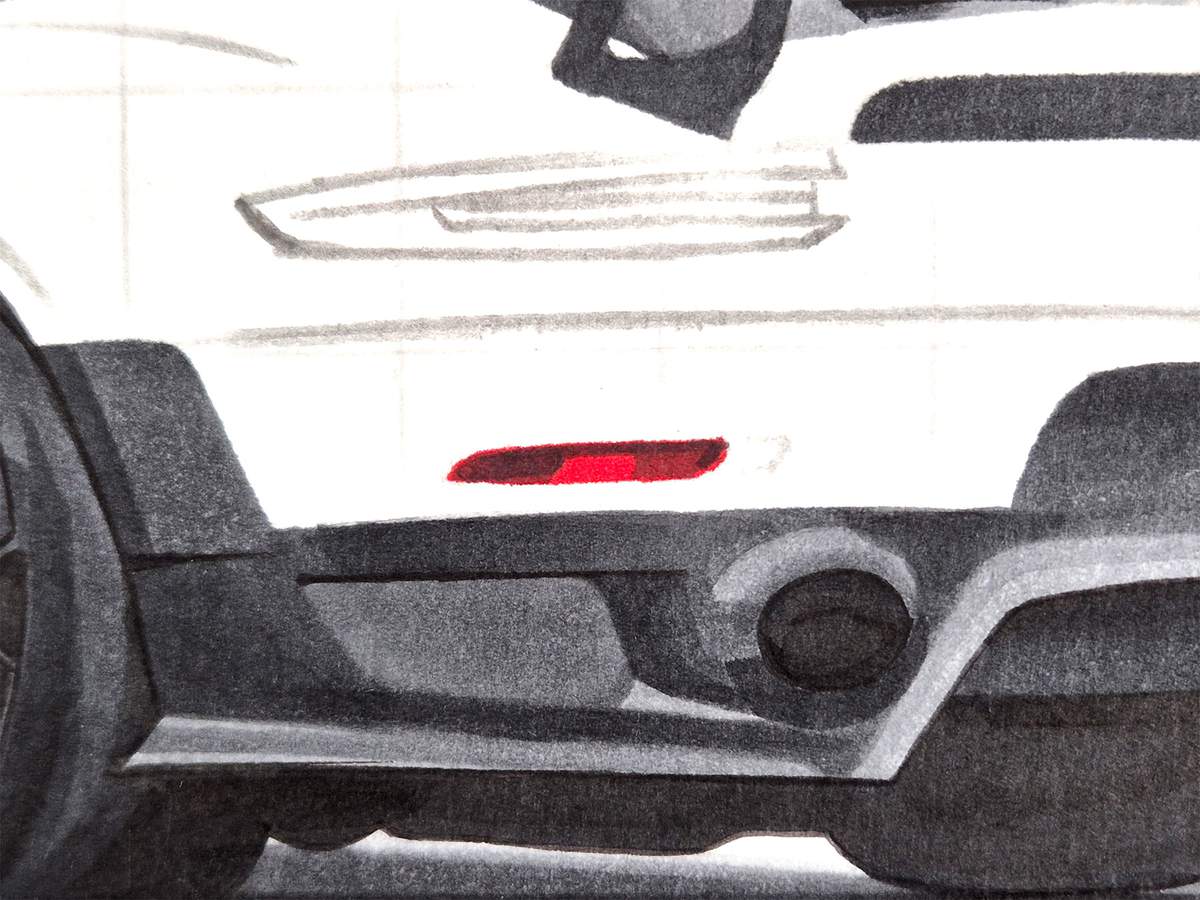
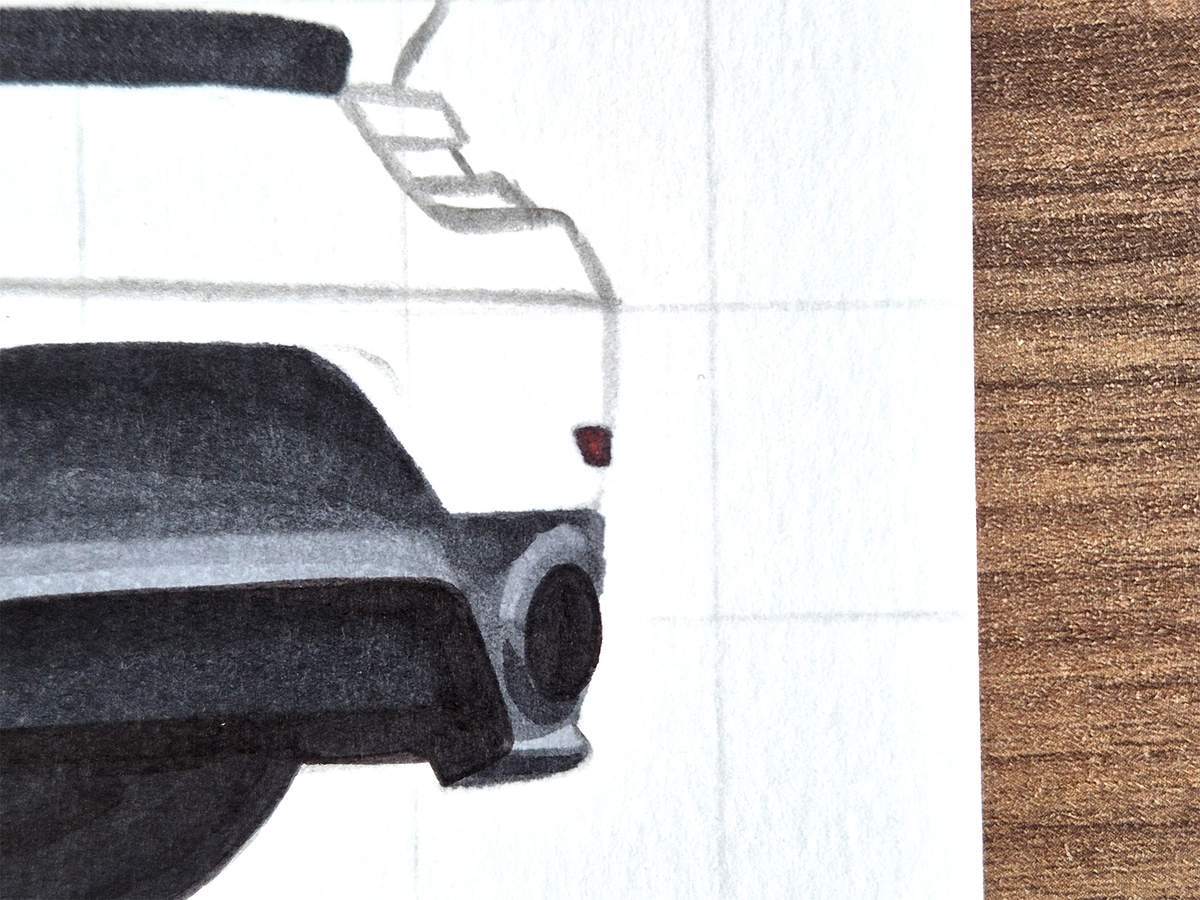
The right reflector is a little easier, but I did use a little trick.
I started by coloring the reflector with Neutral Grey 6 (NG06). And to give it its red center, I just used Vermilion (R2) and dabbed it into the middle of the reflector a few times, until the red showed up.
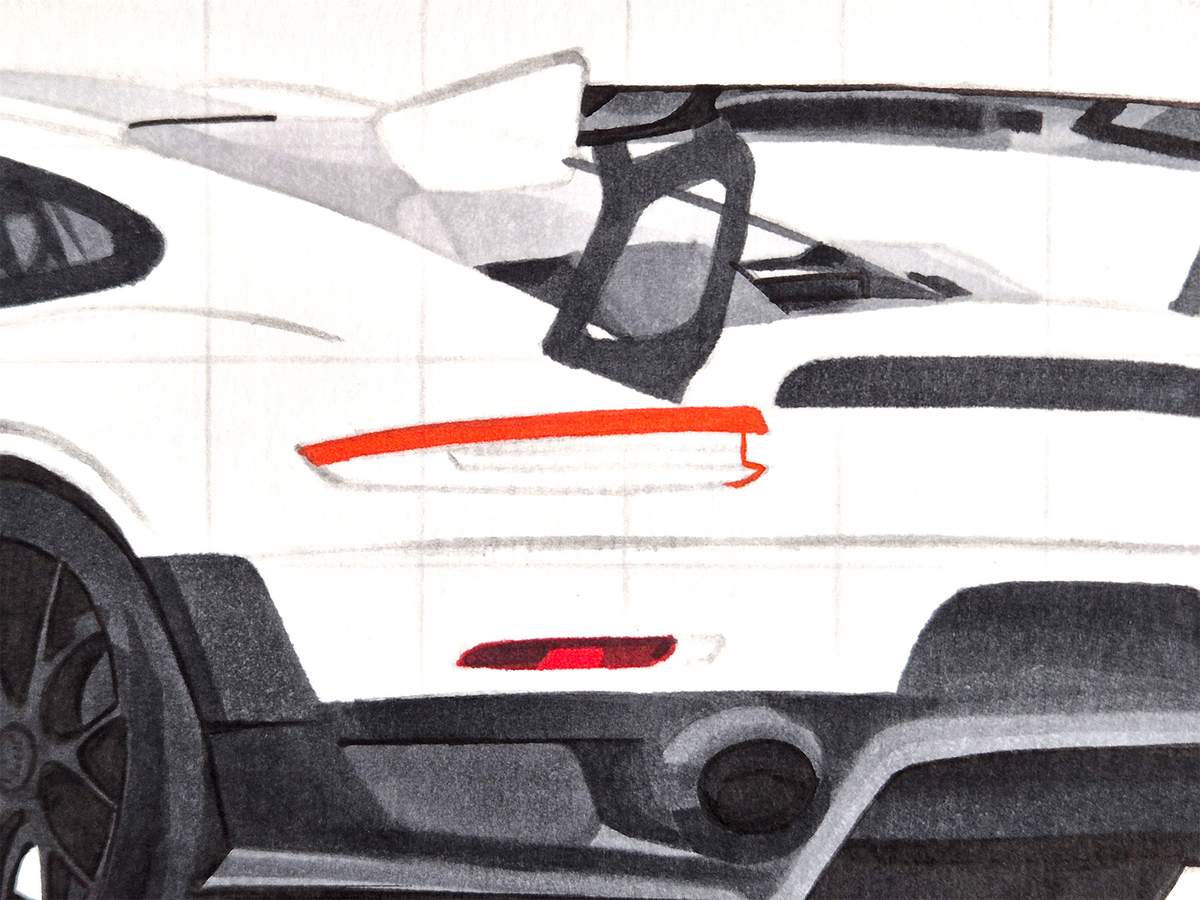
Next, I colored the left taillight.
I started by coloring the light red parts with Agate (R070).
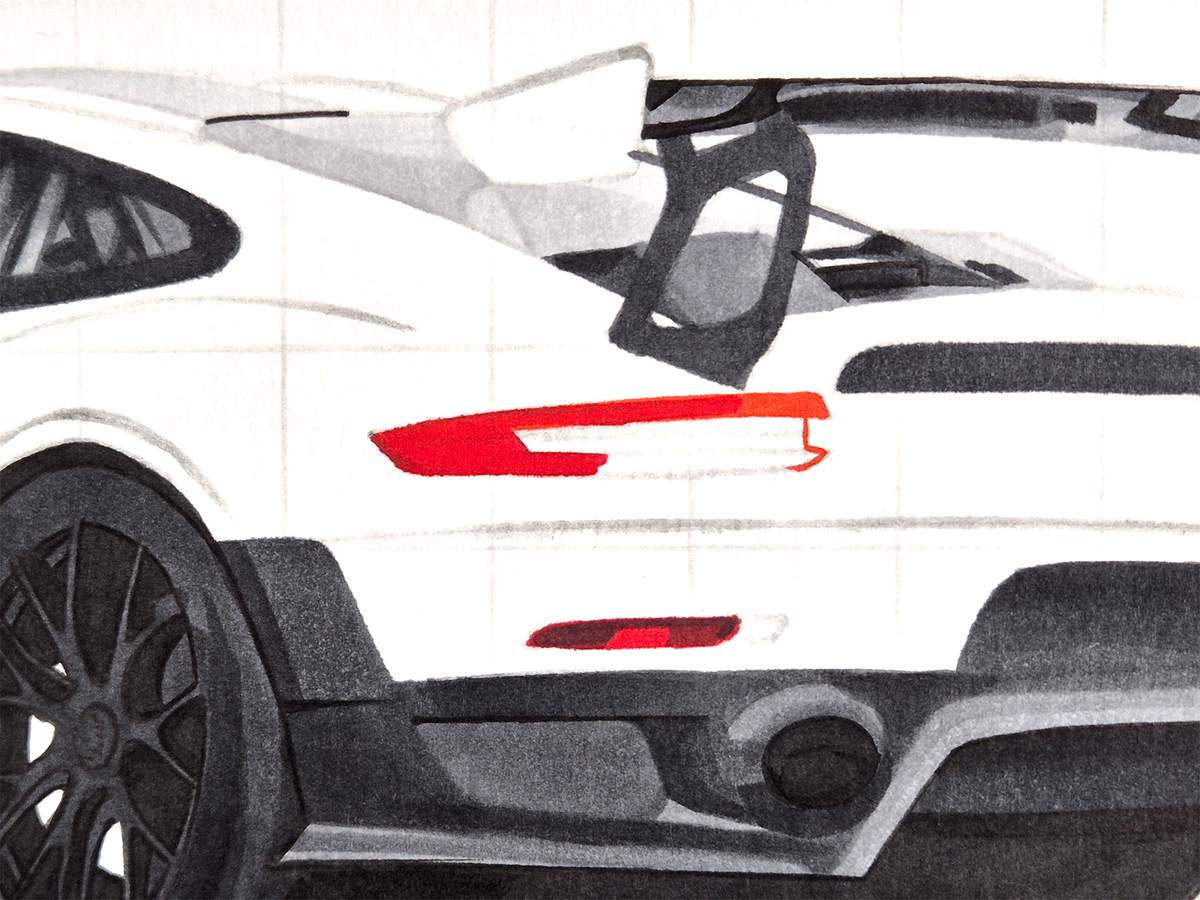
I then used Vermilion (R2) and colored the left half.
Then, I used Sardonyx (R110) to color the last bit of red taillight.
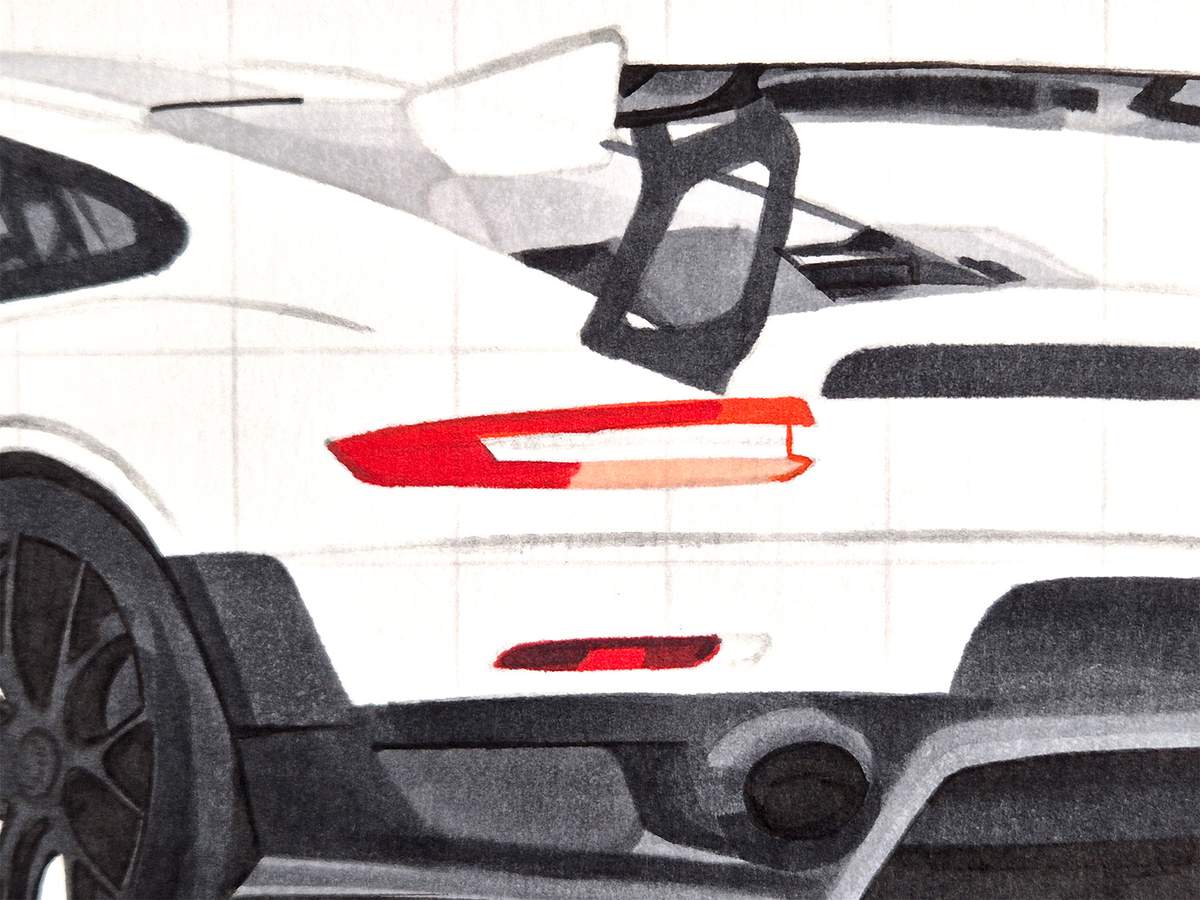
Next, I used Neutral Grey 05 (CG050) and colored the lights inside the taillight.
I started with just two horizontal lines. Between those lines, I added tiny vertical lines. And if you make those a little wobbly, they look a little like tiny round lamps.
I also darkened the red on the left with this shade of grey.
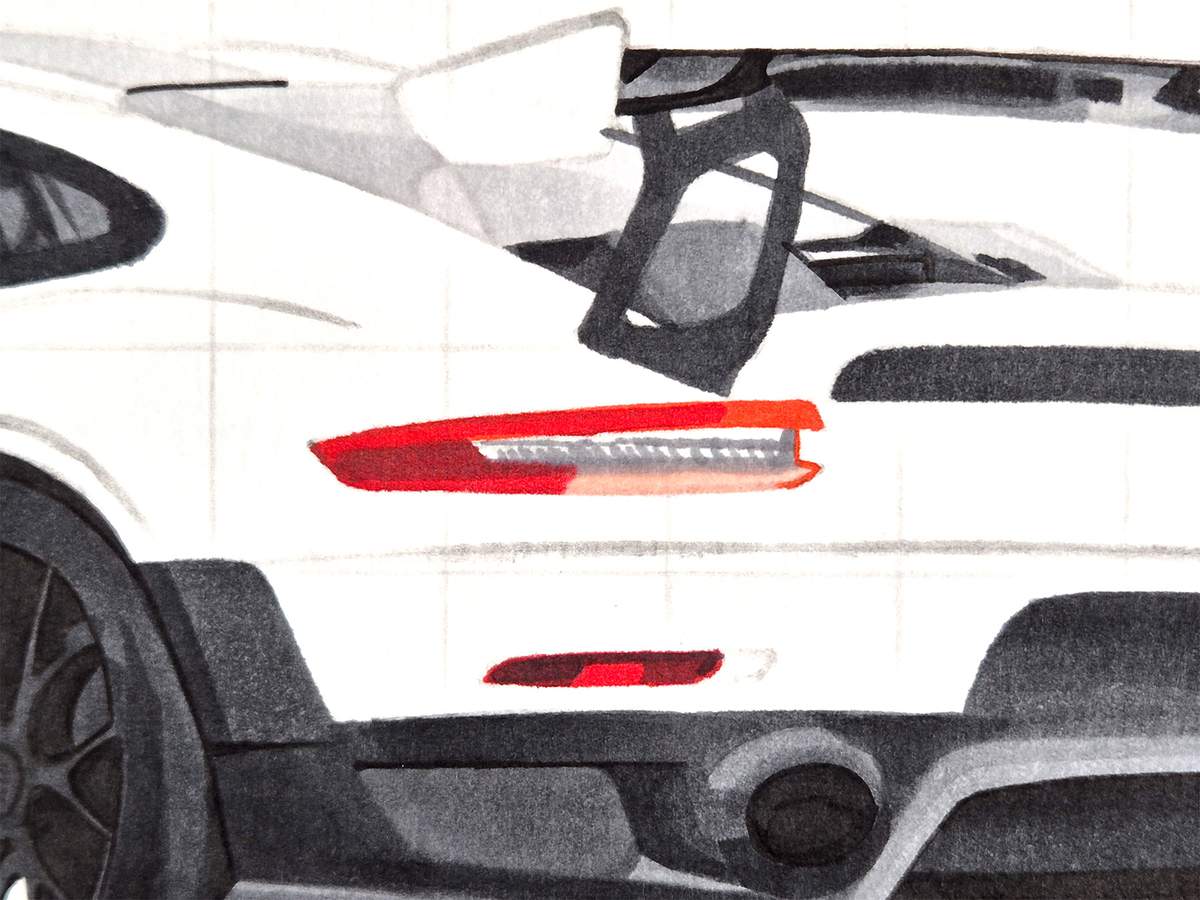
To complete the left taillight, I used Neutral Grey 07 (CG070) and darkened the left bit even more, as well as the top edge of the bottom red bit and the bottom edge of the top red bit (if that makes any sense). I also added a few darker dots above the row of tiny lamps.
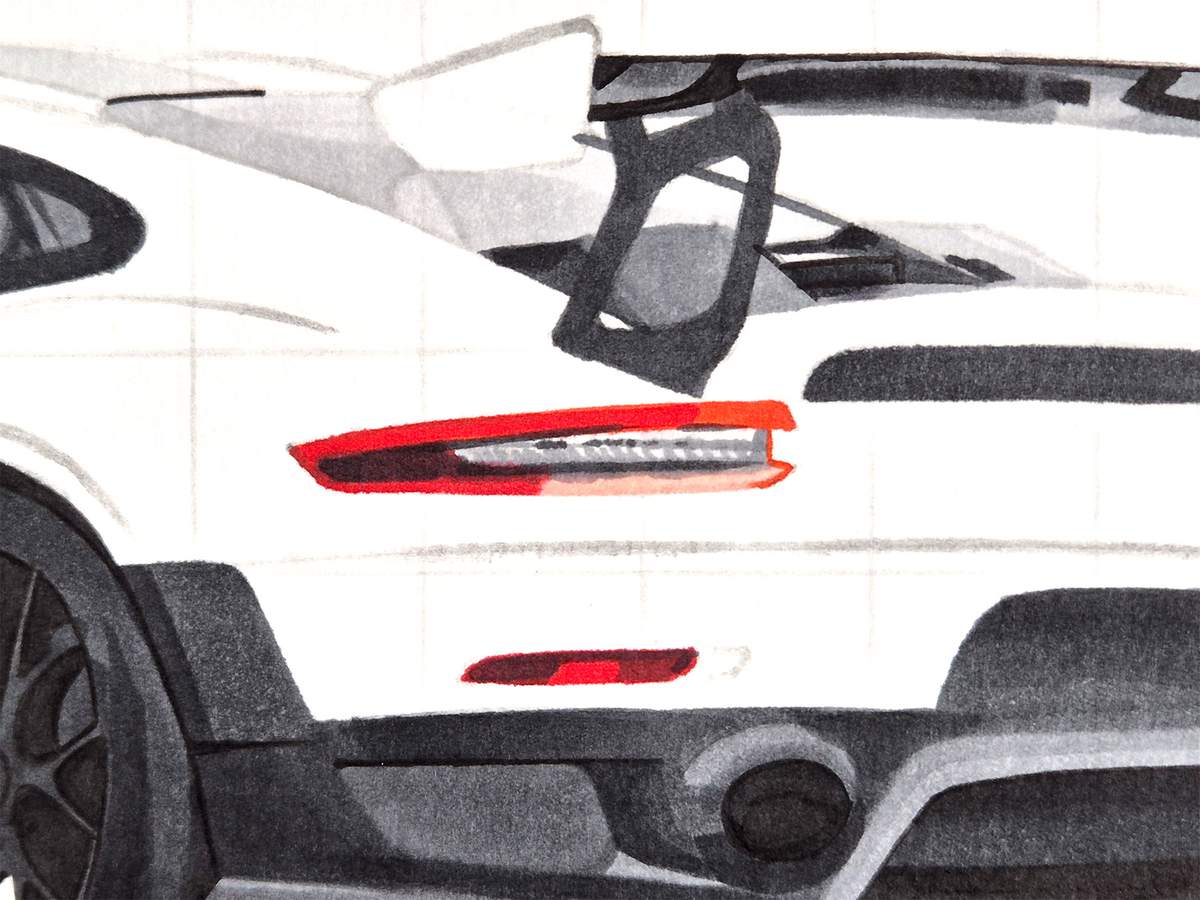
I then started coloring the right taillight.
I first used Neutral Grey 03 (CG030) and colored the whole thing.
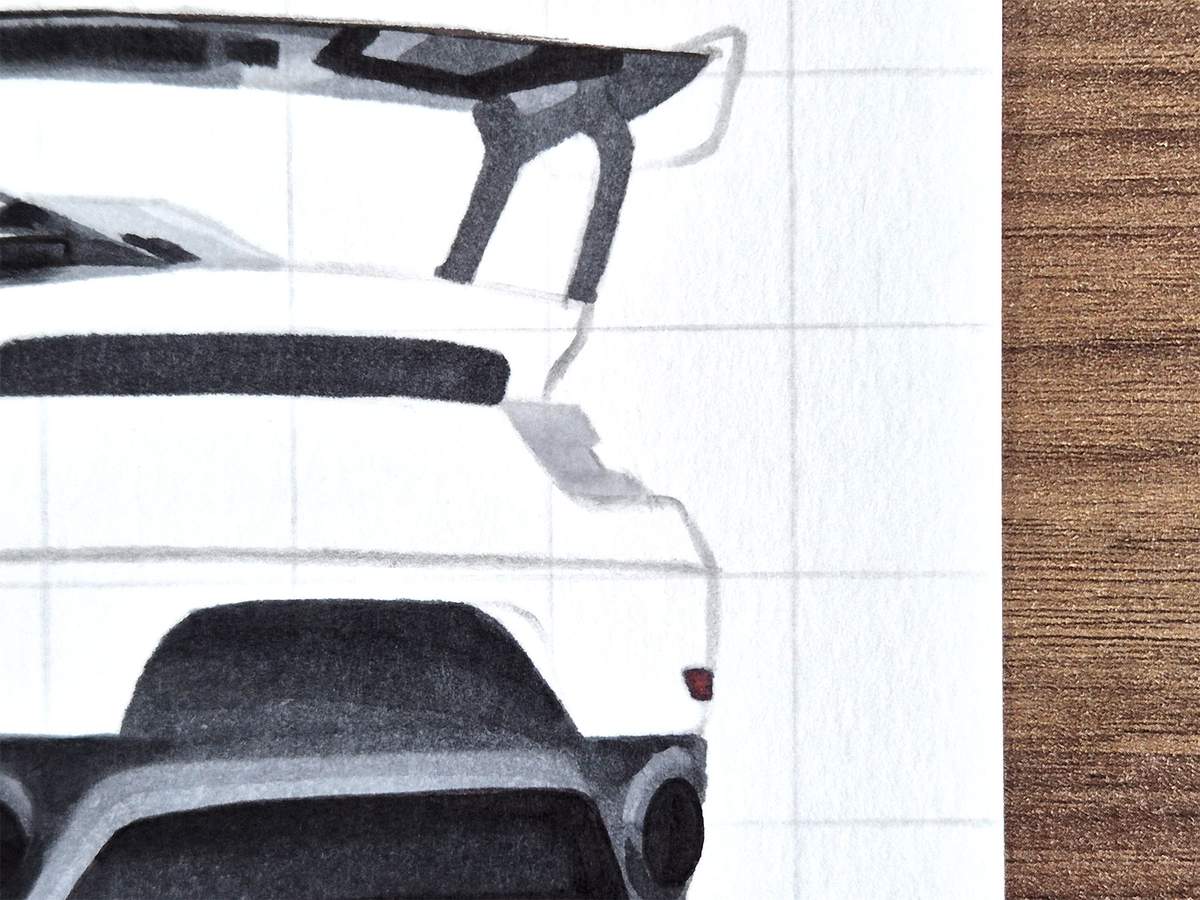
Next, I used Neutral Grey 05 (CG050) to add some reflections. These don't have to be perfect. Mine certainly are not. But they're good enough.
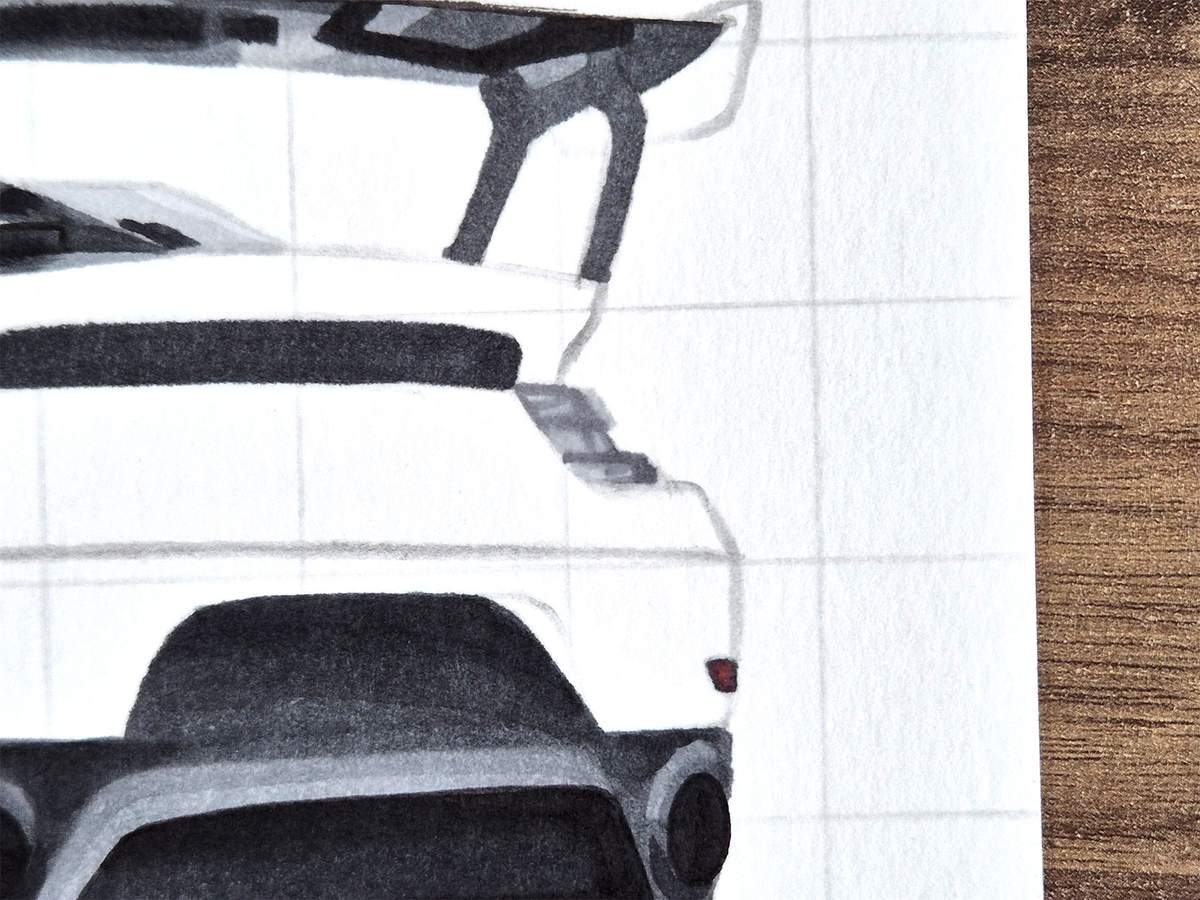
I then used Neutral Grey 07 (CG070) to darken the reflections on the top left and the bottom right.
And for the darker horizontal lines, I used Neutral Grey 6 (NG06).
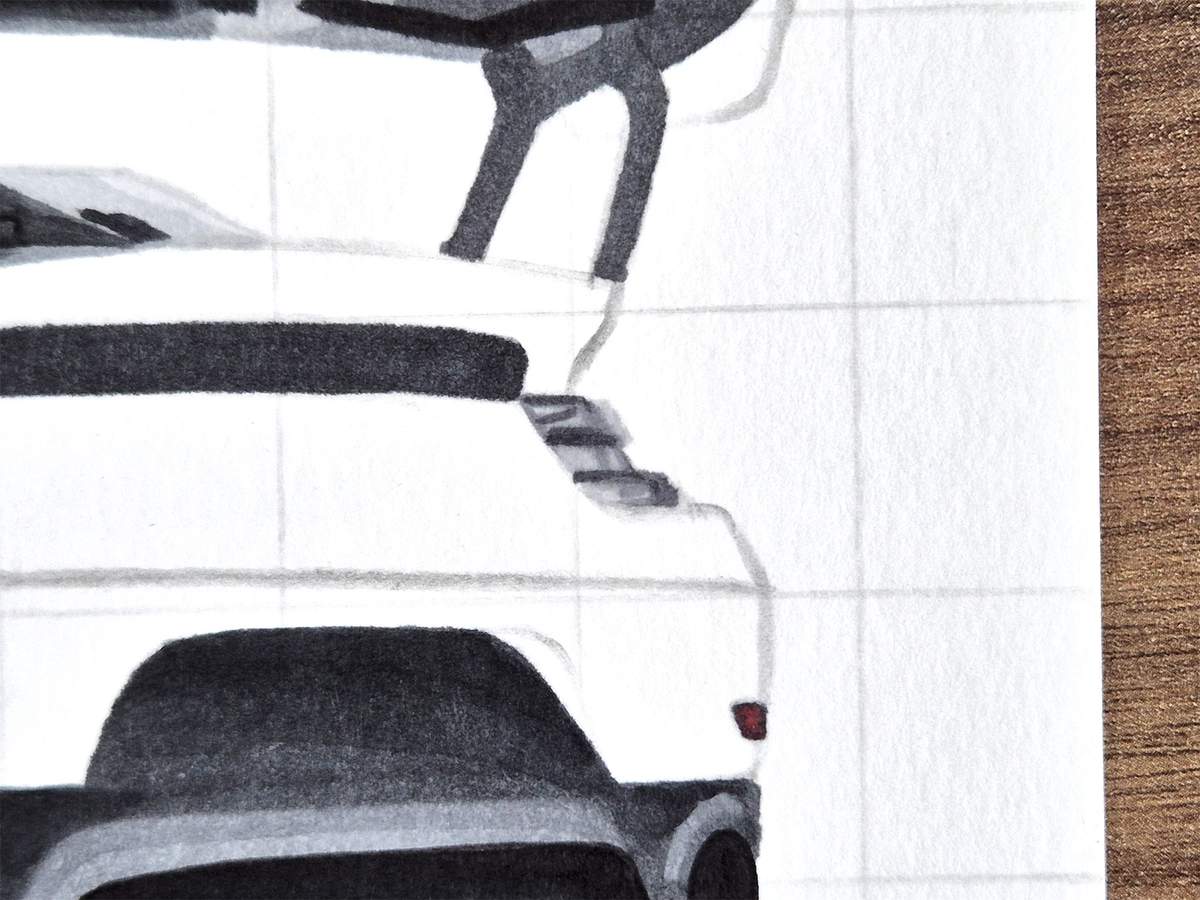
In the reference, the taillight looks slightly reddish/pinkish. To make ours look like that too, I used Sardonyx (R110) and colored over the top and bottom parts.
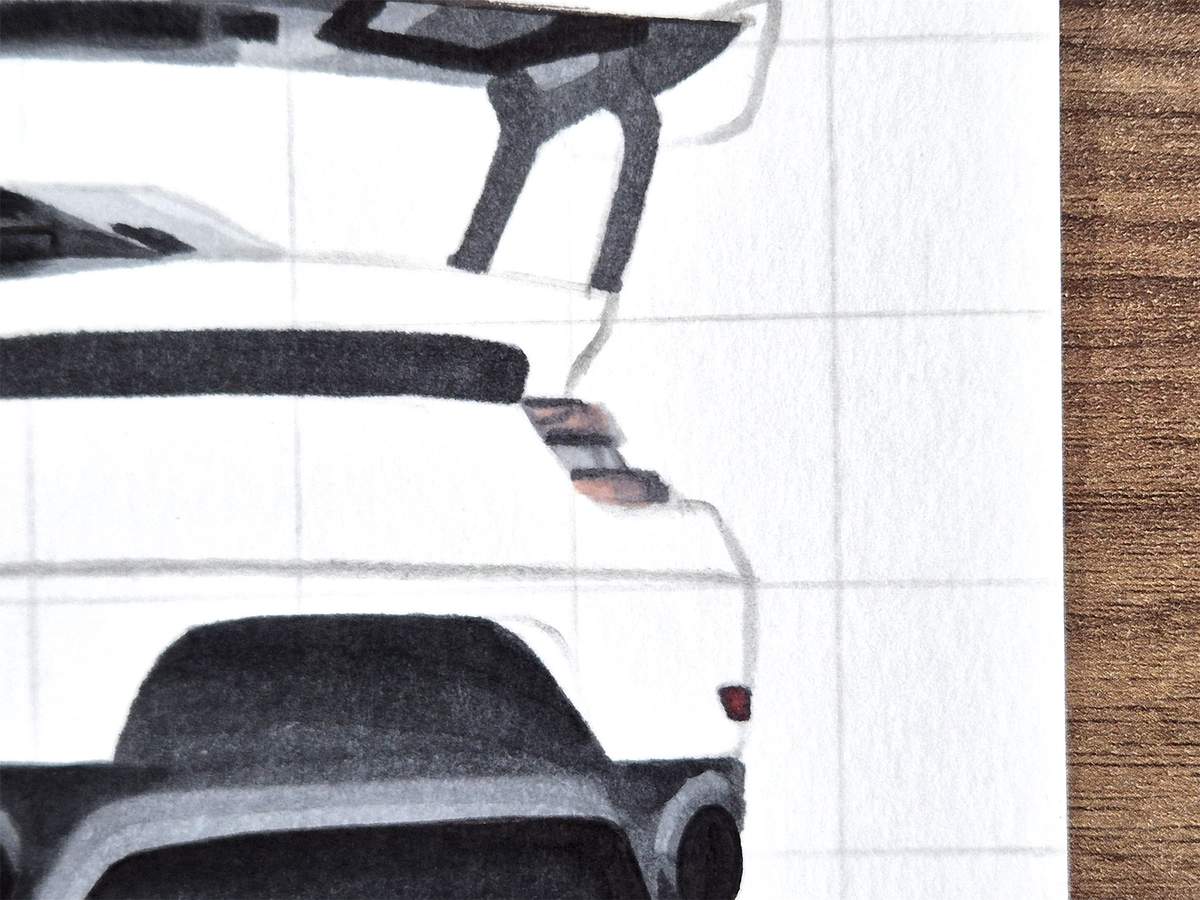
And to give it just a little bit more red, I used this greyish red called Rose Buvard (R12) and colored two spots on the top part and one spot on the bottom part on the right.
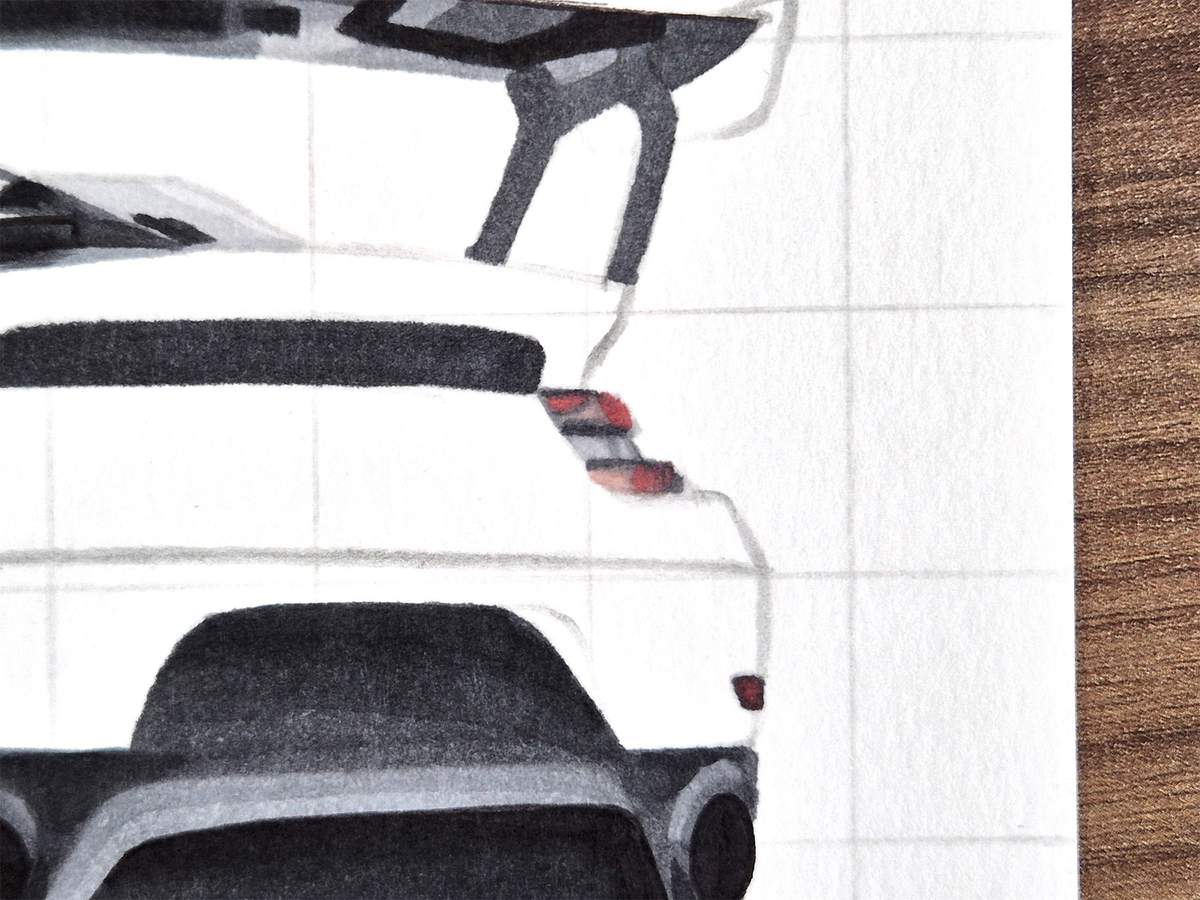
Lastly, I wanted to make the bottom edge of the top part a little more red. To do that, I used Geranium (R8) and colored over that edge.
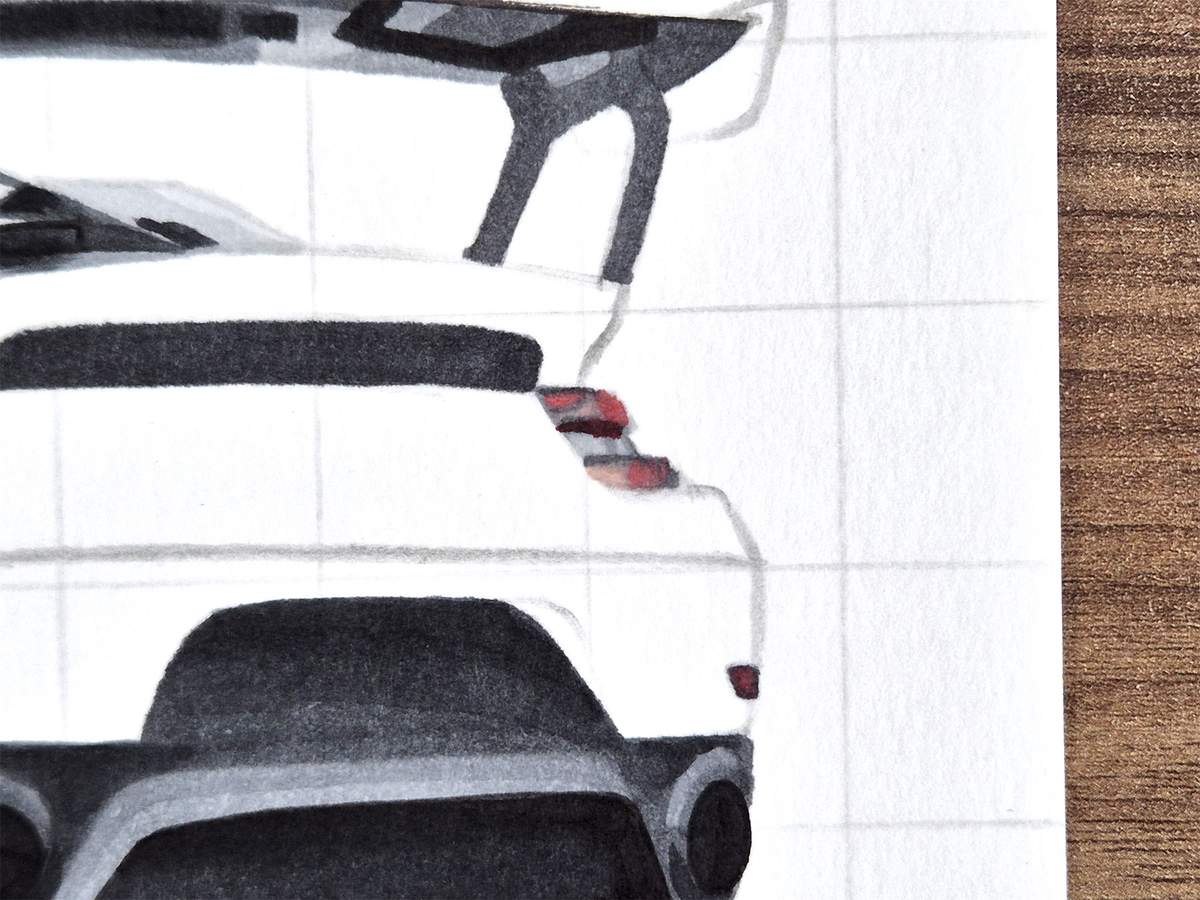
And after 144 images, that's everything but the body color done!
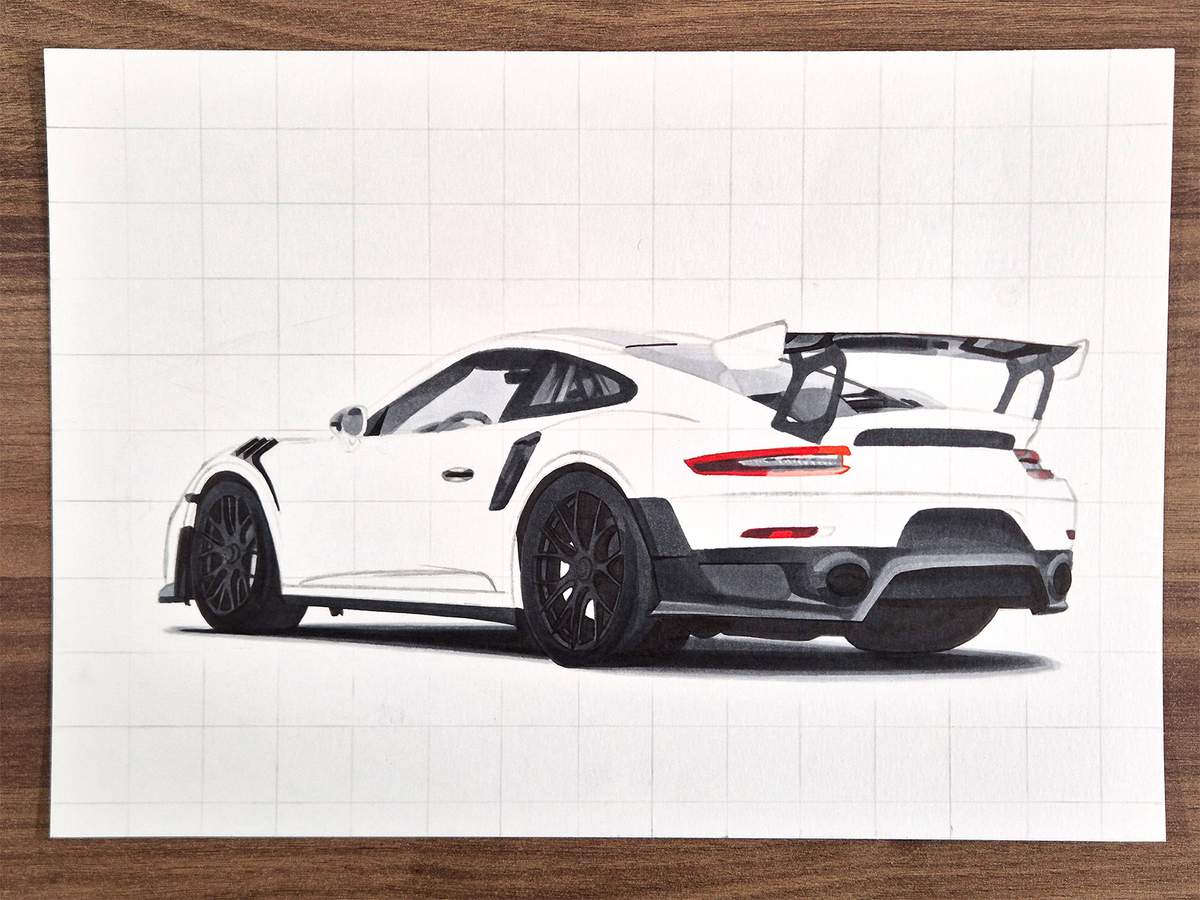
Step 24: Color the Main Body of the Porsche
To color the main body, we first need to erase all the sketch and grid lines. If we don't do this now, these sketch lines will show through the yellow ink. And since we're coloring the car yellow, which is a pretty light color, you have to be extra thorough.
After I had erased the remainder of the sketch and the grid lines, I colored the lightest parts of the yellow body. To do this, I used a color called Grayish Yellow (Y110).
I did test this color, but in the actual drawing, it turned out a bit more pinkish than I would've liked. But since it's the lightest color and I only used it in a few places, you'll barely notice it when the whole car is done.
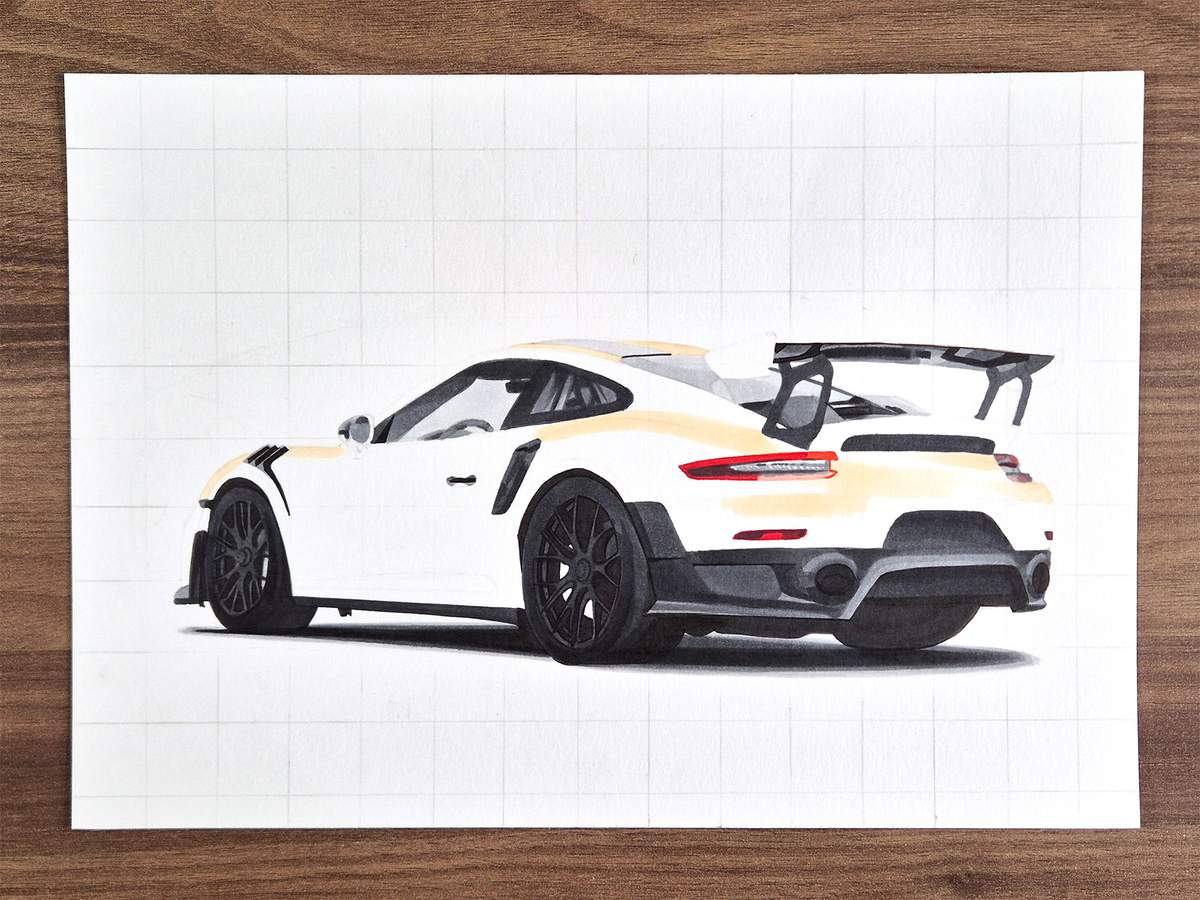
After that, I colored the remainder of the body with a regular yellow called Barium Yellow (Y3).
Above the front wheel and on the shoulder of the car, I blended the colors together by coloring over the edge with the lighter yellow of the previous step.
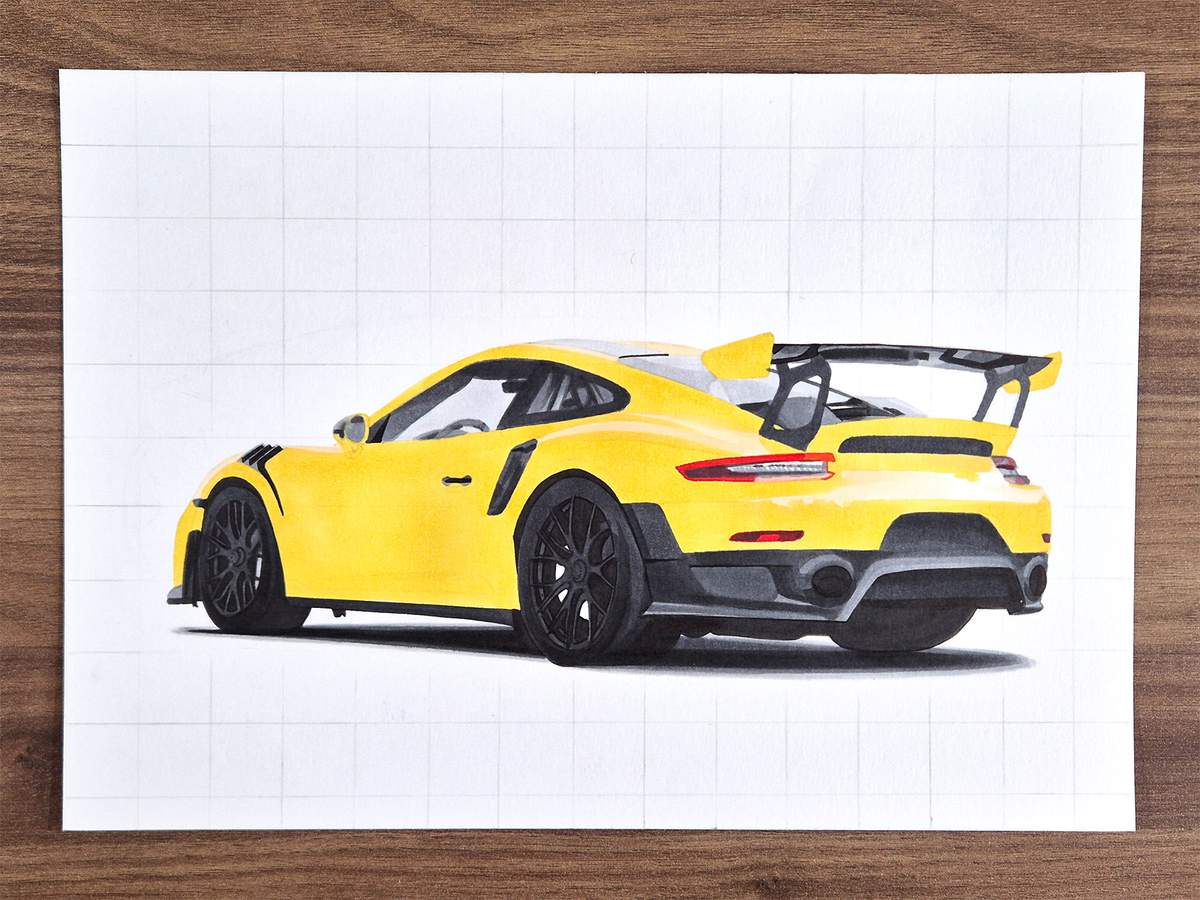
I then used a darker yellow called Sunflower (Y2) to add most of the shading to the car. These are still pretty big parts.
There is one place where I blended this color into the lighter yellow: just to the right of the fin on the left side of the rear bumper.
I also used this color to color both brake calipers.
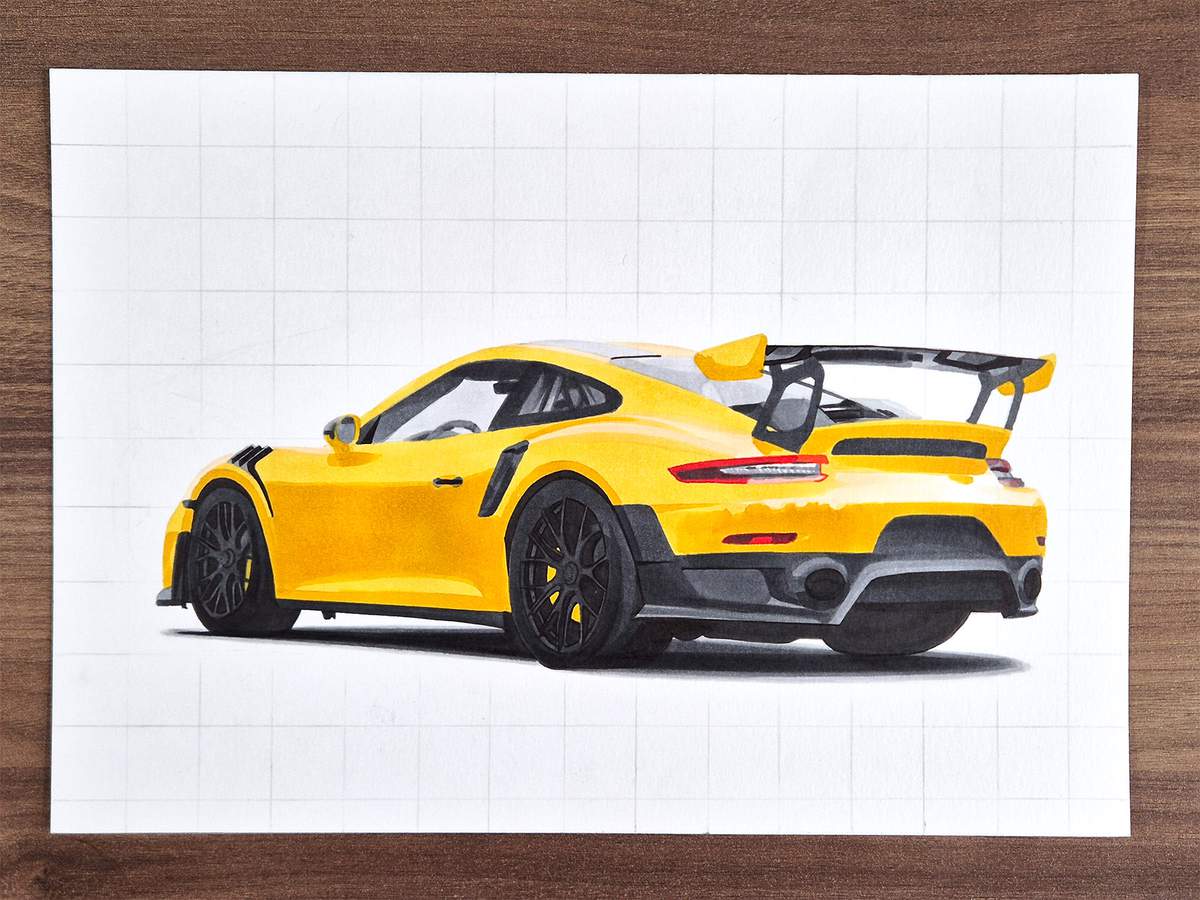
Next, I thought the reflection below the door mirror was a bit much, so I blended it out with Barium Yellow (Y3). This ended up doing two things for me. 1. The reflection is a lot more faded. And 2. it added a reflection along the top edge of the side of the car, which I really like. Before, it looked quite flat.
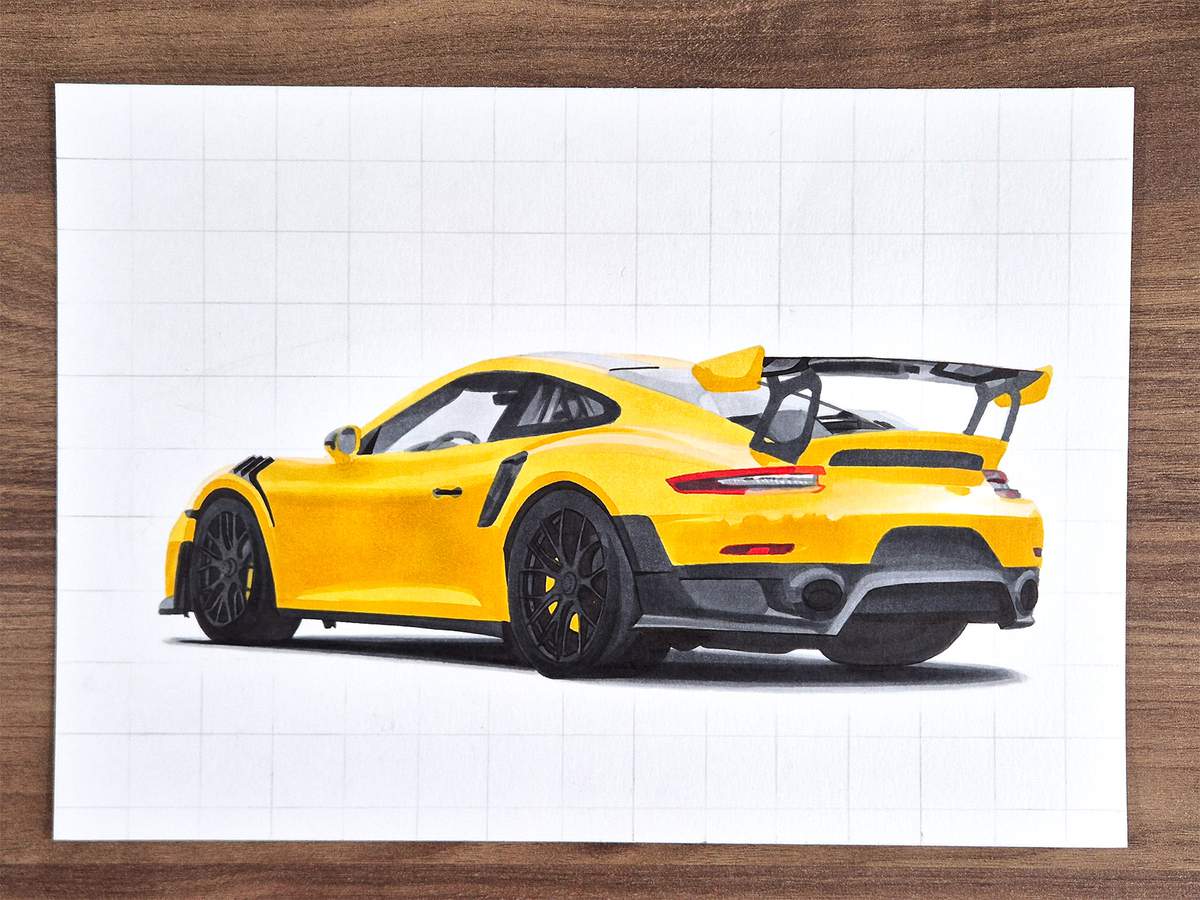
Lastly, I used a dark yellow to dark just a few spots to add a little more depth to the whole drawing. The color I used is called Chamois (E240).
Here's an overview of the whole car.
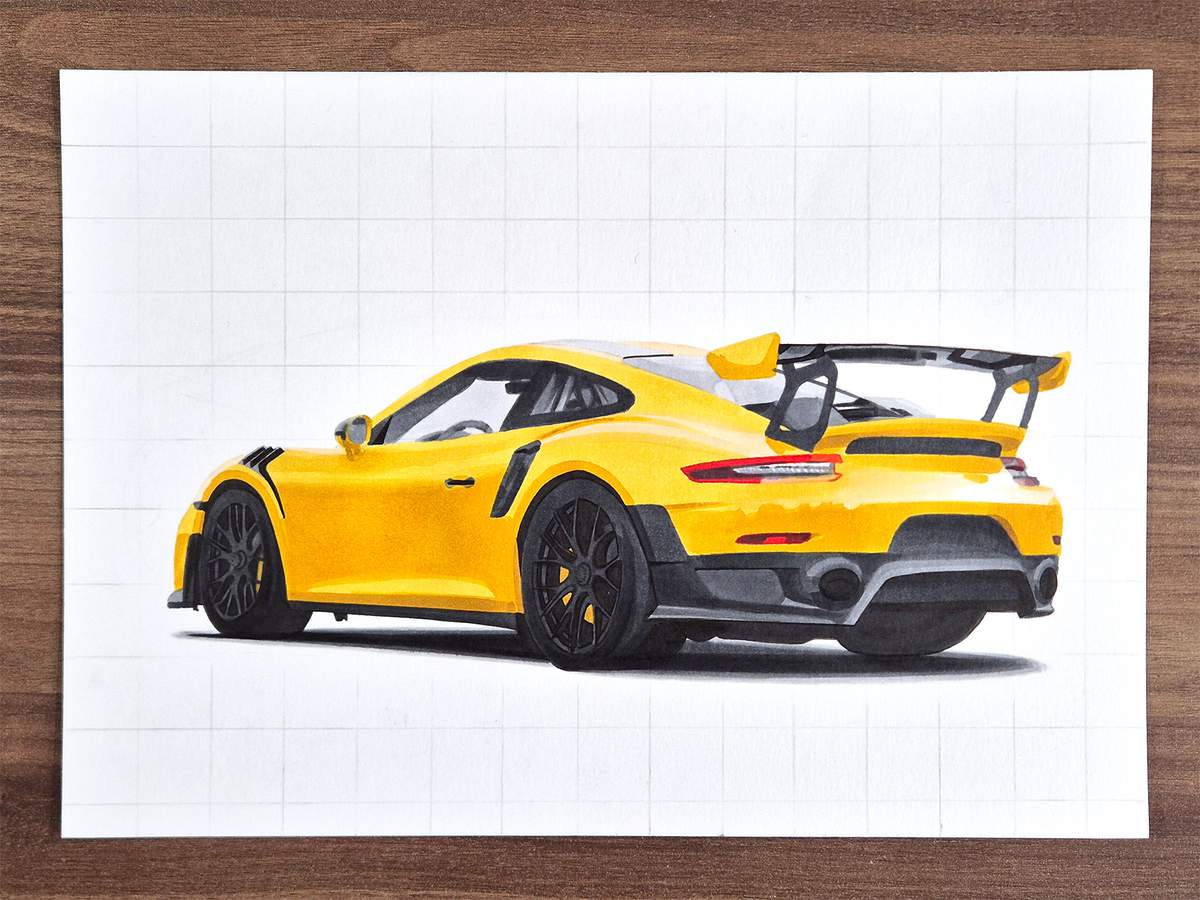
They are super small spots, so you likely won't even see them. So let me point them out for you.
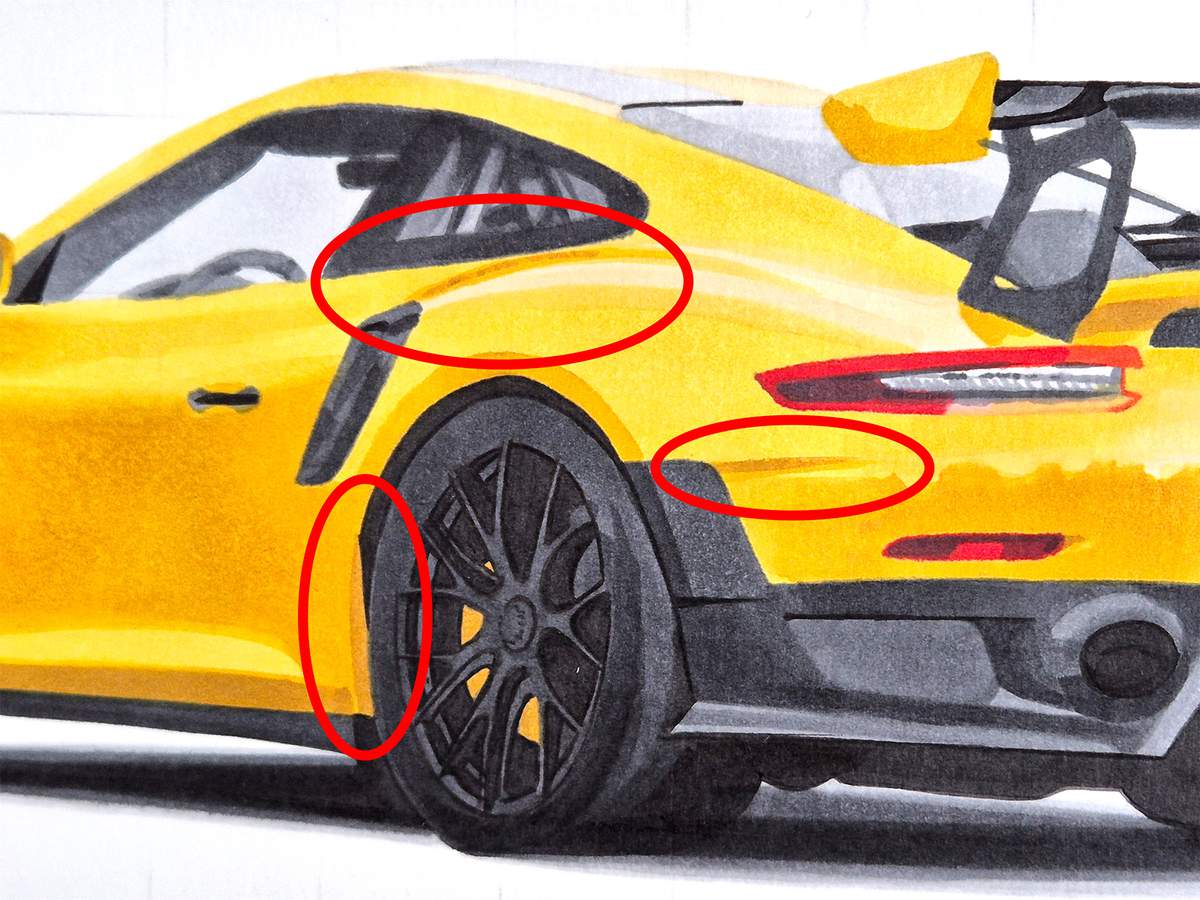
I darkened the edge just above the grey side skirt. You can see this one best in the image above.
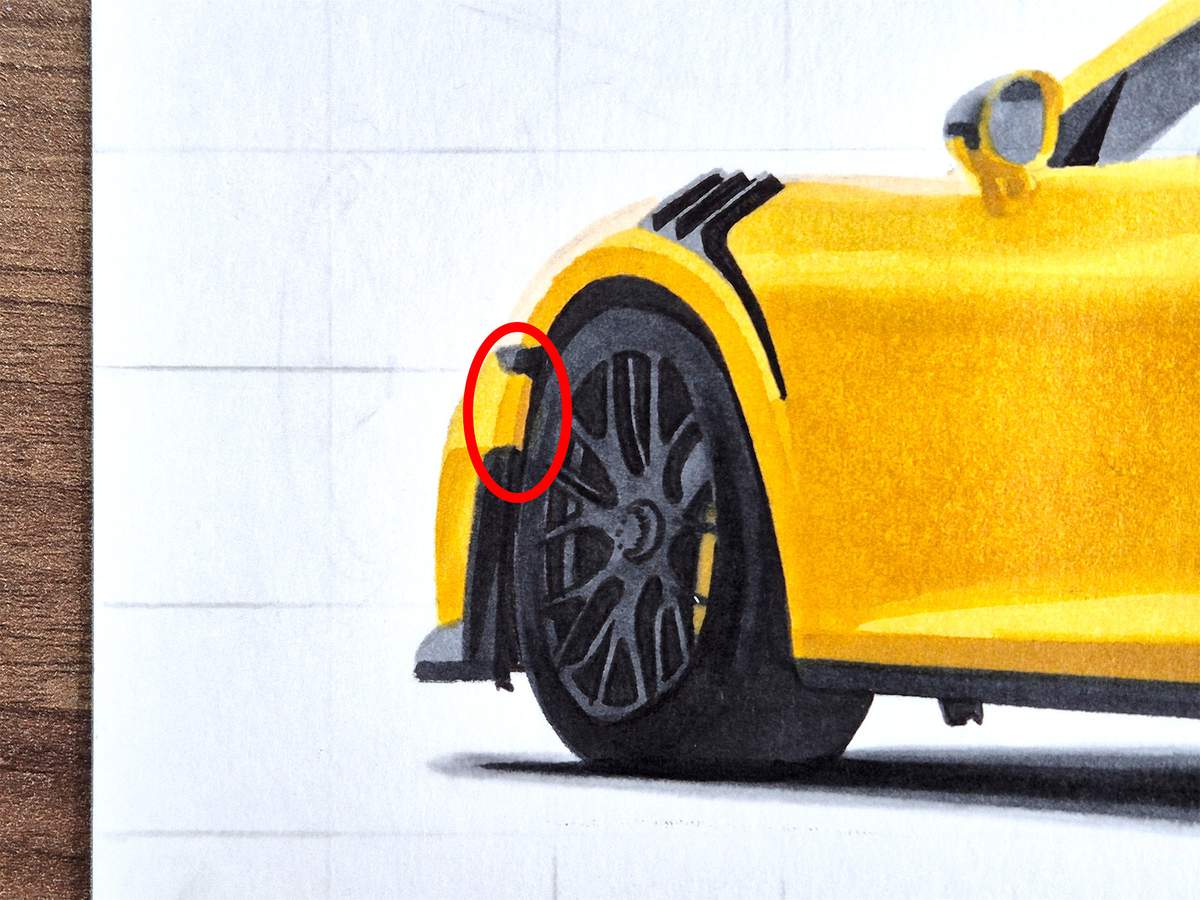
I darkened this little spot next to the front wheel.
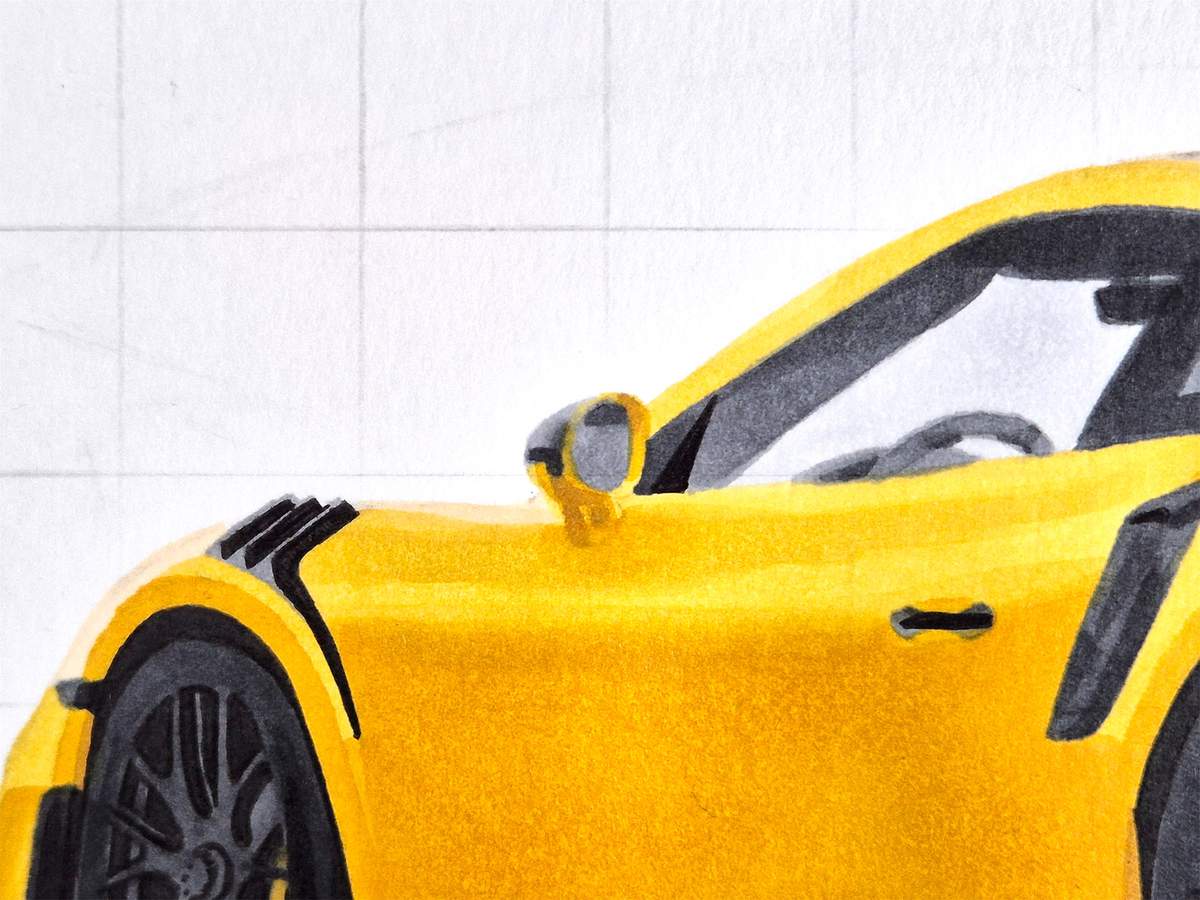
I darkened some parts of the door mirror.
I added a darker line on the shoulder reflection of the car, and I added a deeper shadow next ot the rear wheel and next to the fin on the rear bumper.
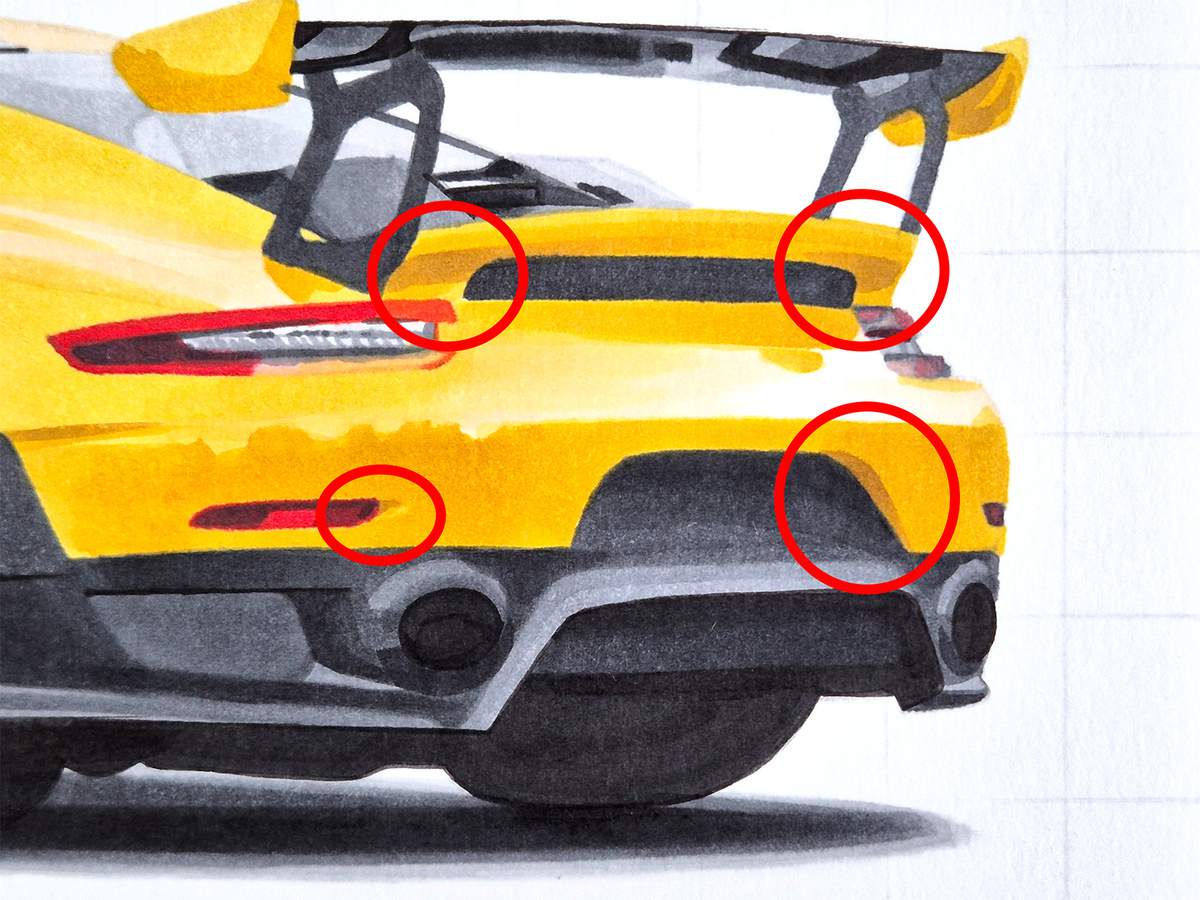
I darkened the top right corner just to the right of the left reflector, the edge next to the area for the license plate, and the spots to the left and to the right of the air vent in between and above the taillights.
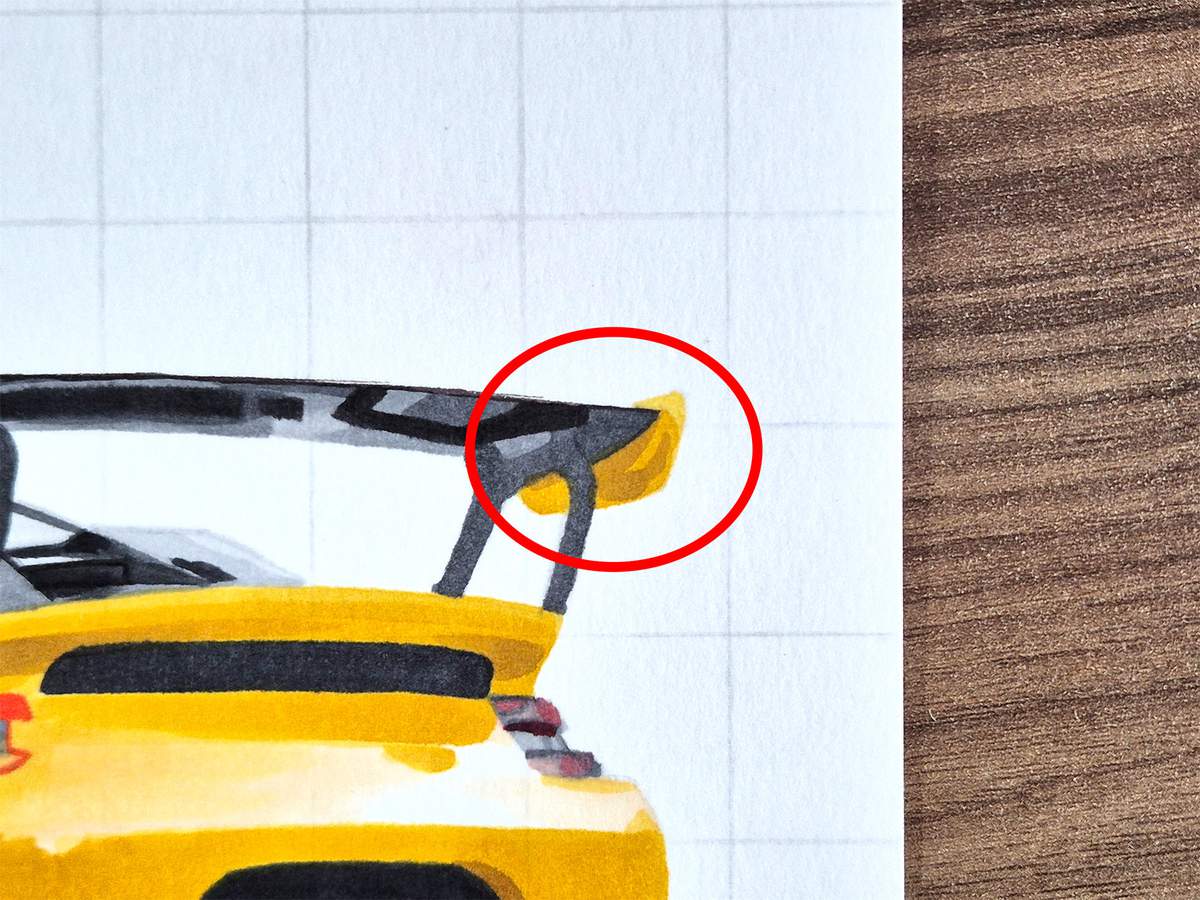
Lastly, I added some darker yellow reflections on the right endplate of the wing.
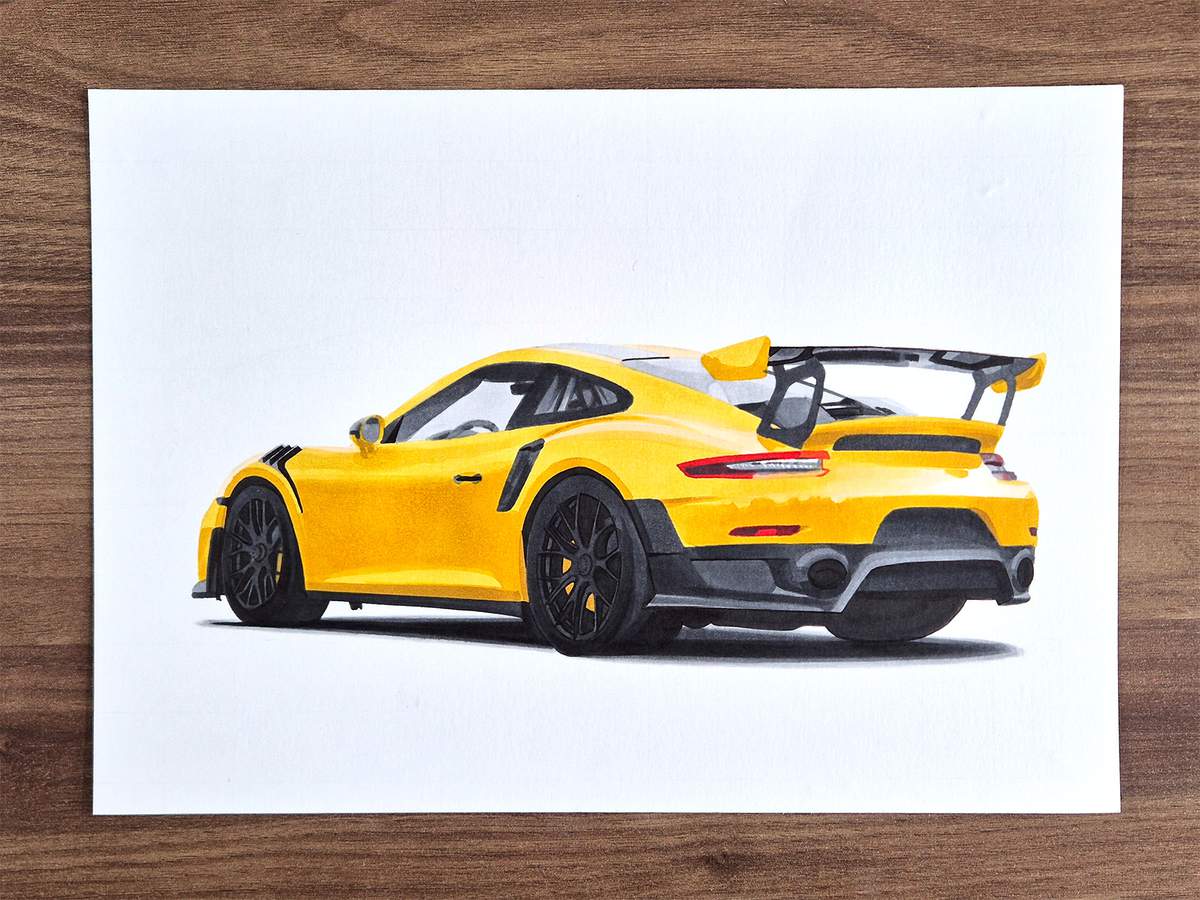
And to prepare the drawing for the details, I erased the remaining grid lines and cleaned up the paper with the eraser.
Adding the Final Details
After coloring the whole car with markers, I like to add some final details.
I use colored pencils to do this. I used a white, a light grey, and a black colored pencil. You can use any brand, but the ones I use are the Derwent Chromaflow colored pencils. The specific colors I used are called Platinum 2200, Black 2300, and White 2400.
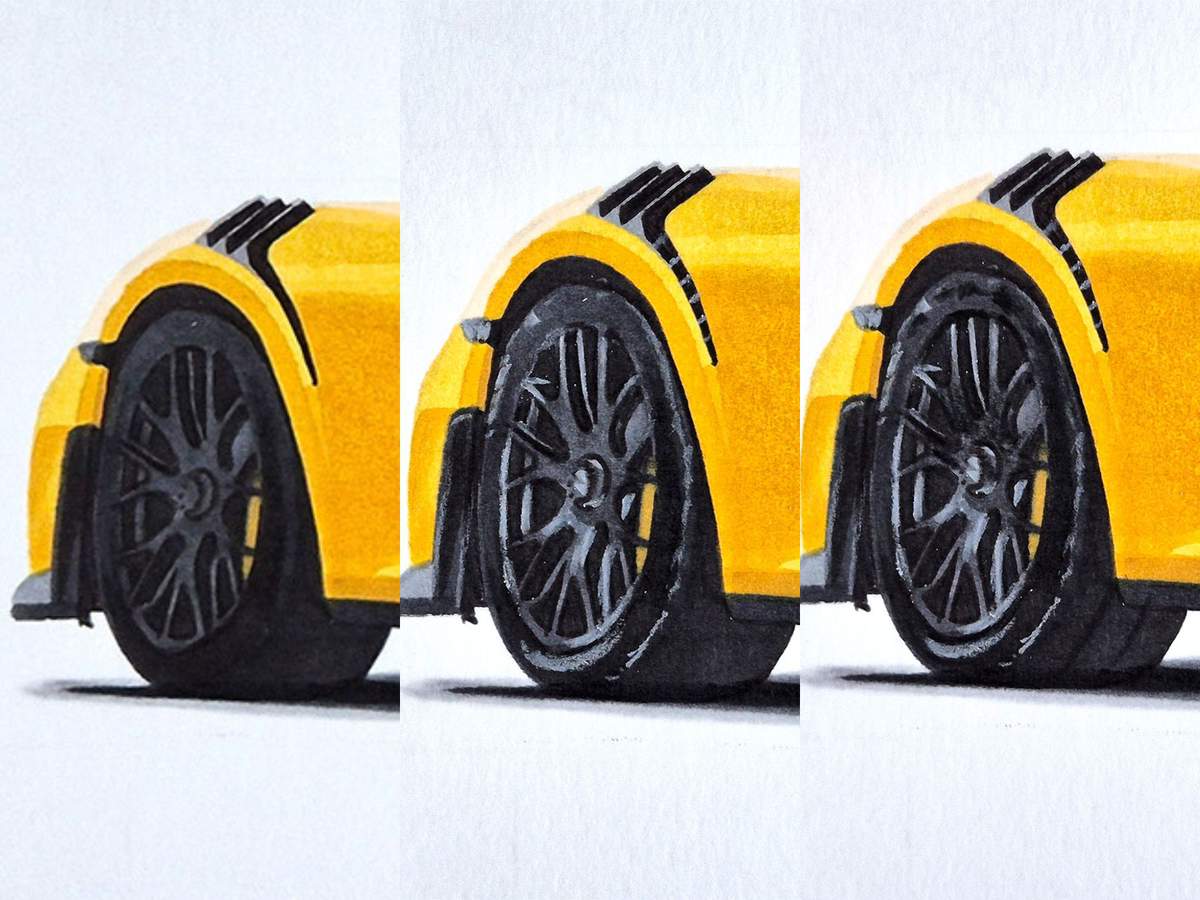
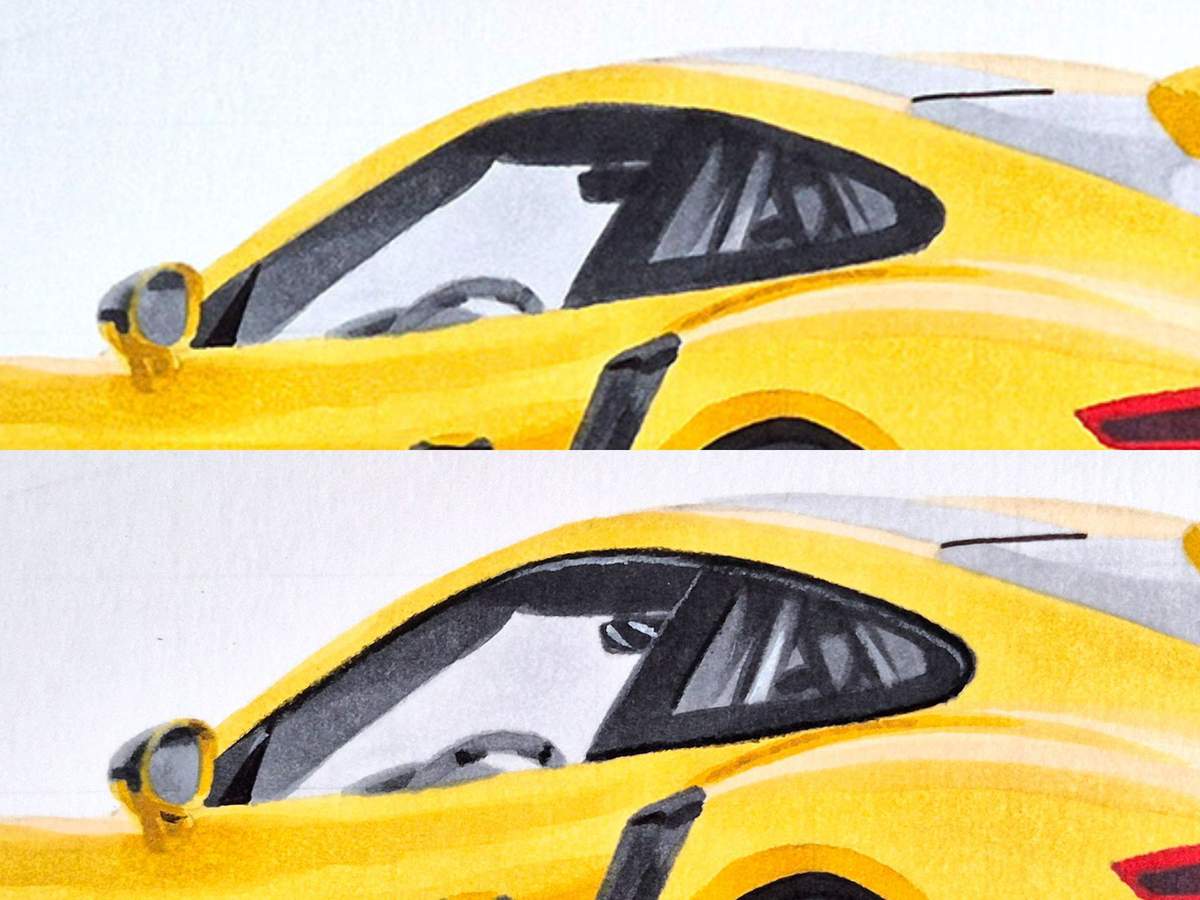
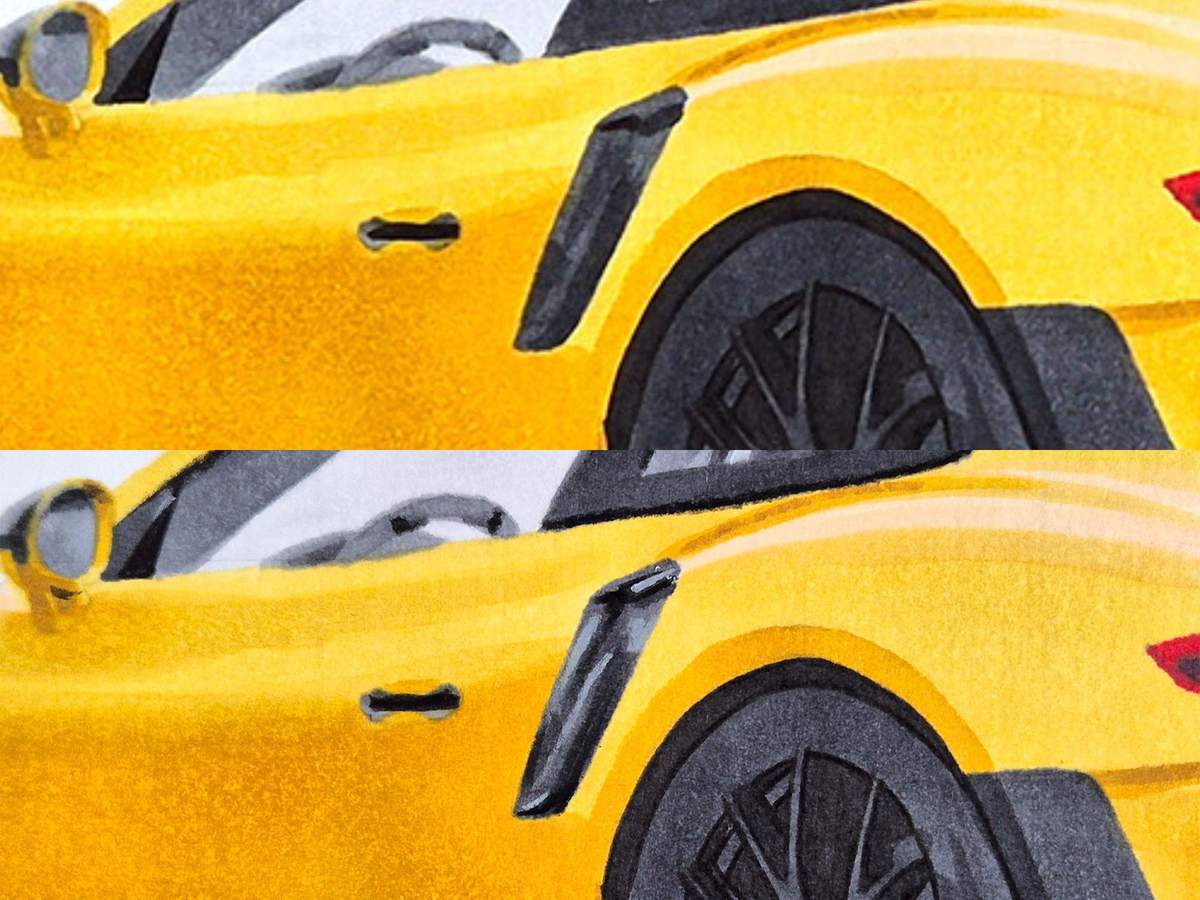
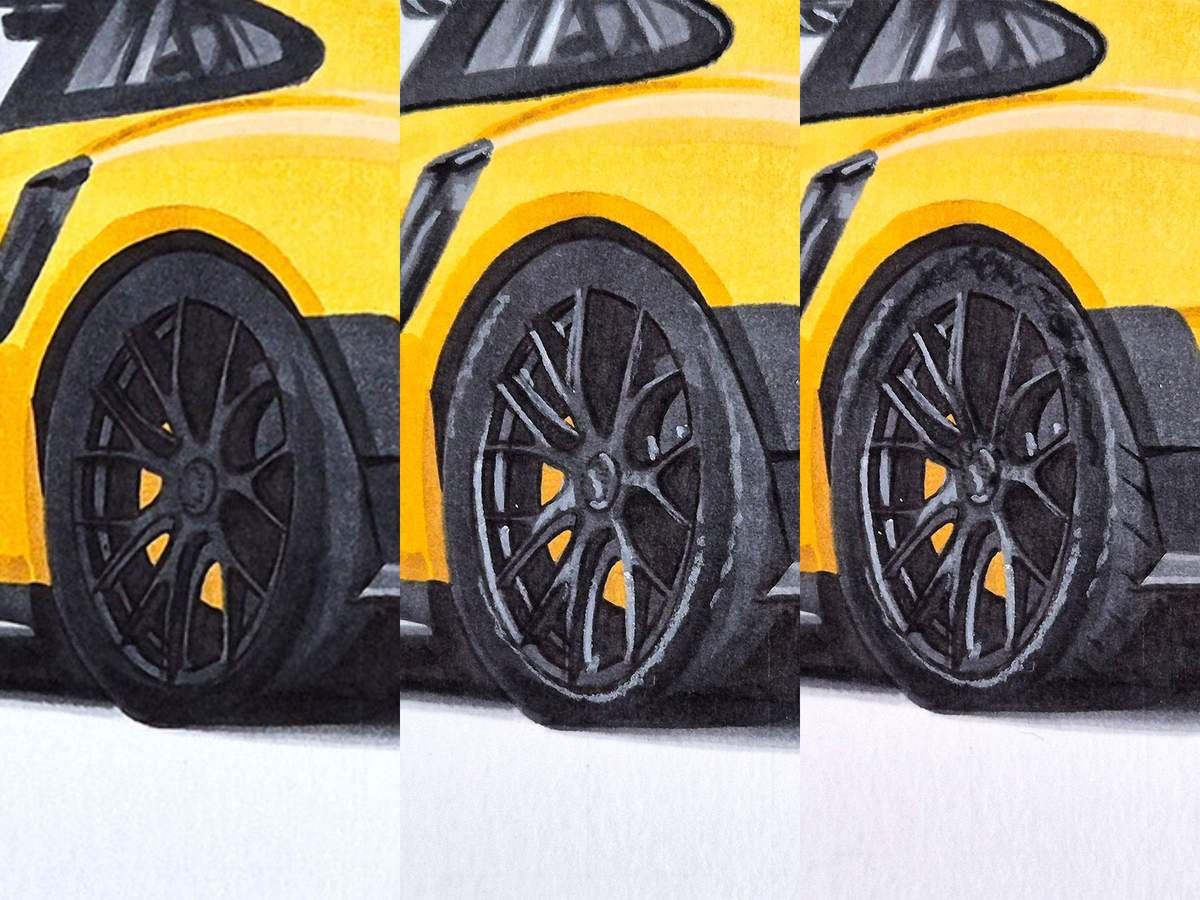
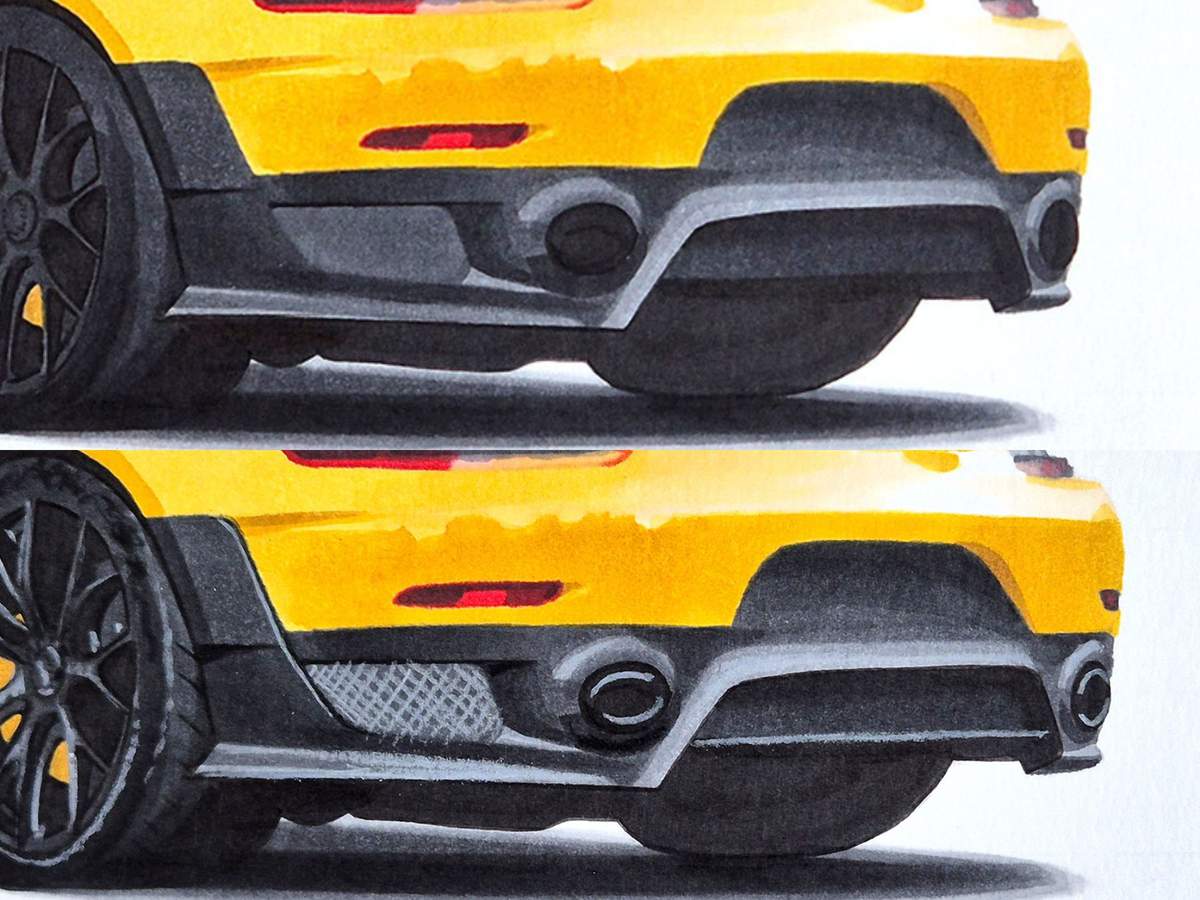
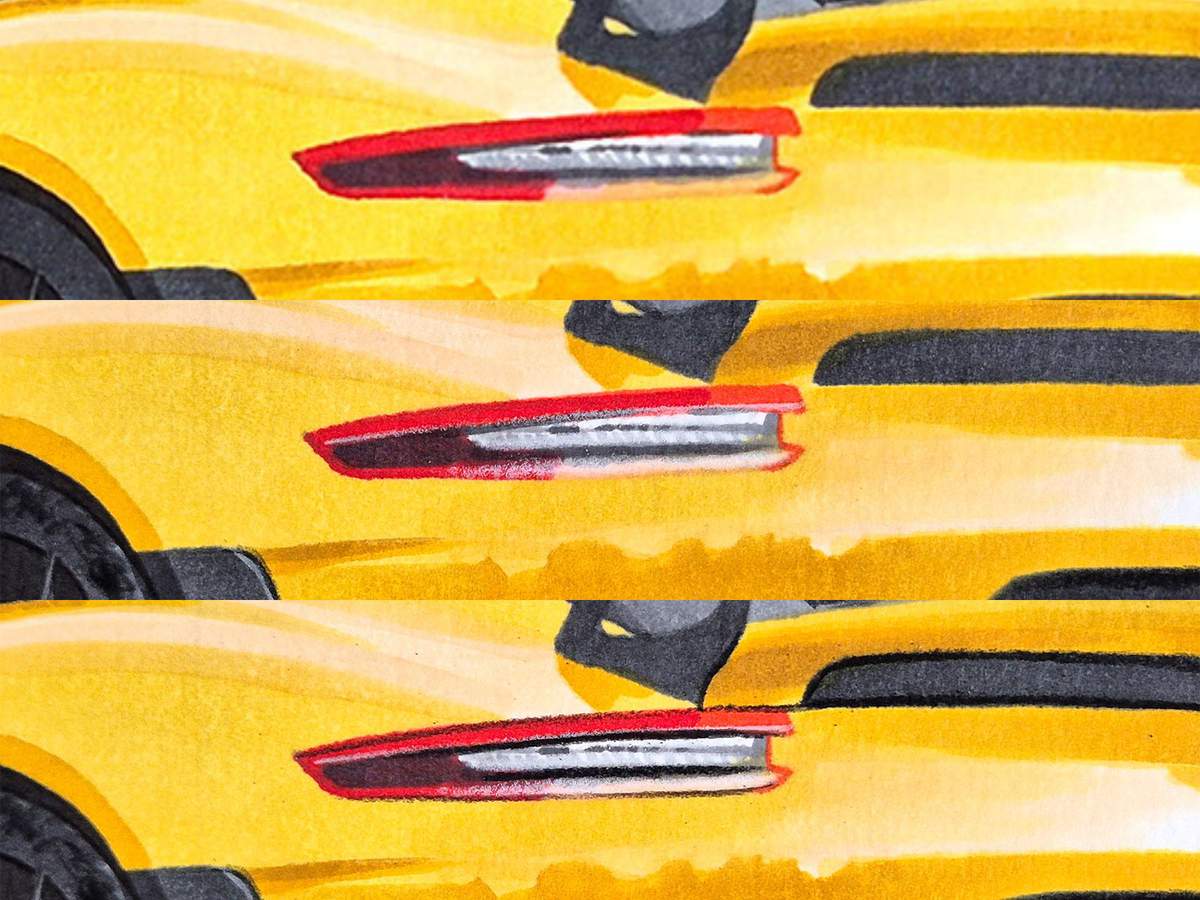
To make it easier to spot the differences, in some steps I placed the before and the after next to each other.
Step 25: Add Details to Your Porsche 911 GT2 RS Drawing
Usually, I just do all the details at once and show you the overview. However, for this drawing, I photographed each part as I added the details.
I started by adding details to the front wheel. First, I used the light grey pencil to add the lighter details. Then, I used the black pencil to darken some spokes and to add the unclear black writing and the grooves on the tire.
I also added some more light grey lines in the narrow bit of the air vent above the front wheel.
Next, I used the black pencil to outline the side windows, except for the part below the front side window. I also added a black line to the right of the B-pillar, the bit just to the right of the front side window.
And I used the light grey pencil to add a slightly highlighted line on the top edge of the side windows, just below the black lines, and the top bit of the window triangle next to the door mirror.
Then, I used the light grey pencil to add highlights and reflections to the side intake.
After that came the rear wheel.
Again, I first used the light grey pencil to highlight some parts of the tire and the spokes.
Then, I used the black pencil to add the unclear black writing and the tire grooves, and to darken some spokes a bit.
Next, I did the rear bumper. This one required a little more.
First, I used the black to add a dark line to the right edge of the big fin on the left.
Then, I used the light grey and added a light edge on the right of that same fin but just to the left of the black line.
I also highlighted the edge of the exhaust tips that float in the black ovals. As you can see, I didn't highlight the whole edge of the exhaust tips. That is because they tend to have highlights in two parts and darker reflections, which we can't really see, in the other parts.
I also added crosshatching to the grill on the left to create the mesh. I highlighted the bottom edge thing that is shaped like a long sideways V. And I lightened the lighter part around the diffuser slightly with this light grey pencil. It's barely noticeable.
Lastly, I also added this horizontal line in the diffuser with the light grey pencil.
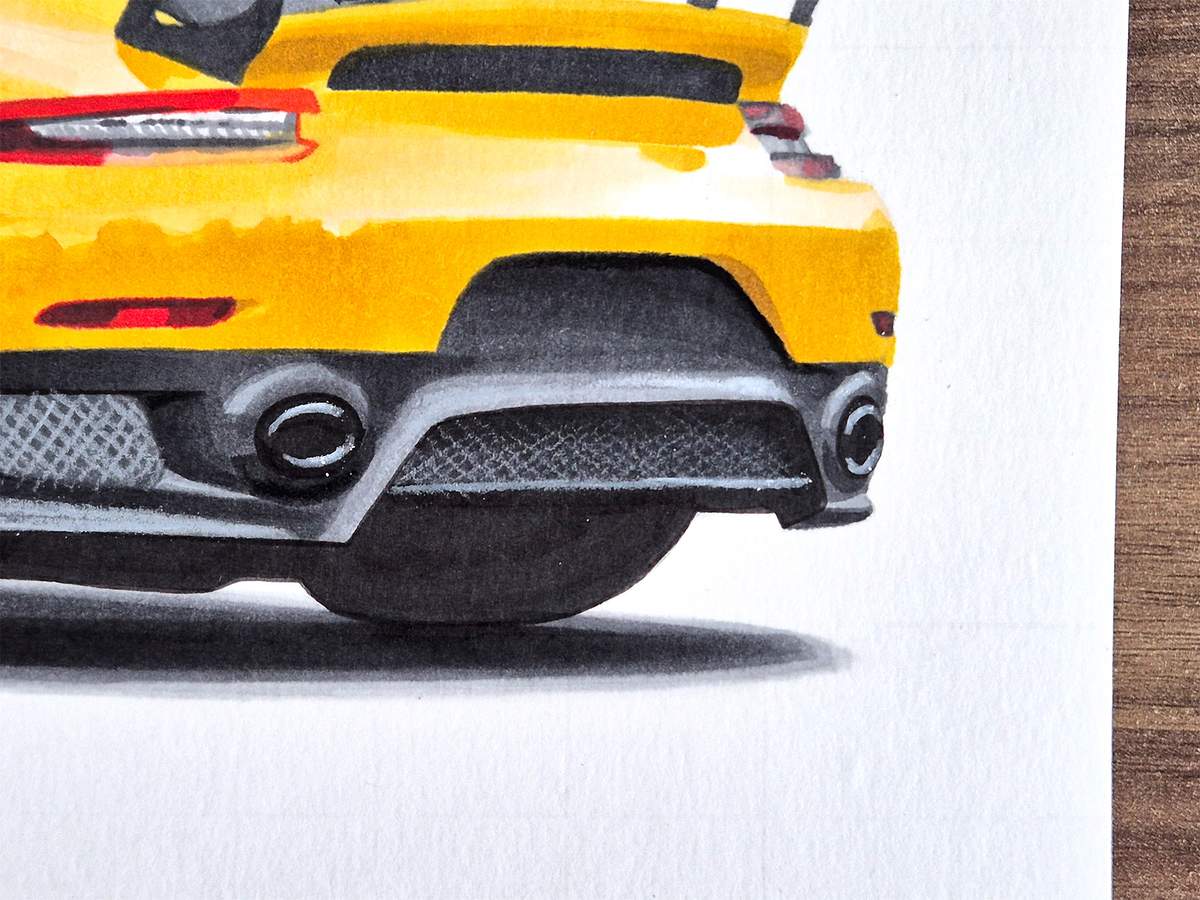
To finish off the rear bumper, I also added the mesh in the grill in the diffuser.
I made the bottom of the mesh clearer and the top of the mesh less pronounced. This is very easy to do. You just start each crosshatch from the bottom and release pressure as you move.
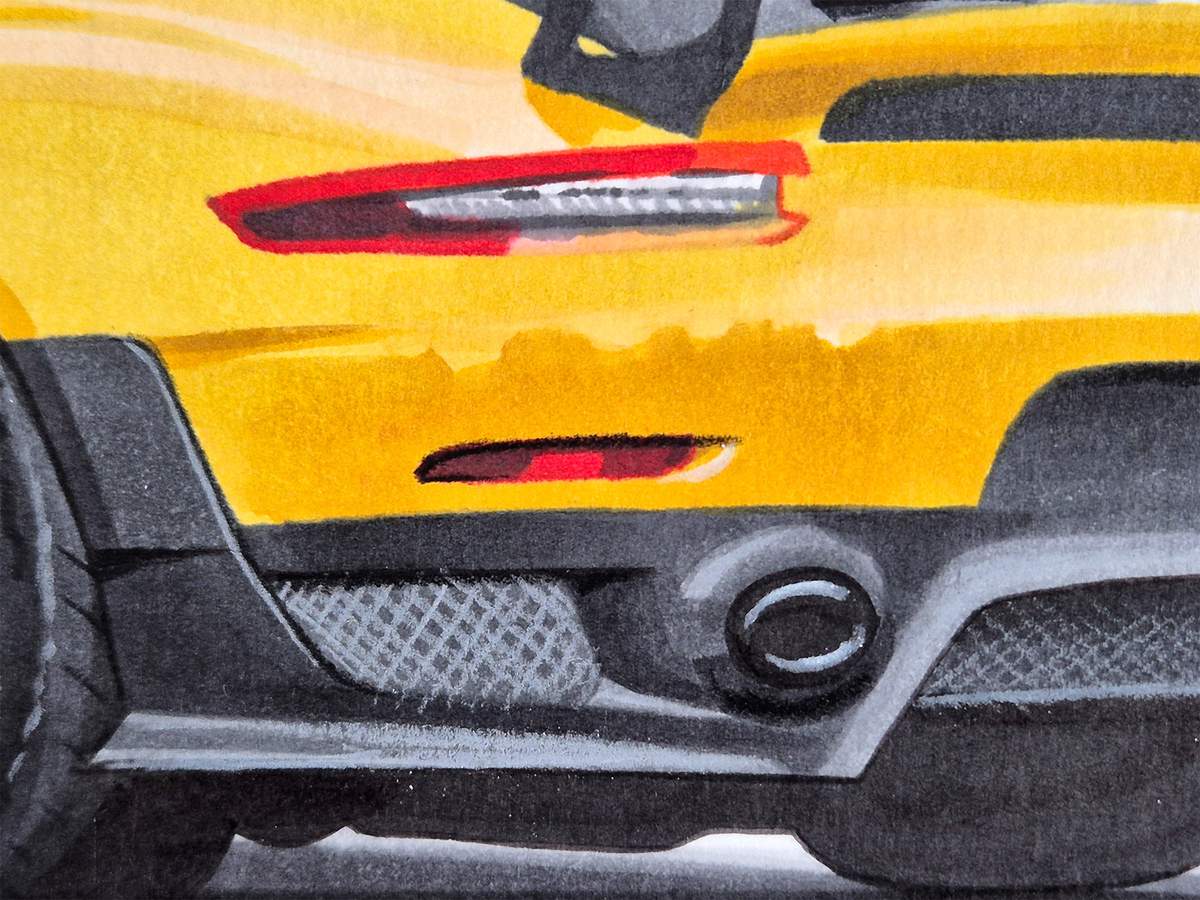
After that, I added a black line around the top and the left side of the left reflector, and I added a small white line to the right.
Next, I worked on the left taillight.
I used my white pencil to highlight the bottom edge of the top red bit and the top edge of the bottom red bit. I also used it to color over the tiny lights in the grey part. This makes them a little more subtle.
Then, I used the black pencil to add the line above the taillight that continues to the dark grey vent below the wing. I also added a black line below the top red bit and above the bottom red bit. And to complete the left taillight, I also added a black line to the bottom edge.
After that, I used the black pencil to add some dark reflections to the right taillight, and I used the white pencil to lighten the middle of the top red part and the top left of the bottom red part.
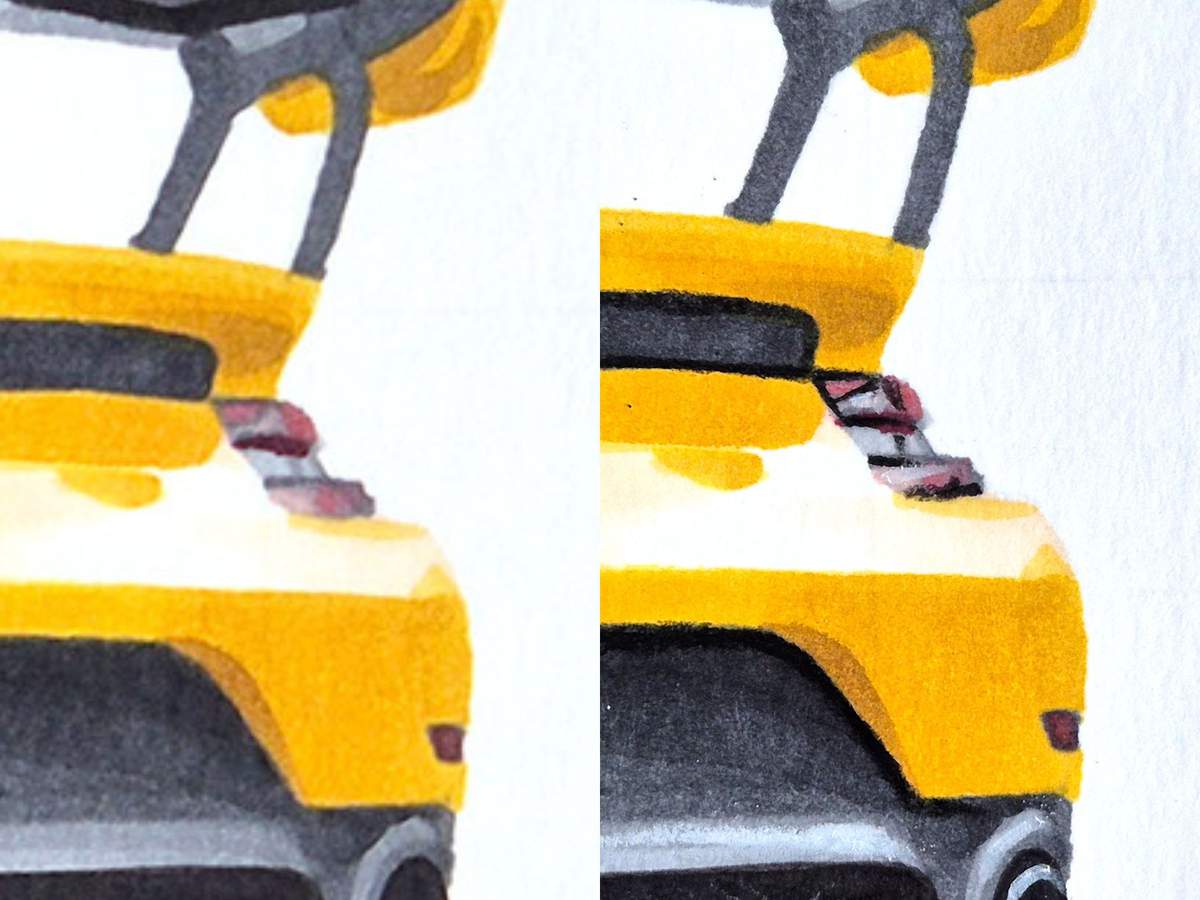
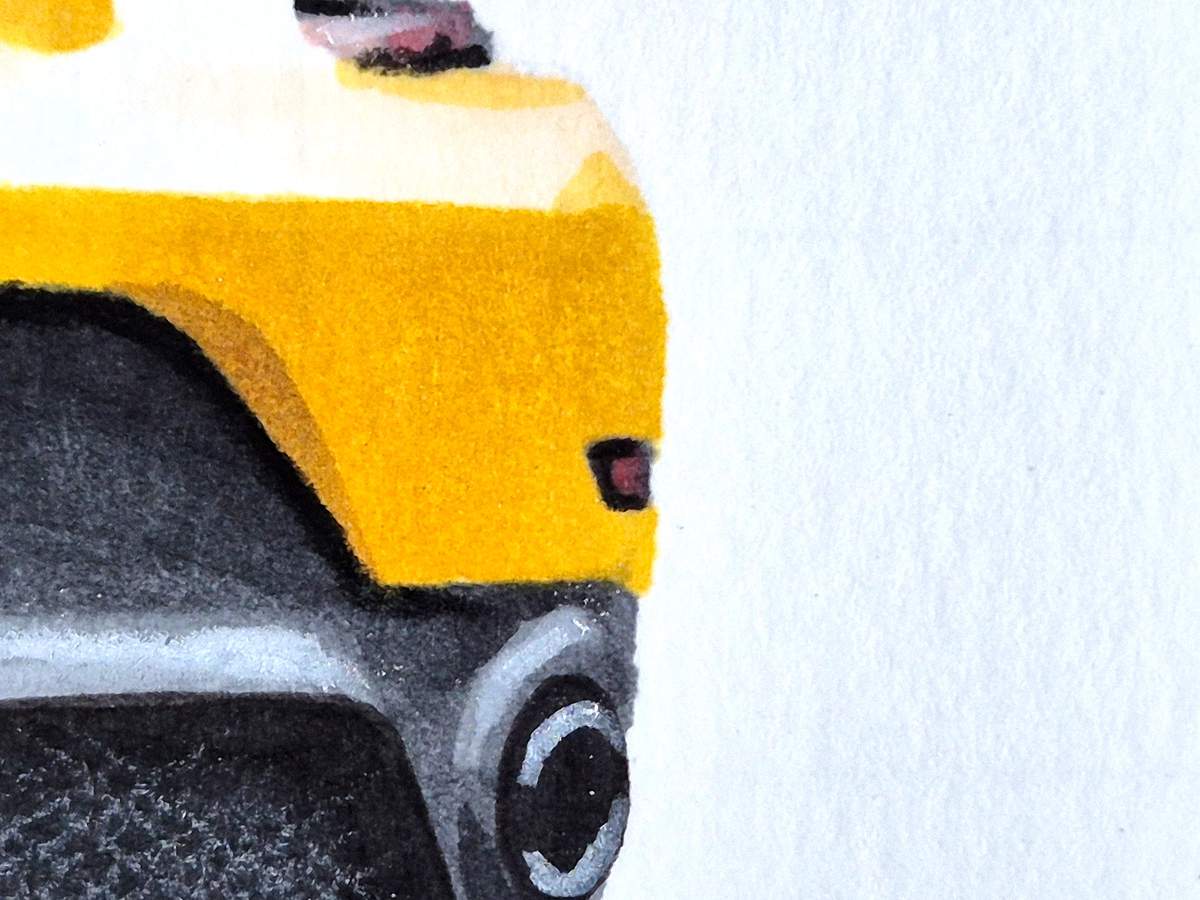
Then, I used the black pencil and added a black line to the top, left, and bottom edges of the right reflector.
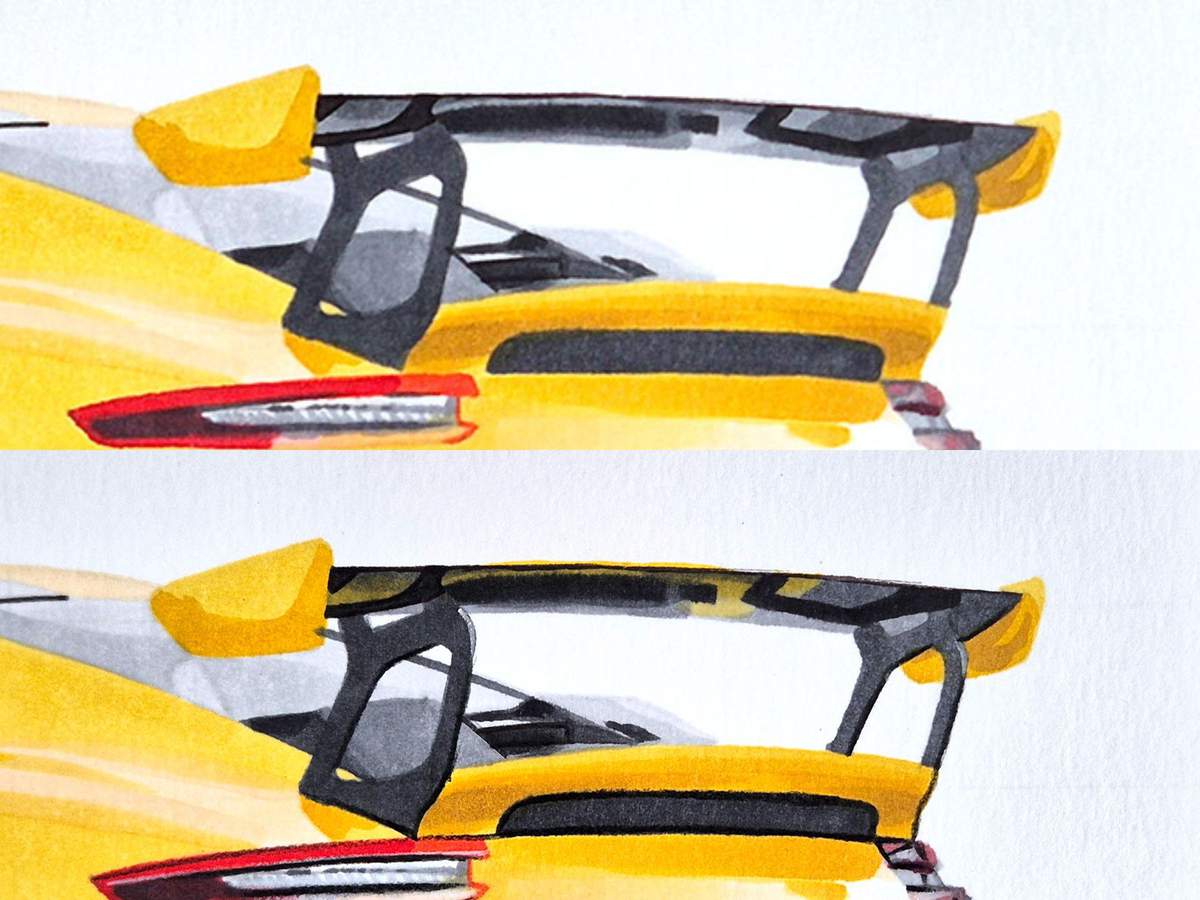
Next, I used the black pencil to outline the air vent below the wing and to darken the downward-facing back edges of the wingstands, as well as the bottom edge of the left wingstand.
And I used the light grey pencil to lighten the upward-facing back edges of the wingstands.
This is also the step where I used the Barium Yellow (Y3) marker to add the yellow reflections to the bottom side of the wing.
And to make the yellow reflections a little more saturated, I also used Sunflower (Y2) to the top half of the yellow parts. And yes, this did bleed a bit...
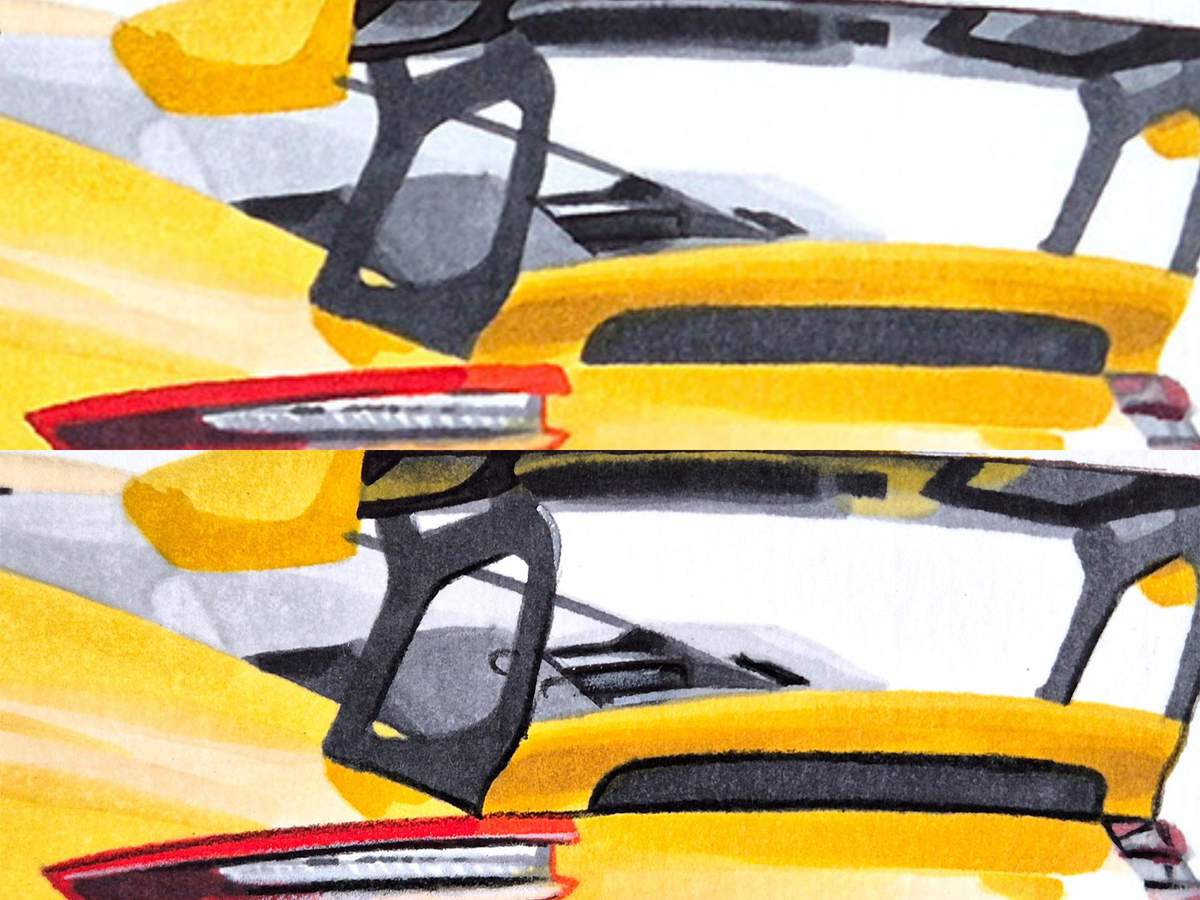
Lastly, I added some details to the rear deck and the air vent and intakes.
I used the light grey pencil to highlight the bottom edge in between the two big intakes.
And I used the black pencil to add reflections on both intakes.
And that's all the details done! Kinda.
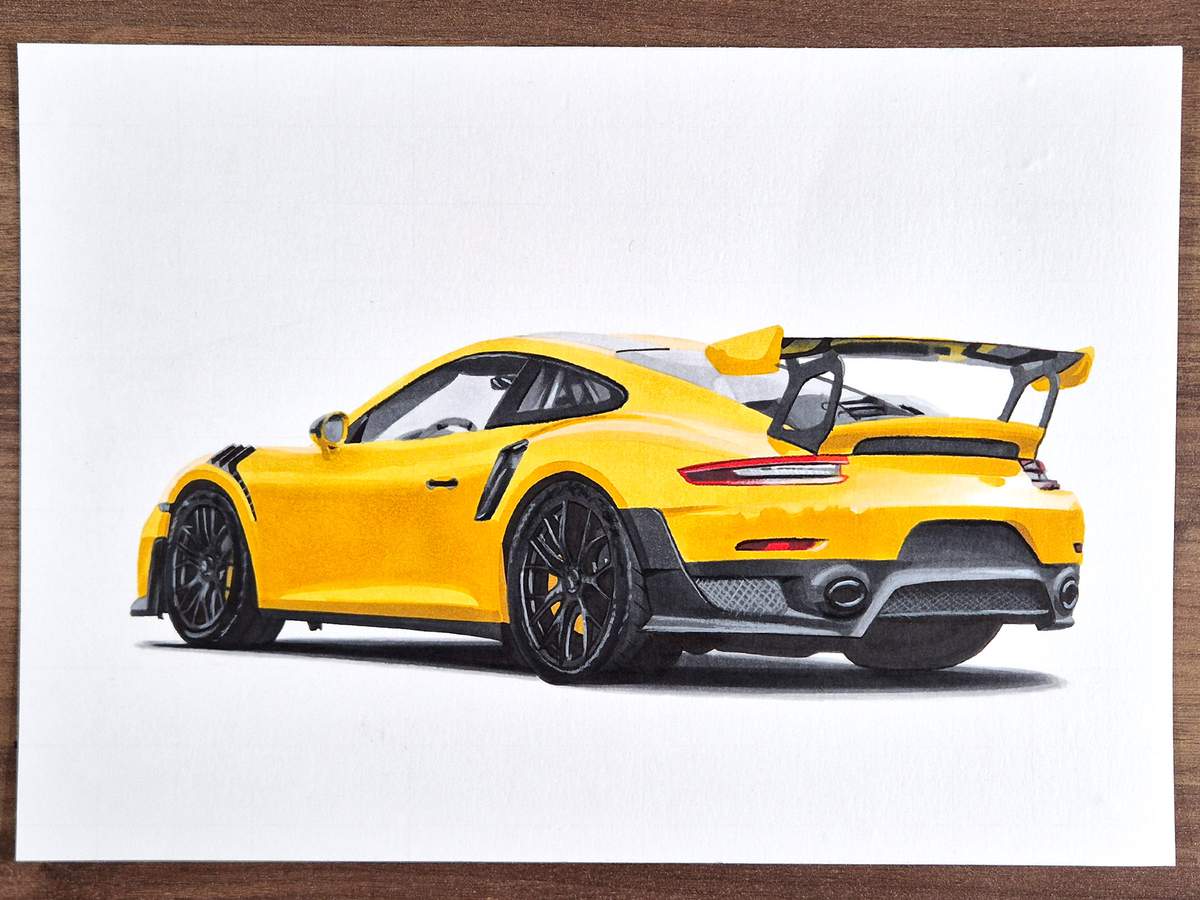
Step 26: Add the Panel Gaps and the GT2 RS Lettering
To complete this drawing of a Porsche 911 GT2 RS, I had to add the GT2 RS lettering on the side and the rear of the car.
It's super tiny, and it was difficult to do. I first drew the lettering with a regular graphite pencil. This way, I could erase it and try again if it didn't look right, and I did many times.
Once I thought they looked good enough, I did it for real with my black pencil.
To make the one on the rear look more greyish, I just lightened the black pencil with my eraser.
For some reason, I didn't take close-ups of both GT2 RS logos... So you'll have to do it with the photo of the whole car.
I also added the panel gaps.
I did the bottom and right edge of the door and a tiny bit on the left edge, right where it curves down. It's barely visible.
I also added a faint line between the bumper and the rear quarter. This is essentially a continuation of the top edge of the left taillight.
And I added the gap between the rear deck and the rest of the car to the left of the left wingstand.
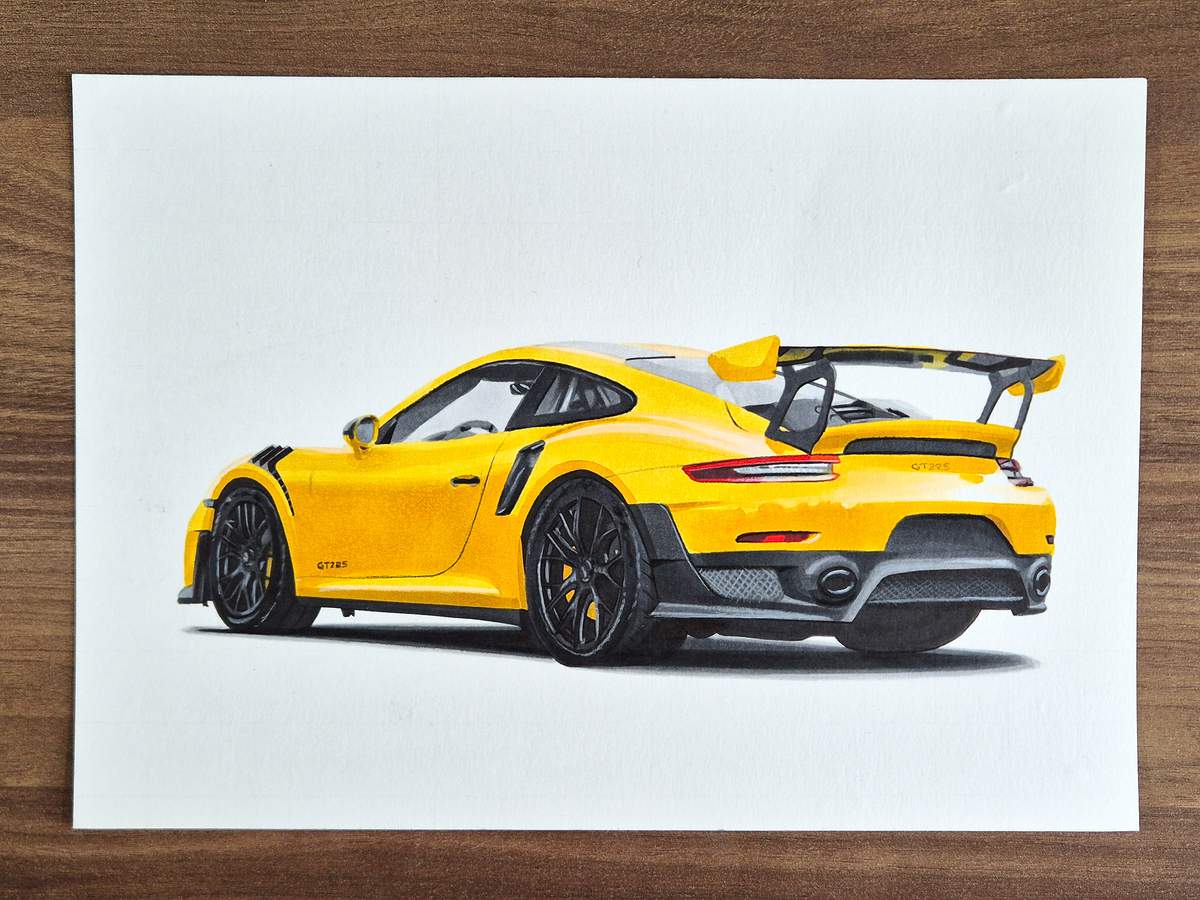
And that's the whole Porsche 911 GT2 RS drawing done! After 170 photos!
I have never made a step-by-step guide this long. But for cars, it does make sense to go into more detail. Plus, cars are just super detailed.
I hope you liked this guide and how detailed it is.
Here is the drawing one last time:
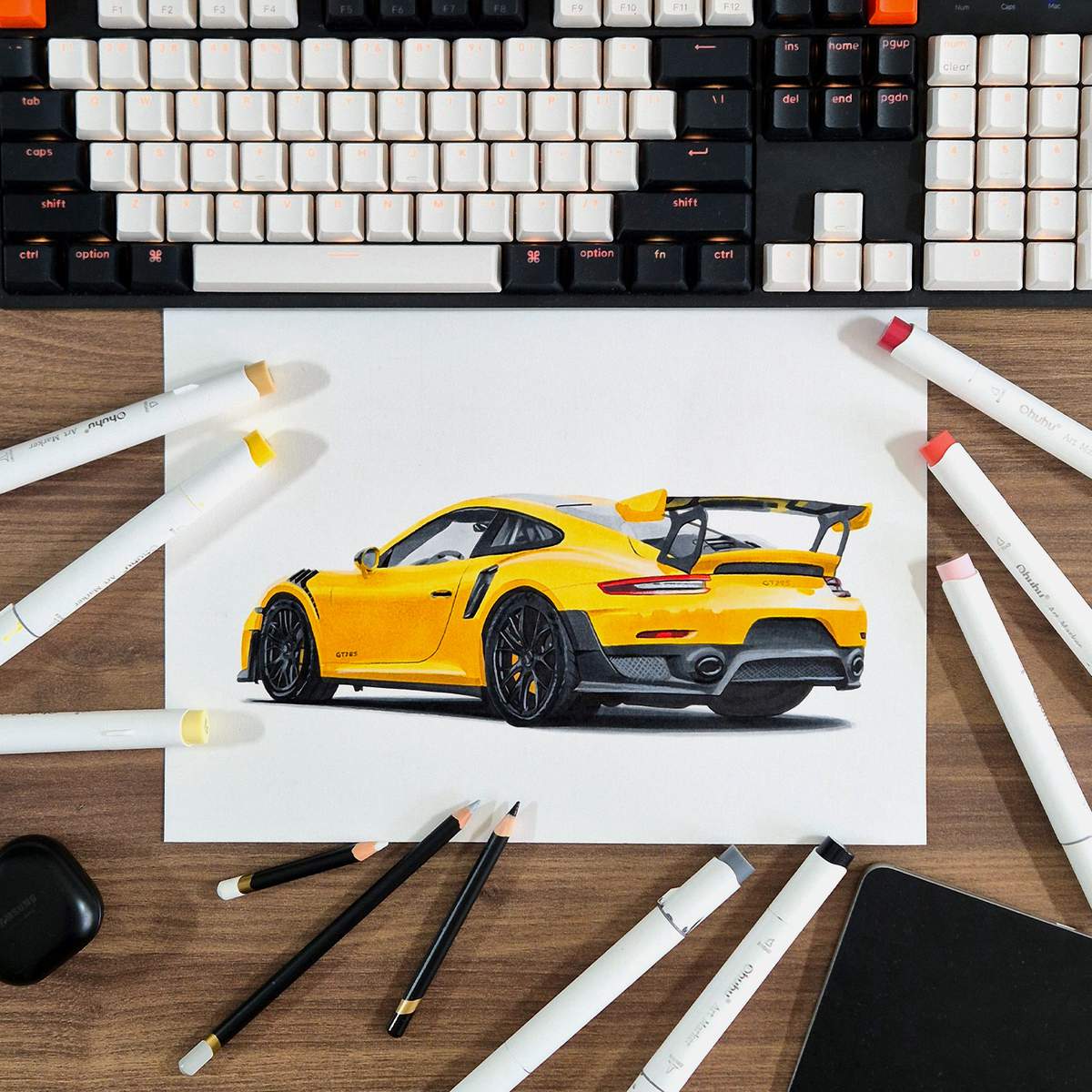
Thank you!

I love bringing cars to life with alcohol markers and colored pencils.
Whether you're just starting out or looking to improve your skills, I'm here to help!
Click here to learn more about me.


Be the first to comment!
Comments
There are no comments yet.